Soundboard
A free online soundboard that plays sounds into your mic in Google Meet, Discord and Zoom, so everyone in the call hears them.
Your browser will ask for microphone access when you click.
Where it works
How to use Soundboard
01
Start the mic
Click Start mic and allow microphone access.
02
Play a sound
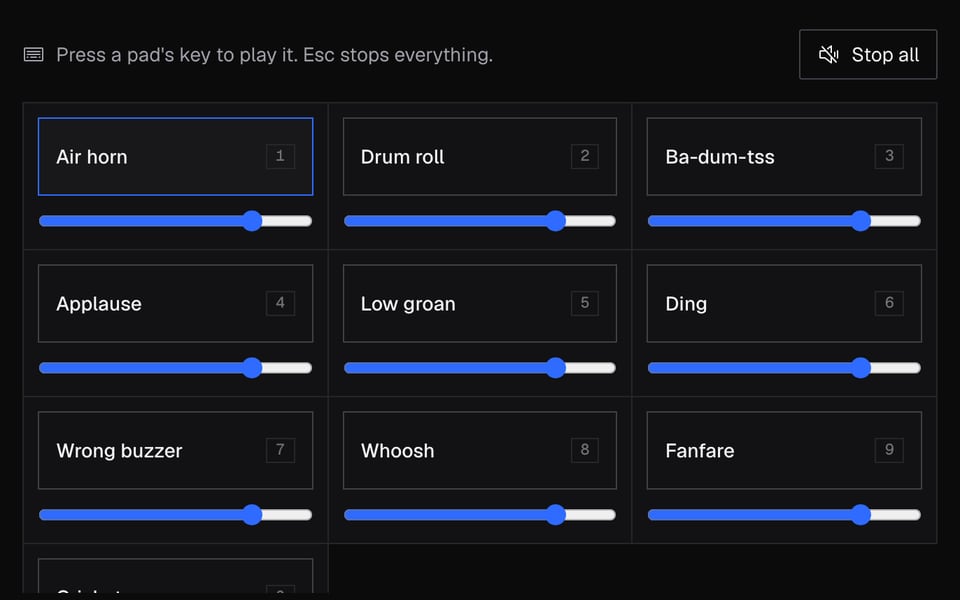
Click a sound or press its key. Add your own clips with Add sounds.
03
Use it in calls
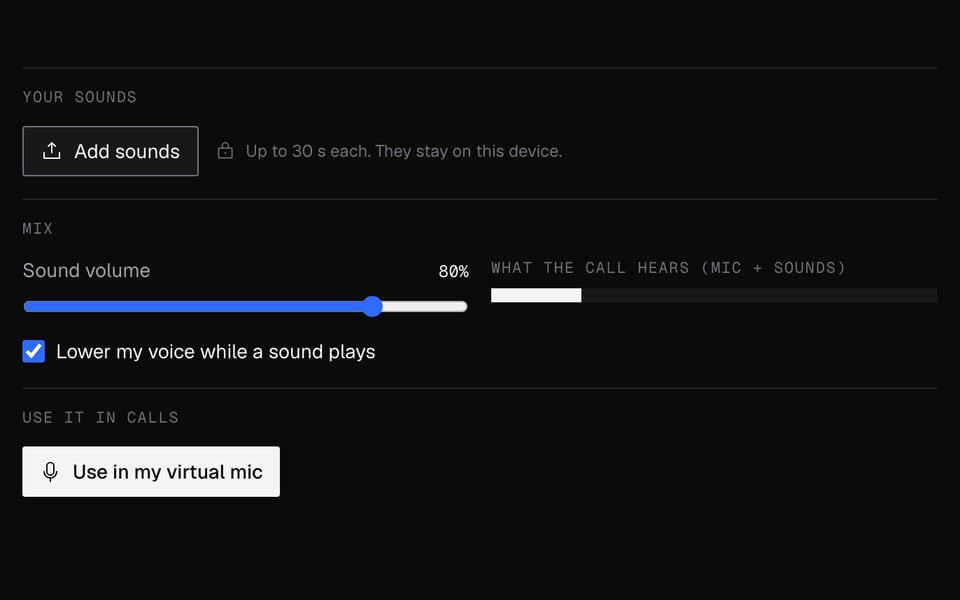
Click Use these sounds in calls, then pick “Facecam Virtual Mic” as your microphone in your call.


What you can do with Soundboard
Discord voice channels
Play any clip up to 30 seconds through your mic on discord.com, no Nitro needed.
Meetings that need a drum roll
Applause for a launch, crickets after a bad joke, in Google Meet or Zoom on the web.
Game nights and quizzes
Air horn for the winner, crickets for a wrong answer, one key each.
Sounds and a new voice
Change your voice live with the free Real-Time Voice Changer and keep the sounds ready.
Soundboard features
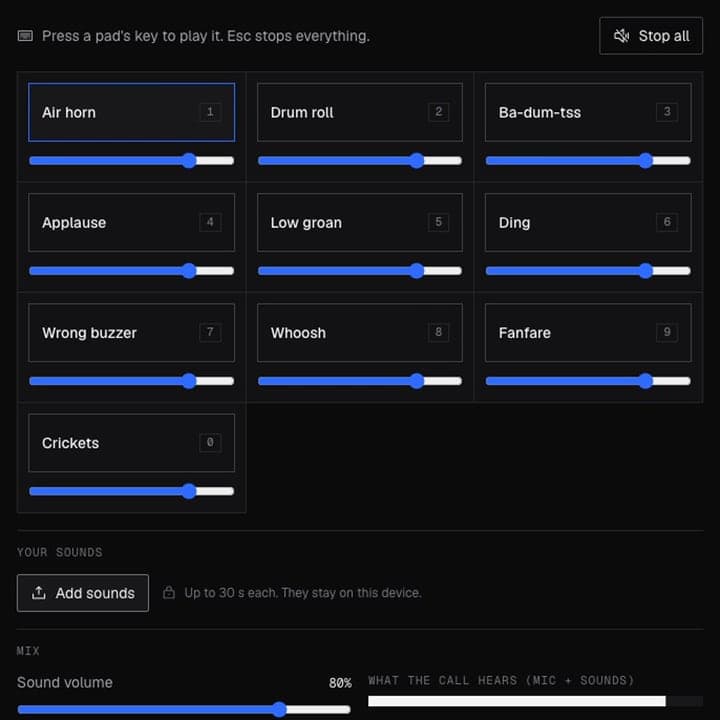
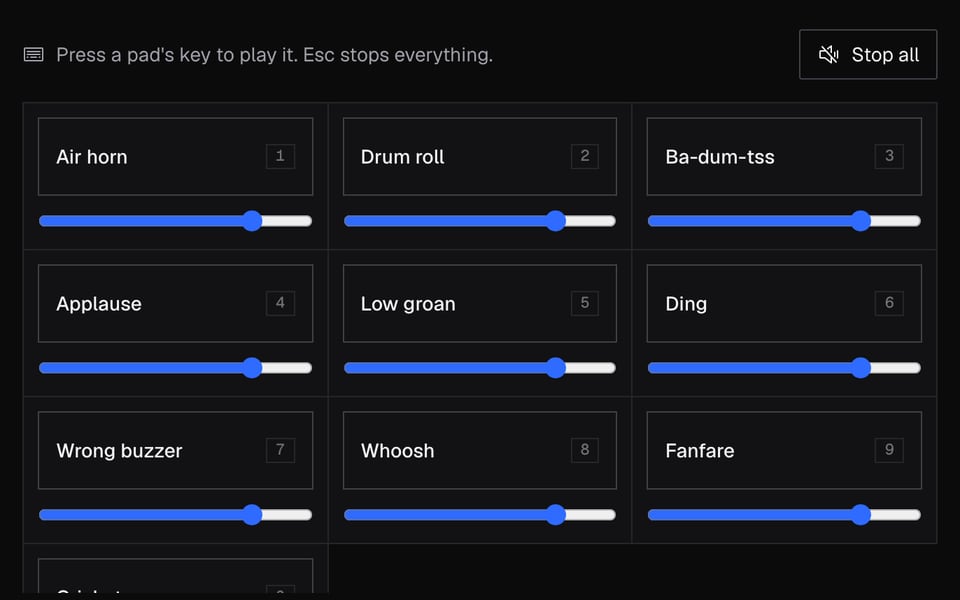
10 starter sounds
Air horn, drum roll, applause, crickets and more, ready the moment you open the page.
Your own clips
Add MP3, WAV and most audio files, up to 30 seconds each, 24 sounds in total.
Keyboard shortcuts
One key per sound on this page, and Chrome shortcuts for six sounds from any tab.
Voice ducking
Your voice drops while a sound plays, so the sound comes through clearly.
Free, no account
It runs on your computer. No credits and no sign-in.
More about Soundboard
Facecam's Soundboard is a free online soundboard with ten starter sounds and room for your own clips. People in your Chrome calls hear the sounds along with your voice.
Soundboard: what you need and limits
| How it works | Right on this page. Nothing is uploaded. |
|---|---|
| You get | Mic in Chrome calls |
| You need | Any up-to-date browser, a microphone |
| Phones and tablets | Try it on the page; calls need a computer |
| Starter sounds | 10 to start: air horn, drum roll, applause, crickets and more |
| Board size | Up to 24 sounds |
| Your sounds | Up to 30 seconds and 10 MB each. MP3, WAV and most audio files work. |
| Shortcuts on this page | One key per sound, Esc to stop |
| Shortcuts in a call | The first 6 sounds, using Chrome's extension shortcuts |
| Lower my voice | Your voice gets quieter while a sound plays, so the sound is clear |
Where it works
Sounds reach your call when you pick the Facecam Virtual Mic, which only works inside Chrome. That covers Google Meet, Zoom at app.zoom.us, Teams on the web and discord.com. The Discord, Zoom and Teams desktop apps, consoles and phones can't hear it.
Privacy
The starter sounds are made right on your computer, and the files you add stay on it. When you send the board to the extension, it saves the sounds in Chrome so they're ready for your next call. Nothing is uploaded to Facecam.
Soundboard FAQ
Is the soundboard free?
Yes. It works right on your computer and uses no credits.
Does it work in the Discord app?
No. Open discord.com in Chrome and pick the Facecam mic in Voice & Video settings.
Can I add my own MP3s?
Yes. MP3s and most other audio files work, up to 30 seconds and 10 MB each, and up to 24 sounds in total.
How do I play sounds while I'm in the call tab?
Set keys for the soundboard at chrome://extensions/shortcuts. They play the first six sounds you sent to the extension, from any tab.
Will people hear my voice too?
Yes. Your mic and the sounds are mixed. Keep Lower my voice while a sound plays on to make clips clearer.
Does it work on a phone?
No. Calls hear it through the Facecam Chrome extension, which needs Chrome on a computer.
How is it different from Discord's built-in soundboard?
Discord's soundboard plays short clips in a server's voice channels, and some of it needs Nitro. This one plays any clip up to 30 seconds through your mic, so it works on any call website in Chrome, including Meet and Zoom, with no Nitro.
Do I need an account?
No. The soundboard and the extension's sounds work without signing in.
Does it work in Google Meet and Zoom?
Yes, in Chrome: pick Facecam Virtual Mic as your microphone in Meet or in Zoom's web app. Zoom's desktop app can't hear it.
More tools

Related
Updated