PNGTuber Maker
A free PNGTuber maker: your avatar talks when you talk.
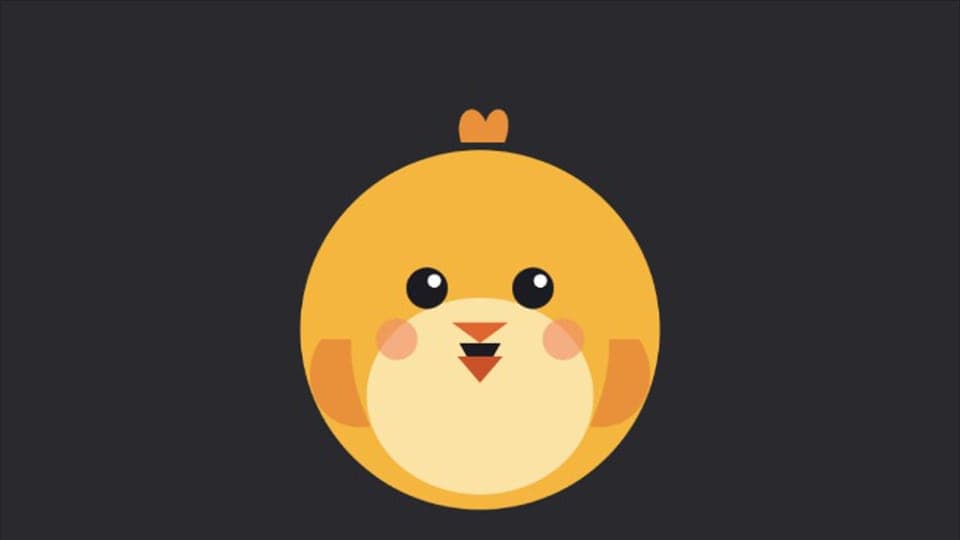
Your browser will ask for microphone access when you click.
Where it works
How to use PNGTuber Maker
01
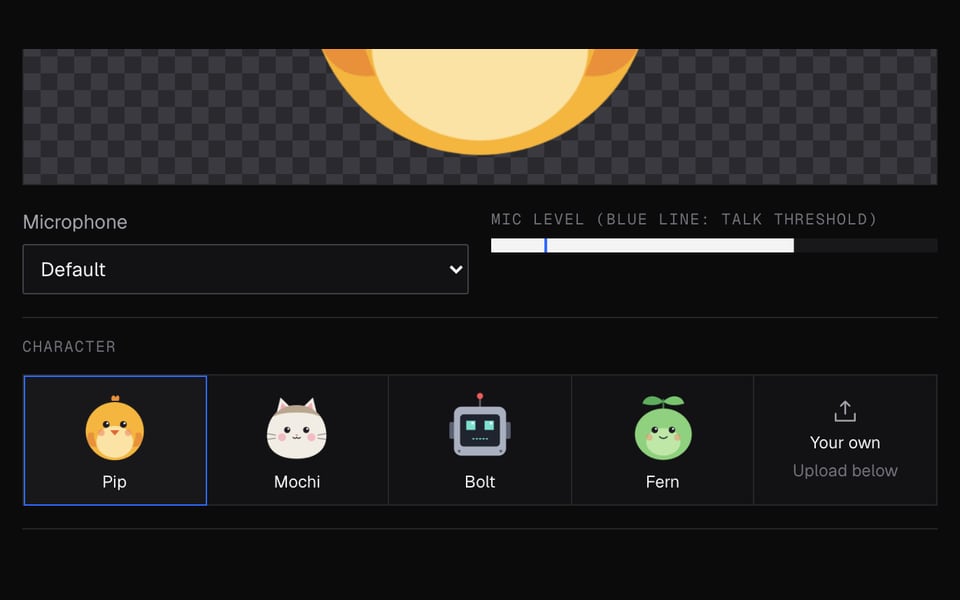
Start the mic
Click Start mic and allow mic access. Talk, and the avatar's mouth opens.
02
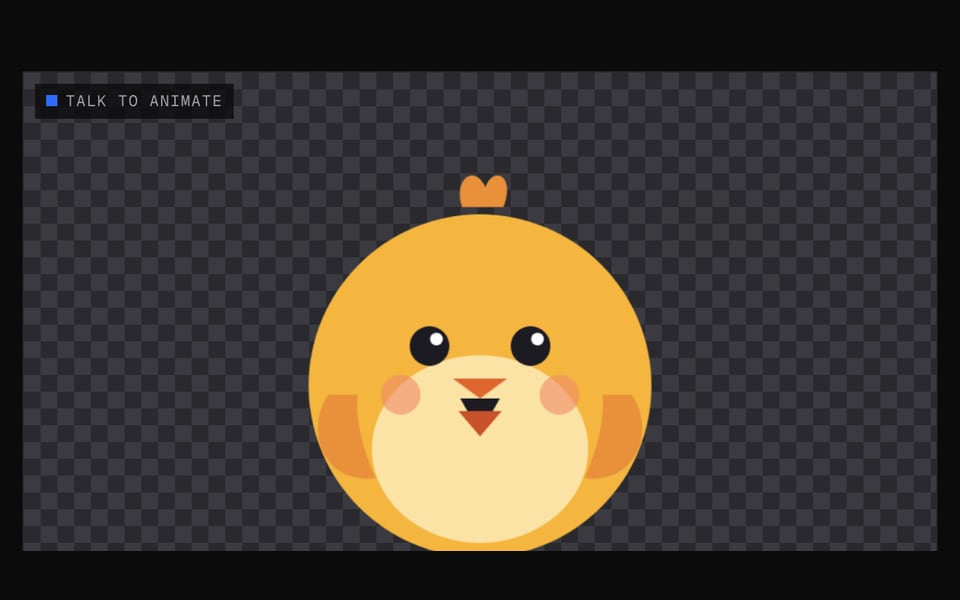
Pick or upload a character
Choose Pip, Mochi, Bolt or Fern, or upload your own Idle and Talking pictures.
03
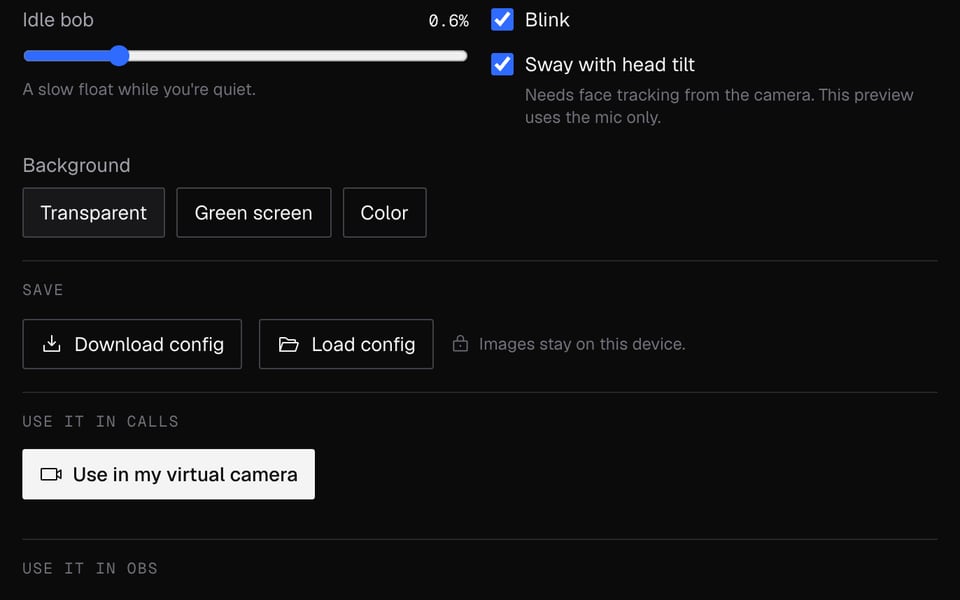
Put it on camera
Click Use as my camera in calls, or Copy OBS link and add it to OBS as a Browser source.


More about PNGTuber Maker
Facecam's PNGTuber Maker is a free online tool. Your avatar switches from its Idle picture to its Talking picture whenever you speak.
PNGTuber Maker: what you need and limits
| How it works | Right on this page. Nothing is uploaded. |
|---|---|
| You get | Camera in Chrome calls |
| You need | Any up-to-date browser, a microphone |
| Phones and tablets | Try it on the page; calls need a computer |
| Animation | The mouth opens when you talk. Automatic blinks and a little bounce. No webcam needed. |
| Pictures | Idle, Talking, Blink, Talking + blink. Only Idle is required. |
| Image files | PNG, JPEG, WebP or GIF. To use it in calls, about 1 MB per picture and 3 MB in total. |
| Backgrounds | Transparent, green screen or any colour. |
| Saving | Save to a file, then Open a saved file to pick up where you left off. |
| Sign-up | None for this page. Using it in calls needs the Facecam extension. |
Who it's for
- New streamers who want an avatar today without paying for a 3D model or an app.
- People without a webcam: the avatar only needs your mic.
- Artists testing a PNGTuber set before handing it to a client.
- Anyone on a Chromebook or a school or work laptop, where Steam and PNGTuber apps won't install.
Starter characters
Pip, Mochi, Bolt and Fern are original characters we made for this tool. Each has all four pictures, so you can test the settings before you draw your own.
Privacy
Your voice never leaves your computer. The tool only checks how loud you are, to know when to open the mouth. Nothing is recorded or uploaded. Your pictures stay on your computer, and are only copied to your own Facecam extension when you click Use as my camera in calls.
Limits
- The Facecam camera only shows up on websites in Chrome. Desktop apps, including Discord, Zoom and OBS, can't pick it.
- In OBS, add a starter character with its OBS link. Your own pictures need a Window Capture of this page, kept open in its own window.
- Computers only. Phones and tablets can't run the extension.
- The preview here doesn't tilt with your head, since it only uses your mic.
PNGTuber Maker FAQ
What is a PNGTuber?
A streamer who appears as a drawn image instead of a camera. The simplest kind swaps between a mouth-closed and a mouth-open image when they speak, which is what this tool does.
Is it free, and is there a watermark?
It's free with no account, and there is no watermark.
How do I use my PNGTuber on Discord?
Open discord.com in Chrome, turn on video and choose “Facecam Virtual Camera”. The Discord desktop and mobile apps can't see it.
How do I add it to OBS?
With a starter character, click Copy OBS link and add it as a Browser source. With your own pictures, set the background to Green screen, add a Window Capture of this window, crop to the preview and add a Chroma Key filter.
The mouth keeps flapping when I'm quiet. What do I change?
Raise Threshold until background noise stays under the blue line, or raise Attack so short sounds don't open the mouth.
Where do I get PNGTuber images?
Draw two pictures of the same character, one with the mouth closed and one open, or start from a starter character. The AI Avatar Maker can make a matching Idle and Talking picture for you to upload here.
How is it different from Veadotube or PNGTuber Plus?
Those are apps you download and install. This one works on a web page with nothing to install, which suits Chromebooks and school or work laptops. The apps have more expressions and keyboard shortcuts.
More tools

Related

Updated