VTuber tools
A VTuber is a streamer or video creator who appears as an animated avatar that follows their face or voice instead of showing their camera.
Tools
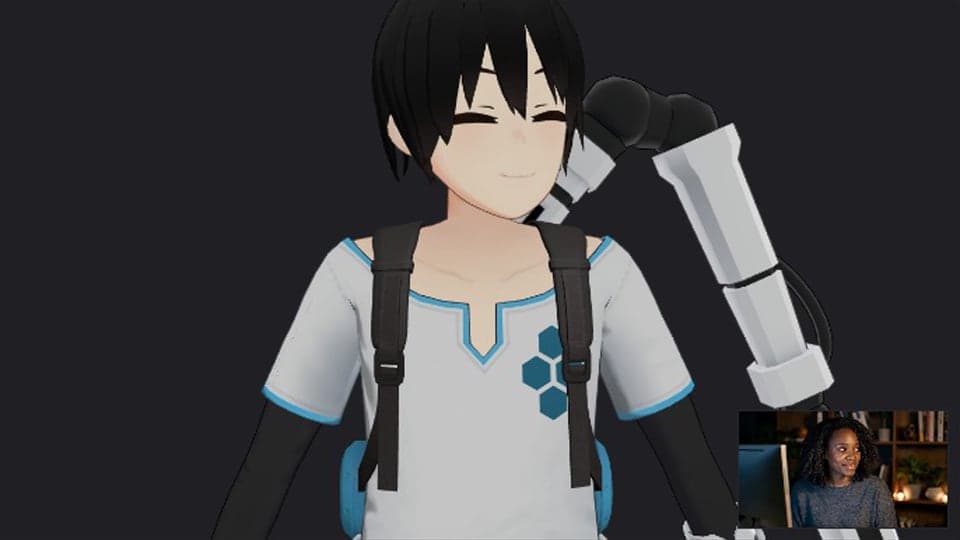
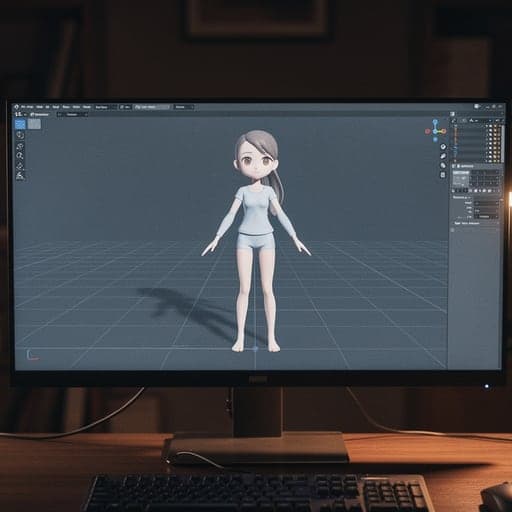
- VTuber MakerA 3D avatar that follows you
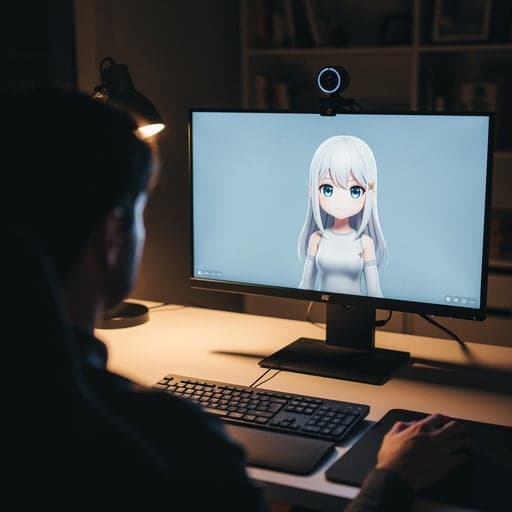
- PNGTuber MakerA 2D avatar that talks
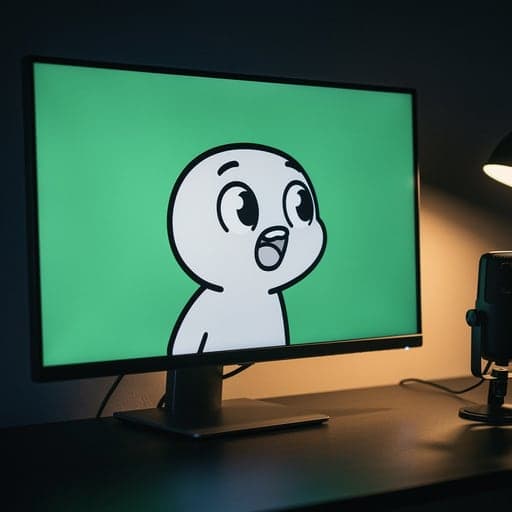
 AI VTuberAn AI character that streams
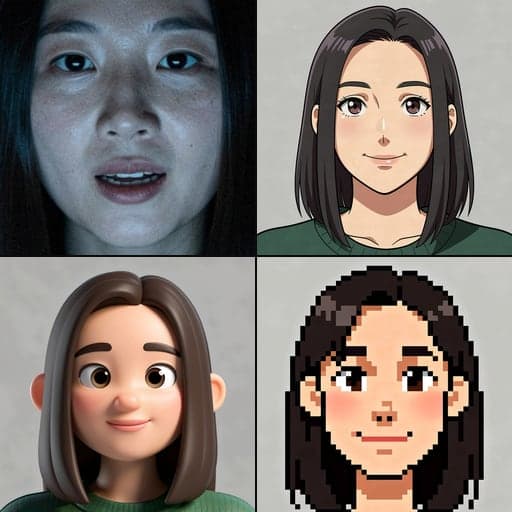
- AI Avatar MakerTurn a photo into an avatar
- VTuber Model ViewerPreview any VRM model
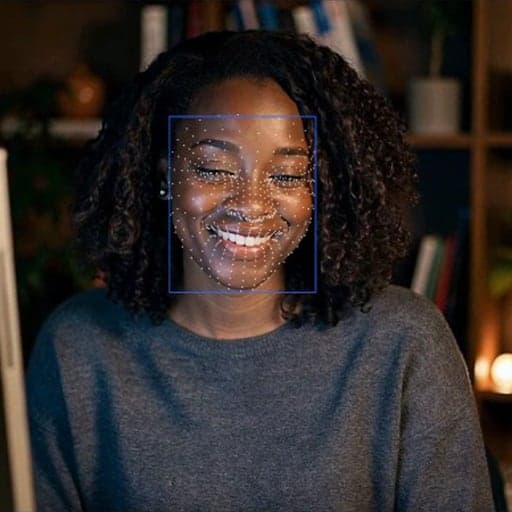
- Face Tracking TestCheck your face tracking
- VTuber Name GeneratorFind your VTuber name
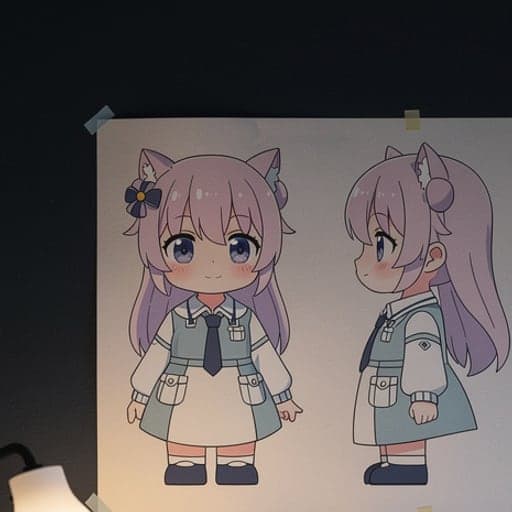
- VTuber Model Cost CalculatorPrice a VTuber model
More pages
Three ways to be a VTuber
| Style | Moves with | Needs | Facecam tool |
|---|---|---|---|
| 3D avatar | Your face, through your webcam | Webcam, a 3D model (VRM file) | VTuber Maker |
| PNGTuber | Your voice: mouth opens when you talk | Microphone, 2–4 images | PNGTuber Maker |
| AI VTuber | An AI that reads chat and replies | Twitch chat or typed messages, OBS | AI VTuber |
PNGTubing is the cheapest way to start: no 3D model, no face tracking, just images. A 3D model that follows your face looks more alive, but needs good light and a model file. An AI VTuber is a separate character that talks on its own, often as a co-host.
More about VTuber tools
Before your first stream
01
Test your camera tracking
The Face Tracking Test shows whether your webcam and lighting are good enough to drive an avatar.
02
Get an avatar
Open a 3D model (VRM file) in the Model Viewer, make PNG images with the AI Avatar Maker, or start from a built-in character.
03
Go live
In OBS, add the Chrome window and remove the green background. For calls, pick “Facecam Virtual Camera” in Meet, Zoom on the web or discord.com in Chrome.
Planning a persona
The Name Generator suggests persona names from our own word lists. The Model Cost Calculator estimates what a commissioned model and rig would cost if you outgrow the free options.
VTuber tools FAQ
Can I be a VTuber for free?
Yes. The VTuber Maker and PNGTuber Maker are free, with nothing to download. Only the AI VTuber and AI Avatar Maker use credits.
Do I need to download VTuber software?
No. Facecam's tools work in Chrome. For calls, add the free extension. For OBS, add the Chrome window.
Can I VTube without a webcam?
Yes, as a PNGTuber. The PNGTuber Maker animates from your microphone alone.
Does it work on a Mac or Chromebook?
Yes, in Chrome on any desktop or laptop. It doesn't work on phones or tablets.
Updated