AI VTuber
An AI VTuber that reads your Twitch chat and talks back.
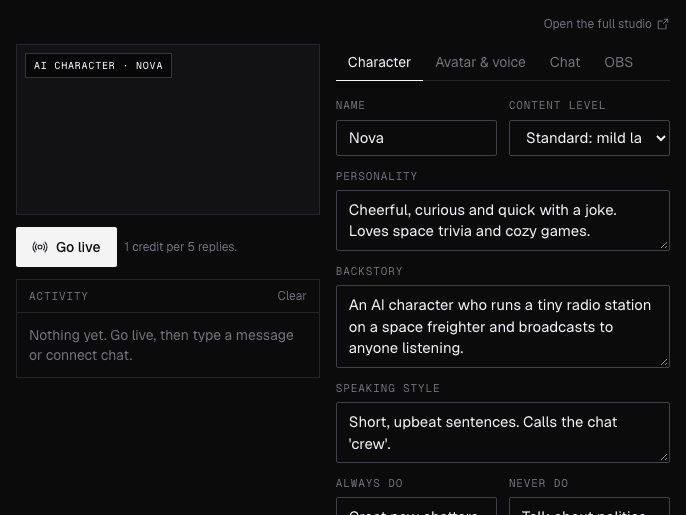
AI VTuber needs Chrome on a computer. Send yourself the link, or see the examples below.
Where it works
How to use AI VTuber
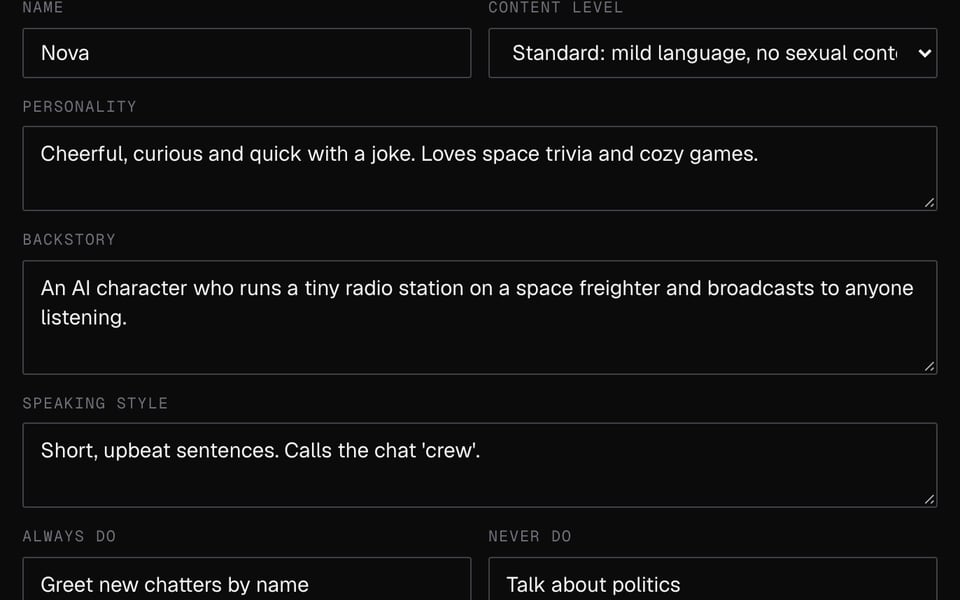
01
Write the character
Give it a name, personality and rules on the Character tab.
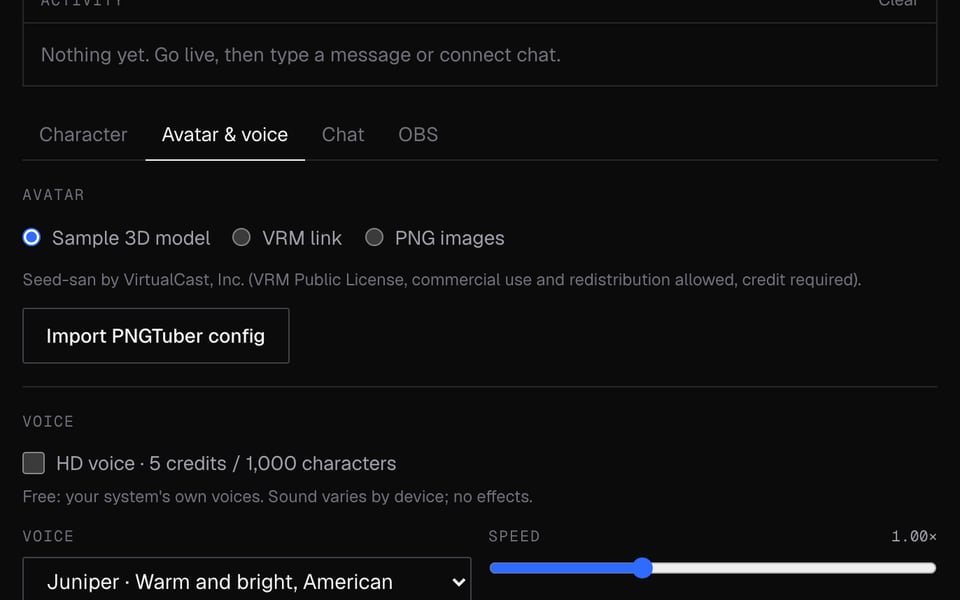
02
Pick a look and connect chat
Choose an avatar and voice, then enter your Twitch channel name.
03
Add it to OBS and go live
On the OBS tab, copy the Stage URL and follow the OBS steps there. Sign in and click Go live.


More about AI VTuber
Facecam's AI VTuber is an online tool for an AI character with its own personality, voice and avatar. It reads your Twitch chat or talks with you, and you can show it on stream through OBS.
AI VTuber: what you need and limits
| How it works | Online. Works on any laptop. |
|---|---|
| You get | OBS browser source |
| You need | Any up-to-date browser |
| Phones and tablets | Not supported |
| Chat sources | Twitch chat (it reads, never posts), messages you type, or your voice in co-host mode. Not YouTube Live chat yet. |
| Avatar | A sample 3D avatar, your own PNG pictures (idle, talking, blink) or a link to a VRM 3D avatar. |
| Voice | Your computer's built-in voices (free), or HD voice: 14 natural-sounding character voices with speed, pitch and effects (5 credits per 1,000 characters). |
| OBS | Add the studio as a Custom Browser Dock in OBS and the Stage URL as a Browser source, with a see-through background. Or keep the studio in Chrome, click Open and use a Window Capture with a chroma key. |
| Account | Sign in and use credits for replies. Nothing else to set up. |
| AI label | Nothing is added to your stream. Say it's AI where your platform asks you to. |
What an AI VTuber is
An AI VTuber is an animated character run by AI instead of a person. It reads messages, decides what to say in its own personality, speaks in an AI voice and moves its mouth while it talks. Streamers use one as the whole show or as a co-host beside them.
What is sent where
Messages the character answers are sent to our AI partner (fal.ai) to write the reply. Every message and reply goes through a safety filter. Blocked messages cost nothing, and you get the credits back if a reply fails or is blocked. With HD voice on, the reply is also sent to fal.ai to make the speech. Twitch chat is read without logging in, and the character never posts. In co-host mode, Chrome sends what you say to Google to turn it into text.
Limits
- The studio tab has to stay open. The stage page only copies it, so closing the studio stops the character.
- YouTube Live chat isn't supported yet. On YouTube, type messages or use co-host mode.
- Co-host mode and the mic don't work inside an OBS dock.
- Browsers slow down hidden, quiet tabs, which can delay replies. Keep the tab on screen or playing sound.
- Computers only. It doesn't work on phones.
AI VTuber FAQ
Do I need an OpenAI account or my own AI key?
No. Replies are paid with Facecam credits: 4 credits covers 5 replies.
How does an AI VTuber read chat?
Enter your Twitch channel name on the Chat tab and click Connect. It reads chat and replies out loud on stream, following the rules you set. It can't type in chat.
Can I make my own AI VTuber character?
Yes. You write the personality, backstory, speaking style and rules, and choose the avatar and voice. Characters must be original: don't base them on real people or existing characters.
Does it work with YouTube?
You can stream it anywhere OBS streams to. Reading YouTube Live chat isn't supported yet, so on YouTube it answers typed messages or your mic.
Can I use my own avatar?
Yes. Upload your own pictures, open a file saved from the PNGTuber Maker, use the pictures from the AI Avatar Maker, or paste a link to a VRM 3D avatar.
How do I keep it safe for stream?
Set a content level and Never do rules. Every message and every reply also goes through a safety filter before it's spoken.
More tools
Updated