PNGTuber
A PNGTuber is a streamer whose avatar is a few still images that switch to a talking image when they speak.
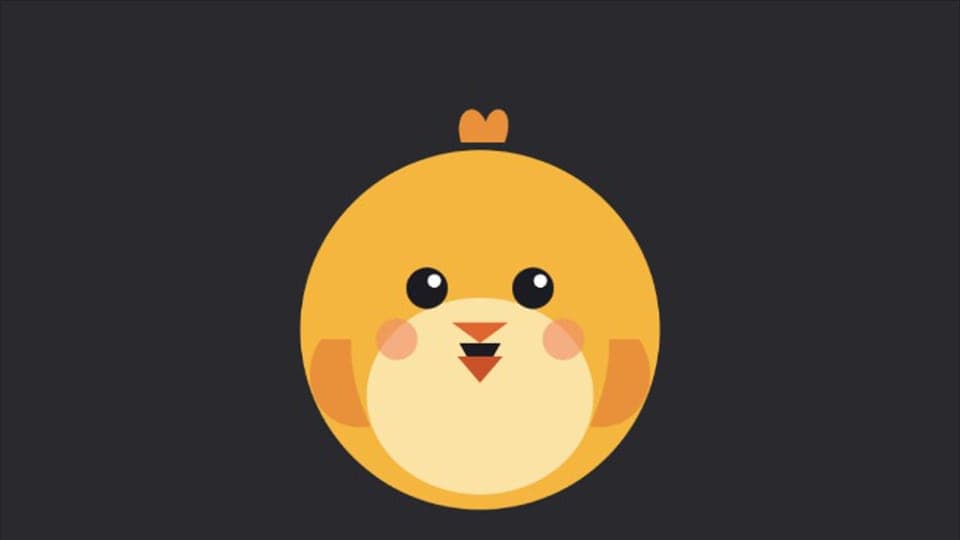
From our test
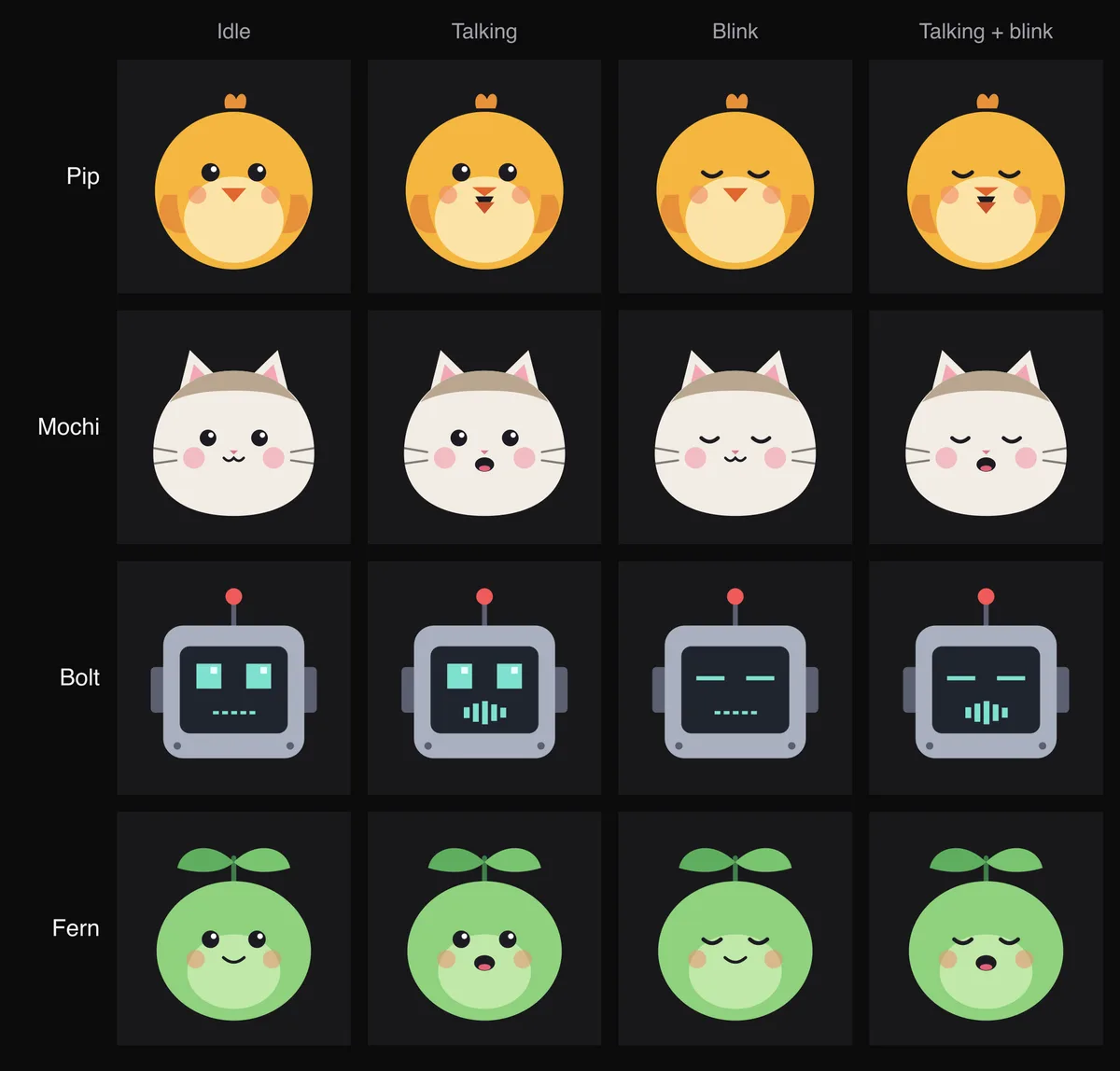
The four frames a PNGTuber uses, shown on the PNGTuber Maker's starter avatars, which we drew for Facecam. Two frames (idle and talking) are enough to start.
Our recording, 2026-10-02: Pip as the camera in a plain test call page in Chrome, through the Facecam extension. The beak opens with the voice and the eyes blink. The voice is a synthetic speech clip.
Tools
More pages
PNGTuber apps compared
| veadotube mini | PNGTuber Plus | Facecam PNGTuber Maker | |
|---|---|---|---|
| Runs on | Windows, macOS, Linux | Windows (Steam); Windows, macOS, Linux (itch.io) | Chrome on a computer, nothing to install |
| Price | Name your own price | Free on Steam; name your own price on itch.io | Free |
| Into OBS | Spout2 (Windows), Syphon (macOS), PipeWire (Linux) | Window Capture | Window Capture with a green screen |
| As your camera in calls | Through OBS's virtual camera | Through OBS's virtual camera | Facecam Virtual Camera in Meet, Zoom on the web or discord.com |
The desktop apps have more options, such as hotkeys for expressions and extra images. Facecam's PNGTuber Maker is the quickest start if you'd rather not install programs.
More about PNGTuber
What you need
- Two images at minimum: mouth closed and mouth open. Add blinking versions for four.
- Transparent PNGs, so the avatar sits on top of your stream.
- A microphone. The avatar switches to the talking image when you start talking.
PNGTuber or VTuber?
| PNGTuber | VTuber with face tracking | |
|---|---|---|
| Moves with | Your voice, through your mic | Your face, through your webcam |
| Art | A few flat images | A Live2D or 3D model, set up to move |
| Cost to start | Free if you draw or generate the images | Free sample models; custom models cost more |
| Camera needed | No | Yes |
PNGTuber FAQ
What does PNGTuber mean?
PNG is the image format the avatar uses, and "-tuber" comes from YouTuber. It is a VTuber whose avatar is images rather than a moving 3D or Live2D model.
Do PNGTubers need a camera?
No. The avatar reacts to your microphone, not your face.
Where do I get PNGTuber art?
Draw it, commission an artist, start from a built-in character, or make resting and talking images with the AI Avatar Maker.
Can I use a PNGTuber on Discord?
Yes, on discord.com in Chrome through the Facecam virtual camera. The Discord desktop app can't see it; for the app, use OBS's virtual camera with a desktop PNGTuber program.
Related
Updated