Online Voice Changer
Online voice changer: upload or record audio, pick one of 26 voices and download a WAV. Free, with nothing uploaded.

Your browser will ask for microphone access when you click.
Where it works
Before and after
How to use Online Voice Changer
01
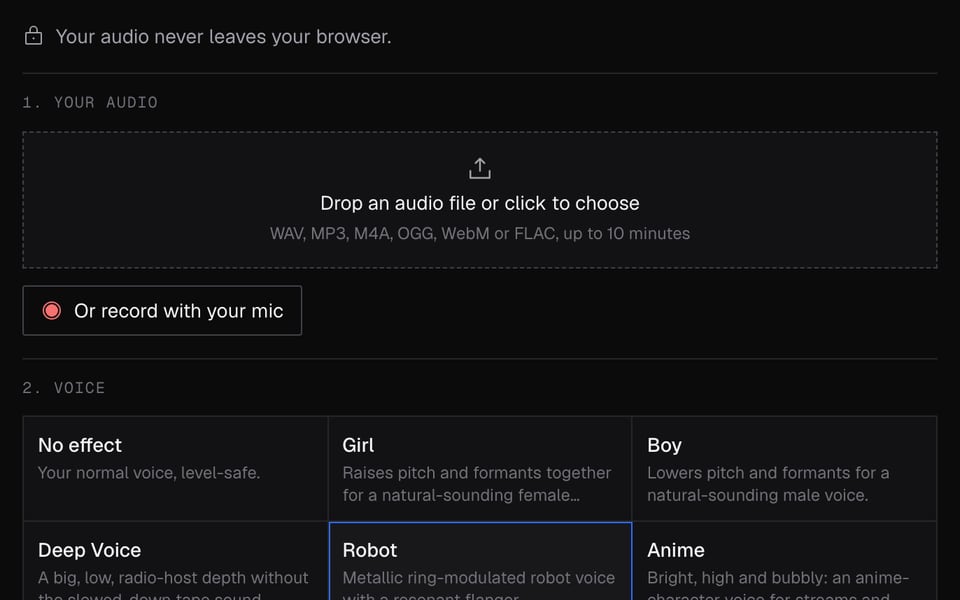
Add your audio
Click Start mic, then drop in a file or record one.
02
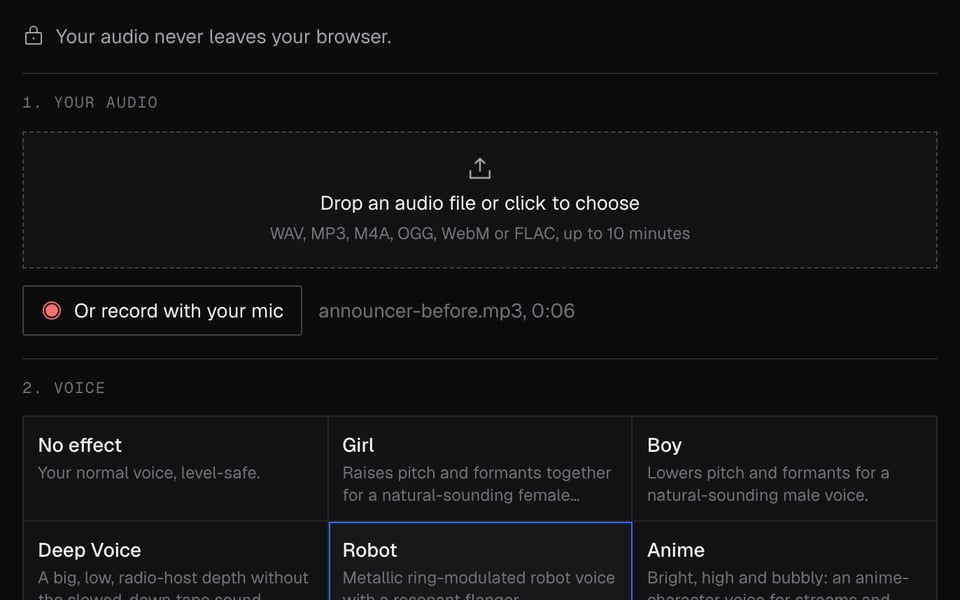
Pick a voice and apply
Choose a voice and click Apply voice. Compare it with the original.
03
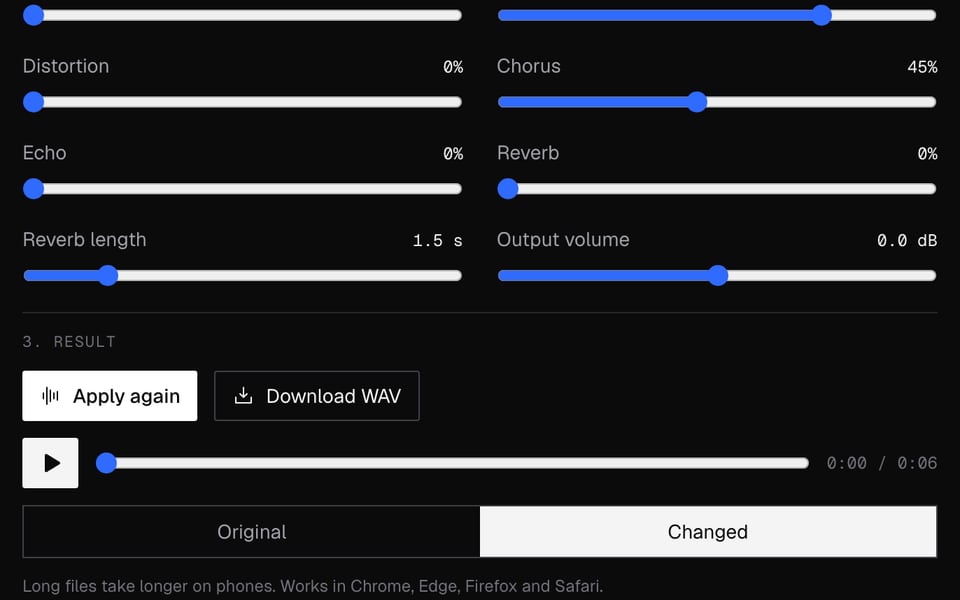
Download
Download WAV saves the changed recording.


What you can do with Online Voice Changer
Funny voice notes and memes
Record a line, turn it into a chipmunk, a demon or a robot and send the WAV.
Voiceovers for videos
Change the voice on your narration, then put the WAV back under the video in your editor.
Male to female, or the other way
The girl and male voices move pitch and tone together, so the change sounds natural.
Hide your voice
The anonymous voice makes a recording hard to recognize while the words stay clear.
Use the voice live instead
The same voices work as you talk in Discord, Meet and Zoom with the Real-Time Voice Changer.
Online Voice Changer features
26 voices
Girl, deep, robot, anime, demon, chipmunk, radio and more, each with sliders to fine-tune.
Almost any audio file
WAV, MP3, M4A, AAC, OGG, Opus, WebM or FLAC, up to 10 minutes and 200 MB.
Before and after
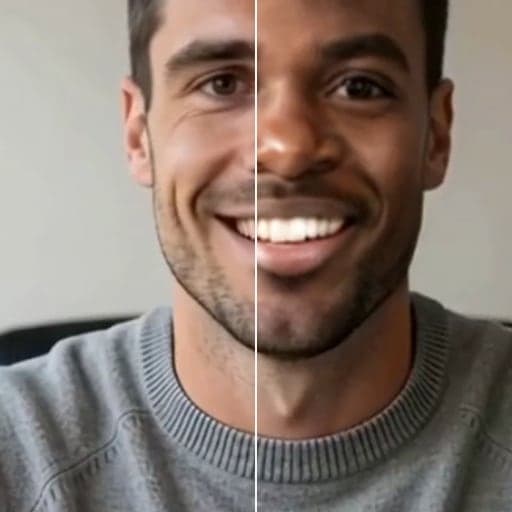
Switch between your original and the new voice before you download.
Nothing uploaded
The voice is changed in your browser. No account and no upload.
Phones too
Works in Chrome, Edge, Firefox and Safari, on computers and phones.
Popular voices
More about Online Voice Changer
Facecam's Online Voice Changer is a free online tool that puts a new voice on an audio file or a recording. You download the result as a WAV file.
Online Voice Changer: what you need and limits
| How it works | Right on this page. Nothing is uploaded. |
|---|---|
| You get | Audio download |
| You need | Any up-to-date browser, a microphone |
| Phones and tablets | Supported |
| Files | WAV, MP3, M4A, AAC, OGG, Opus, WebM or FLAC |
| Length | Up to 10 minutes |
| File size | Up to 200 MB |
| Result | A WAV audio file to download |
| Voices | 26 ready-made voices you can fine-tune with sliders |
| Works on | Chrome, Edge, Firefox and Safari, on computers and phones |
Files or live: which voice tool
Use this page when you have something recorded: a voice note, a line for a video, a clip for a game mod. For calls, where people hear you as you talk, use the Real-Time Voice Changer. Both have the same 26 voices, so a voice you like here sounds the same live.
Privacy
Your audio never leaves your computer. The voice is changed right here, nothing is uploaded to Facecam, and you don't need an account. Long files can be too much for a phone, so use a shorter clip there.
Online Voice Changer FAQ
Do I need an account?
No. Add a file, apply a voice and download the result without signing up.
Is my audio uploaded?
No. The voice is changed right on your computer or phone, so the file never leaves it.
Can I change the voice in a video?
The result is audio only. Change the audio here, then put the WAV back under your video in an editor.
Why did it say my device ran out of memory?
The clip was too long for your device to handle. Trim it, or use a computer for files close to 10 minutes.
Can I use these voices live on a call?
Yes, with the Real-Time Voice Changer and the Facecam extension in Chrome. This page only changes recordings.
Which audio files can I use?
WAV, MP3, M4A, AAC, OGG, Opus, WebM or FLAC, up to 10 minutes and 200 MB. You get a WAV back.
Can I make my voice sound like a girl?
Yes. Pick the Girl voice, apply it and compare. If it sounds too high, move the pitch slider down a little.
Does it work on iPhone and Android?
Yes, in Safari or Chrome. Long files can be too much for a phone, so keep clips short there.
More tools
Related

Updated