Uberduck AI alternative
Uberduck is built for AI vocals and music. Facecam is built for character voices in clips, streams and VTuber content.
Updated · Tested by the Facecam team
Verdict
Stay with Uberduck if you want AI singing or rap vocals, whole songs, an API, or speech in many languages: Facecam does none of those. Facecam is the better fit if you make English-language clips, streams or VTuber content and want original character voices, either typed in the Character Voice Generator or acted out yourself and changed with the AI Voice Changer.
How they compare
| Uberduck | Facecam | |
|---|---|---|
| Made for | AI vocals for musicians, marketers and creators | Character voices for clips, streams and VTubers |
| Typed text to speech | Yes, including singing and rapping | Yes: 14 original voices, with pitch and effects |
| Change the voice in a recording | Speech to speech | AI Voice Changer: 10 original voices, up to 5 minutes |
| Your own voice | Voice cloning | Voice Clone, with a spoken consent check |
| Music and songs | AI music generation | No |
| Languages | 70+ | English (American and British voices) |
| API | On the Creator and Pro plans | No |
| Price | Starter $2, Creator $5, Pro $30 a month, billed yearly; Starter is non-commercial | Free voice effects; AI voices on plans from $10 a month |
Facecam's side
Where each one wins
Uberduck
Pros
- Sings and raps as well as speaks
- Makes whole AI songs from lyrics
- 70+ languages and an API for developers
Cons
- The cheapest plan is for non-commercial use only
- The listed monthly prices are for yearly billing
Facecam
Pros
- Made for character voices: typed, or acted out by you and changed
- Free voice effects and a soundboard for live calls in Chrome
- Original voices only, so there's no question of whose voice it is
Cons
- No singing, rap or music
- English voices only
- No API
Make a character line on Facecam
Type the line
Open the Character Voice Generator, sign in and type what the character says.
Pick a voice
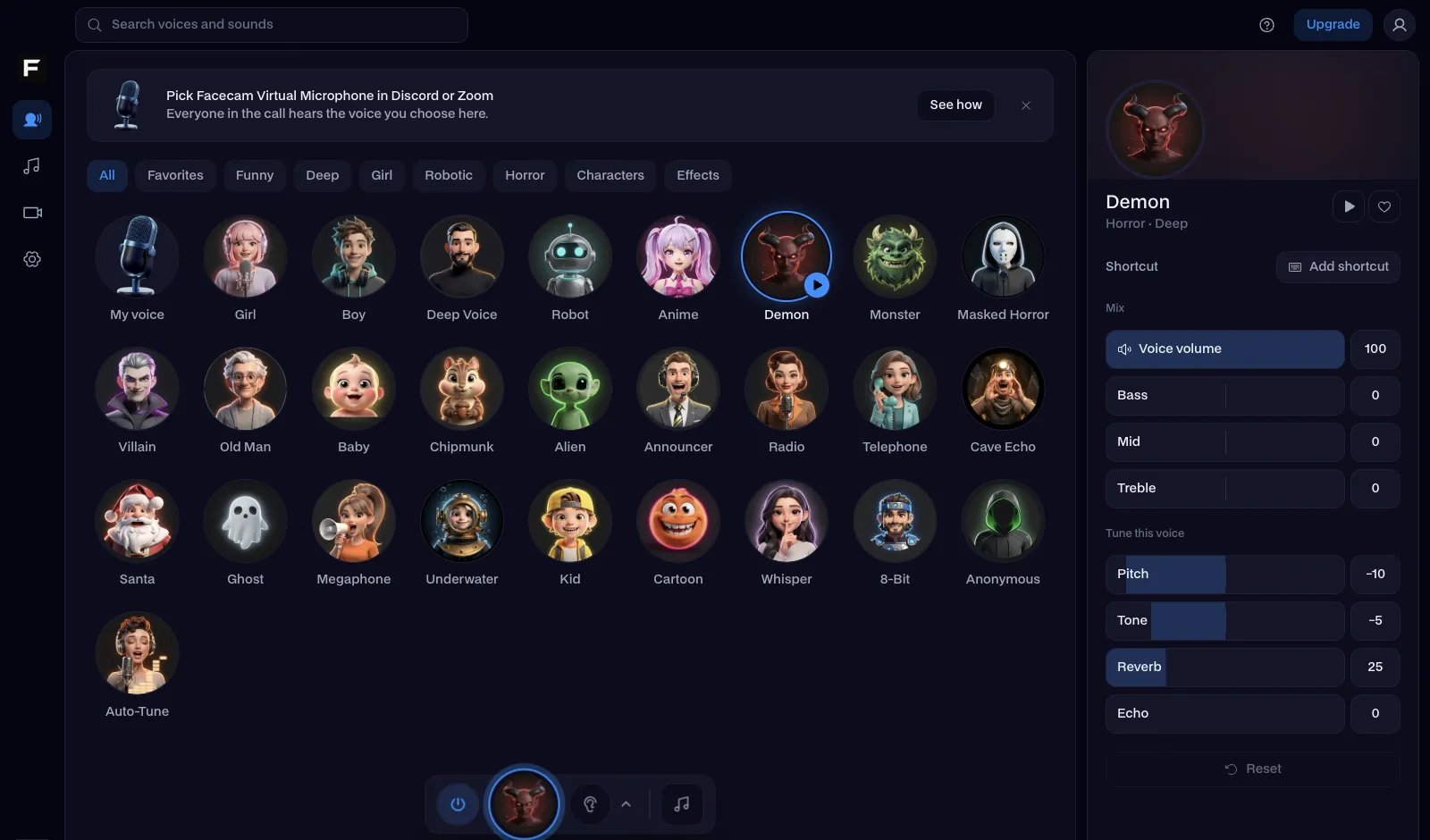
Choose one of 14 original voices, then set the speed, pitch and an effect like robot or radio if you want one.
Download
Play it, then download the file for your video, stream alert or edit.
Act it out instead of typing
Typed speech picks its own rhythm. If the timing matters, record the line yourself, with the pauses and emphasis you want, and change the voice with the AI Voice Changer. That's the closest thing on Facecam to Uberduck's speech to speech.

Sources
- Uberduck home page (products, languages) (checked 2026-10-07)
- Uberduck pricing (plans, credits, licences) (checked 2026-10-07)

Questions
Can Facecam make AI songs or raps like Uberduck?
No. Facecam's voices speak; they don't sing, rap or make music.
Does Facecam have celebrity or cartoon character voices?
No. Every voice is an original character, so it never imitates a real person or a famous character.
Can I use Facecam voices in YouTube videos?
Yes. The voices are original, and the files are yours to use in your videos and streams.
Is there a free option?
The voice effects, the Online Voice Changer and the soundboard are free. The AI voices come with plans from $10 a month.
Other comparisons
- Deep-Live-Cam alternative without a gaming PC
- FaceFusion alternative for live video calls
- DeepFaceLive alternative for Mac, Windows and any laptop
- Swapface alternative with no download
- Remaker alternative with card plans and live face swap
- 15.ai alternative
- Clownfish voice changer alternative
- Live3D AI face swap alternative
- Facecam vs LiveSwap
- Facecam vs Livesync




Related
 Character Voice GeneratorA character voice generator: type a line, hear a character.
 AI Voice ChangerAI voice changer for recordings: keep your words and timing, and get a natural new voice from 10 original characters.
 AI Voice CloneAI voice clone: clone your voice from a short recording, then make it say anything or narrate your videos.

Character Voice Generator
Type it, hear a character
Start