Live AI Filter
Change everything on camera, live: who you are, what you wear and where you are.

Live AI Filter needs Chrome on a computer. Send yourself the link, or see the examples below.
Where it works
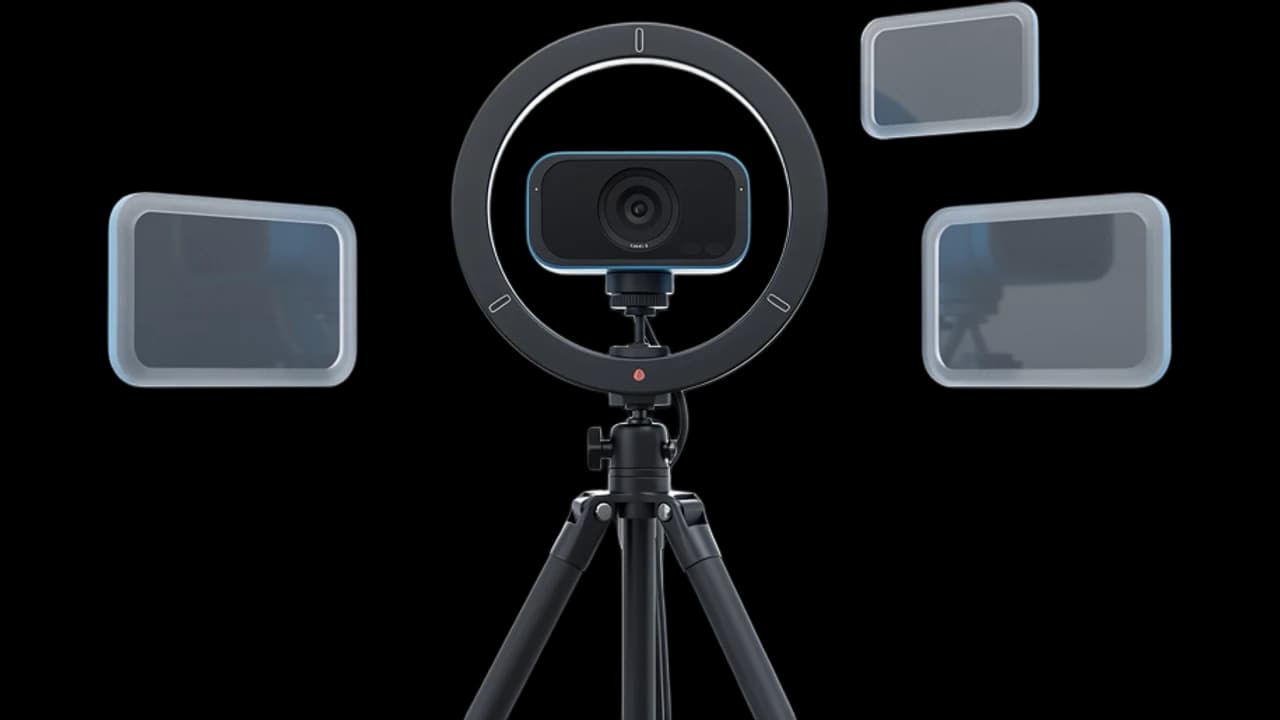
How to use Live AI Filter
Start your camera
Click Start camera. Your picture shows right away and stays on your device until you start the filter.
Pick a look
Choose a look like Knight, Anime or Underwater, describe your own, or use an image of a character, outfit or place.
Start the filter
Click Start filter and switch looks any time. With the extension, pick “Facecam Virtual Camera” in your call.
What is a live AI filter?
A live AI filter is a camera effect that uses AI to redraw your video as it happens. Facecam's changes the whole picture, not just your face: your character, clothes, background or style, while you keep talking.
Before and after


What you can do with Live AI Filter
Make a call memorable
Join a team call as an astronaut or a knight, or hold a birthday call on a tropical beach.
Stream and VTube without a model
Become an anime or 3D cartoon character live, with no avatar to rig. Capture the Chrome window in OBS.
Hide a messy room
Swap the background for a beach, a space station or a city at night, and it moves with you.
Try on a look
See yourself in a tuxedo, a superhero suit or any outfit you describe before a party or a shoot.
Live AI Filter features
The whole picture
Character, clothes, background and style, not just a face mask.
Describe anything
Type a look in your own words, like “a pirate captain on a ship at sunset”.
Look like an image
Add a picture of a character, an outfit or a place, and the filter follows it.
Switch looks live
Change looks while you talk. If one doesn't work, you keep the last one.
In your calls
With the Chrome extension it's your camera in Google Meet, Zoom on the web and Discord: pick “Facecam Virtual Camera”.
Only pay while it's on
Time counts by the minute while the filter runs. Stop any time and the rest stays yours.







The 12 looks
| Look | What changes | Good for |
|---|---|---|
| Anime | The whole picture, drawn as an anime scene | Streams, Discord, anime nights |
| 3D cartoon | The whole picture, as an animated movie | Family calls, kids |
| Claymation | The whole picture, in handmade clay | Fun calls, short videos |
| Oil painting | The whole picture, in thick oil paint | Art classes, music streams |
| Zombie | You, into a zombie in green horror light | Halloween, horror streams |
| Knight | You and your room: armor in a castle hall | Game nights, team calls |
| Astronaut | You and your room: a spacesuit on a space station | Meetings, kickoffs |
| Superhero | You and your room: a hero suit on a city rooftop | Birthdays, launches |
| Cyberpunk | You and your room: techwear on a neon street | Gaming streams |
| Underwater | Only your background: a coral reef | Hiding a messy room |
| Beach | Only your background: a beach at golden hour | Relaxed calls |
| Tuxedo | Only your clothes: a black tuxedo | Calls you forgot to dress for |

More about Live AI Filter
Live AI Filter is a real-time AI video filter that redraws your whole webcam picture while you talk: your character, clothes, background and style, on this page or as your camera in calls.
Live AI Filter: what you need and limits
| How it works | Live, on any laptop. Needs a steady internet connection. |
|---|---|
| You get | Camera in Chrome calls |
| You need | A computer (for calls: Chrome and the Facecam extension), a webcam |
| Phones and tablets | Not supported |
| What changes | Everything in the picture: your face and character, your clothes, the background, or the style of the whole video. |
| Looks | 12 ready-made looks, any look you describe in words, or an image to look like. |
| Switching | Change looks while you're live. It takes a moment and never stops your video. |
| Picture | Sharp and smooth, with about the delay of a normal video call. |
| Price | Comes with every paid plan, by the minute while it's on: ≈ 11 min of Live AI Filter a month on Premium. |
| Recording | We don't record or keep your video. Each frame is changed and sent straight back. |
| Computer needed | Any laptop or desktop with Chrome and a webcam. No gaming PC. |
What works best
Sit facing the camera with your head and shoulders in frame and good light on your face. Clear looks work best: say what you want to become, what to wear or where to be, like “a medieval knight in a castle hall”. If someone else walks in, switch looks once to reset the picture.
Live AI Filter or Live Face Swap?
Live Face Swap puts another face on yours and leaves everything else as it is, at a lower price per minute. Live AI Filter changes the whole picture: your character, clothes, background and the style of the video. Use the filter for big transformations, and face swap for long calls as someone else.

Live AI Filter FAQ
Can I use a live AI filter on a video call?
Yes, if the call runs in Chrome. Add the Facecam extension, pick a look and choose “Facecam Virtual Camera” as your camera in Google Meet, Zoom on the web, Teams on the web or discord.com.
How much does Live AI Filter cost?
It comes with every paid plan and counts by the minute only while the filter is on: ≈ 11 min of Live AI Filter a month on Premium, if you use nothing else. The camera preview and picking looks are free.
Can I describe my own look?
Yes. Type what you want to become, wear or be surrounded by, or add an image of a character, outfit or place to look like.
Does it work on my phone?
Yes, on this page in Safari or Chrome. Using it as your camera in calls needs Chrome on a computer.
Does it work in the Zoom or Discord desktop app?
No. Desktop apps can't see a camera that lives inside Chrome. Join from the browser instead.
Is my video recorded?
No. We don't record or keep your video. Each frame is changed and sent straight back to you.
Is there a delay?
About as much as a normal video call, so you can talk and react naturally. Switching to a new look takes a moment, and your video keeps running while it changes.
Do I need a powerful computer?
No. The filter runs in the cloud, so any laptop or desktop with Chrome and a webcam works. No gaming PC or graphics card needed.
Can I use it on a Twitch or YouTube stream?
Yes. Run the filter on this page and add the Chrome window to OBS with Window Capture, or pick the Facecam camera in a browser-based streaming studio.
Can I wear a Halloween costume on a video call?
Yes. Pick Zombie, or type your own costume, like “a vampire in a black cape in a candle-lit crypt”, and wear it live in your call.



Try Live AI Filter now
- Cancel any time
- Works in Meet, Zoom and Discord
- No gaming PC needed