Claymation Filter
Turn into a stop-motion clay figure on camera, live: sculpted hair, clay skin and fingerprints, still talking.


Live AI Filter needs Chrome on a computer. Send yourself the link, or see the examples below.
Where it works
How to use the Claymation Filter
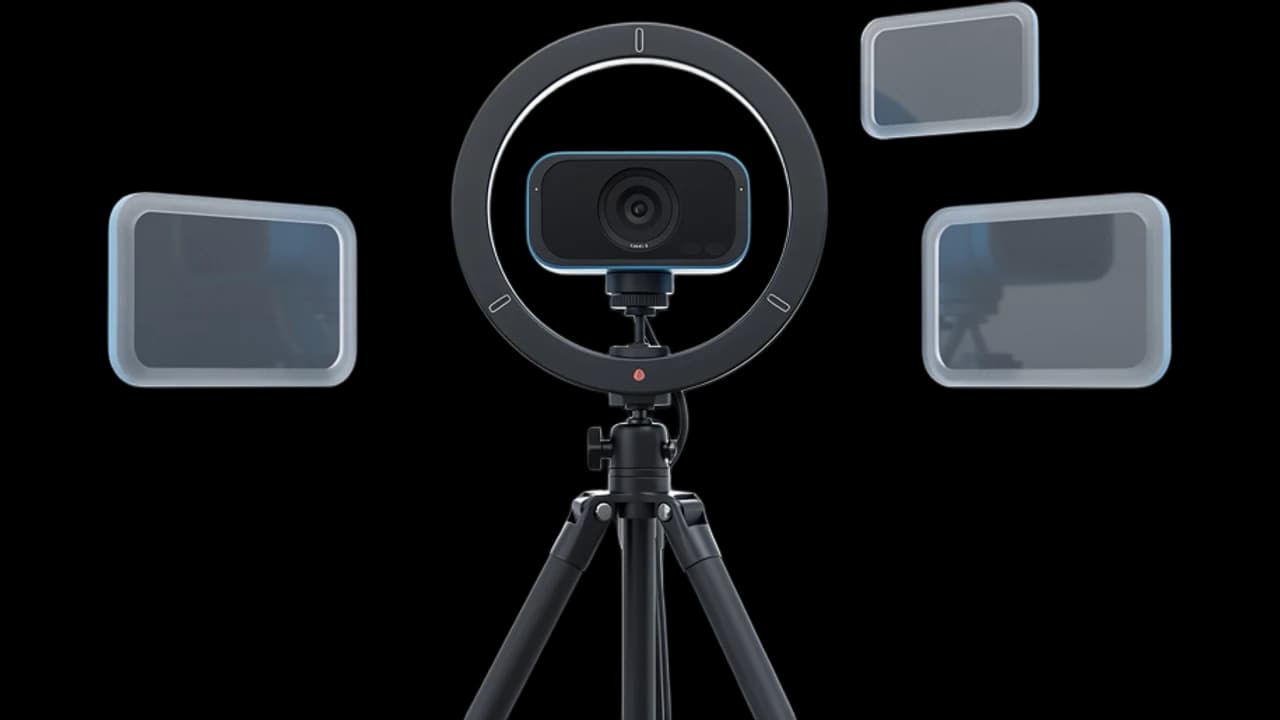
Start your camera
Click Start camera. You see yourself right away, and nothing leaves your device until the filter starts.
Keep Claymation picked
Claymation is already picked on this page. Describe your own clay look if you want a different style.
Start the filter
Click Start filter. To use it in a call, add the Facecam extension and pick “Facecam Virtual Camera” as your camera.
What is a claymation filter?
A claymation filter is an effect that makes people and things look sculpted from modelling clay, like a stop-motion film. Facecam's changes your live camera, so the clay version of you moves and talks in real time.
Made with Facecam
Before and after, on the same clip. Fingerprints on the sweater, a clay plant on the shelf.
What you can do with the Claymation Filter
Fun team calls
Turn up to a Friday call as a clay figure. It gets a laugh and still looks like you.
Short stop-motion clips
Record a clay version of yourself for a story or a reel, with no clay and no frame-by-frame work.
Art and animation classes
Teach a stop-motion class as a clay puppet to set the scene.
The Claymation Filter features
Handmade texture
Fingerprints, sculpted strands of hair and soft clay surfaces.
Moves without the wait
Stop motion is shot one frame at a time. This is live, at call speed.
Your whole room in clay
Plants, shelves and furniture become part of the clay set.
Your own clay look
Describe the clay colors, the set or the style, and the filter follows.





More about the Claymation Filter
The Claymation Filter is a live AI video filter that turns your whole webcam picture into a handmade clay scene, with soft clay textures, visible fingerprints and warm studio light, while you move and talk.
The Claymation Filter: what you need and limits
| How it works | Live, on any laptop. Needs a steady internet connection. |
|---|---|
| You get | Camera in Chrome calls |
| You need | A computer (for calls: Chrome and the Facecam extension), a webcam |
| Phones and tablets | Not supported |
| What changes | The whole picture: your face, hair, clothes and room become modelling clay, with fingerprints and sculpted strands. Your haircut, beard and expressions stay. |
| Other looks | 11 more ready-made looks, any look you describe in words, or an image to look like. |
| Picture | Sharp and smooth, with about the delay of a normal video call. |
| Works in | This page, and Google Meet, Zoom, Teams and Discord in Chrome with the extension. |
| Price | Comes with every paid plan, by the minute while it's on: ≈ 11 min of Live AI Filter a month on Premium. |
| Recording | We don't record or keep your video. Each frame is changed and sent straight back. |
A claymation filter for live video
Claymation usually means moving a clay puppet a little, taking a photo and doing it again thousands of times. Claymation photo filters fake the look on a single picture. This filter does it to your live camera: each frame is re-sculpted as it happens, so the clay you talks, laughs and turns with you.
Your beard, haircut and smile carry into the clay, and the whole room becomes part of the set. Light from the front gives the clay the most detail.
Clay looks to type
Type your own clay look in Describe a look and click Apply. Say the style and, to keep your own coloring, the skin and hair you want in clay:
- “Change the style of the video to a claymation stop-motion look in bright primary-colored plasticine”
- “Change the style of the video to a claymation stop-motion look on a tiny handmade clay set of a kitchen”
- “… sculpted in dark brown clay with curly black clay hair”

The Claymation Filter FAQ
How do I turn myself into claymation on camera?
Click Start camera on this page, keep Claymation picked and click Start filter. You turn to clay within a few seconds, and it stays on while you talk.
Can I use it in Zoom, Google Meet or Discord?
Yes, when the call runs in Chrome: add the Facecam extension, choose Live AI Filter and the look in its popup, then pick “Facecam Virtual Camera” as your camera in Google Meet, the Zoom web app, Teams on the web or discord.com. The desktop apps can't see it.
How much does the claymation filter cost?
It comes with every paid plan and counts by the minute only while the filter is on: ≈ 11 min of Live AI Filter a month on Premium, if you use nothing else. Trying the camera and picking looks costs nothing.
Is claymation the same as stop motion?
Claymation is stop motion made with clay figures. This filter gives your live video the clay look, without the frame-by-frame work.
Does it work on my phone?
Yes, on this page in Safari or Chrome. Using it as your camera in calls needs Chrome on a computer.


Related
- Oil Painting Filter for VideoBecome a moving oil painting: thick brush strokes, canvas texture and bright color, live on camera.
- Anime Filter for VideoTurn into an anime character on camera, live: you, your clothes and your room, redrawn as you talk.
- Webcam TestA free webcam test with no sign-up: see your camera's real resolution, frame rate and lighting in seconds. Your video never leaves your device.



Try the Claymation Filter now
- Cancel any time
- Works in Meet, Zoom and Discord
- No gaming PC needed