Anime Filter for Video
Turn into an anime character on camera, live: you, your clothes and your room, redrawn as you talk.

Live AI Filter needs Chrome on a computer. Send yourself the link, or see the examples below.
Where it works
How to use the Anime Filter
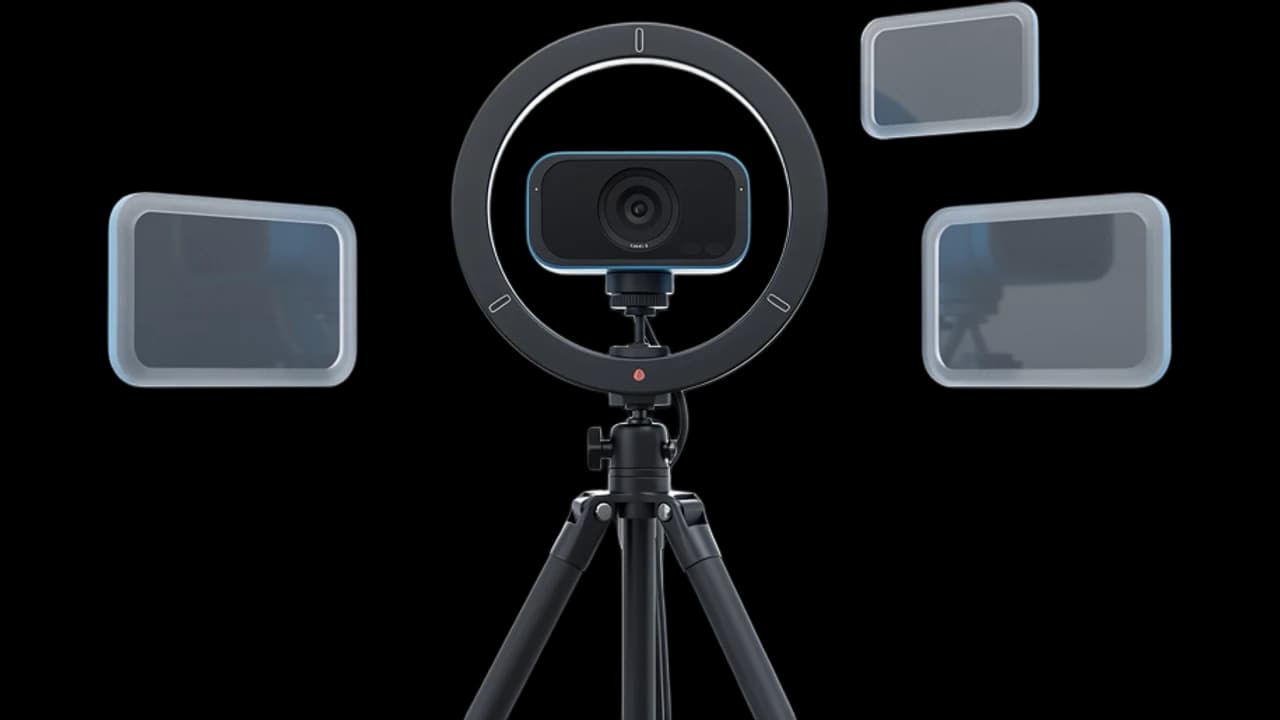
Start your camera
Click Start camera. You see yourself right away, and nothing leaves your device until the filter starts.
Keep Anime picked
Anime is already picked on this page. You can switch to any other look, or describe your own anime style.
Start the filter
Click Start filter. To use it in a call, add the Facecam extension and pick “Facecam Virtual Camera” as your camera.
What is an anime filter?
An anime filter is an effect that turns a photo or video of you into the look of an anime: bold outlines, flat cel-shaded colors and big bright eyes. Facecam's works on live video, so you stay anime the whole call.
Made with Facecam
Before and after, on the same clip. Her glasses, curls and plants stay; everything is redrawn.
What you can do with the Anime Filter
VTube without a model
Go live as an anime version of yourself with no avatar to buy or rig. It follows every expression because it is your face.
Anime night with friends
Join a Discord call or a watch party as an anime character, and switch to another look for the next episode.
Class and club calls
Make the anime club call look like the show. Everyone can tell it's you, drawn.
The Anime Filter features
Your whole picture
Face, hair, clothes and room, all drawn in one style.
Still clearly you
Your glasses, hairstyle and expressions carry into the drawing.
Moves as you talk
Your mouth, eyes and head move live, like a scene from a show.
Your own anime style
Describe a style, like “90s anime with film grain”, and the filter follows it.





More about the Anime Filter
The Anime Filter is a live AI video filter that redraws your whole webcam picture as an anime illustration, with clean outlines and cel shading, while you move and talk.
The Anime Filter: what you need and limits
| How it works | Live, on any laptop. Needs a steady internet connection. |
|---|---|
| You get | Camera in Chrome calls |
| You need | A computer (for calls: Chrome and the Facecam extension), a webcam |
| Phones and tablets | Not supported |
| What changes | The whole picture: your face, hair, clothes and room become an anime illustration. Your glasses, your hair and the shape of your room stay recognisable. |
| Other looks | 11 more ready-made looks, any look you describe in words, or an image to look like. |
| Picture | Sharp and smooth, with about the delay of a normal video call. |
| Works in | This page, and Google Meet, Zoom, Teams and Discord in Chrome with the extension. |
| Price | Comes with every paid plan, by the minute while it's on: ≈ 11 min of Live AI Filter a month on Premium. |
| Recording | We don't record or keep your video. Each frame is changed and sent straight back. |
An anime filter for video, not just photos
Most anime filters work on a photo or a short clip you upload: you wait, then get a picture back. This one changes your camera while you're on it. Every frame is redrawn as it happens, so you can hold a whole conversation as an anime character, turn your head, laugh and wave, and the drawing keeps up.
Because it redraws the whole picture, the room behind you becomes part of the scene: your shelves, plants and posters turn into anime backgrounds. If you want only your face changed and your room left as it is, Live Face Swap does that.
Getting the best anime look
- Face the camera with your head and shoulders in frame. A face close to the camera gets the most detail.
- Light your face from the front. A bright window behind you turns into a flat glow.
- A tidy, colorful room makes a better anime background than a bare wall.
- For a different style, type it: “Change the style of the video to a soft watercolor anime” or “a 90s anime with film grain”.

The Anime Filter FAQ
How do I turn myself into anime on camera?
Click Start camera on this page, keep Anime picked and click Start filter. You see yourself as an anime character within a few seconds, and it stays on while you talk.
Can I use it in Zoom, Google Meet or Discord?
Yes, when the call runs in Chrome: add the Facecam extension, choose Live AI Filter and the look in its popup, then pick “Facecam Virtual Camera” as your camera in Google Meet, the Zoom web app, Teams on the web or discord.com. The desktop apps can't see it.
How much does the anime filter cost?
It comes with every paid plan and counts by the minute only while the filter is on: ≈ 11 min of Live AI Filter a month on Premium, if you use nothing else. Trying the camera and picking looks costs nothing.
Does it work on photos?
It's made for live video. For a still anime picture of yourself, the AI Avatar Maker turns a photo into an anime avatar.
Will people still recognise me?
Usually yes. Your hairstyle, glasses and expressions carry into the drawing, so friends can tell it's you.
Can I sound anime too?
Yes. Turn on the anime voice changer at the same time; it runs separately from the filter.


Related
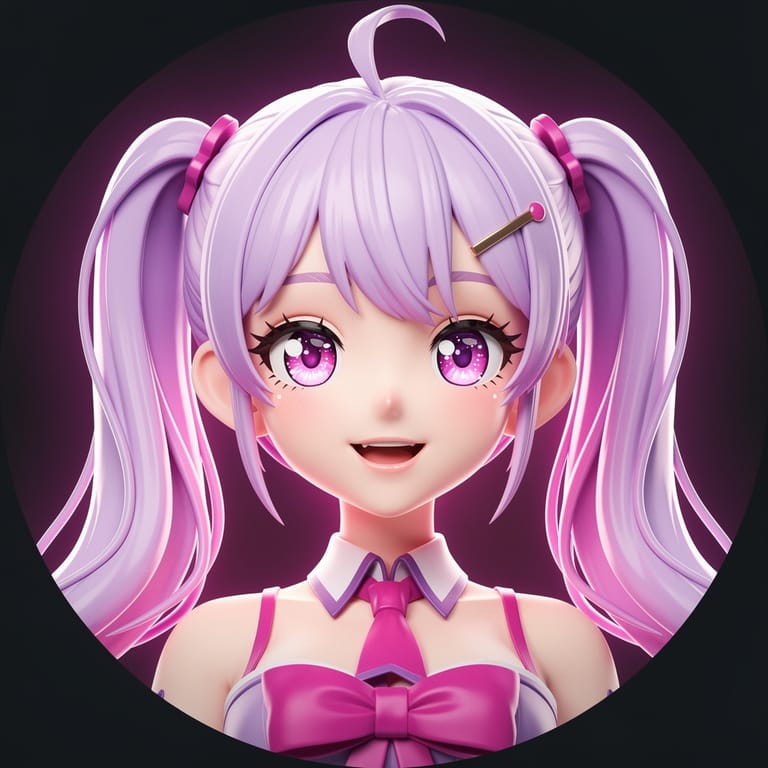
 VTuber toolsA VTuber is a streamer or video creator who appears as an animated avatar that follows their face or voice instead of showing their camera.
 Webcam TestA free webcam test with no sign-up: see your camera's real resolution, frame rate and lighting in seconds. Your video never leaves your device.

Try the Anime Filter now
- Cancel any time
- Works in Meet, Zoom and Discord
- No gaming PC needed