Talking Photo
Make any photo talk: add a face, type what it says, and get a talking video with real mouth movement.

Where it works
Made with Facecam
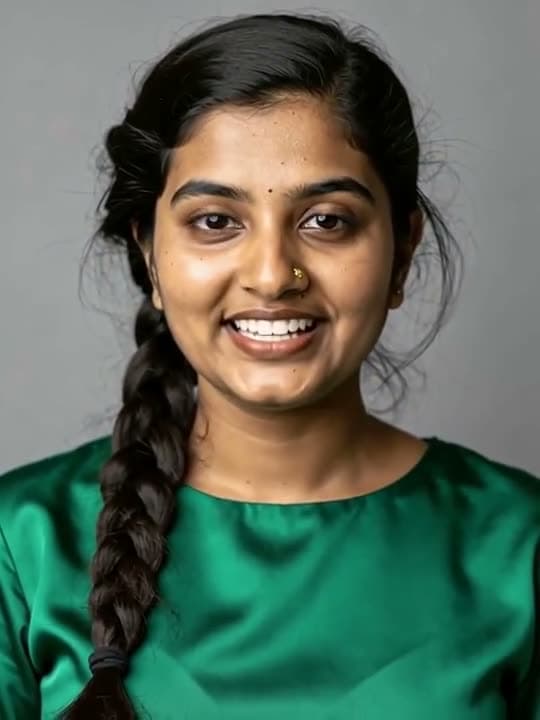
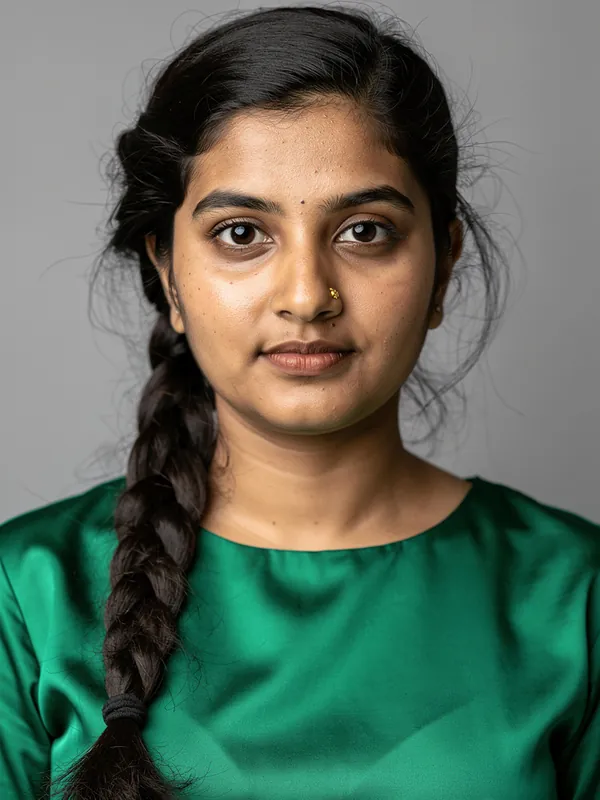
Before A portrait photo
One photo and a typed line.
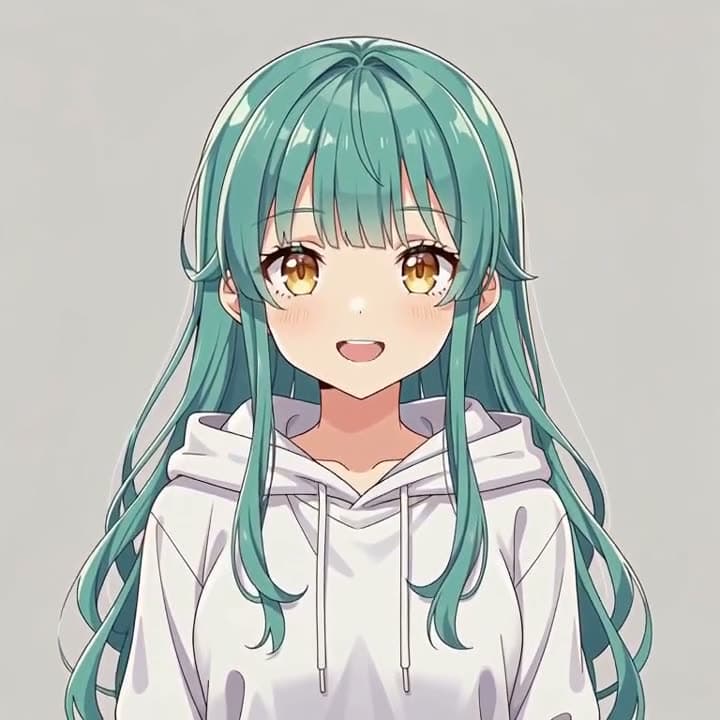
An anime avatar
Welcoming viewers back to the stream.
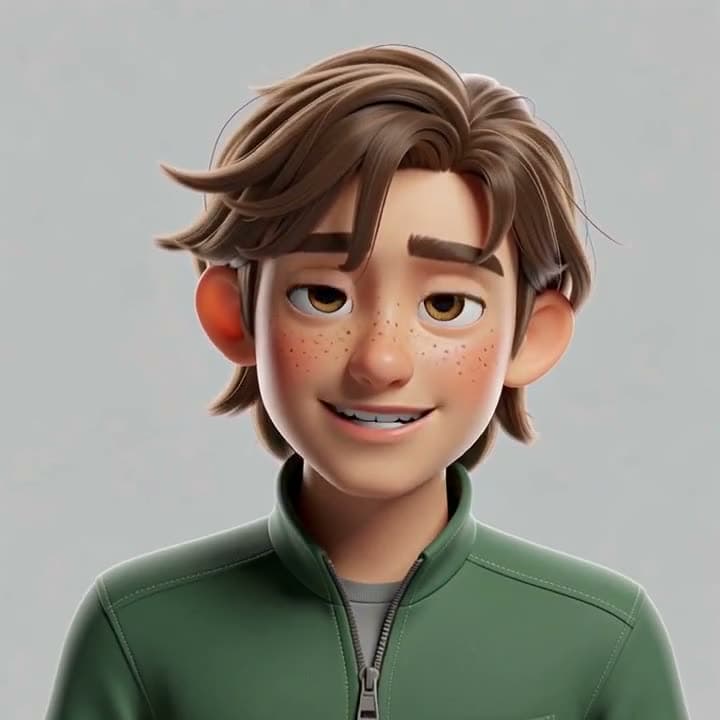
A 3D cartoon
With natural head movement.
How to use Talking Photo
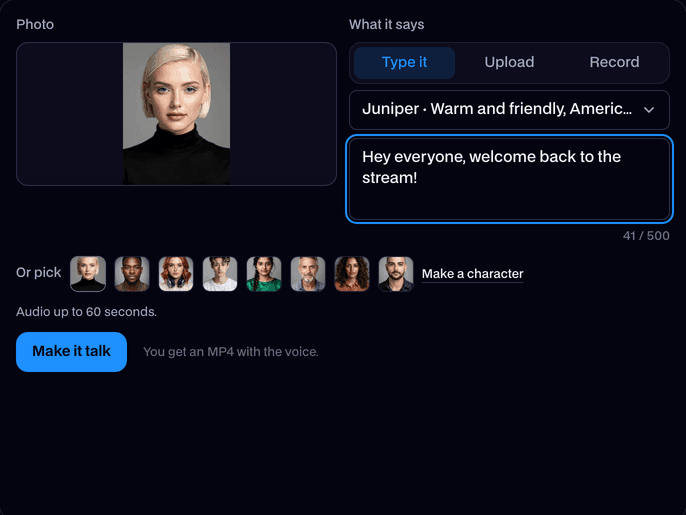
Add a photo
Upload a photo with a clear face, or pick a built-in face, a character you generated or one of your avatars.
Give it a voice
Type what it should say and pick a voice, or upload audio or record yourself.
Make it talk
Click Make it talk. The video plays on the page; click Download MP4 to keep it.
What is a talking photo?
A talking photo is a still picture of a face turned into a video where it speaks: the mouth follows the words, and the head and eyes move naturally. Facecam makes one from any photo and a typed line or your own audio.
Made with Facecam
Another portrait, another voice.
What you can do with Talking Photo
A talking avatar for your channel
Give your PNGTuber or VTuber character a voice for intros, shorts and announcements without recording video.
Make a character speak
Funny talking pictures
Make a pet, a friend's photo or an old portrait say something silly and send the MP4.
Old family photos
Scan a black and white or sepia portrait and let it say a few words for a family history post.
Talking Photo features
Any face
Photos, anime, cartoons and 3D characters. Upload one or pick one of yours.
Type it or say it
Type a line in one of our voices, or use your own audio or a recording.
Your cloned voice too
Made a copy of your voice with Voice Clone? It's in the voice list.
Natural movement
The mouth follows each word, and the head and eyes move like a real person talking.
MP4 with sound
Download it and post it anywhere: TikTok, Reels, Shorts, Discord or a chat.
Refund if it fails
If no face is found or the video fails, it doesn't count.







More about Talking Photo
Talking Photo is an online tool that turns one photo into a talking video. The face moves its mouth, head and eyes to the voice you choose, and you download it as an MP4.
Talking Photo: what you need and limits
| How it works | Online. Works on any laptop. |
|---|---|
| You get | Video download |
| You need | Any up-to-date browser |
| Phones and tablets | Supported |
| Photo | JPEG, PNG or WebP up to 10 MB, with one clear face. Real photos, anime, cartoons and 3D characters all work. |
| Voice | A typed line in one of our voices (character, AI and your own cloned voices), an audio file, or a recording, up to 60 seconds. |
| Price | Comes with every paid plan, by the second of video: ≈ 3 min of talking video a month on Premium, if you use nothing else. Refunded if it fails. |
| Time | Usually under a minute. |
| Output | An MP4 with the voice, as long as your audio. Free results have a small Facecam mark in the corner; plans remove it. |
| Kept for | 7 days, then deleted. |
What makes a good talking photo
One face, looking roughly at the camera, with the mouth visible. Head-and-shoulders pictures work best. Clear speech without music gives the most accurate mouth movement. Very short lines are made at least 5 seconds long, with the face listening quietly after it finishes.
Your files
Your photo and audio are stored privately while we make the video and deleted when it's done, always within an hour. The finished MP4 stays in your Library for 7 days.

Talking Photo FAQ
How do I make a photo talk?
Add a photo with a clear face, type what it should say and pick a voice (or add your audio), then click Make it talk. You get an MP4 in about a minute.
How much does a talking photo cost?
It comes with every paid plan and is charged by the second of video: ≈ 3 min of talking video a month on Premium, if you use nothing else. Before you start, the tool shows how much of your time it uses.
How long can the video be?
As long as your audio, up to 60 seconds.
Can I use my own voice?
Yes. Record yourself on the page or upload audio. You can also use a cloned copy of your voice from Voice Clone.
Does it work with anime and cartoon characters?
Yes. Anime, cartoon and 3D characters talk as well as photos do, as long as the face is clear.
Is it a talking avatar?
Yes. A talking photo is the simplest talking avatar: one picture and a voice. To look like someone else live in your calls, use Live Face Swap.
Can it talk in other languages?
Yes. The mouth follows whatever language the audio is in. Our Japanese voices read Japanese, and your own audio can be in any language.
Do you keep my photo?
Your photo and audio are deleted when the video is done, always within an hour. The video stays 7 days, then it's deleted.



Try Talking Photo now
- Cancel any time
- Runs in your browser
- No gaming PC needed