GIF Face Swap
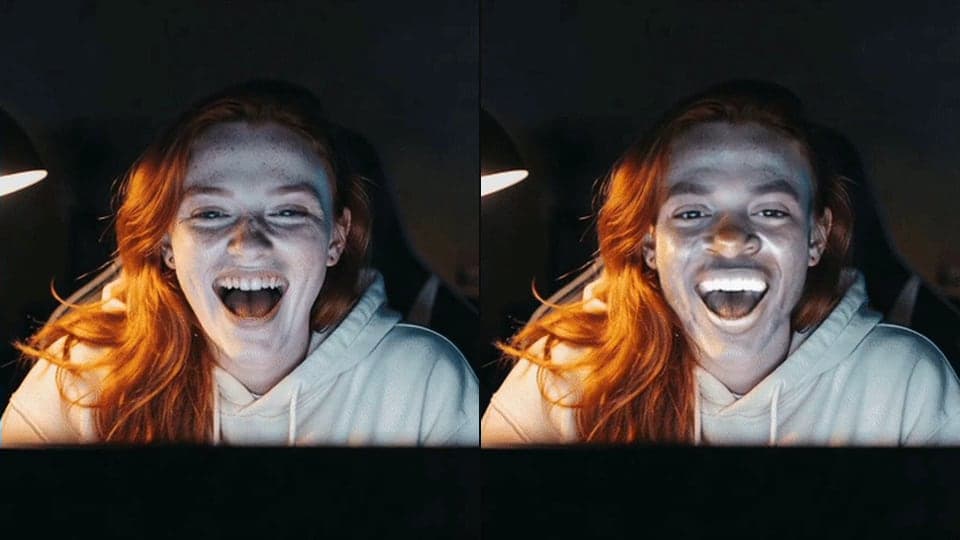
GIF face swap: put any face on an animated GIF and download a GIF that loops just like the original.
Where it works
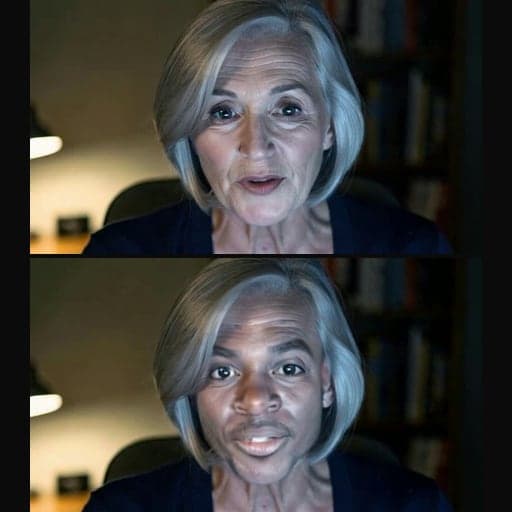
Before and after


How to use GIF Face Swap
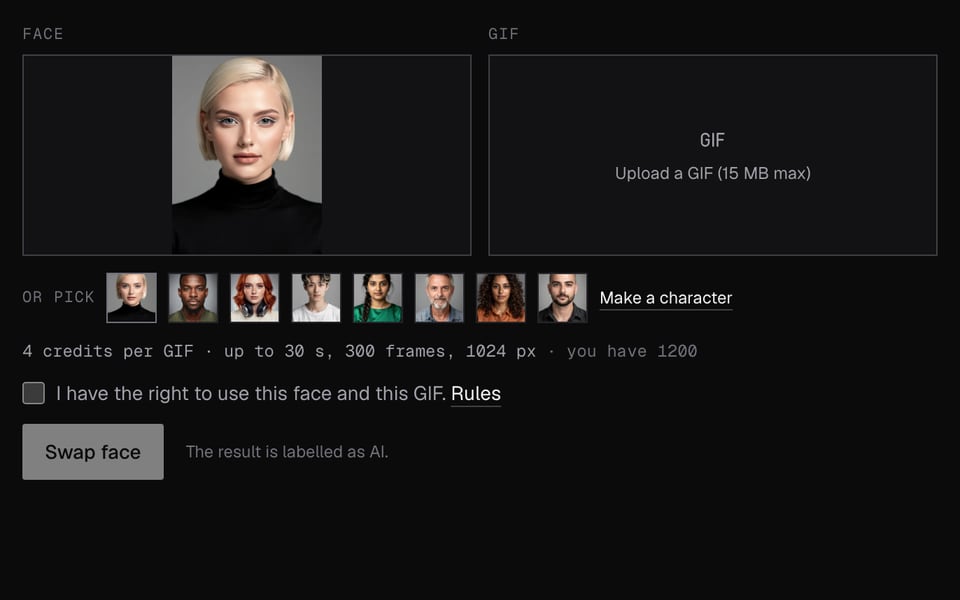
01
Add a face and a GIF
Upload a face photo or pick a character, then upload the GIF.
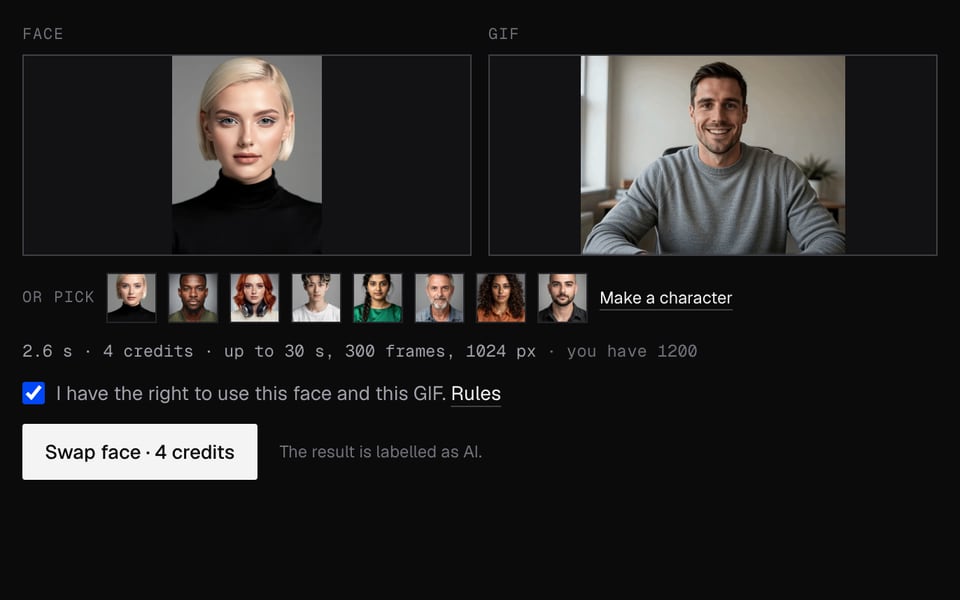
02
Swap
Sign in and click Swap face. It takes about a minute.
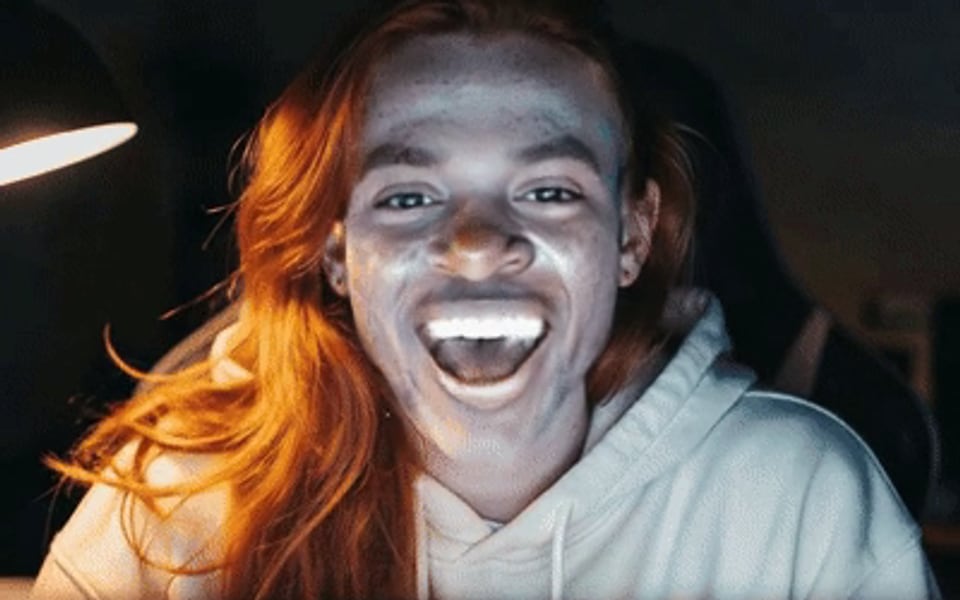
03
Download
You get a looping GIF with the same timing and size.


What you can do with GIF Face Swap
Reaction GIFs with your face
Put yourself, or a friend, into the reaction GIF everyone already knows, then post it in a chat.
Discord and Slack replies
The result is a normal GIF up to 1024 pixels wide, so it uploads anywhere GIFs do.
A still picture instead
For one photo, Photo Face Swap is quicker and costs less.
A clip with sound
For an MP4 with its audio kept and smoother colour, use Video Face Swap.
GIF Face Swap features
Every frame swapped
The face is swapped in each frame of the GIF, not just the first one.
Same timing and loop
Frame delays and the loop come back exactly as they were.
Big enough for reactions
Up to 30 seconds, 300 frames, 15 MB and 1024 pixels a side.
Any face
Upload a face photo (JPEG, PNG or WebP) or pick a built-in face.
More about GIF Face Swap
GIF Face Swap is an online tool that puts the face you upload into every frame of an animated GIF. You get back a GIF with the same timing and loop.
GIF Face Swap: what you need and limits
| How it works | Online. Works on any laptop. |
|---|---|
| You get | GIF download |
| You need | Any up-to-date browser |
| Phones and tablets | Supported |
| GIF limits | Up to 15 MB, 30 seconds, 300 frames and 1024 pixels on each side. Bigger GIFs aren't accepted, so shrink them first. |
| Face photo | JPEG, PNG or WebP, up to 10 MB. |
| Which face changes | The largest face in each frame, swapped for the face in your photo. Everything else stays as it was. |
| Timing | Same speed and same loop as the GIF you uploaded. |
| AI label | No AI badge. Free results have a small Facecam mark in the corner; plans remove it. The file has a hidden AI tag. Say it's AI-made where the law requires it. |
| Kept for | 7 days, then deleted. |
Making a GIF that swaps well
- Reaction GIFs with one clear face work best.
- Fast head turns and blurry motion can make the face flicker.
- Trim long GIFs in any GIF editor before uploading.
- Too big? Resize it first. Most reaction GIFs are already small enough.
Your files
Your GIF and face photo are stored privately while we make the swap. We delete both when it's done, always within an hour. The finished GIF is kept 7 days so you can download it. If a swap fails, you get the credits back.
GIF Face Swap FAQ
Is there a free GIF face swap?
Not on Facecam. GIF swaps cost 4 credits per GIF, because every frame gets its own swap. A single photo costs 3 credits.
Can it swap two people in the same GIF?
No. It swaps the largest face in each frame.
Why was my GIF refused?
It was over 15 MB, longer than 30 seconds or 300 frames, or wider than 1024 pixels. Trim or resize it and try again.
Will the GIF still loop?
Yes. It loops the same way as the GIF you uploaded.
Can I swap a face in an MP4 instead?
That's Video Face Swap, which keeps the sound and costs 1 credit per second of video.
Is there a watermark, and does the GIF lose quality?
Free results have a small Facecam mark in the corner; on a plan, nothing is drawn on the frames. GIFs can only show a limited number of colours, so skin can look a little blotchy. For smoother colour, swap an MP4 with Video Face Swap instead.
How long does a GIF face swap take?
About a minute for a typical reaction GIF. Longer GIFs with more frames take longer.
Can I use it on my phone?
Yes. It works in any up-to-date phone browser, and the finished GIF downloads like any image.
Do you keep my GIF?
Your GIF and face photo are deleted when the swap is done, always within an hour. The finished GIF stays 7 days, then it's deleted.
More tools
Updated