Multiple Face Swap
Give everyone in a group photo a new face, each one different.

Where it works

How to use Multiple Face Swap
Add the group photo
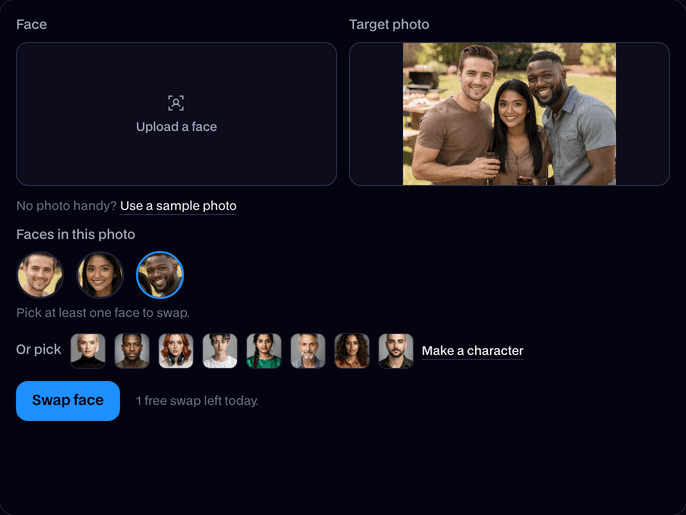
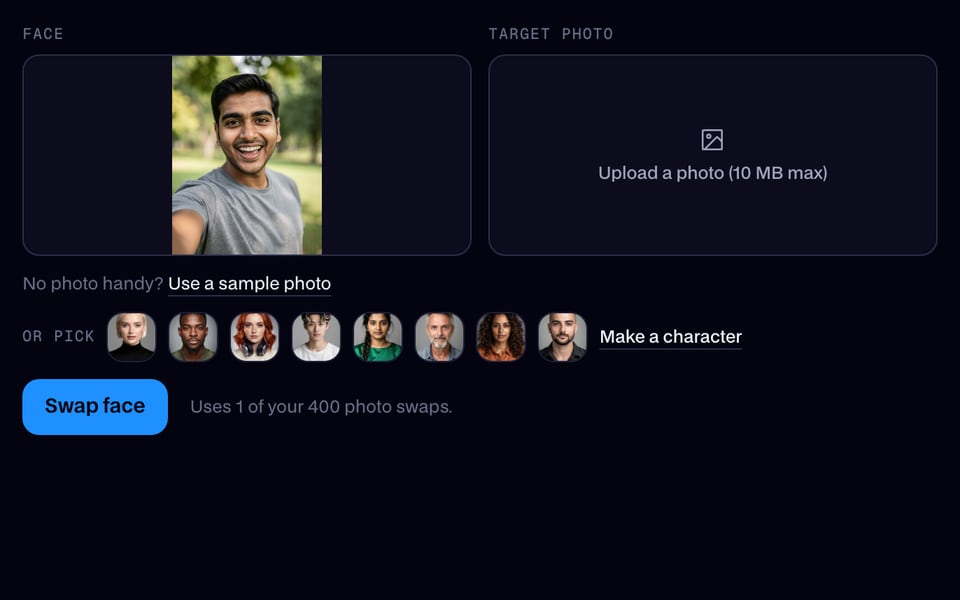
Upload a photo with several people, or use our sample. Every face is found and shown in a row.
Pick a face for each person
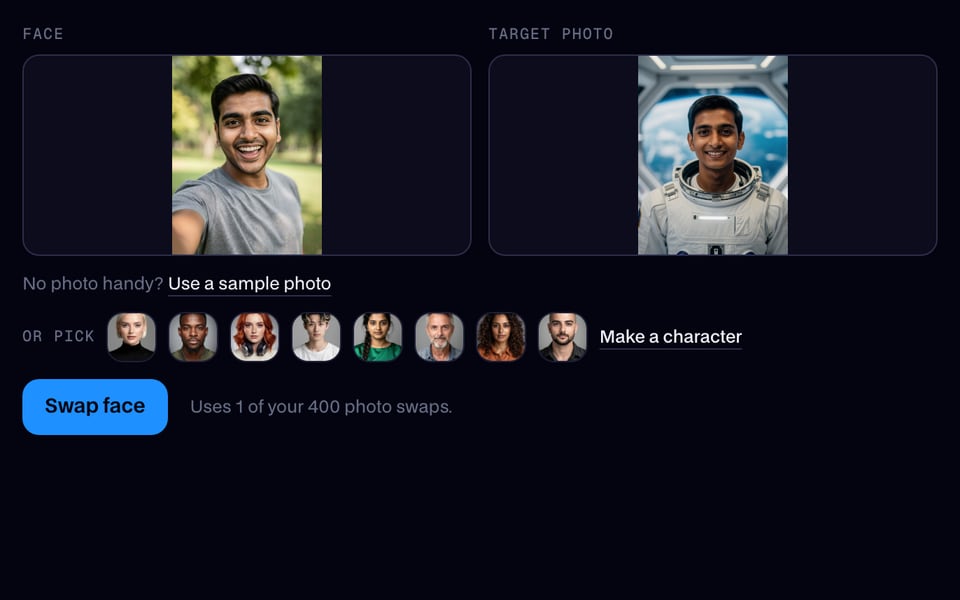
Tap a face in the row, then upload a face or pick a built-in one for it. Leave a face as it is to keep that person.

Swap and download
Click Swap face. Each person gets their own new face; download the photo when it's done.


What is a multiple face swap?
A multiple face swap is a swap that changes several faces in one picture or clip at once, each to a face you pick, instead of only the biggest face. Everyone keeps their own hair, clothes and pose.
Made with Facecam

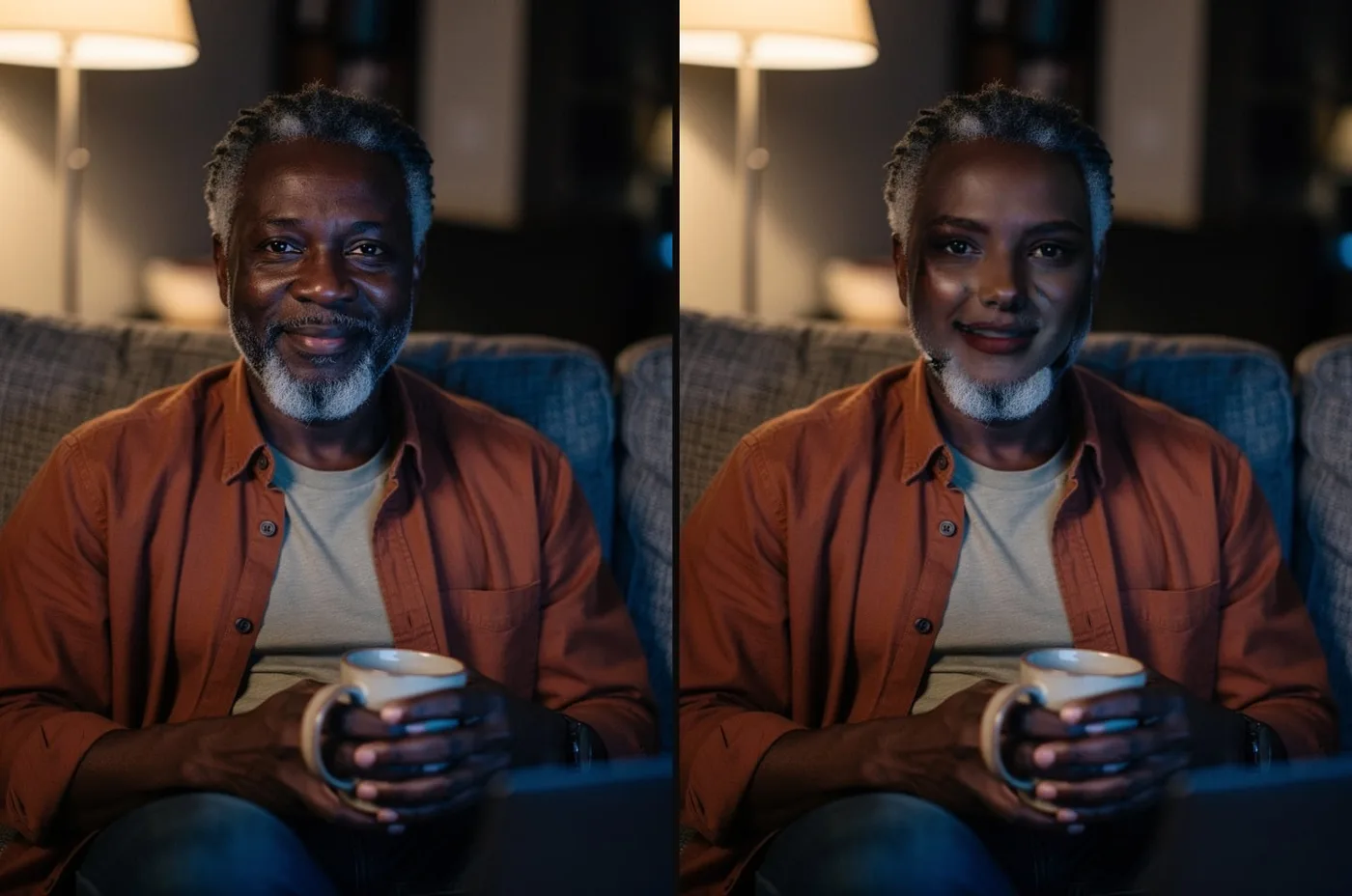
Three people, three different faces, in one swap. Hair, clothes and the drinks in their hands stay. All six people are AI-made.


What you can do with Multiple Face Swap
Swap the whole friend group
Give every friend in a group photo a different celebrity, character or each other's face.
Swap two people's faces
Put her face on him and his on her in the same photo: pick each one's face for the other.
Several faces in a video
Multiple Face Swap features
Finds every face
The faces in your photo show up in a row as soon as you add it.
A different face each
Pick an upload, a built-in face or a character you made for each person.
Keep anyone you like
Only the faces you pick change; the rest of the group stays as they are.
Follows people in video
In GIFs and videos, each person keeps their new face from frame to frame.
Hair and clothes stay
Like every face swap, only the faces change: hair, clothes and background stay.
Refund if it fails
If a face can't be found or the swap fails, it doesn't count.







Getting a good result
- Use a photo where each face you want to change is clear and not too small.
- Pick a new face of a similar angle for each person: front-facing for front-facing.
- For a video, pause on a moment where everyone's face is visible before you pick the faces.
- Want the hair to change too? Swap one person at a time with Head Swap.

More about Multiple Face Swap
Up to 6 faces at once, in photos, GIFs and videos.
Multiple Face Swap is a mode of Facecam's face swap tools that finds every face in a photo, GIF or video and lets you pick a different new face for each person.
Multiple Face Swap: what you need and limits
| How it works | Online. Works on any laptop. |
|---|---|
| You get | Image download |
| You need | Any up-to-date browser |
| Phones and tablets | Supported |
| Faces | Up to 6 swapped in one go; everyone else stays as they are. |
| Works on | Photos, GIFs and videos up to 60 seconds. |
| Price | Each face you swap counts as one swap: three faces in a photo use three photo swaps. |
| Kept for | 7 days in your Library, then deleted. |
What happens to your photos
Both photos are stored privately while the swap runs and deleted when it's done, always within an hour. The result stays in your Library for 7 days, then it's deleted.

Multiple Face Swap FAQ
How do I swap multiple faces in one photo?
Add the group photo, tap each face in the row that appears and pick a new face for it, then click Swap face. Faces you don't pick stay as they are.
How many faces can I swap at once?
Up to 6 in one swap. For a bigger group, download the result and run it again for the rest.
Can I swap multiple faces in a video?
Yes. In Video Face Swap, the faces in the frame you're on show up; pick a face for each person and every one of them keeps their new face through a clip of up to 60 seconds.
How much does a multiple face swap cost?
Each face you swap counts as one swap: three faces in a photo use three photo swaps from your plan. A swap that fails doesn't count.
Can I swap two people's faces with each other?
Yes. Crop each person's face from the photo (or use another photo of them) and pick it for the other person.

Related
 Remaker alternative with card plans and live face swapRemaker's photo face swap is free and quick. If you also want GIFs, short videos or a live face swap on a plan you pay by card, Facecam is the alternative.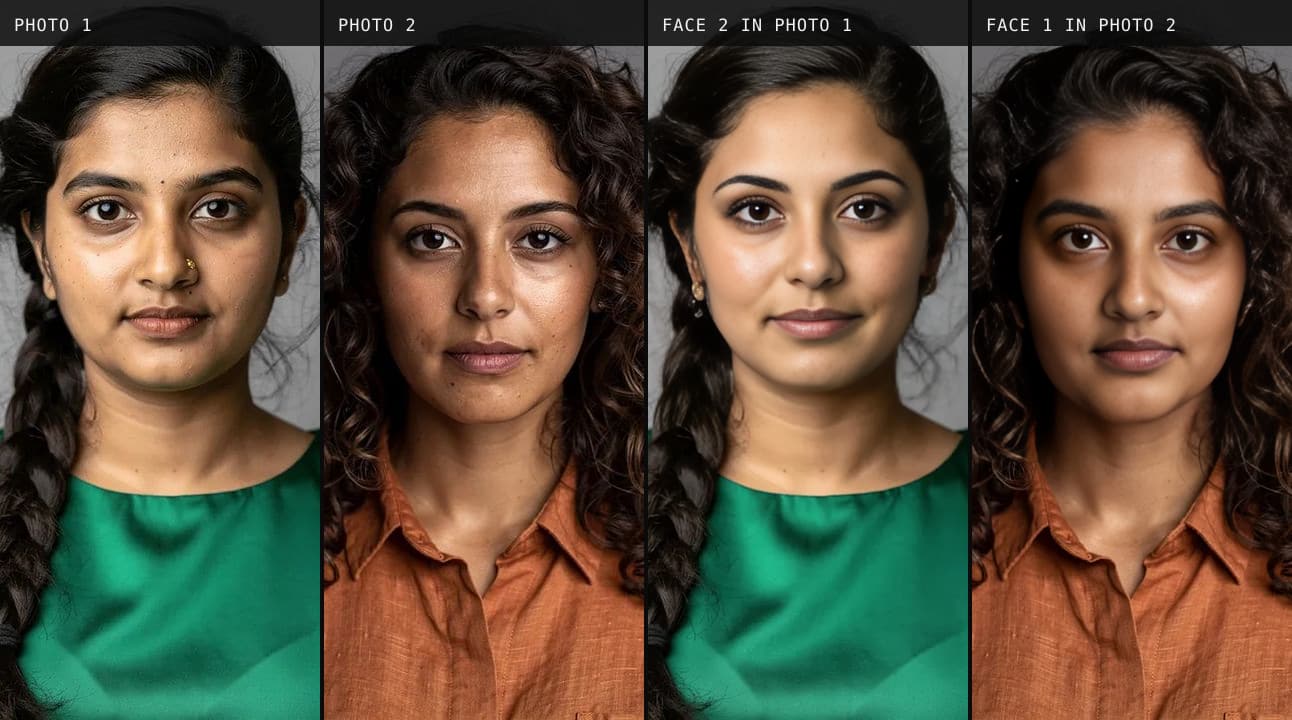
 What Is a Deepfake?What the word means, how a deepfake is made, and what one looks like up close.
 How to Spot a DeepfakeWe make deepfakes, so here is where ours give themselves away, with close-ups.



Try Multiple Face Swap for free
- Free, no sign-up
- Runs in your browser
- No gaming PC needed