Real-Time Voice Changer
A free real-time voice changer for Discord, Meet and Zoom. Talk and hear your new voice right away.
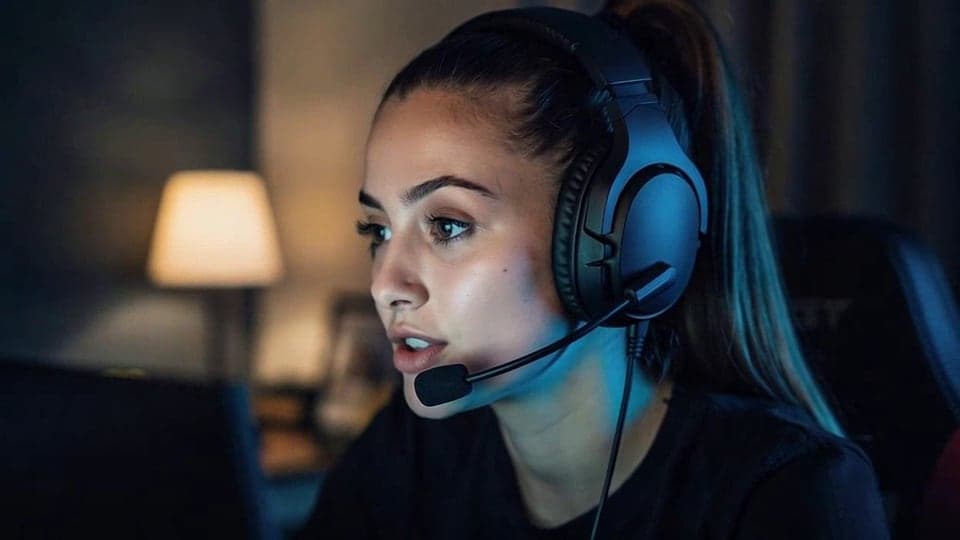
Your browser will ask for microphone access when you click.
Where it works
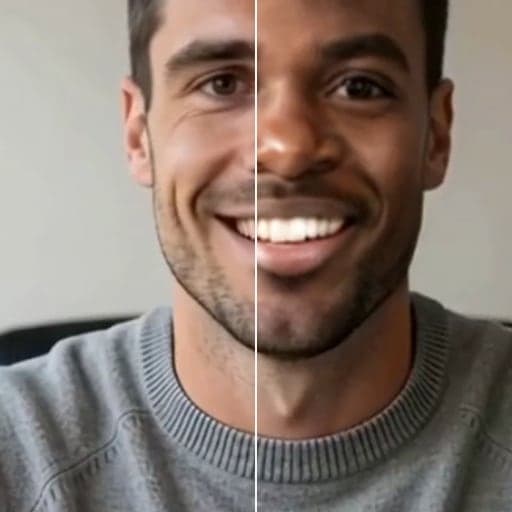
Before and after
How to use Real-Time Voice Changer
01
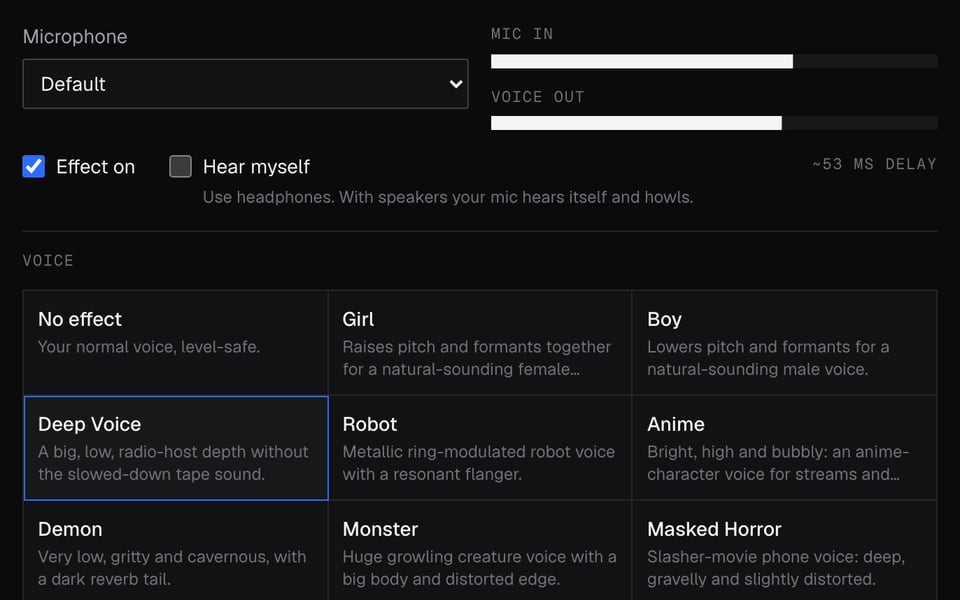
Start the mic
Click Start mic and allow microphone access.
02
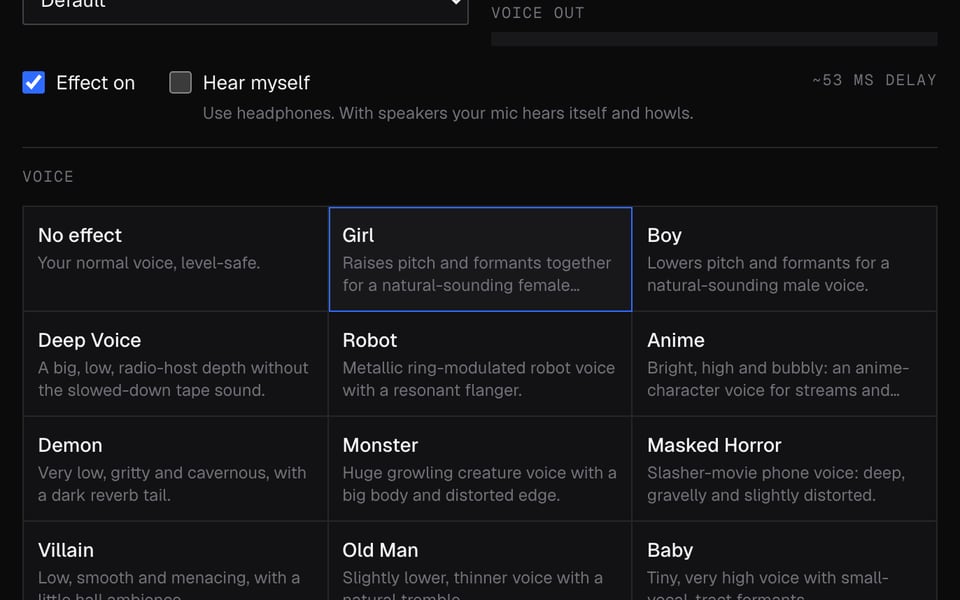
Pick a voice
Choose a preset such as Deep Voice, Robot or Anime. Use headphones to hear yourself.
03
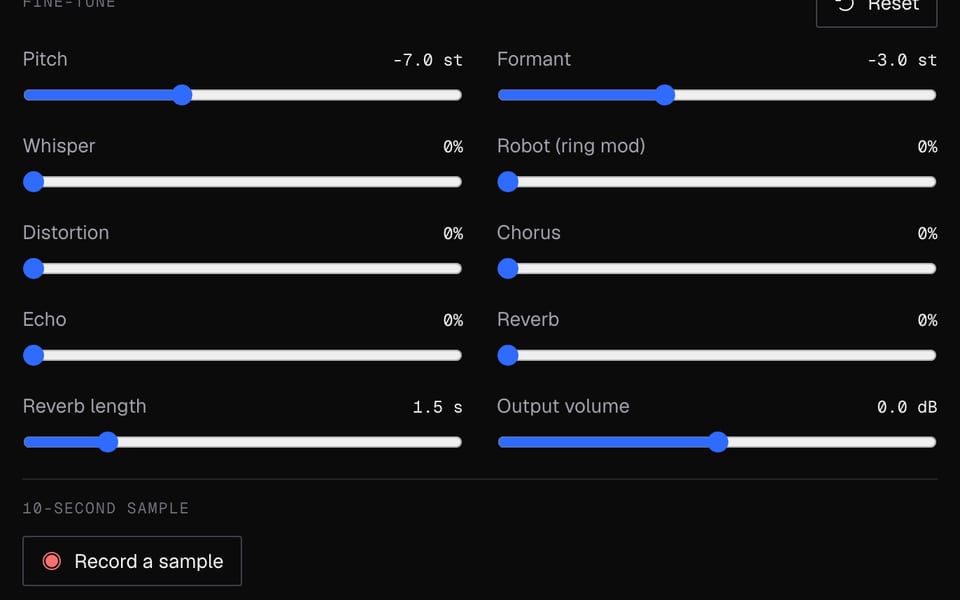
Use it in calls
Click Use this voice in calls, then pick “Facecam Virtual Mic” as your microphone in Meet, Zoom or Discord.


What you can do with Real-Time Voice Changer
Discord voice changer
Pick the Facecam mic in Voice & Video on discord.com and talk in any voice channel with your new voice.
Google Meet and Zoom
Choose “Facecam Virtual Mic” as the microphone in Meet or in Zoom's web app, before or during the call.
On a Chromebook
Nothing to install besides the Chrome extension, so it works on school and home Chromebooks that allow extensions.
On a Mac
No audio driver or system setup: the voice changes inside Chrome on any Mac.
Pick a voice by name
Girl, deep, robot, anime, demon and more, each with its exact settings and a before and after sample.
New voice and new face
Pair a voice with Live Face Swap and become someone else completely on your next call.
Real-Time Voice Changer features
26 voices
Girl, boy, deep, robot, anime, demon, ghost, chipmunk, radio and more, plus No effect.
Hear it as you talk
Turn on Hear myself with headphones and you hear the new voice live.
Free, no limits
It runs on your computer, so there are no credits, minutes or sign-up.
Your voice stays here
The effects run in your browser. Nothing you say is uploaded.
Tune it yourself
Sliders move the pitch up or down and make the voice sound bigger or smaller.
Save a clip
Record a 15-second sample and download it as a WAV file.
Popular voices
More about Real-Time Voice Changer
Facecam's Real-Time Voice Changer is a free online tool that changes your voice as you speak. Add the Facecam Chrome extension to use the new voice in your calls.
Real-Time Voice Changer: what you need and limits
| How it works | Right on this page. Nothing is uploaded. |
|---|---|
| You get | Mic in Chrome calls |
| You need | Any up-to-date browser, a microphone |
| Phones and tablets | Try it on the page; calls need a computer |
| Voices | 26 ready-made voices, plus No effect |
| Fine-tuning | Sliders to make your voice higher or lower, and bigger or smaller |
| Delay | A small delay, like any live voice effect |
| Recording | Record a 15-second sample and save it as a WAV file |
| In calls | Pick “Facecam Virtual Mic” after you add the Facecam Chrome extension |
| Desktop apps | Not supported. Works in Chrome only, not the Discord, Zoom or Teams apps. |
Why it only works inside Chrome
The Facecam Virtual Mic only exists inside Chrome. Facecam doesn't install anything on your computer itself, so desktop apps can't see it.
- Works: Google Meet, Zoom at app.zoom.us, Teams on the web and discord.com, all in Chrome.
- Doesn't work: the Discord, Zoom and Teams desktop apps, games, consoles, phones and tablets.
- If you need a new voice in a desktop app, a voice changer you install on your computer is the better fit.
Privacy
Your voice never leaves your computer. The voice effects happen right on your computer, not online, and the 15-second sample stays here unless you download it. In a call, the extension does the same thing inside the call's tab.
Real-Time Voice Changer FAQ
Is the real-time voice changer free?
Yes. It works right on your computer, so there are no credits or minutes to count.
Does it work with the Discord app?
No. Open Discord at discord.com in Chrome and pick the Facecam mic in Voice & Video settings. The desktop and phone apps can't see it.
Why do I hear a howl or an echo?
Hear myself is on and your mic is picking up your speakers. Wear headphones or switch Hear myself off.
Is there a delay?
A short one, like any live voice effect. Wear headphones so it doesn't throw you off.
Can I use it on my phone?
No. Using it in calls needs the Facecam extension, and phone browsers don't run Chrome extensions.
Can I make my own voice instead of a preset?
Yes. Start from No effect or any voice and move the sliders. Your changes go with the voice when you send it to your calls.
Is it legal to use a voice changer?
Yes, for fun, privacy and streaming. Don't use a changed voice to impersonate someone, to deceive people for money, or where a server or platform's rules forbid it.
Do the other people in the call need anything?
No. They hear your new voice in whatever app or device they use. Only you need Chrome and the Facecam extension.
Can I change my voice and my face at the same time?
Yes. The Facecam popup has Your look and Your voice side by side: pick a face swap and a voice, then choose the Facecam camera and mic in your call.
Does it work on a Chromebook or a Mac?
Yes, both, in Chrome. Nothing gets installed on the computer itself, so there's no audio driver to set up.
More tools

Related

Updated