Announcer voice changer
The announcer preset is a setting of Facecam's voice changer that gives your live voice a broadcast-booth sound: a little lower, warmer and clearer, with every word evened out to the same volume.
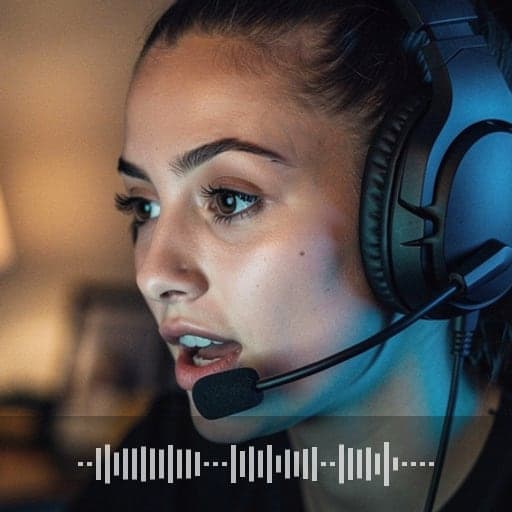
Your browser will ask for microphone access when you click.
Before and after
The exact settings
| Setting | Value |
|---|---|
| Noise gate | mutes the mic below -55 dB, between words |
| Pitch | -2 (lower) |
| Tone | -1 (sounds bigger) |
| Bass cut | below 60 Hz |
| Bass | +4 dB below 150 Hz |
| Midrange | +3 dB around 3 kHz |
| Reverb | 10% mix, 0.6 s long |
| Compressor | steadier volume (4:1 from -26 dB, then +6 dB) |
Announcer voice from typed text
This preset changes your own voice as you talk. For an intro, a ring announcement or a stream alert you'd rather type, the Character Voice Generator reads your text in a character voice and can add the same Announcer effect, then you download the file. Typed lines need an account and credits; the live preset doesn't.
More about this voice
It's mostly polish, not pitch
Broadcast voices are shaped by the studio gear as much as by the speaker. The preset does what a radio station's gear does: more chest, extra clarity, every word pushed to the same volume, and a short touch of room sound.
One preset, three styles
| Style | How to deliver it |
|---|---|
| Sports play-by-play | Fast, rising energy, punch the names |
| Movie trailer | Slow, low, long pauses between short phrases |
| Radio host | Relaxed, close to the mic, smile while you talk |
Announcer voice changer FAQ
Can I hear it before I turn on my mic?
Yes. The before and after clips above are the same line with and without the preset. The clips are a computer voice, not a person.
Why does it sound loud?
The preset turns quiet parts up on purpose. Turn your call volume down if it's too much.
Other voices
- Girl voice changer
- Robot voice changer
- Masked horror voice changer
- Scary voice changer
- Anime voice changer
- Male voice changer
- Santa voice changer
- Deep voice changer
- Villain voice changer
- Radio voice changer
- Chipmunk voice changer
- Baby voice changer
- Alien voice changer
- Old man voice changer
- Kid voice changer
- Cartoon voice generator
- Whisper voice generator
- 8-bit voice changer
- Anonymous voice changer
Updated