Video Face Swap
Face swap video online: put any face into a short clip with AI, keep the original sound and download an MP4.
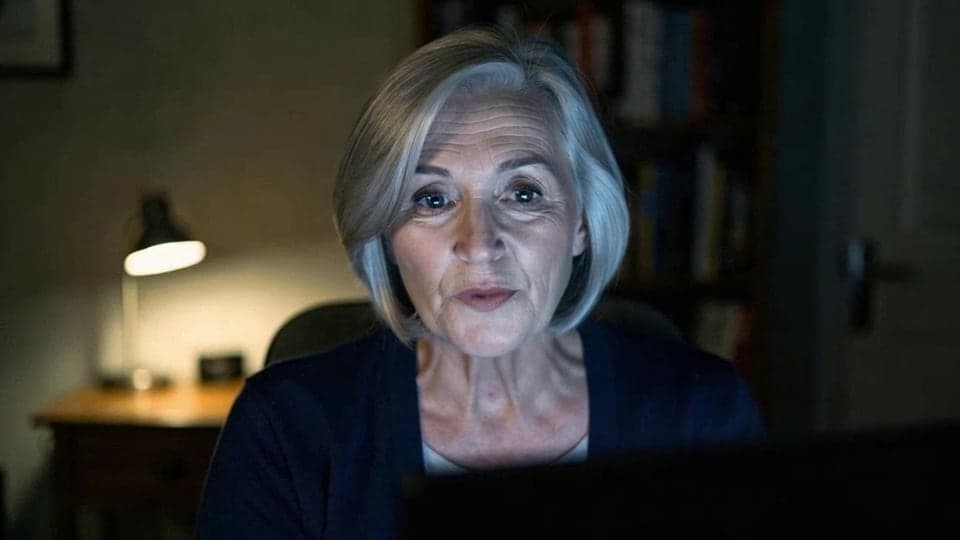
Where it works
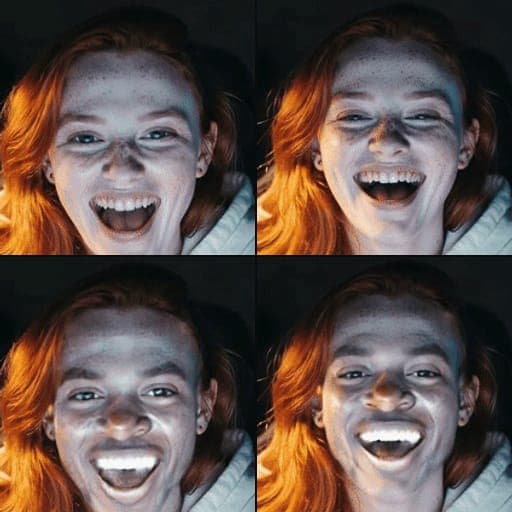
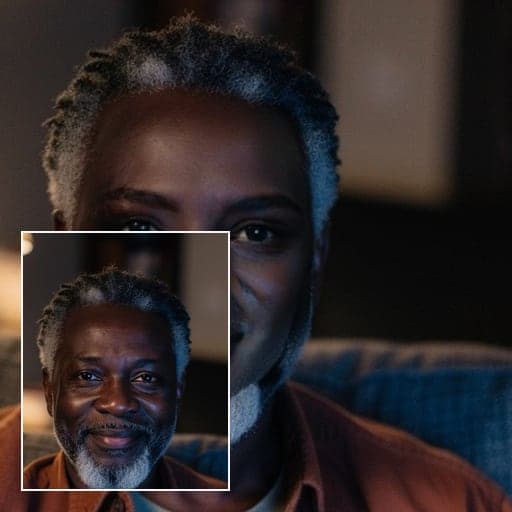
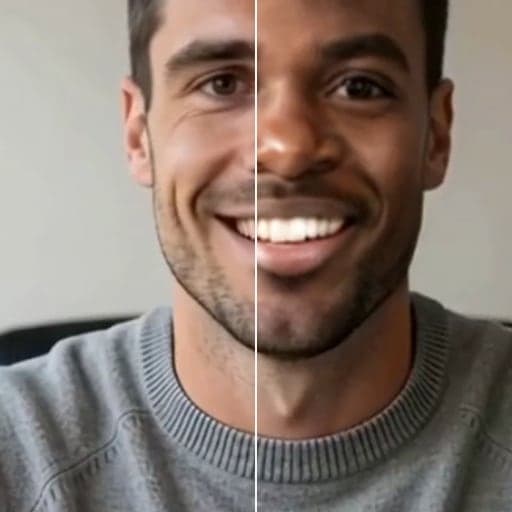
Before and after


How to use Video Face Swap
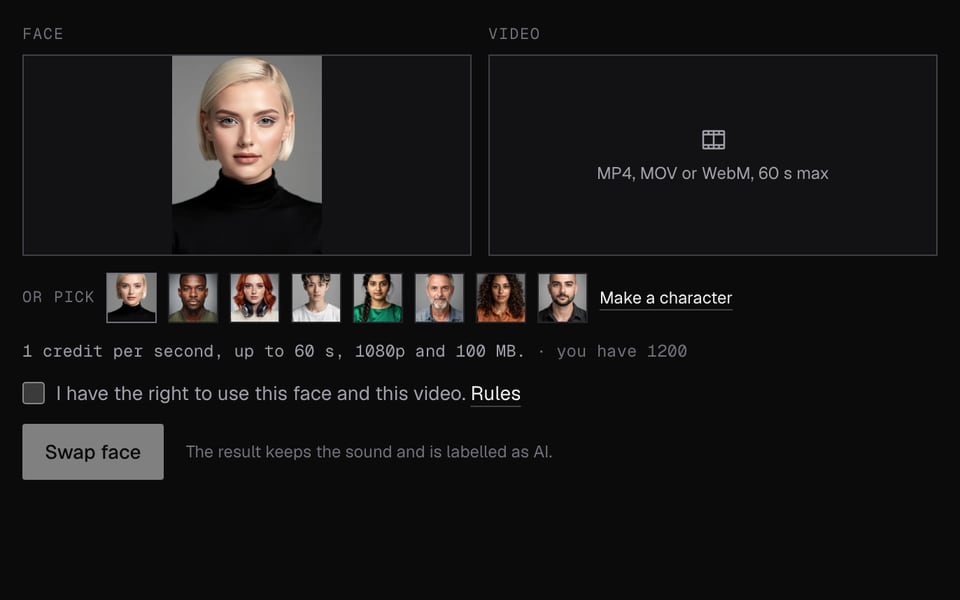
01
Add a face and a clip
Upload a face photo or pick a character, then an MP4, MOV or WebM up to 60 seconds.

02
Swap
Sign in and click Swap face.

03
Download
The result plays on the page with the original sound. Click Download MP4.


What you can do with Video Face Swap
Put yourself in a movie scene
Swap your face into a short scene of up to 60 seconds. The movement and sound stay the scene's own.
Funny clips for friends
Put a friend's face on a dance, a fail or a reaction clip and send them the MP4.
Short videos for social
Tall phone videos work as well as wide ones, up to 1080p, ready for TikTok, Reels or Shorts.
Live instead of recorded
Want the face on your camera while you talk? Live Face Swap does it in Meet, Zoom and Discord.
A looping GIF
For a silent loop to post in chats, GIF Face Swap is cheaper.
Video Face Swap features
Keeps the sound
The original audio track is kept in the MP4.
Wide or tall
MP4, MOV or WebM up to 60 seconds, 1080p and 100 MB, in either orientation.
Same size out
The MP4 you download has the same size and length as your clip.
Any face
Upload a face photo or pick a built-in face.
Refund if it fails
If no face is found or the swap fails, you get all the credits back.
More about Video Face Swap
Video Face Swap is an online tool that puts the face you upload into a short video clip. It keeps the original sound and gives you an MP4.
Video Face Swap: what you need and limits
| How it works | Online. Works on any laptop. |
|---|---|
| You get | Video download |
| You need | Any up-to-date browser |
| Phones and tablets | Supported |
| Video limits | MP4, MOV or WebM. Up to 60 seconds, 1080p (wide or tall) and 100 MB. |
| Price | 1 credit per second of video. Charged when the swap starts. You get the credits back if it fails. |
| Audio | The original sound is kept. |
| Output | An MP4 the same size as your clip. Free results have a small Facecam mark in the corner; plans remove it. The file has a hidden AI tag. |
| Kept for | 7 days, then deleted. |
What changes in the clip
The biggest face in the clip is swapped for the face you upload. The body, movement, background and sound stay as they were. Clips with one clear face and no fast cuts work best.
Your files
Your clip and face photo are stored privately while we make the swap. We delete them when it's done, always within an hour. The finished MP4 stays available for 7 days.
Video Face Swap FAQ
How long can the video be?
Up to 60 seconds. Longer clips are refused; trim them first.
How much does a video face swap cost?
1 credit per second of video, rounded up to the next second. A 15-second clip costs 15 credits. There are no free video swaps.
Does it keep the sound?
Yes. The original sound is kept in the MP4.
Can I swap faces in a live video instead?
Yes, with Live Face Swap, which works as a camera in Chrome video calls.
What if the video turns out longer than it looked?
We charge by the clip's real length. If it turns out longer than the limit, the swap stops and you get all the credits back.
Can it swap more than one face?
No. It swaps the biggest face in the clip. Clips with one clear face give the cleanest result.
Is it legal to face swap a video?
Swapping a face into a clip for fun is legal in most places. Using a swapped video to defraud people or making sexual content of someone is against our rules and often illegal.
Which video formats work?
MP4, MOV or WebM, up to 100 MB and 1080p, wide or tall.
Does it work for tall phone videos?
Yes. Tall and wide clips both work, up to 1080p on the short side.
Do you keep my video?
Your clip and face photo are deleted when the swap is done, always within an hour. The finished MP4 stays 7 days, then it's deleted.
More tools
Updated