Why Is My Face Swap Video Too Big for Discord?
Discord lets free accounts upload files up to 20 MB. We weighed our own face swap videos and GIFs against that limit, then shrank the ones that didn't fit and checked what it cost in quality.
By Facecam team
Published · 5 min read

On this page
Short answer
Discord's free upload limit is 20 MB per file (raised from 10 MB on August 13, 2026), and a face swap goes over it when the clip is long, 1080p, or a big GIF. In our test, 720p video swaps of up to 60 seconds fit (19.4 MB at most), but a 3-minute video came to 50.8 MB and a 10-second 720 px GIF to 25.8 MB. Re-encoding the video at CRF 28 or turning the GIF into an MP4 brought both well under the limit with little visible loss.
You make a face swap, drop it in a Discord chat, and Discord says the file is too large. The swap isn't broken; it's just bigger than a free account is allowed to send. Here's how big face swaps really come out, and the quickest ways to get them under the limit.
What is Discord's file size limit?
20 MB per file on a free account. Discord raised it from 10 MB on August 13, 2026, and said it now checks the size on mobile before compressing, the same way as on desktop. Nitro Basic allows 50 MB and Nitro 500 MB. We aim for 19 MB to stay safely under, because apps don't all count a megabyte the same way.
How big is a face swap video?
It depends mostly on length and resolution. Video Face Swap gives you back an MP4 at your clip's own size and frame rate, so a 1080p clip stays 1080p. Our 720p swaps came out at roughly a quarter of a megabyte per second; the 1080p one at over half a megabyte per second.
| File | Size | Fits 20 MB? |
|---|---|---|
| 10 s video, 720p | 2.7 MB | Yes |
| 30 s video, 720p | 7.4 MB | Yes |
| 60 s video, 720p (three clips) | 14.8 MB to 19.4 MB | Yes, the busiest one only just |
| 30 s video, 1080p | 16.3 MB | Yes; about 34 s is the most that fits |
| 3 min video, 720p, joined | 50.8 MB | No |
| GIF, 3 s, 480 px | 3.1 MB | Yes |
| GIF, 5 s, 480 px | 5.2 MB | Yes |
| GIF, 5 s, 720 px | 11.6 MB | Yes |
| GIF, 10 s, 720 px | 25.8 MB | No |
The same length can land at different sizes. Our three 60-second parts ranged from 14.8 MB to 19.4 MB, because the busiest scene (a living room with more texture and movement) needs more data. A 60-second 1080p clip would be over 30 MB at the rate we measured.
How do you make a face swap video small enough for Discord?
Re-encode it with a higher compression setting. Swapped videos are saved at high quality, so there is a lot of room to shrink them before you can see a difference. We tried three ways on our files:
| Re-encode | Before | After | Picture kept (SSIM) |
|---|---|---|---|
| 60 s, 720p: H.264 CRF 28 | 16.5 MB | 4.3 MB | 0.985 |
| 30 s, 1080p: H.264 CRF 28 | 16.3 MB | 4.2 MB | 0.985 |
| 3 min, 720p: H.264 CRF 28 | 50.8 MB | 13.3 MB | 0.981 |
| 3 min, 720p: 2-pass aimed at 19 MB | 50.8 MB | 17.4 MB | 0.984 |
| 3 min: down to 480p, CRF 26 | 50.8 MB | 7.9 MB | smaller picture |
CRF 28 is the one to try first. It cut our 60-second swap to about a quarter of its size, and an SSIM of 0.985 (1 means identical) is a difference you'd struggle to see on a phone. For a long video where CRF 28 still isn't enough, a 2-pass encode aimed at 19 MB always lands under the limit; our 3-minute video came out at 17.4 MB.
ffmpeg: the re-encodes we used
# Smaller file, same size picture (try this first)
ffmpeg -i swap.mp4 -c:v libx264 -crf 28 -preset slow -c:a aac -b:a 96k -movflags +faststart small.mp4

# Aim at 19 MB: video kb/s = 19 × 8000 ÷ seconds − 96 (748 for our 180 s video)
ffmpeg -i swap.mp4 -c:v libx264 -b:v 748k -preset slow -pass 1 -an -f null /dev/null
ffmpeg -i swap.mp4 -c:v libx264 -b:v 748k -preset slow -pass 2 -c:a aac -b:a 96k fit.mp4
Don't have ffmpeg? Any video editor's export settings do the same thing: pick H.264, lower the quality or the bitrate, or export at 720p instead of 1080p. Cutting the clip shorter works too, since size grows with length.
Why is my face swap GIF so big?
GIF is an old format that stores every frame almost whole, so it is far bigger than a video of the same moment. Our GIF swaps also came out 1.7 to 1.9 times the size of the GIF we put in, because the new face adds detail and colours the original palette didn't have. GIF Face Swap takes GIFs of up to 60 MB, 120 seconds and 1024 px, so a GIF that was allowed in can come out over Discord's 20 MB: our 10-second 720 px one went from 14.7 MB to 25.8 MB.
- Send it as an MP4. The same 10-second swap as an MP4 was 0.6 MB, about 46 times smaller. Discord shows it as a video you press play on rather than a looping GIF.
- Or make the GIF smaller. Fewer frames (12 a second instead of 15), 480 px wide and 128 colours took it to 5.7 MB, still a GIF that loops in chat.
- Or start smaller. A shorter, 480 px GIF in gives a smaller GIF out: our 3-second and 5-second 480 px swaps were 3 to 5 MB.
ffmpeg: GIF to MP4, or a smaller GIF
ffmpeg -i swap.gif -movflags +faststart -pix_fmt yuv420p -vf "scale=trunc(iw/2)*2:trunc(ih/2)*2" -c:v libx264 -crf 23 swap.mp4

ffmpeg -i swap.gif -vf "fps=12,scale=480:-2:flags=lanczos,split[a][b];[a]palettegen=max_colors=128[p];[b][p]paletteuse" -loop 0 small.gifMaking a long swap from several parts? Our guide to face swapping a long video covers cutting and joining, and the joined file is the one you'll need to shrink for Discord.
What didn't we test?
We didn't upload the files to Discord, so the limit here is Discord's announced one, not one we hit ourselves, and we don't know whether it counts a megabyte as a million bytes or as 1,048,576. Our 1080p clip was scaled up from 720p, so a real 1080p phone video, with more fine detail, will likely come out bigger. All clips were of one computer-made man; a clip with more movement or film grain needs more data.
Questions
What is the Discord file size limit in 2026?
20 MB per file for free accounts since August 13, 2026 (it was 10 MB). Nitro Basic allows 50 MB and Nitro 500 MB.
How long can a face swap video be for Discord?
In our test, a 720p swap of up to 60 seconds fit under 20 MB, and a 1080p swap of about 34 seconds. Longer than that, re-encode it first.
Why is the swapped GIF bigger than the one I uploaded?
The swapped face adds new detail and colours to every frame, and GIF stores frames almost whole. Ours came out 1.7 to 1.9 times the original size.
Does compressing a face swap make it look worse?
Barely, at sensible settings. Our 60-second swap went from 16.5 MB to 4.3 MB at CRF 28 with an SSIM of 0.985, where 1 means identical.
Can I send a face swap GIF on Discord without Nitro?
Yes, if it's under 20 MB. If it isn't, send it as an MP4, which is many times smaller, or make the GIF smaller and slower.
Keep reading
Face Swap
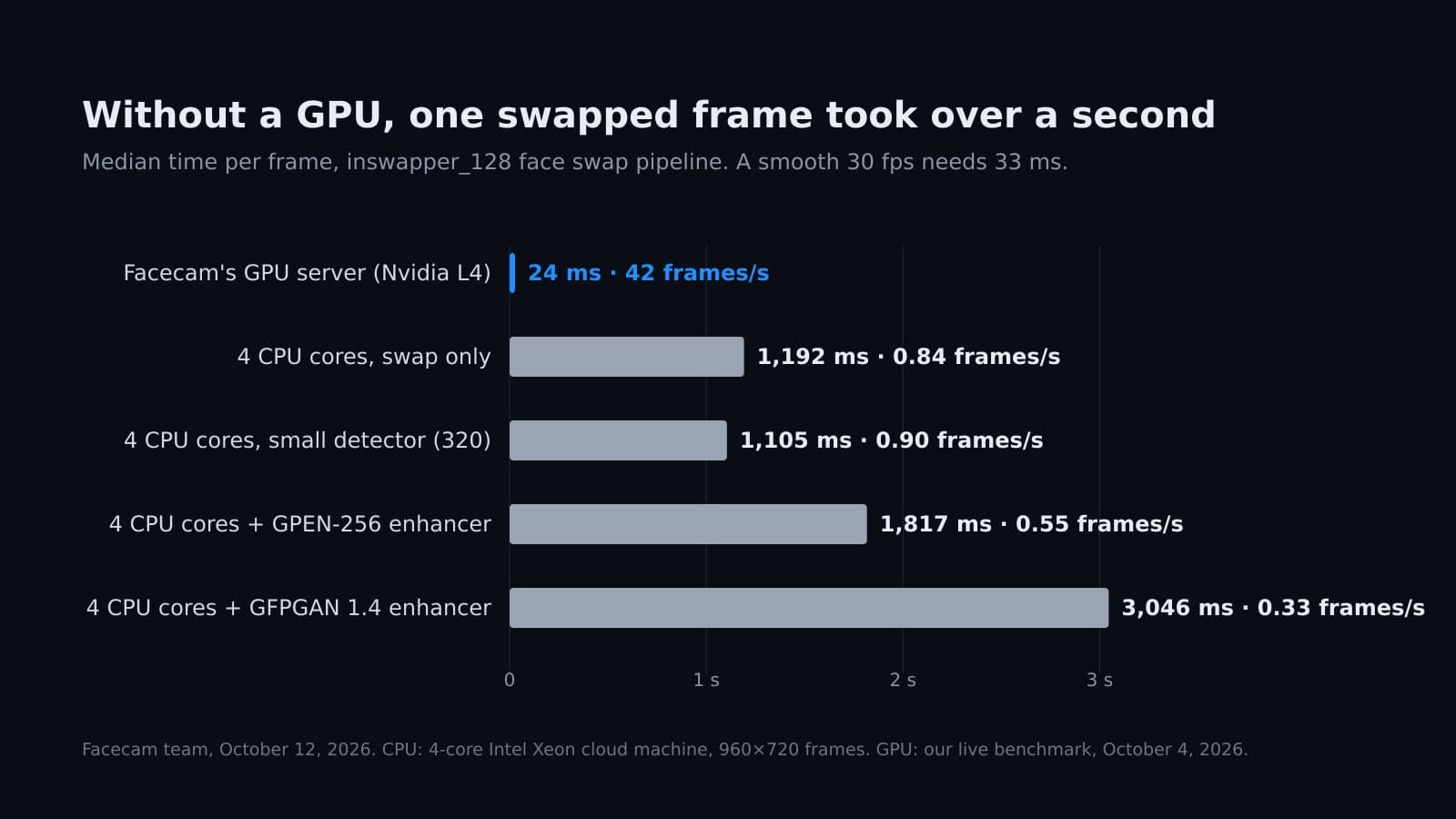
Can You Run Deep-Live-Cam Without a GPU?
Deep-Live-Cam starts without a graphics card, but how fast is it? We timed the same face swap models on a 4-core CPU, with and without the face enhancer.
7 min read
Face Swap
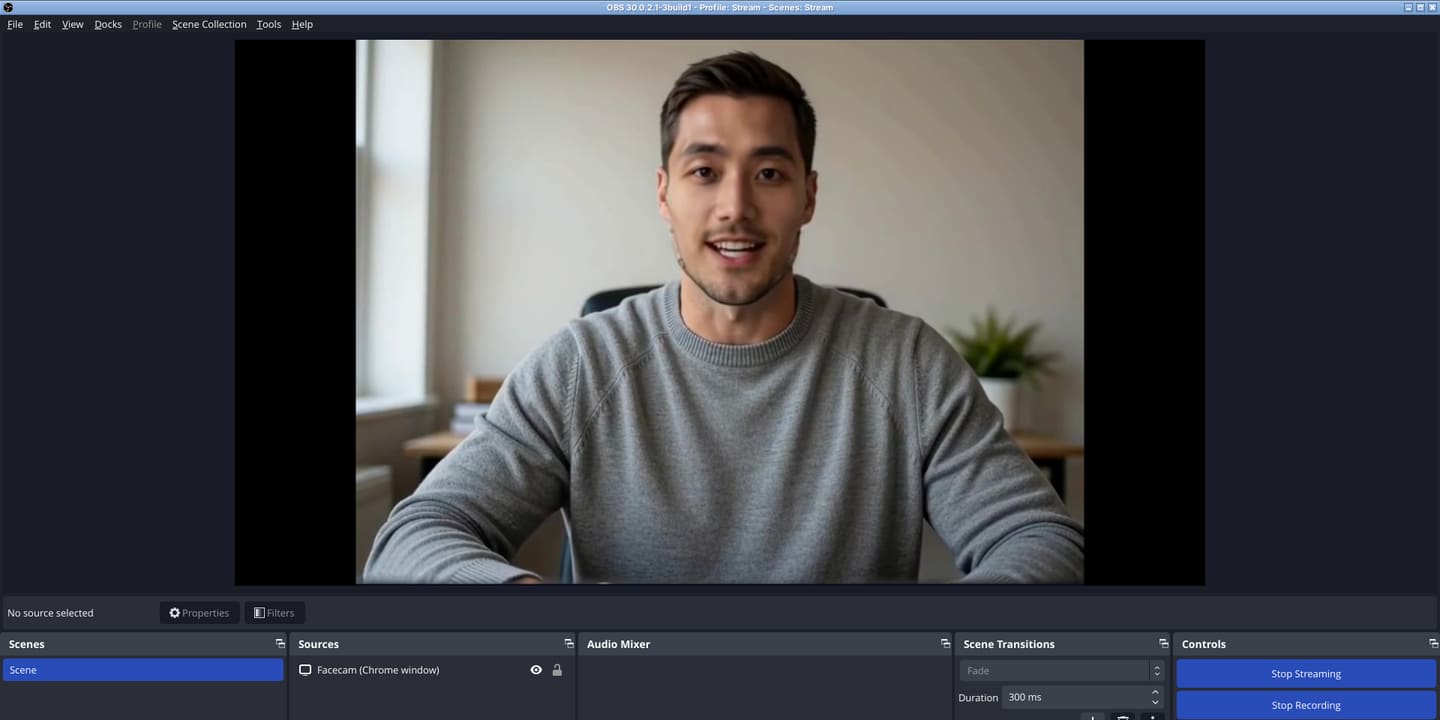
How to Face Swap Live on Stream (OBS and Twitch)
Real-time face swap for streaming, set up end to end: the swap runs in Chrome, OBS captures it, and Twitch gets it like any other camera. We ran it through OBS to a test stream server and wrote down every setting that mattered.
7 min read
Face Swap
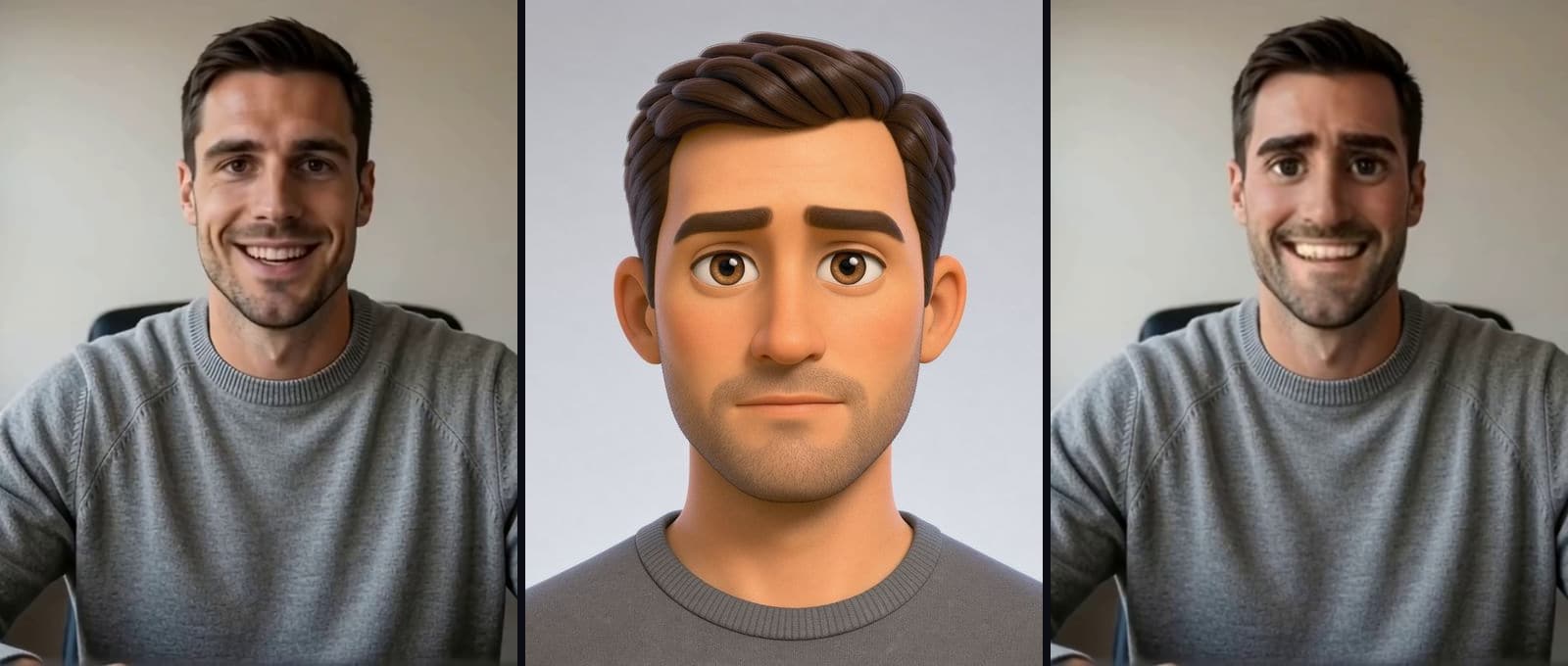
Can You Face Swap Into an Anime or Cartoon Character Live?
Yes, a live face swap will take a cartoon or anime face, but you won't look drawn. We ran six faces from photo to anime through our live swap on the same camera and measured how much of each one came through.
6 min read


Try it
Video Face Swap
Video Face Swap is a browser tool that swaps the face in every frame of a short video for the face you upload, keeps the sound, and gives you an MP4 back at the original size.
Open Video Face Swap


