AI Character Generator
An AI character generator for original faces to swap into.
Where it works
How to use Character Generator
01
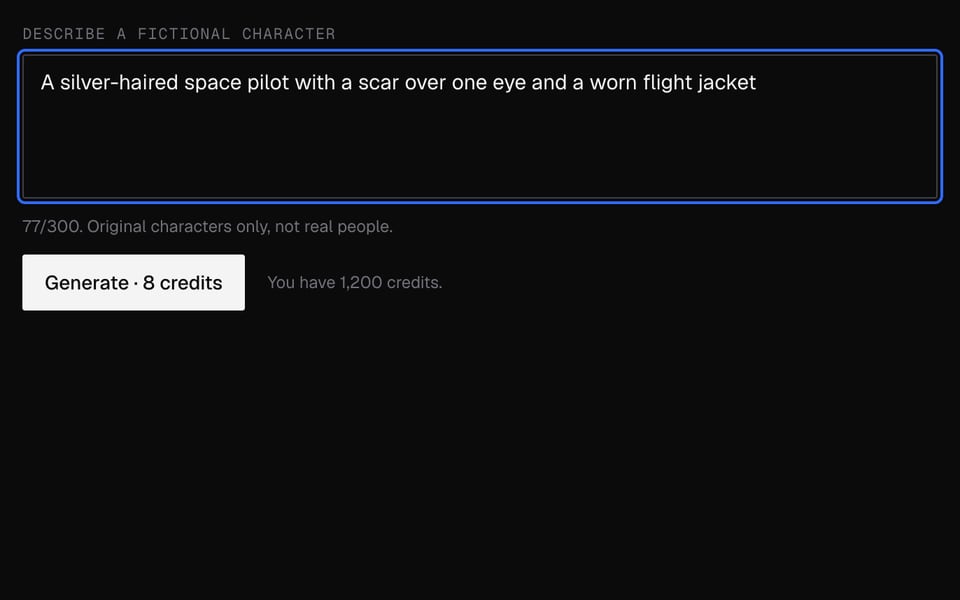
Describe the character
Write a few words about look, age and style.
02
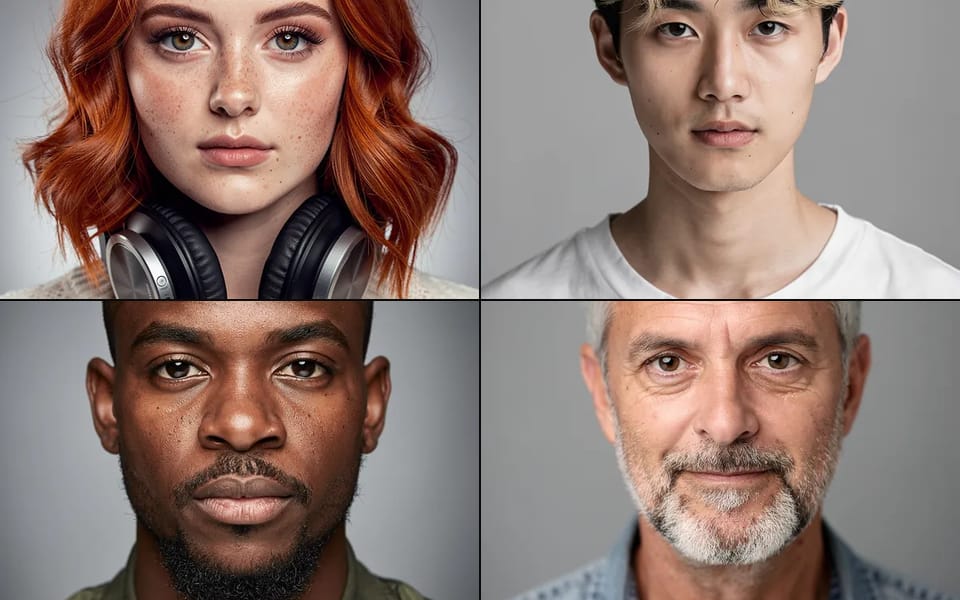
Generate
Sign in and click Generate. Your portrait is ready in about 15 seconds.
03
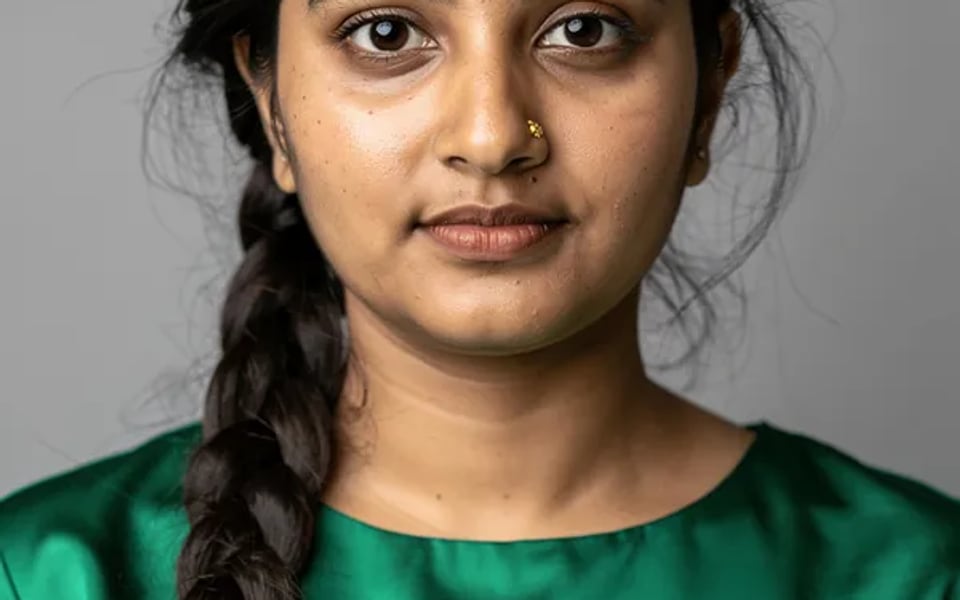
Use it live
Download it, or add it to your faces in the Facecam extension.


More about Character Generator
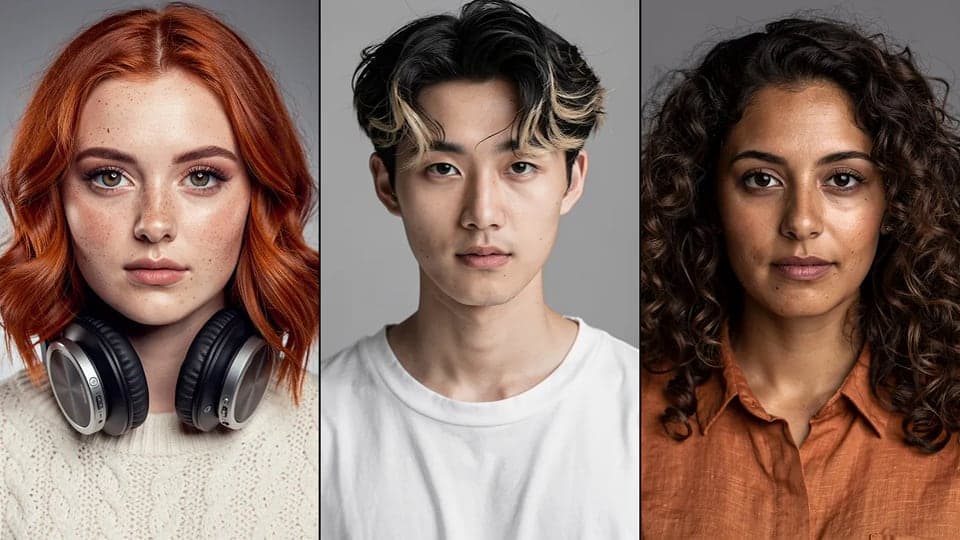
Facecam's AI Character Generator turns a short description into a portrait of a new, original person. The portrait is framed so it works well for face swaps.
Character Generator: what you need and limits
| How it works | Online. Works on any laptop. |
|---|---|
| You get | Character for live face swap |
| You need | Any up-to-date browser |
| Phones and tablets | Supported |
| Description length | 3 to 300 characters. |
| Result | One square head-and-shoulders portrait (JPEG image). |
| Limit | 20 characters per hour per account. |
| Content | New, original faces. A safety filter runs on every image. |
| Storage | Kept in your Library for 7 days, and ready to pick in the face swap tools in this browser. |
Built for face swapping, not for art
Most character generators make art for stories or role-play. This one makes a face to swap in: one person, looking straight at the camera, evenly lit, nothing covering the face, plain background. We add that framing to every description, because it's what a face swap needs to look good.
Your description controls who the character is. The framing stays fixed, so you can't ask for a full-body scene or a group shot.
Privacy
Your description is sent to our image partner (fal.ai) to make the picture. We keep the image in your Library for 7 days, then delete it. We also keep a record of who made what, with the description, so abuse can be traced.
Character Generator FAQ
Is the AI character generator free?
No. Each character costs 8 credits. If it fails or gets blocked, you get the credits back.
Can I generate a character from my photo?
Not here. This tool works from text only. AI Avatar Maker is the tool for turning a photo into a stylized avatar.
Can I make a character that looks like a celebrity?
No. It only makes new, original faces. To swap in a face you already have a photo of, upload it in the Facecam extension or in Photo Face Swap.
Can I use the character in a video call?
Yes. Add it to the Facecam extension and it becomes a face you can wear live in Meet, Zoom or Discord in Chrome.
Does it make anime or cartoon characters?
You can describe a style, but you'll get a realistic, front-facing portrait. That's what swaps cleanly onto your face on camera.
More tools
Updated