
Live avatar for calls and streams
A live avatar stands in for your webcam: a character that moves with your face or voice while you talk.
Tools


From our test
Our recording: the VTuber Maker's sample avatar following a webcam in Chrome. This is what the call sees. Our recording, 2026-10-02: a PNGTuber as the camera in a test call page in Chrome, through Facecam Virtual Camera.
More pages
- Avatar for ZoomFacecam's avatar copies your face through your webcam and shows up as a camera in the Zoom Web App in Chrome, so people see the avatar instead of you.
- Avatar for DiscordTurn your camera on in Discord and be a 3D character that nods, blinks and talks as you do. Free, no sign-up.
- Avatar for Microsoft TeamsCamera-off days without a blank tile: join Teams in Chrome as a 3D character that moves with you. Free, no sign-up.

Which live avatar fits you
| Live avatar | Moves with | You need | Price |
|---|---|---|---|
| VTuber Maker | Your head, eyes and mouth, through your webcam | A webcam; a VRM model or the sample | Free |
| PNGTuber Maker | Your voice: the mouth opens when you talk | A mic; two pictures or a starter character | Free |
| Live Face Swap | Your real video, with the face you pick | A webcam and a photo of the face | Paid |
| AI VTuber | An AI that reads chat and answers on its own | OBS and Twitch chat or typed messages | Paid |

Pick the VTuber Maker if you want a character that copies your expressions, the PNGTuber Maker if you'd rather not use a camera, and Live Face Swap to keep your own room and voice with a different face.

Where your live avatar shows up
| App | Use the avatar in | Our check |
|---|---|---|
| Google Meet | meet.google.com in Chrome | Not checked yet: the test page asked us to sign in |
| Zoom | The Zoom Web App in Chrome | Listed and opened the camera on app.zoom.us |
| Microsoft Teams | Teams on the web in Chrome | Listed and opened the camera on teams.live.com |
| Discord | discord.com in Chrome | Listed and opened the camera on discord.com |
| Webex | The Webex web app in Chrome | Listed and opened the camera on web.webex.com |
| Slack | Huddles in Slack's web app in Chrome | Listed and opened the camera on app.slack.com |
| OBS | A Window Capture of the avatar page, or a VDO.Ninja browser source | Listed and opened the camera on vdo.ninja |
Facecam is a Chrome extension: your avatar becomes a camera called Facecam Virtual Camera that web pages can pick. Desktop apps (Zoom, Teams, Discord, OBS) only list cameras installed on the computer, so join from the browser, or bring the avatar into OBS with a Window Capture and a green background.

More about Live avatar for calls and streams
Built-in avatars in Zoom and Teams
Zoom has its own animal avatars in the Zoom desktop app on Windows and macOS and on iOS, and Teams has avatars in its desktop app for Windows and Mac. Neither is offered when you join from a browser, and neither lets you bring your own character. Facecam covers the browser, with any VRM model or drawing of yours, in those apps and on discord.com.
Live avatar or AI presenter?
Some products called "live avatar", such as HeyGen's LiveAvatar, are AI presenters that talk to your website visitors on their own. Facecam's live avatars are for you: they stand in for your own camera and follow what you do. The AI VTuber is the one that talks by itself, and it's built for streams rather than customer chats.
Set up a live avatar
Open the avatar in Chrome
Open the VTuber Maker or PNGTuber Maker, click Start camera (or allow the mic for a PNGTuber) and check the character moves with you.
Send it to your calls
Click Use as my camera in calls. With the free Facecam extension added, the avatar becomes Facecam Virtual Camera.
Pick the camera in the call
In the call's camera menu, in Chrome, choose Facecam Virtual Camera. For OBS, add a Window Capture of the avatar page and key out its green background.
Limits
- Calls in Chrome on a computer. Phones and tablets can't run the extension, and desktop apps can't see the camera.
- The 3D avatar loads VRM models, not Live2D. Face tracking needs your face lit from the front.
- Chrome slows tabs you can't see: keep the avatar's tab in its own window, not minimised.
- The VTuber Maker and PNGTuber Maker run on your computer and send only the character. Live Face Swap sends your camera video to our servers to make the swap.

Live avatar for calls and streams FAQ
Is there a free live avatar?
Yes. The VTuber Maker and PNGTuber Maker are free with no account, in calls too. Live Face Swap and the AI VTuber are paid.
Can I use a live avatar in Zoom?
Yes, when you join from Zoom's web app in Chrome: pick Facecam Virtual Camera in the camera menu. The Zoom desktop app can't see it; it has Zoom's own avatars instead.
Can I use a live avatar on Discord?
Yes, on discord.com in Chrome. Choose Facecam Virtual Camera under User Settings → Voice & Video, then turn on your camera in a call.
Do I need a webcam for a live avatar?
Not for a PNGTuber: it reacts to your microphone. The 3D avatar and face swap need a webcam to follow your face.
Can I use my own character?
Yes. Load any VRM model up to 30 MB in the VTuber Maker, or two pictures of your character in the PNGTuber Maker. Check the model's licence allows the use you have in mind.
Does my real face get sent to the call?
Not with the VTuber or PNGTuber avatar: your face is tracked on your computer and the call only receives the character.
Related
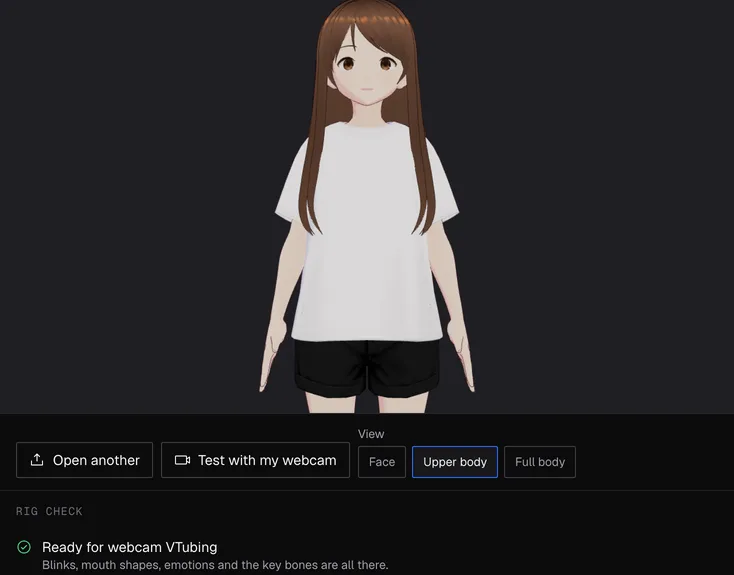 VTuber modelsFree VTuber models you're allowed to stream with, and what each licence lets you do.
 Virtual cameraA virtual camera is an extra camera you can pick in a call like a webcam, but it shows a face swap, avatar or effect instead of your normal video.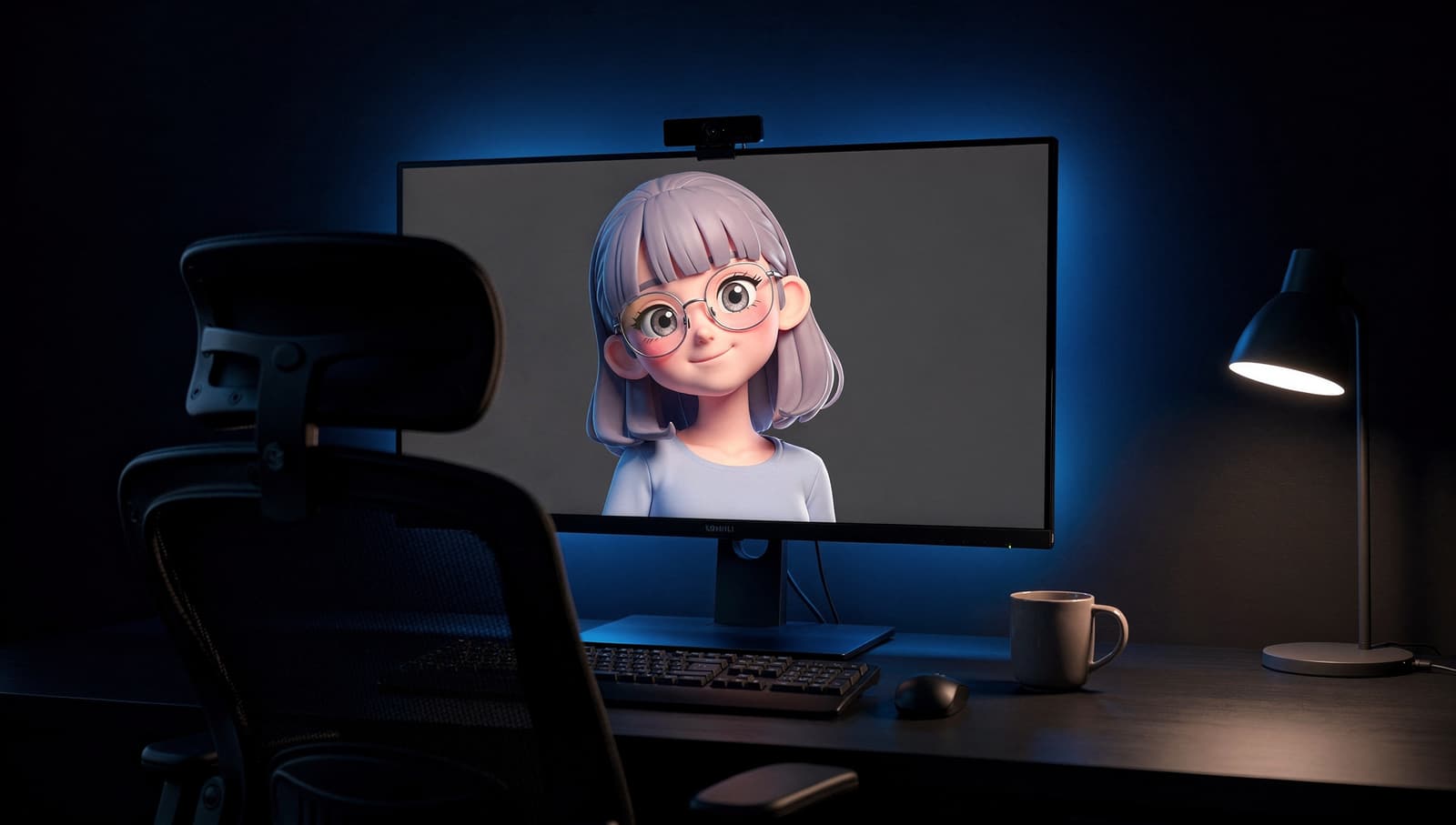
 PNGTuberA PNGTuber is a streamer whose avatar is a few still images that switch to a talking image when they speak.


VTuber Maker
A 3D avatar that follows you
Start