AI Avatar Generator
An AI avatar generator that makes PNGTuber pictures: one idle, one talking.

Where it works
Before and after


How to use AI Avatar Maker
01
Describe it or add a photo
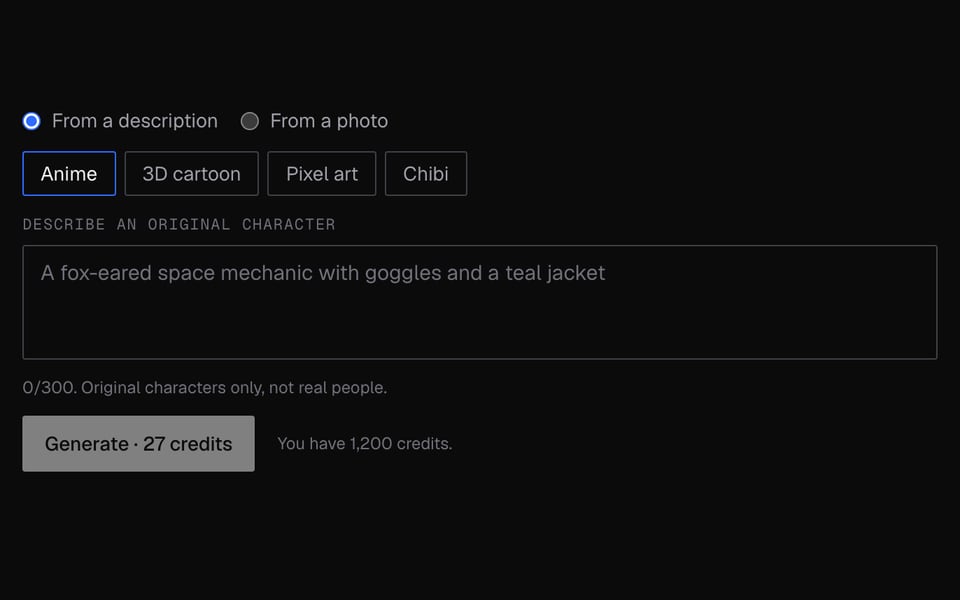
Write a short description, or upload a photo of yourself.
02
Pick a style and generate
Choose Anime, 3D cartoon, Pixel art or Chibi, sign in and click Generate.
03
Use the pictures
Download the Idle and Talking pictures, or click Open in PNGTuber Maker or Use in AI VTuber.

More about AI Avatar Maker
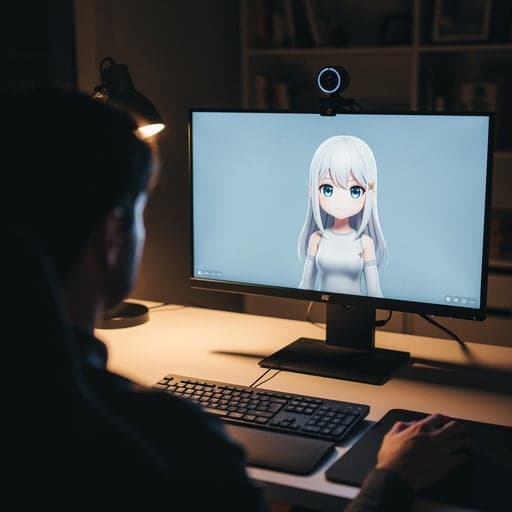
Facecam's AI Avatar Maker is an online tool that turns a description or your photo into an original cartoon avatar. You get an idle picture and a talking picture, ready to use as a PNGTuber.
AI Avatar Maker: what you need and limits
| How it works | Online. Works on any laptop. |
|---|---|
| You get | Image download |
| You need | Any up-to-date browser |
| Phones and tablets | Supported |
| Output | Two PNG pictures, head and upper body: idle (mouth closed) and talking (mouth open). The background is usually removed for you. |
| Styles | Anime, 3D cartoon, Pixel art, Chibi. |
| What you give it | A description of up to 300 characters, or a JPEG, PNG or WebP photo under 8 MB. |
| Time | About 30 to 60 seconds. |
| Limit | 10 avatars per hour per account. |
| Not included | No blinking picture yet. Small details can change slightly between the two pictures. |
Why two pictures
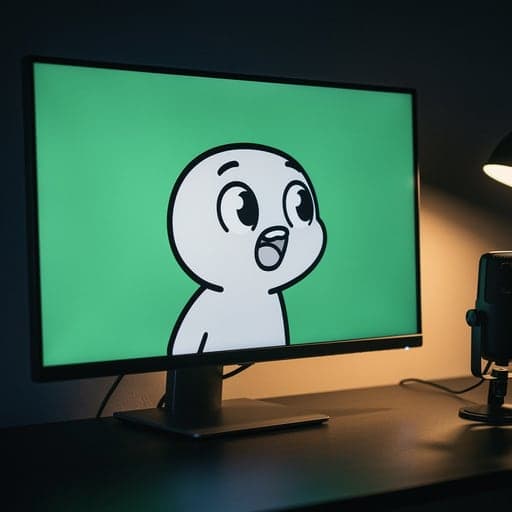
Most avatar generators give you one picture. A PNGTuber needs at least two matching pictures, one with the mouth closed and one with it open. This tool makes the second picture by changing only the mouth of the first, so the two line up when your avatar talks.
Original characters only
Descriptions that name real people, celebrities or lookalikes are refused, and every description is turned into an original, made-up character. A photo is redrawn as a cartoon that keeps general things like hair, clothes and accessories, not an exact likeness.
What happens to your photo
Your description, and your photo if you use one, are sent to our image partner (fal.ai) to make the pictures. Your pictures stay in your Library for 7 days, then they're deleted. We keep a record of the style and description for billing and abuse checks.
AI Avatar Maker FAQ
Is the AI avatar generator free?
No. Each avatar costs 27 credits and needs an account. If it fails or gets blocked, you get the credits back.
Can I make an avatar from my photo?
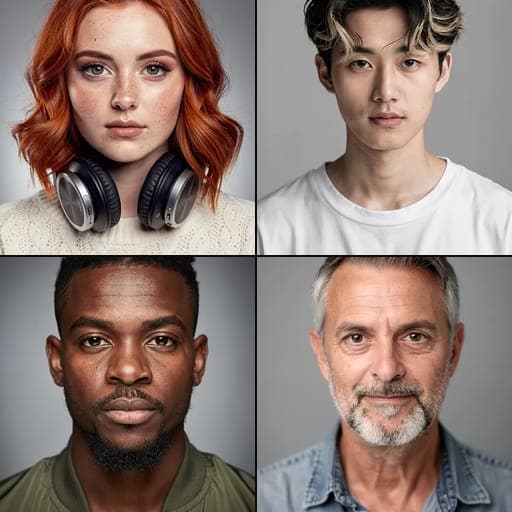
Yes, if it's a photo of you or you have permission. The result is a drawn character that keeps your general look, not a realistic copy.
Can I use the avatar on stream?
Yes. Click Open in PNGTuber Maker, or download the Idle and Talking PNGs for any PNGTuber app that takes images.
Why isn't my avatar transparent?
Sometimes the background can't be removed, and you get the pictures on a plain background instead. The result screen tells you when this happens.
Does it make 3D or VRM avatars?
No. The 3D cartoon style is a flat picture that looks 3D. For a moving 3D avatar, use a VRM avatar file in the VTuber Maker.
More tools

Updated