How to Make a Discord Profile Picture With AI
How to turn a photo into an AI Discord profile picture that still reads at chat size. We made anime, 3D cartoon and chibi versions of one photo and cut each one the way Discord shows it.
By Facecam team
Published · 5 min read

On this page
Short answer
To make a Discord profile picture with AI, turn a photo of yourself into a cartoon avatar with an AI avatar maker, crop it square around the head, and save it as a PNG of at least 128 × 128 pixels (256 or 512 looks sharper). Discord shows avatars as circles, often tiny next to your messages, so a crop of the face reads far better than a full head-and-shoulders picture. Then upload it in User Settings → Profiles → Change Avatar.
A Discord profile picture has a hard job. It's a circle, it's usually small, and it sits next to dozens of other circles in a member list. An AI avatar can look great as a big square and turn into a blur of hair and sweater at chat size. Here's how to make one that doesn't.
What size should a Discord profile picture be?
Make it square and at least 128 × 128 pixels; 256 or 512 pixels gives Discord room to show it sharply on high-resolution screens. Discord's own help says you can upload your own image as your avatar (PNG and GIF are the types it names, and animated GIFs need Nitro). It crops the picture to a circle when it's shown, so anything in the corners disappears.
| File | Anime | 3D cartoon | Chibi |
|---|---|---|---|
| AI Avatar Maker frame, 1024 × 1024 | 1.6 MB | 1.6 MB | 1.2 MB |
| Head crop, 512 × 512 | 461 KB | 613 KB | 319 KB |
| Head crop, 256 × 256 | 121 KB | 160 KB | 86 KB |
| Head crop, 128 × 128 | 35 KB | 43 KB | 27 KB |
Every one of these is a small file. The 3D cartoon is the heaviest at every size because of its soft shading, and the chibi the lightest because of its flat colour. If an upload ever complains about size, a 512 crop is a third of the original or less.
How do you make an AI profile picture from your photo?
Use an AI avatar maker in photo mode. AI Avatar Maker is a browser tool that turns a description or your photo into an original stylized avatar with an idle and a talking frame, ready for a PNGTuber.
Pick a clear photo
Face the camera, good light, nothing over your face. The tool keeps general traits like hair, colours, clothes and earrings, so wear what you want your avatar to wear.
Choose a style
We tried three. Each frame took 17 to 21 seconds: anime 20.8 s, 3D cartoon 16.6 s, chibi 19.7 s.
Download the PNG
You get a 1024 × 1024 picture of your avatar on a plain light grey background, plus a transparent cut-out.
Crop it around the head
In any photo editor or your phone's crop tool, crop a square that holds the face and a little hair, then save a 512 × 512 copy. The next section shows why.
Upload it to Discord
User Settings (the cog at the bottom left) → Profiles → Change Avatar, pick the file, adjust the circle, then Apply and Save Changes.
Should you crop the avatar before uploading it?
Yes, crop it to the head. The AI Avatar Maker frames head and upper body, which is right for a streaming avatar but wastes a profile picture: in a circle, the sweater and the grey background take most of the space, and the circle itself hides the four corners (about a fifth of any square). Shrink it to 40 pixels, about the size of a small avatar in a chat list, and the full frame becomes a face the size of a fingernail.

- Leave a little space above the hair. Discord lets you drag the image inside the circle, but it can't add space that isn't there.
- Keep the eyes just above the middle. That's where a round crop looks most natural.
- Bold styles survive shrinking best. When we shrank our three head crops to 40 pixels, the chibi's thick outlines and dark eyes read most clearly; the anime's fine line art and pale face read least.
Can you make a matching Discord banner?
Yes, if you have Nitro. Discord's help says only Nitro members can upload a profile banner, as a PNG, JPG or animated GIF under 10MB and at least 680 × 240 pixels. Use the avatar's transparent cut-out: put it on one side of a 680 × 240 canvas over a colour taken from your avatar, and keep the rest calm so the banner doesn't compete with your profile picture.

The same cut-outs also work as a PNGTuber, an avatar that talks when you do. PNGTuber Maker takes the idle and talking frames from AI Avatar Maker and animates them from your microphone, and with the Facecam extension it can be your camera in Discord in the browser.
Does the same picture work as a Zoom profile picture?
Yes. Zoom accepts JPG, GIF or PNG files under 2MB on its web portal (Profile → the pencil on your picture → upload, then adjust the crop and Save), and every one of our 512 head crops is well under that. Zoom shows it in places like the in-meeting chat, so the same head crop that works on Discord works there too.
What didn't we test?
We didn't sign in to Discord or Zoom, so we didn't upload our files or measure the exact sizes each app displays avatars at; the 40-pixel preview is our own rendering. We tried one photo and three of the tool's four styles (not pixel art). The AI drawing step needs a plan; cropping, exporting and making the banner are free with any editor.
Questions
What is the best size for a Discord profile picture?
A square of at least 128 × 128 pixels; 512 × 512 is a good choice because it stays sharp on high-resolution screens and is still a small file. Discord crops it to a circle.
Can I use an AI-generated picture as my Discord avatar?
Yes. Discord lets you upload your own image as your avatar. An AI avatar made from your own photo, cropped square around the face, works like any other picture.
Why does my Discord profile picture look blurry?
It was probably uploaded too small or with a lot of detail that gets lost when shrunk to a small circle. Upload at least 256 × 256 pixels and crop tighter around the face.
Can I have a GIF profile picture on Discord?
Only with Nitro. Discord's help says Nitro subscribers can upload animated GIFs as their avatar; everyone else uses a still image.
What size is a Discord banner?
At least 680 × 240 pixels, as a PNG, JPG or animated GIF under 10MB. Profile banners need Nitro.
Keep reading
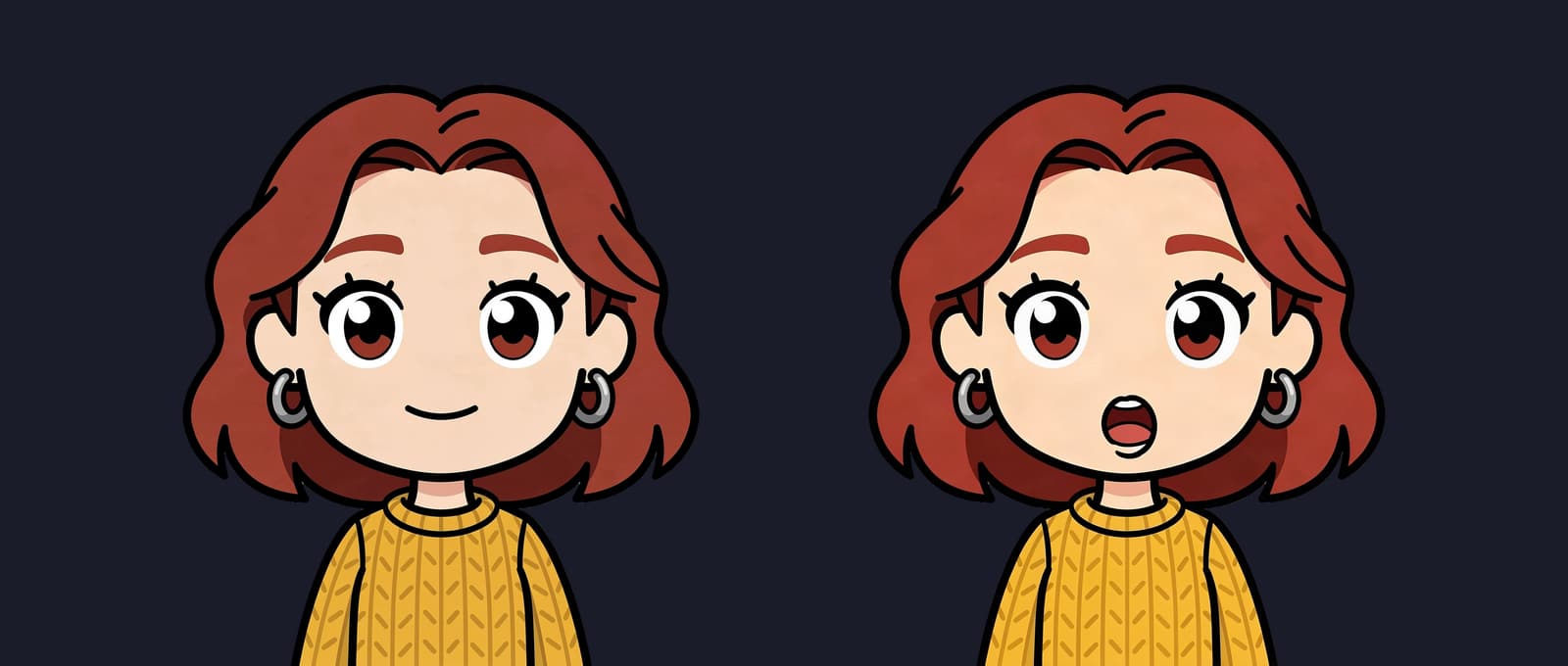
VTuber & Avatars
How Much Does a PNGTuber Cost?
How much a PNGTuber commission costs in 2026, from 15 public artist price sheets we read on October 11, 2026. Then the do-it-yourself route, timed.
5 min read
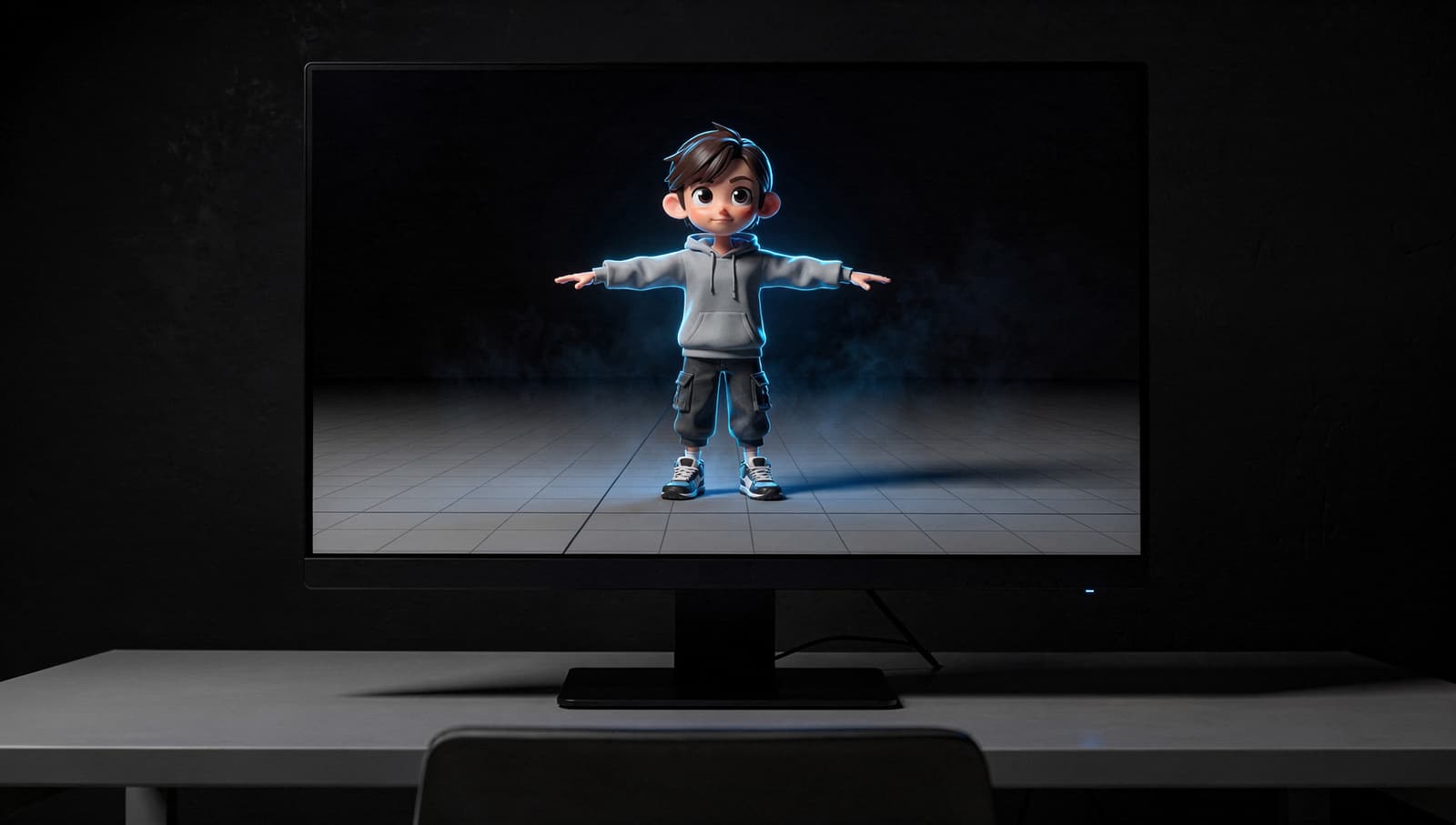
VTuber & Avatars
What Is a VRM File?
A VRM file is a 3D avatar in one file: the model, its face expressions, its bouncy hair and the rules for who may use it. We opened one in our model viewer to show what's inside.
4 min read
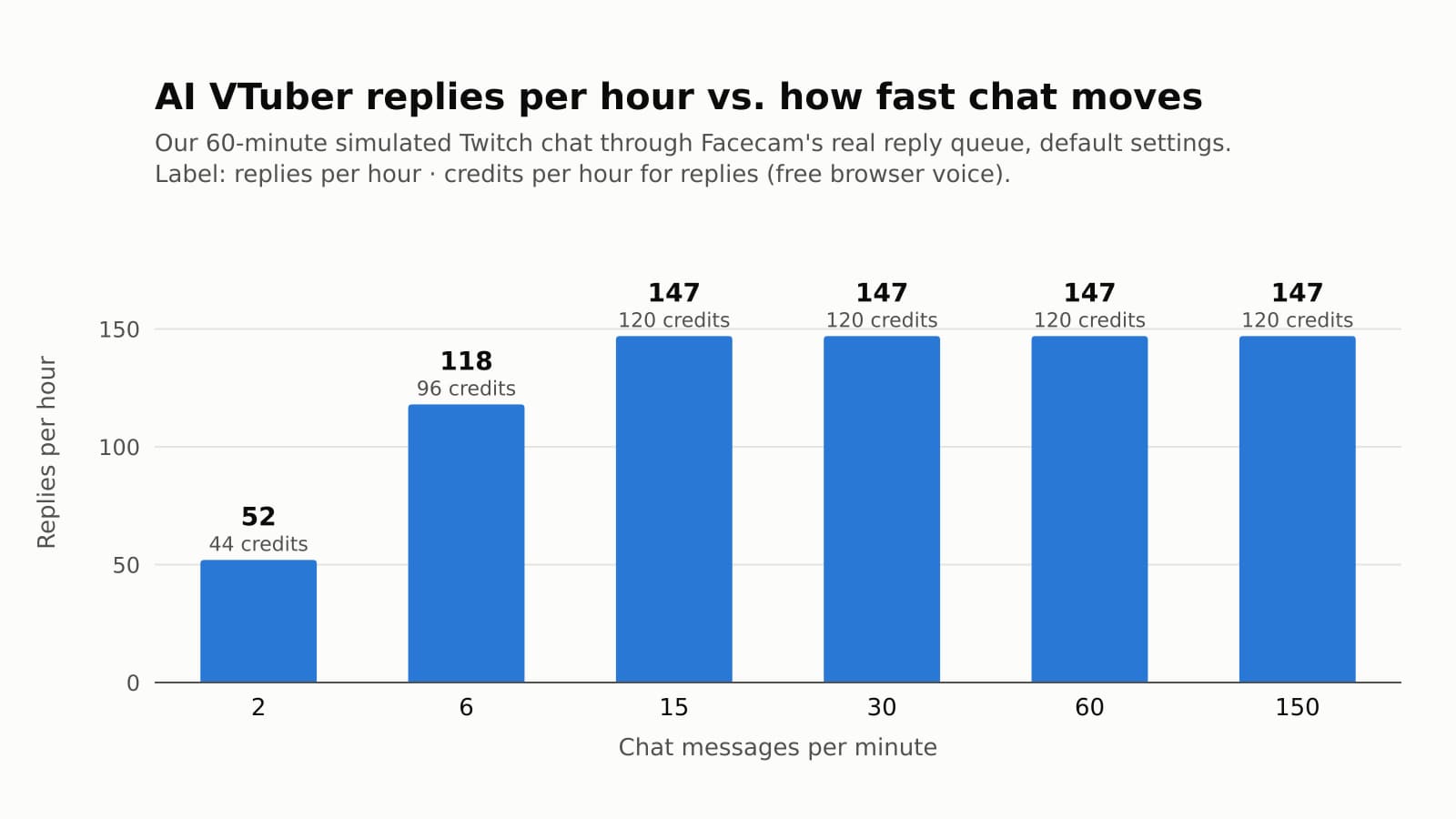
VTuber & Avatars
How Much Does an AI VTuber Cost to Run?
What an AI VTuber costs per hour of streaming, measured on our own reply queue at six chat speeds. The bill stops growing at about 147 replies an hour, and the settings that set it are on one tab.
6 min read


Try it
AI Avatar Maker
AI Avatar Maker is a browser tool that turns a description or your photo into an original stylized avatar with an idle and a talking frame, ready for a PNGTuber.
Open AI Avatar Maker


