What Is a VRM File?
A VRM file is a 3D avatar in one file: the model, its face expressions, its bouncy hair and the rules for who may use it. We opened one in our model viewer to show what's inside.
By Facecam team
Published · 4 min read

On this page
Short answer
A VRM file (.vrm) is an open file format for 3D humanoid avatars, built on the glTF 3D format and free for anyone to use. Besides the 3D model, it stores standard face expressions (blinks, mouth shapes, emotions), physics for hair and clothes, and a licence the creator sets. That's why most 3D VTuber apps can load any VRM without extra setup.
If you've downloaded a model from VRoid Hub or exported one from VRoid Studio, you've got a .vrm file. It's the closest thing 3D VTubing has to a standard, and knowing what's in it saves a lot of "why won't my model blink" moments.
What does VRM stand for, and who makes it?
VRM is a 3D humanoid avatar format, originally from Japan. It's maintained by the VRM Consortium, an association set up on April 24, 2019, and its own site describes it as based on glTF 2.0 and free for anyone to use. glTF is a common 3D file format; VRM adds the avatar-specific parts on top.
What's inside a VRM file?
We opened the free sample model, Seed-san, in our VTuber Model Viewer. Here's what one real VRM file holds:
| Part | Seed-san | What it's for |
|---|---|---|
| VRM version | 1.0 | Which version of the format; apps may support 0.x, 1.0 or both |
| Triangles | 45,058 | How detailed the 3D shape is |
| Textures | 35, up to 1024 × 1024 | The painted surfaces: skin, eyes, clothes |
| Meshes | 21, with 27 materials | Separate parts like hair, body and outfit |
| Expressions | 18 | Face shapes the app can blend: blinks, mouth shapes, emotions, gaze |
| Spring bones | 19 joints | Physics that make hair and clothes swing |
| Licence | Written into the file | Who may use the avatar and how |

Why do VRM expressions matter for VTubing?
Face tracking turns your face into numbers: how closed your eyes are, how open your mouth is. VRM gives every model the same named expressions, so any app knows what to move. Seed-san has all the standard ones:
- Blinks:
blink,blinkLeft,blinkRight - Mouth shapes:
aa,ih,ou,ee,oh(the vowels your mouth makes while talking) - Emotions:
happy,angry,sad,relaxed,surprised - Gaze:
lookUp,lookDown,lookLeft,lookRight
If a model is missing the blinks or mouth shapes, it'll stare and never talk, however good your webcam is. Our viewer's rig check flags that before you go live; for Seed-san it said "Ready for webcam VTubing".
What does the licence in a VRM file mean?
This is the part people skip. Every VRM carries the creator's own usage terms: who may use it as an avatar, whether commercial use is allowed, whether you must give credit, and whether violent or sexual content is allowed. Seed-san's say anyone may use it, personal and corporate use are both fine, and credit is required.

How do you open a VRM file?
To look at it
Drop it into the VTuber Model Viewer. It runs in your browser and the file isn't uploaded.
To use it as an avatar
Load it in a VTuber app: VSeeFace, Warudo or VNyan on Windows, or our VTuber Maker in a browser with Upload .vrm.
To edit it
Models made in VRoid Studio can be reopened there. Other VRMs need a 3D tool: Blender with a VRM add-on, or Unity with the free UniVRM package, which is how many custom models are exported.
VRM 0.x or 1.0: which one do you need?
VRM 1.0 is the newer version; plenty of apps and models still use 0.x. They aren't interchangeable everywhere, and this is the most common reason a model loads in one app but not another. Seed-san is a 1.0 file. Here's what the apps we checked say:
| App | VRM 0.x | VRM 1.0 |
|---|---|---|
| VSeeFace | Yes | No: its site says it supports only VRM0 |
| VNyan | Yes | Yes |
| Our VTuber Maker and Model Viewer | Yes | Yes |
If your app only reads 0.x, export again from VRoid Studio and pick VRM 0.0 in the export window; VSeeFace's own instructions say the same. Our Model Viewer lists the version in its model stats, so you can check a file before you try it in an app.
What are the limits of this check?
We looked at one model, the free sample. Paid and hand-made models vary a lot: some have far more triangles and textures, extra expressions, or no spring bones at all. The licence fields are what the creator wrote into the file; they aren't legal advice, and a model's store page can add its own terms.
Questions
Is VRM free to use?
The format is free for anyone. Each model has its own licence, set by its creator, which may limit commercial use or require credit.
Can I convert a VRM to Live2D?
No. VRM is a 3D model and Live2D is a layered 2D drawing. You'd need to draw and rig a separate 2D model.
Where can I get free VRM models?
VRoid Hub has many free models (check each one's terms), or make your own in VRoid Studio for free.
Why won't my VRM load in VSeeFace?
Most often it's a VRM 1.0 file. VSeeFace reads only VRM 0.x, so export the model again from VRoid Studio as VRM 0.0.
Can I use a VRM in VTube Studio?
No. VTube Studio is for 2D Live2D models. For a VRM, use a 3D app like VSeeFace, VNyan or Warudo, or our VTuber Maker in a browser.
Can I use a VRM in a video call?
Yes. Load it in our VTuber Maker and, with the free Facecam Chrome extension, use it as your camera in Meet, Zoom on the web or discord.com in Chrome.
Keep reading

VTuber & Avatars
How Much Does a PNGTuber Cost?
How much a PNGTuber commission costs in 2026, from 15 public artist price sheets we read on October 11, 2026. Then the do-it-yourself route, timed.
5 min read
VTuber & Avatars
How to Make a Discord Profile Picture With AI
How to turn a photo into an AI Discord profile picture that still reads at chat size. We made anime, 3D cartoon and chibi versions of one photo and cut each one the way Discord shows it.
5 min read
VTuber & Avatars
How Much Does an AI VTuber Cost to Run?
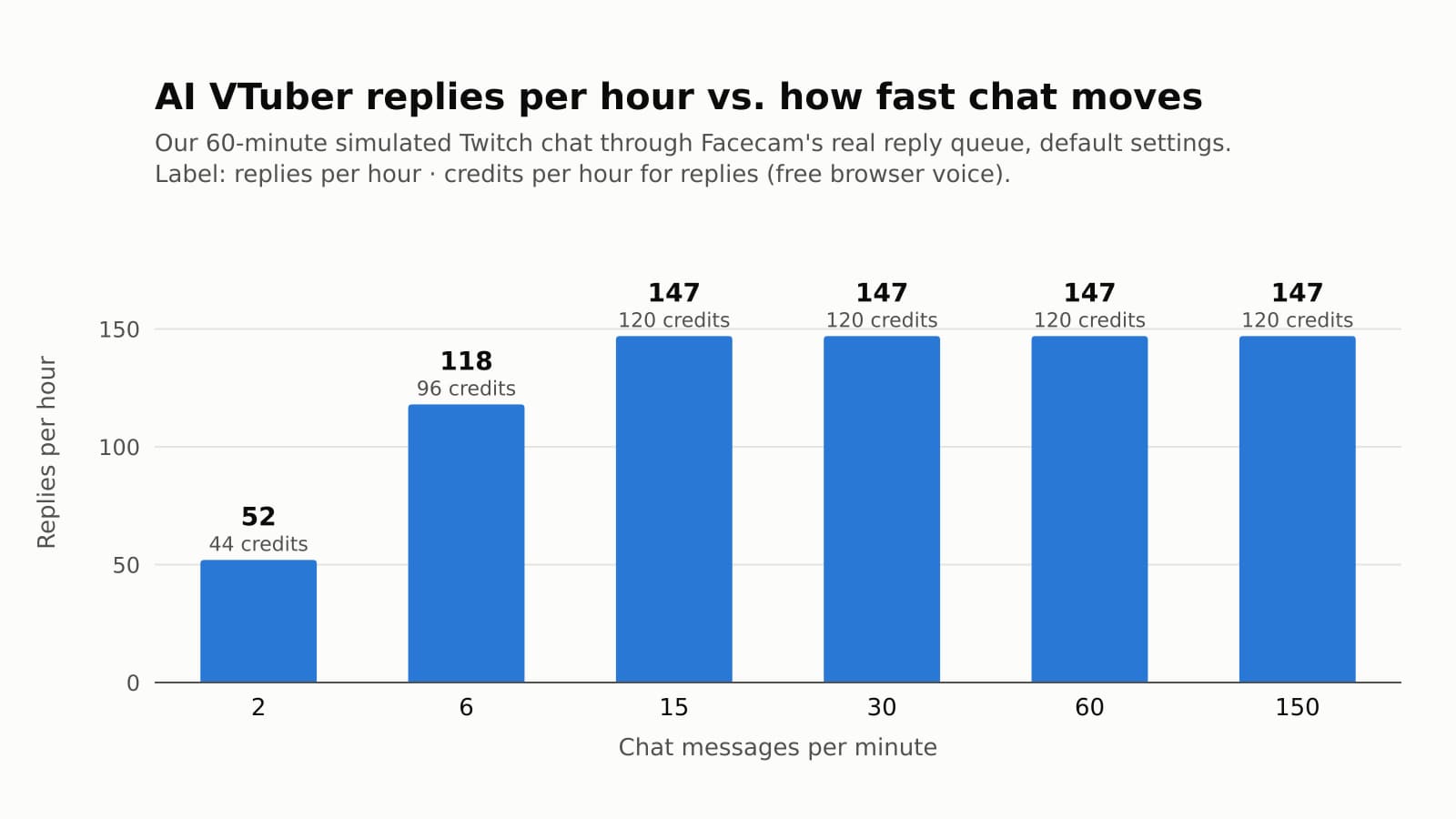
What an AI VTuber costs per hour of streaming, measured on our own reply queue at six chat speeds. The bill stops growing at about 147 replies an hour, and the settings that set it are on one tab.
6 min read


Free, in your browser
VTuber Model Viewer
VTuber Model Viewer is a free browser tool that opens a VRM model file so you can inspect it without installing anything.
Open VTuber Model Viewer


