Photo Face Swap
Photo face swap online: put any face onto the person in another picture, right in your browser. Only the face changes.
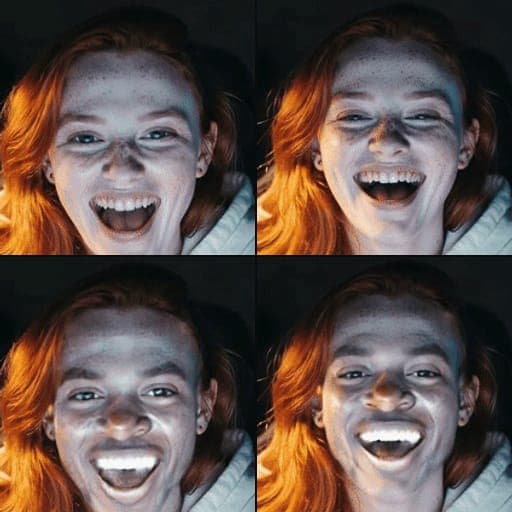
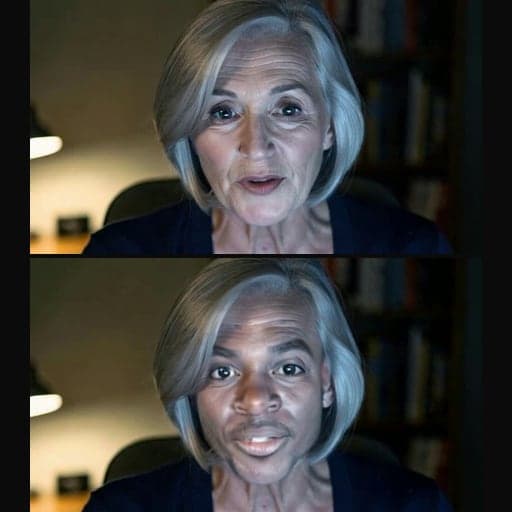
Where it works
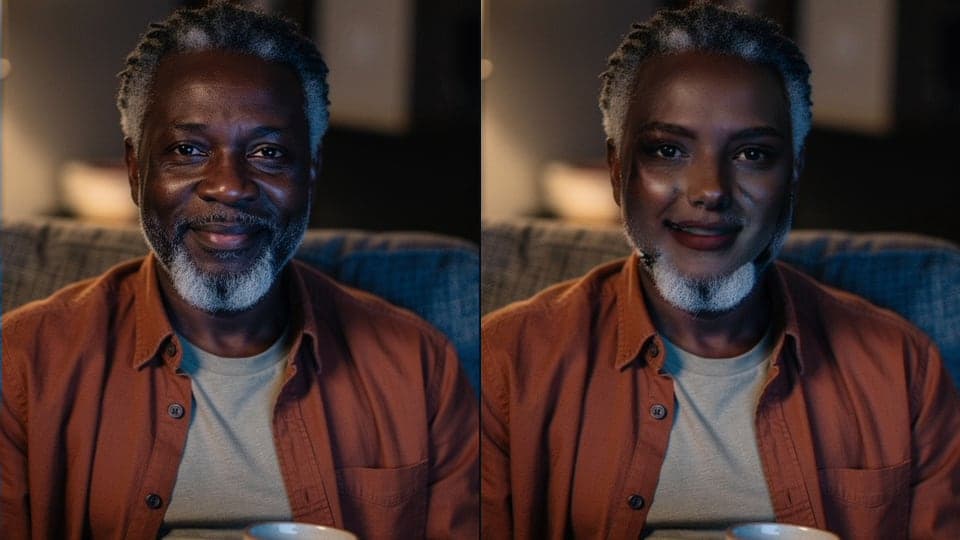
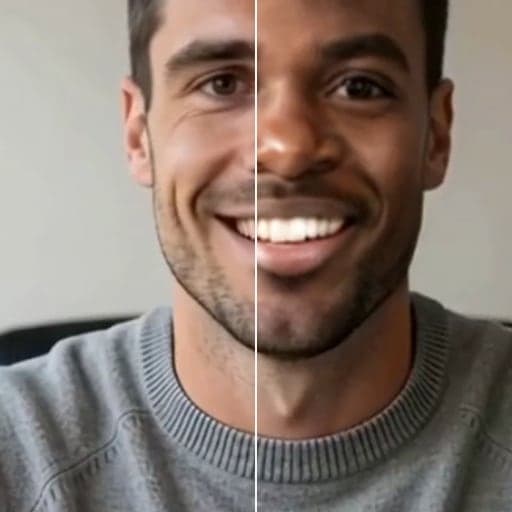
Before and after


How to use Photo Face Swap
01
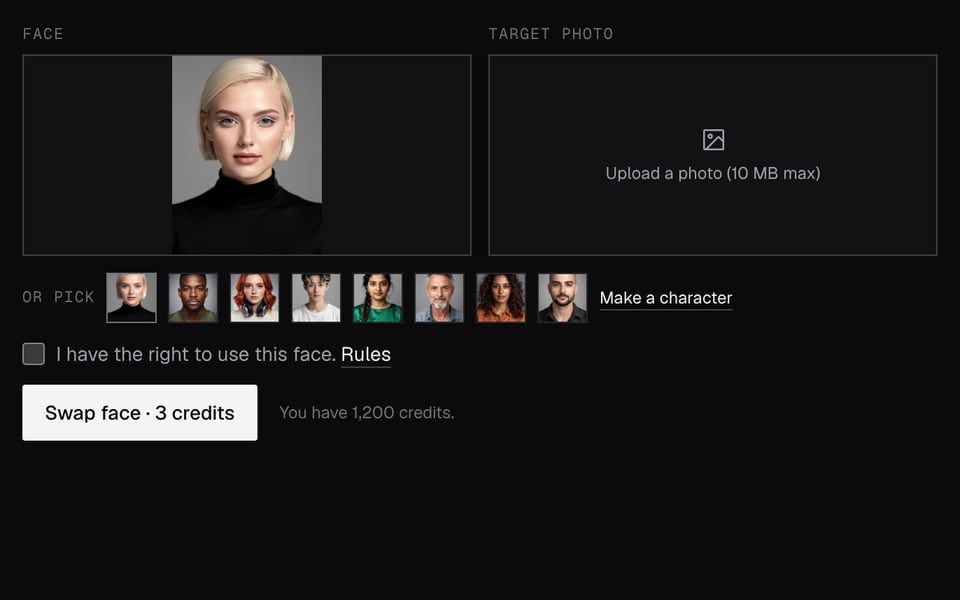
Add a face
Upload a clear, front-facing photo, or pick one of the built-in characters.
02
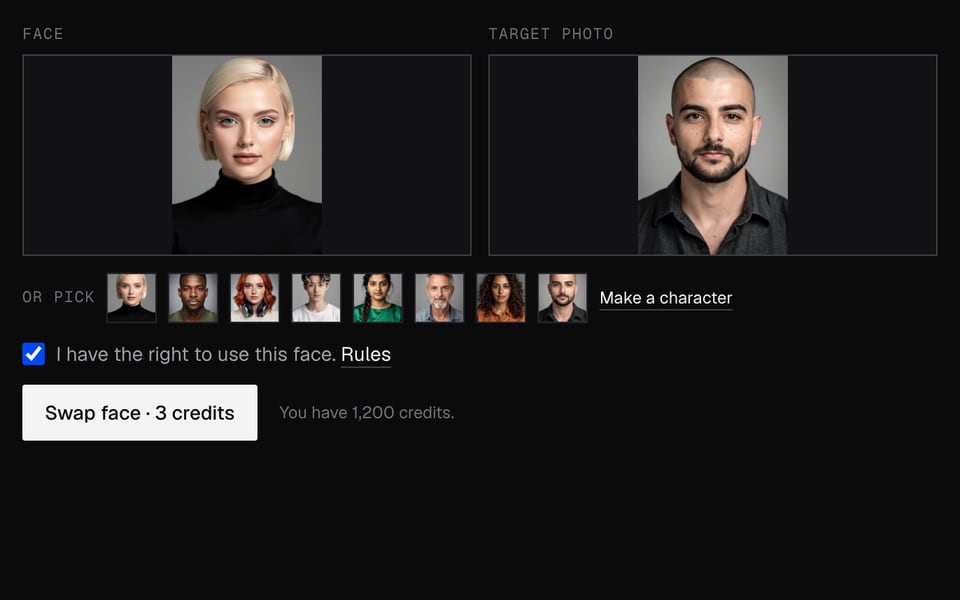
Add the photo to change
Upload the picture whose face should change: JPEG, PNG or WebP, up to 10 MB.
03
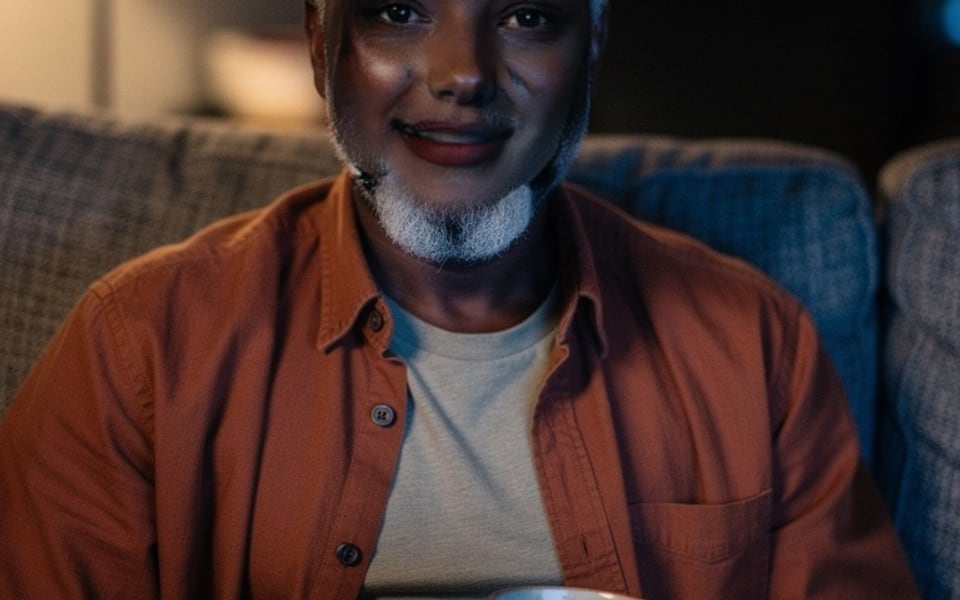
Swap and download
Sign in, click Swap face, then Download.


What you can do with Photo Face Swap
Try a face before you go live
See how a face sits on yours in a still photo first, then wear it in your calls with Live Face Swap.
Make a meme or a joke picture
Put a friend's face on a movie still, a painting or a reaction picture and download it to share.
A new look for a profile picture
Keep your photo's pose, clothes and background and change only the face.
Swap a face in a GIF
The same idea on every frame of an animated GIF, with the loop kept.
Swap a face in a video
Put a face into a clip of up to 60 seconds and keep the sound.
Use a face that doesn't exist
Describe a person in the Character Generator, then swap that face into your photo.
Photo Face Swap features
Any face onto any photo
Upload a clear photo of the face you want, or pick a built-in face.
Only the face changes
Hair, body, clothes, background and picture size stay exactly as they were.
Common formats
JPEG, PNG or WebP, up to 10 MB each. You get a JPEG, or a PNG if you uploaded a small PNG.
Works on your phone
Any up-to-date browser on a phone, tablet or computer. Nothing to install.
Refund if it fails
If no face is found or the swap fails, the credits go back to you.
Private by default
Your uploads are deleted as soon as the swap is done. The result is kept 7 days for you to download.
More about Photo Face Swap
Photo Face Swap is an online tool that puts the face from one picture onto the main person in another. Only the face changes, and you get one new image.
Photo Face Swap: what you need and limits
| How it works | Online. Works on any laptop. |
|---|---|
| You get | Image download |
| You need | Any up-to-date browser |
| Phones and tablets | Supported |
| Inputs | JPEG, PNG or WebP, up to 10 MB each. |
| Which face changes | The largest face in the target photo. Only the face is swapped; hair, body, background and size stay as they were. |
| Output | JPEG, or PNG if your photo was a PNG under 4 MB. |
| AI label | No AI badge. Free results have a small Facecam mark in the corner; plans remove it. The file has a hidden AI tag. Say it's AI-made where the law requires it. |
| Kept for | 7 days, then deleted. |
Why it exists
It started as a preview for Live Face Swap: see how a new face sits on yours in a still before paying for live minutes. It works just as well for any single picture, such as a profile image or a meme.
Getting a clean result
- Use a face photo where the person looks at the camera with nothing over the face.
- Pick a target where the face is reasonably large and not turned fully sideways.
- If the target has several people, crop it so the one you want is the biggest face.
- Similar lighting in both photos makes the skin tone blend better.
What happens to your photos
Your photos are stored privately while we make the swap. We delete them as soon as it's done, whether it worked or not, and always within an hour. The result is kept for 7 days so you can download it, then deleted. We don't use your photos to train AI.
Which faces you can use
Any clear, front-facing face you upload, or one of the built-in characters. No minors and nothing sexual. Say it's AI wherever the law requires it.
Photo Face Swap FAQ
Is photo face swap free?
No. Each swap costs 3 credits from a plan's credits. Facecam's free tools include the voice changer, soundboard, webcam effects and mic and webcam tests.
Can I swap multiple faces in one photo?
No. It swaps the largest face in the photo. Use a photo with one clear face for the best result.
Why did it say no face was found?
The face was too small, turned away or covered. Try a closer, front-facing photo. Failed swaps are refunded.
Is there a watermark on the result?
Results made with free credits have a small Facecam mark in the corner. On a plan, nothing is drawn on the photo. The file has a hidden AI tag inside it. Where the law requires it, you must say the photo is AI-made when you share it.
Does it work on my phone?
Yes. It works in any up-to-date phone browser. Nothing to install.
Is face swapping legal?
Face swapping for fun is legal in most places. Using a swap to defraud people or to make sexual images of someone is against our rules and illegal in many countries.
Can I use anyone's face?
Yes. Upload a clear, front-facing photo of the face you want, or pick a built-in face. The person in the target photo gets that face.
Which files can I upload?
JPEG, PNG or WebP, up to 10 MB each, for both the face and the photo to change.
Do you keep my photos?
No. Both uploads are deleted as soon as the swap is done, always within an hour. The result stays 7 days so you can download it, then it's deleted too.
Can I use the same face live on camera?
Yes. Live Face Swap puts a face on your webcam in real time, in Meet, Zoom and Discord in Chrome. It's on Premium and Pro.
More tools
Updated