VRM Viewer
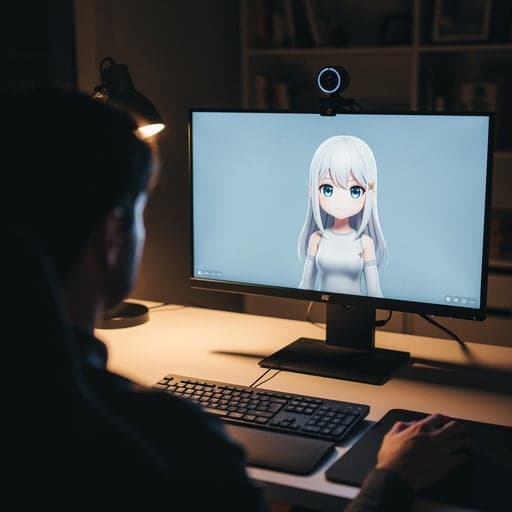
A free VRM viewer: open and check a .vrm avatar online. VRM is the 3D avatar file most VTuber apps use.
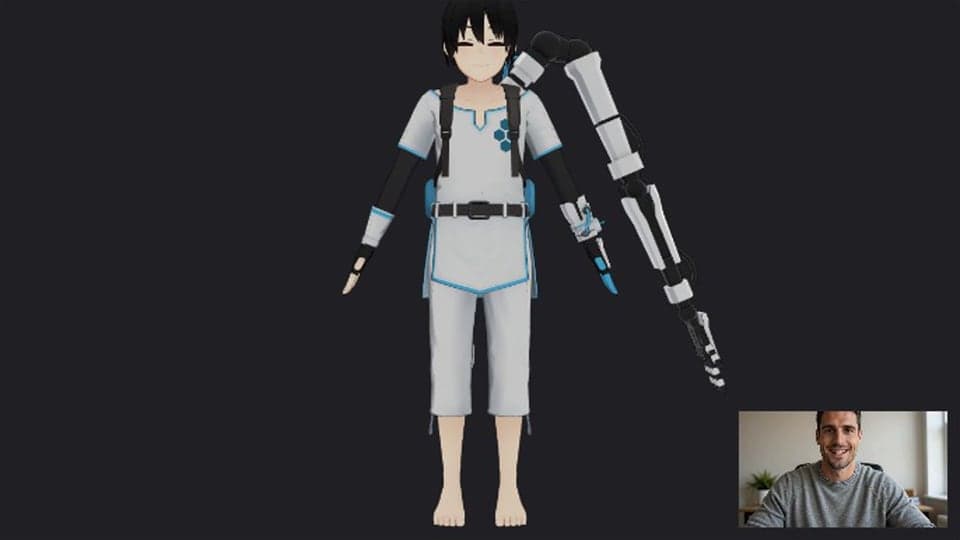
No signup needed.
Where it works
How to use VTuber Model Viewer
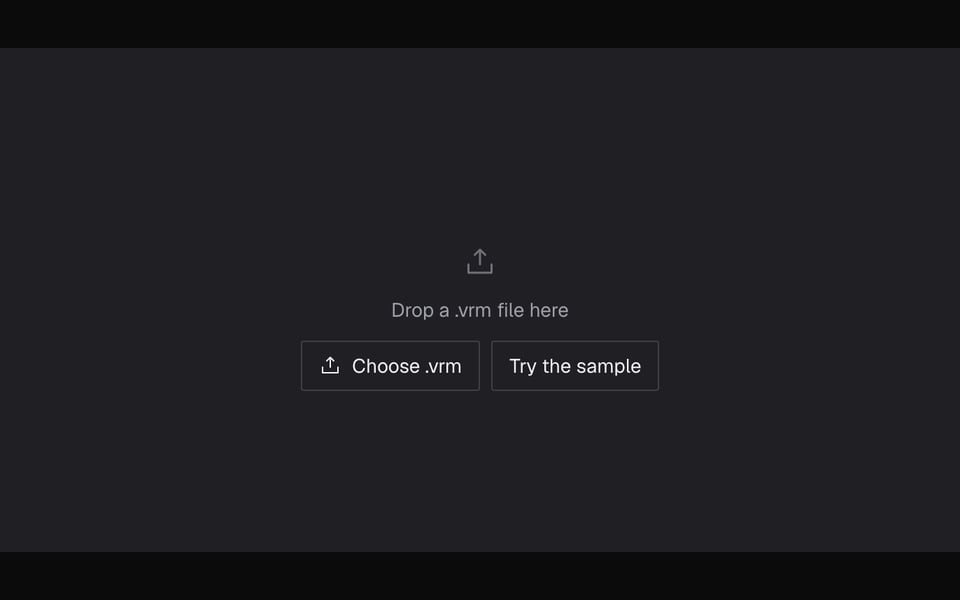
01
Open a model
Click Start, then drop in a .vrm file or try the sample model.
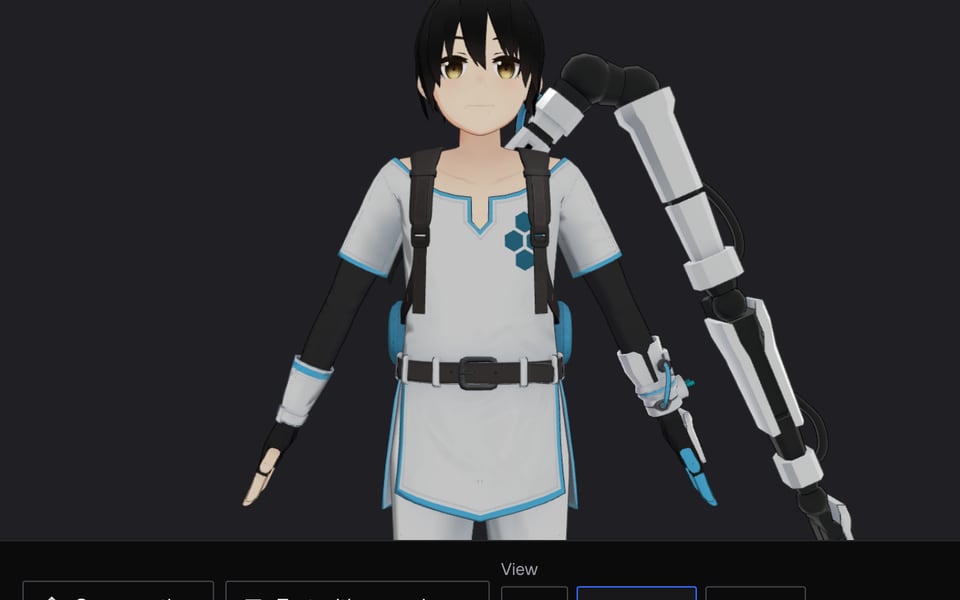
02
Read the rig check
It says the model is ready for VTubing, or lists what's missing.
03
Test it on your face
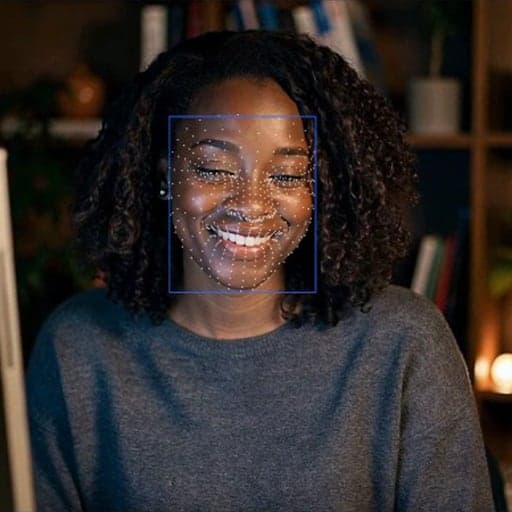
Try expressions, or click Test with my webcam to make the model copy your face.


If it doesn't work
| Problem | Fix |
|---|---|
| “That isn't a VRM avatar file” | Export the avatar as VRM 0.x or 1.0 from VRoid Studio, UniVRM or Blender's VRM add-on. FBX, PMX and Live2D files won't open. |
| “The limit is 30.0 MB” | Reduce texture sizes in VRoid Studio or UniVRM and export again. |
| “No blink expression” or no mouth shapes | The eyes or mouth won't move in any VTuber app. Add the blink and aa, ih, ou, ee, oh expressions in the app you made the model in. |
| Triangle or texture warning | Very detailed models (over 150,000 triangles or 4096px textures) can make laptops stutter. Under 70,000 triangles and 2048px textures run smoothly. |
| “Model didn't load” | The file may be damaged or use a feature the viewer doesn't support. Export it again, then open it again. |
More about VTuber Model Viewer
Facecam's VRM Viewer is a free online tool that opens a VRM avatar file, shows it in 3D, and checks whether its face expressions, skeleton and file size are ready for VTubing with a webcam.
VTuber Model Viewer: what you need and limits
| How it works | Right on this page. Nothing is uploaded. |
|---|---|
| You get | Result on the page |
| You need | Any up-to-date browser |
| Phones and tablets | Supported |
| Files | .vrm (VRM 0.x and 1.0) or .glb, up to 30 MB |
| Shows | Name, VRM version, expressions, authors, and detail counts like triangles, textures and hair and clothing physics |
| Licence | The usage terms the creator saved in the file |
| Not supported | Live2D models (.moc3), VRChat avatars, file conversion |
What the rig check looks for
VTuber apps that use your webcam need certain expressions and bones in the model. The viewer checks your model for each one and tells you what's missing and what that means on stream.
| Part | Expected | If missing |
|---|---|---|
| Blink | blink, blinkLeft, blinkRight | Eyes don't close; without left and right, winks don't show |
| Mouth shapes | aa, ih, ou, ee, oh | Mouth doesn't move, or speech looks less natural |
| Emotions | happy, angry, sad, surprised | Smiles and frowns don't show |
| Bones | The standard VRM bones, plus neck and chest | Head turns look stiff; no upper-body follow |
Use it to
- Check a model you downloaded or commissioned before your first stream.
- Read a model's licence fields: who can use it, and whether commercial use is allowed.
- Find the cause when an avatar's mouth or eyes don't move in another app.
- Preview a VRM on a computer where you can't install software.
The licence panel shows what the author wrote into the file. It isn't legal advice; read the full licence before streaming or selling with a model you didn't make.
Privacy
Your model never leaves your computer. Nothing is uploaded. If you turn on your webcam, that stays on your computer too.
VTuber Model Viewer FAQ
What is a VRM file?
VRM is a free, open file type for 3D avatars. One file holds the avatar, its expressions, its skeleton and its usage terms, so the same avatar works in most VTuber apps.
Can it open Live2D models?
No. Live2D models are a different, 2D kind of avatar. This viewer opens VRM (and .glb) files only.
Can it convert files to VRM?
No. Convert or export in VRoid Studio, Unity with UniVRM, or Blender's VRM add-on, then open the result here.
Where can I get a free VRM model?
VRoid Hub lists free models, each with its own terms. You can also make one in VRoid Studio, which is free.
Does it work on a phone?
Yes, in up-to-date phone browsers. Large models load slowly on older phones.
Can I stream with the model from here?
Yes, in calls: click Use as my camera in calls. For OBS, or to change the framing and background, use the VTuber Maker.
More tools

Related
Updated