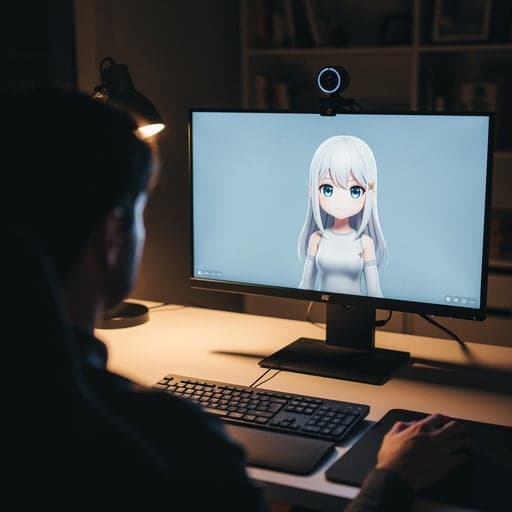
How to Make a VTuber Avatar for Free, With No Download
How to make a VTuber avatar in a browser tab: a 3D model that copies your face, or a 2D one that talks when you do. We timed the setup, and we say where a download is still needed.
By Facecam team
Published · Updated · 7 min read

On this page
- What do you need to make a VTuber avatar?
- Should your avatar be 3D, 2D or a PNG?
- How do you make a 3D avatar in the browser?
- Where do you get your own 3D model?
- How do you make a 2D PNGTuber avatar instead?
- How do you put your avatar in OBS?
- Can you use your avatar as your camera in calls?
- What didn't we test?
- Questions
Short answer
To make a VTuber avatar for free with no download, open a browser VTuber tool, allow your webcam, and load a 3D model (a VRM file). For a 2D look, give a PNGTuber tool two pictures of your character, one with the mouth closed and one open. Then show the browser window in OBS, or use it as your camera in a video call.
A VTuber avatar is a character that moves when you move. The usual advice is to install VRoid Studio, VSeeFace and OBS before you see anything on screen. You don't have to. A browser can run the face tracking itself, so you can have an avatar copying you before you've installed a thing.
We did exactly that on October 2, 2026 with our own free tools. Below are two routes: a 3D avatar that follows your head, eyes and mouth, and a 2D PNGTuber that switches pictures when you talk. Both are free. One optional step, the AI Avatar Maker, uses credits.
What do you need to make a VTuber avatar?
- A computer with a webcam. A laptop's built-in camera is fine.
- An up-to-date browser. Everything below ran in Chrome; the VTuber Maker also runs in other modern browsers.
- A microphone, for the 2D route (the avatar talks when it hears you).
- Nothing to install for the avatar itself. You only need a download to stream it (OBS) or to use it in calls (our free Chrome extension).
Should your avatar be 3D, 2D or a PNG?
VTuber avatars come in three kinds. A 3D model (usually a VRM file) turns its head and blinks with you. A 2D Live2D model does the same with a layered drawing, but someone has to rig it first, which is weeks of work or a paid commission. A PNGTuber is the simplest: two or more pictures that swap when you speak.
| Route | Cost | Time | You get |
|---|---|---|---|
| VTuber Maker with the sample model | Free | 9.5 seconds in our test | A 3D avatar that copies your face |
| VTuber Maker with your own VRM | Free | An afternoon in VRoid Studio first | Your own 3D character |
| PNGTuber Maker with a starter character | Free | Instant | A 2D avatar that talks |
| AI Avatar Maker, then PNGTuber Maker | 27 credits a run | Under a minute of model time in our run | An original 2D character from a photo or words |
| Live2D model | Free to thousands of dollars | Weeks | The classic 2D VTuber look |
How do you make a 3D avatar in the browser?
- 01
Open the VTuber Maker
Go to the VTuber Maker page. Nothing loads from your camera until you press Start.
- 02
Press Start camera and allow the webcam
The browser asks once. In our test the avatar said "Following your face" 9.5 seconds after the click. Most of that wait is a one-time download of the tracking model and the 10 MB sample avatar.
- 03
Check the tracking
Turn your head, blink and talk. Turn on Show camera to see your webcam in the corner next to the avatar. If it lags, close other tabs that use the camera and face a lamp: tracking needs light on your face more than a good camera.
- 04
Frame it
Pick Head, Bust, Upper body or Full, then use Zoom and Height. Bust is what most VTubers use on stream.
- 05
Load your own model, if you have one
Click Upload .vrm. The file stays on your computer; it isn't uploaded to us.


Where do you get your own 3D model?
The sample avatar is fine for trying things out, but you'll want your own character. There are two free ways to get a VRM file:
- Make one in VRoid Studio. It's free from pixiv for Windows, macOS and iPad, and you build an anime-style character with sliders. This is the one step that needs a download. When you're done, choose Export VRM. Our VTuber Maker loads both VRM 0.0 and 1.0; if you'll also use VSeeFace, pick 0.0, the only version it reads.
- Download a free one from VRoid Hub. Many creators share models there. Open the model's terms first and check that streaming (and, if you need it, commercial use) is allowed.
Before you go live, drop the file into the VTuber Model Viewer. It shows whether the model has the face expressions a VTuber app needs, like blinking and mouth shapes, and lets you test it with your webcam. Our VRM file explainer covers what else is inside, including the licence.

How do you make a 2D PNGTuber avatar instead?
A PNGTuber needs no 3D model and no rigging. You need two pictures of your character: mouth closed (idle) and mouth open (talking). A third with closed eyes adds blinking. The PNGTuber Maker swaps between them from your microphone, with a little bounce.
- 01
Open the PNGTuber Maker and press Start mic
It opens with a starter character, so you can see it react to your voice right away.
- 02
Add your pictures
Drop in your idle and talking images. Transparent PNGs look best. Square images of about 512 × 512 pixels are plenty.
- 03
Set the talk threshold
Talk normally and watch the mic meter. Drag the threshold just above the level of your room's background noise, so the mouth only opens when you speak.

No drawing skills? The AI Avatar Maker draws an original character from a photo or a description, in styles like anime, 3D cartoon, pixel art and chibi, and gives you the idle and talking pictures as transparent PNGs. It uses 27 credits a run. Our photo-to-avatar test shows what kind of photo works best.

How do you put your avatar in OBS?
OBS Studio (free) is what most streamers use to put an avatar over a game or background. This is a download, and we didn't film this part for this post, so the steps below follow OBS's own guide.
- 01
Pick the green screen
In the VTuber Maker, set Background to Green screen.
- 02
Capture the browser window
In OBS, add a Window Capture source and pick the Chrome window with the avatar.
- 03
Remove the green
Right-click the source, choose Filters, and add a Chroma Key filter. Crop the source to the avatar.

The PNGTuber Maker can also give you a link to add as an OBS Browser Source, which is cleaner than a window capture. Our PNGTuber guide walks through it.
Can you use your avatar as your camera in calls?
To appear as your avatar in Google Meet, Zoom on the web or discord.com, install the free Facecam extension for Chrome, then click Use in calls in the VTuber Maker. In the call, pick Facecam Virtual Camera as your camera. It only works for websites open in Chrome, not the Zoom or Discord desktop apps.
What didn't we test?
- A real person's face. Our webcam was a recorded clip of a fictional person, so tracking on your face, glasses and lighting will differ. Light on your face matters most.
- Slow laptops. Tracking runs on your computer. An older laptop will take longer to start and may lag on a busy stream.
- VRoid Studio, OBS and live calls. Those steps follow each app's documentation; we didn't record them for this post.
Questions
Can I make a VTuber avatar for free?
Yes. The VTuber Maker and PNGTuber Maker are free and run in your browser, VRoid Studio is free for making your own 3D model, and many VRoid Hub models are free to use. Only the AI Avatar Maker uses credits.
Do I need to download anything?
Not to make the avatar or see it move. You need OBS Studio to stream it, and the free Facecam Chrome extension to use it as your camera in calls.
Can I use my avatar on Twitch or YouTube?
Yes, through OBS. Check the model's licence if it isn't yours: some free models don't allow streaming or money-making.
Do I need a good webcam?
No. Tracking depends more on light on your face than on the camera. A built-in laptop webcam works if your face is evenly lit.
Is my camera video uploaded?
No. The VTuber Maker and PNGTuber Maker do the tracking on your computer. A VRM you load stays on your computer unless you choose to send it to your own Facecam extension.
Keep reading
VTubing
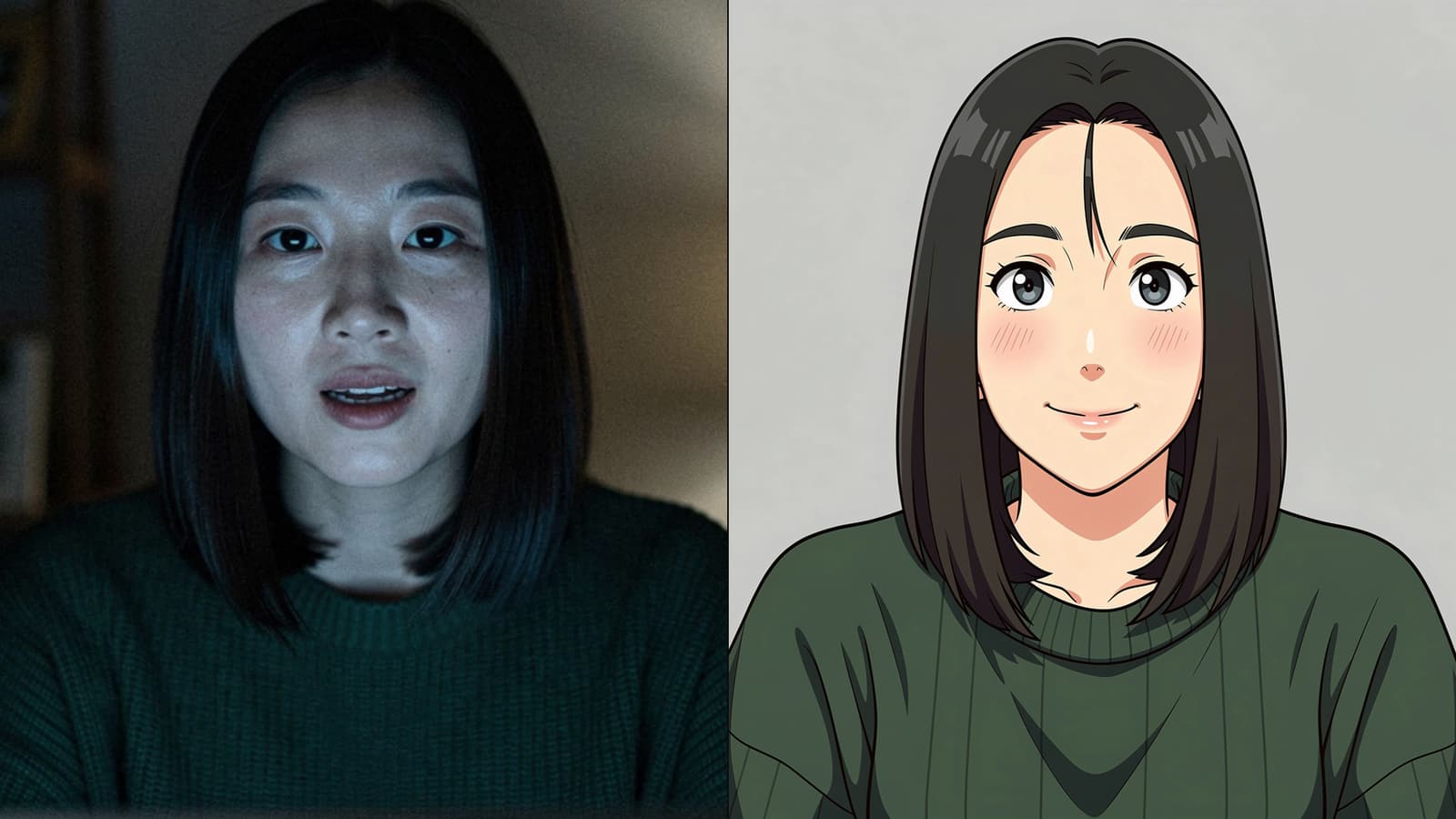
How to Turn a Photo Into a VTuber Avatar
You can turn a selfie into a cartoon avatar that opens its mouth when you talk, in about a minute. We ran our AI Avatar Maker on a good photo and a bad one to show what actually changes.
4 min read
VTubing
What Is a VTuber?
A VTuber is a streamer or video maker who appears as an animated character instead of on camera. Here's how the character follows a real person, the four kinds you'll see, and where the idea came from.
5 min read
Voice
Is Voicemod Safe?
Is Voicemod safe to install? We read its privacy policy, help center and store listings so you don't have to: what it puts on your computer, what data it collects, and how to download it without risk.
6 min read


Free, in your browser
VTuber Maker
VTuber Maker is a free browser tool that moves an avatar with your webcam's face tracking and outputs it as a virtual camera in Chrome.
Open VTuber Maker