Face Swap
Face swap online, live or in a file: become anyone you want on a video call, or put any face into a photo, GIF or short video.

Tools
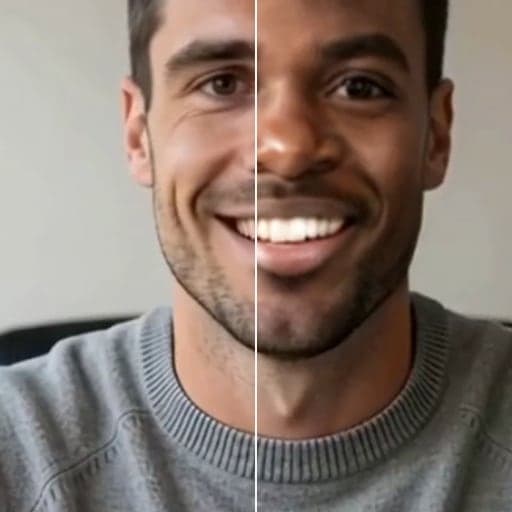
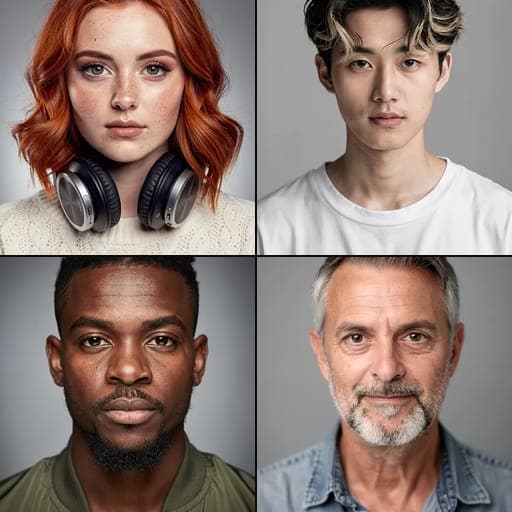
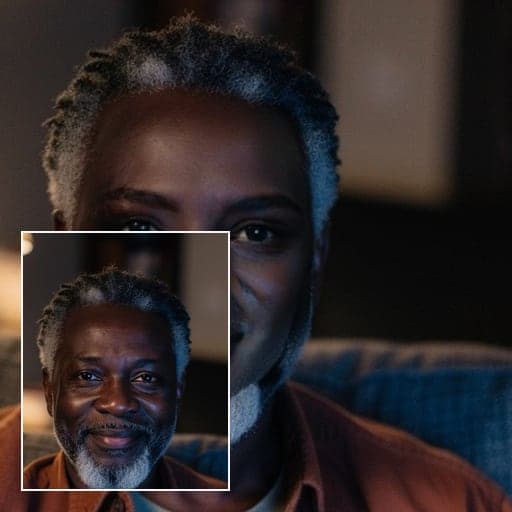
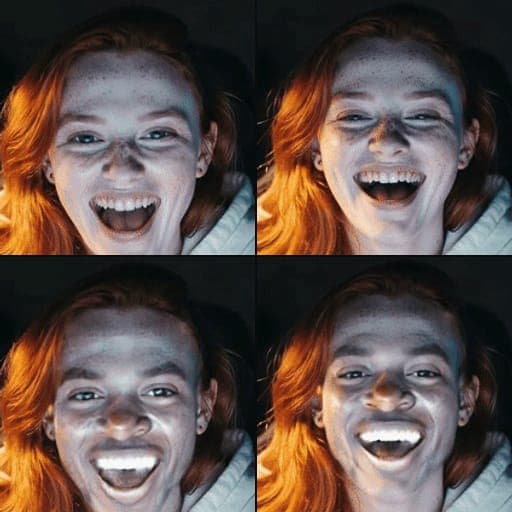
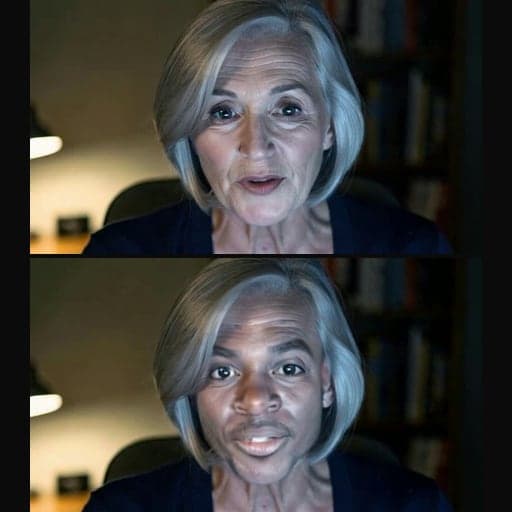
Made with Facecam
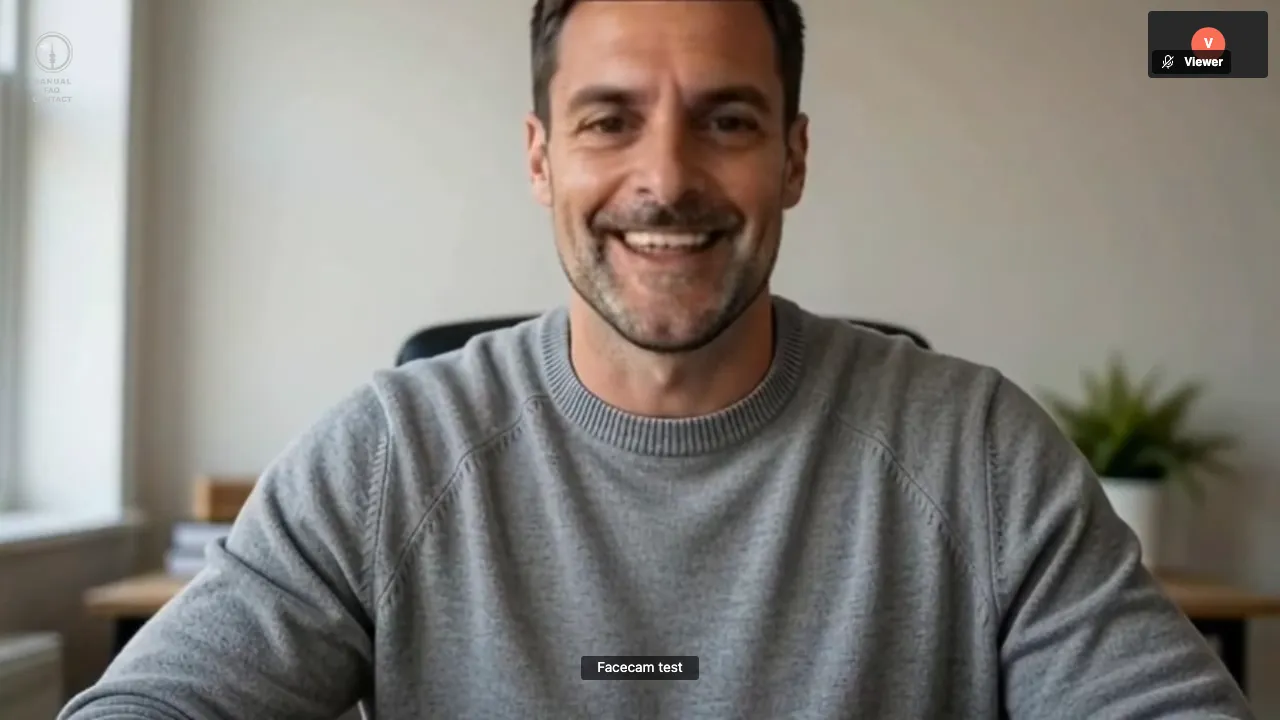
Live Face Swap: the other side of a test call.
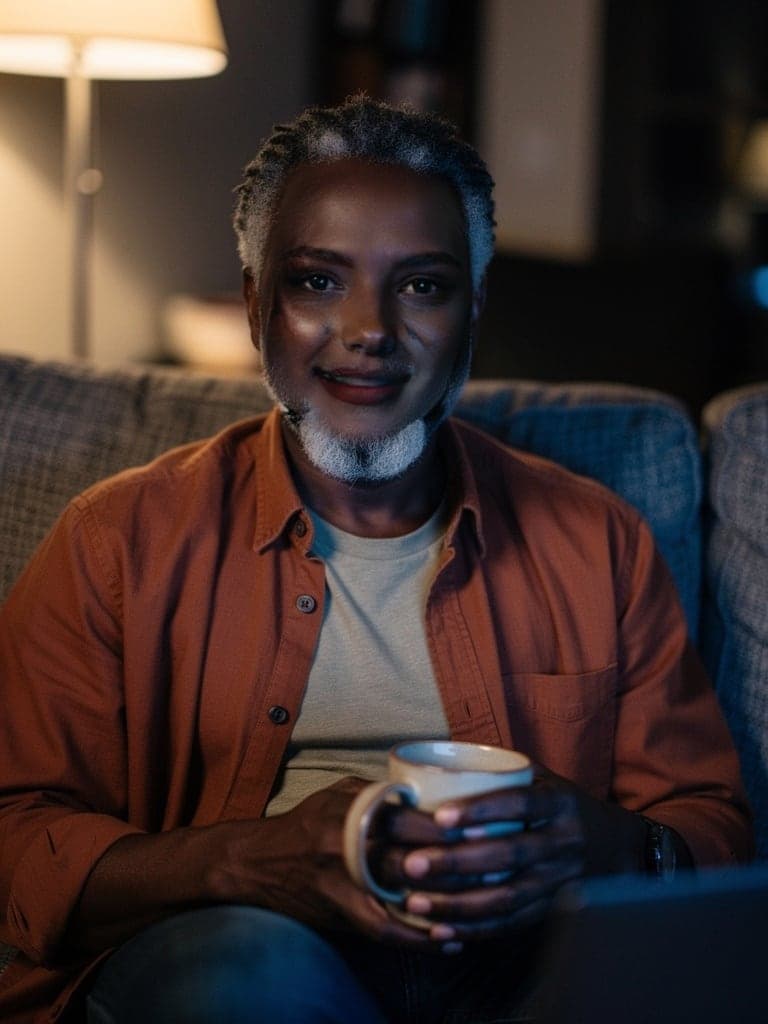
Photo Face Swap: a new face, same photo.

GIF Face Swap: every frame of a GIF.
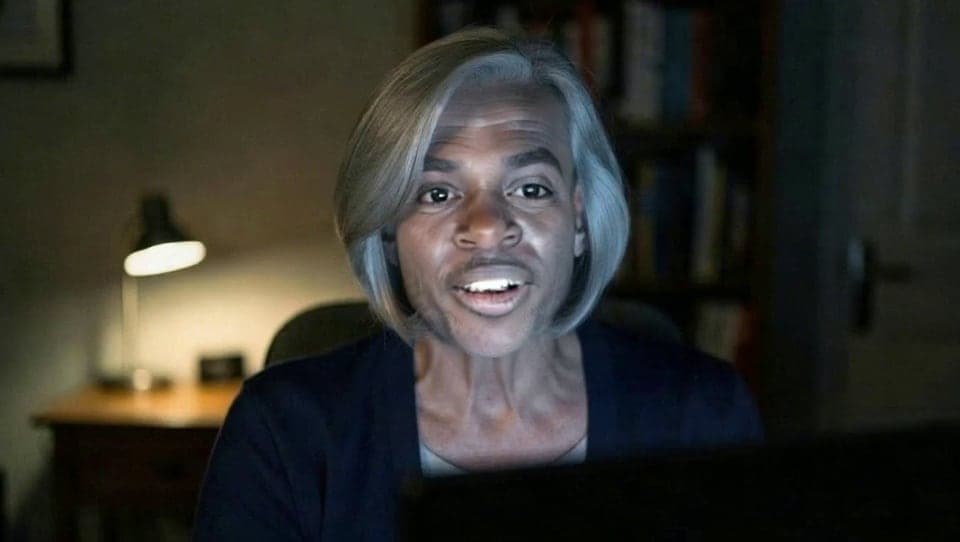
Video Face Swap: a clip, with its sound kept.
What you can do with Face Swap
Be someone else on Zoom
Join a Zoom meeting from Chrome and pick the Facecam camera. The meeting sees the face you chose.
Face swap in Google Meet
Meet runs in Chrome, so the live face swap is one pick in its camera menu.
Face swap on Discord video
Turn on your camera on discord.com in Chrome and your friends see a different face.
Make a meme
Put a friend's face on a reaction GIF that still loops like the original.
Star in a movie scene
Swap your face into a clip of up to 60 seconds and keep the sound.
Change the face in a photo
Keep the pose, hair and background and change only the face.
Face Swap features
Live and in files
One place for a live face swap on your camera and for photos, GIFs and videos.
Any face
Upload a photo of anyone, pick a built-in face or make a new one with the Character Generator.
No gaming PC
Everything runs on our graphics cards. A laptop with Chrome and a webcam is enough.
Nothing kept for long
Live video is never stored. Photo, GIF and video results are deleted after 7 days.
Which face swap tool to use
| You want to | Use |
|---|---|
| Be anyone you choose in a live call or stream | Live Face Swap |
| Make a brand-new face to swap into | Character Generator |
| Check how a face looks on one photo | Photo Face Swap |
| Swap a face through a GIF | GIF Face Swap |
| Swap a face in a clip up to 60 seconds | Video Face Swap |
Compared with other live face swap tools
More about Face Swap
How the tools fit together
Start with the face you want to have: a built-in one, one you describe, or any face you upload. Try it on a photo first, since a photo costs far less than a minute of live swapping. Then use it live from the extension.
It works on any laptop: all you need is Chrome and a webcam. Your live video is swapped and sent straight back. Nothing is saved.
Where live face swap works
Live Face Swap shows up as “Facecam Virtual Camera” in any site that uses your camera in Chrome: Google Meet, Zoom and Teams on the web, discord.com and online streaming studios. The Zoom, Teams and Discord desktop apps can't see it, and neither can phones.
Faces you can use
- Built-in faces from the preset list, or new ones from the Character Generator.
- Any face you upload from a photo, in the extension or the photo, GIF and video tools.
- Switch faces any time, even during a call.
Face Swap FAQ
Is there a free face swap?
Not live: live face swap is on Premium and Pro. Photo, GIF and video swaps use credits, and a new account's free credits cover a few photo swaps. Facecam's voice changers, avatar makers and tests are free.
Can I face swap in a Zoom call?
Yes, in Zoom's web client in Chrome. The Zoom desktop app can't see browser virtual cameras.
Do I need a powerful computer?
No. Any laptop with Chrome and a webcam is enough. No gaming PC needed.
How long do you keep my files?
For photo, GIF and video swaps, results are deleted 7 days after they're made. Live video is never stored.
Is face swap legal?
In most places face swapping isn't illegal in itself. What can break the law is using a swap to defraud people or to make sexual images of someone.
What's the difference between live and video face swap?
Live Face Swap changes your face on your webcam while you talk, in calls in Chrome. Video Face Swap changes the face in a clip you upload, up to 60 seconds, and gives you an MP4.
Can I use a photo of anyone?
Yes. Upload a clear, front-facing photo of the face you want in the extension or in the photo, GIF and video tools.
Does face swap work on a phone?
Photo, GIF and video face swaps work in any phone browser. Live face swap needs Chrome on a computer.
Will my hair and clothes change too?
No. Only the face is swapped: eyes, nose, mouth, skin and expression. Hair, clothes and the background stay as they are, so a face with hair like yours looks most natural.
Related
Updated