All Facecam tools
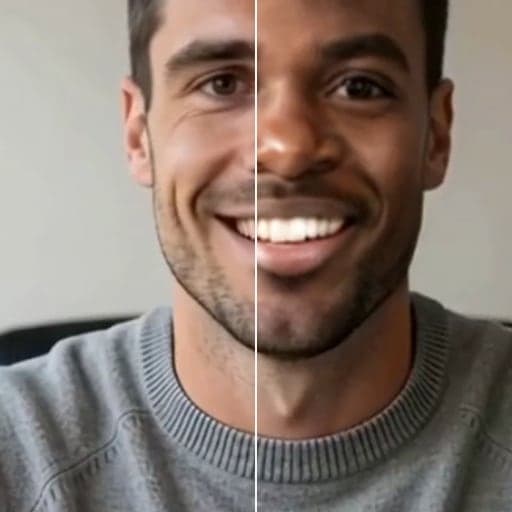
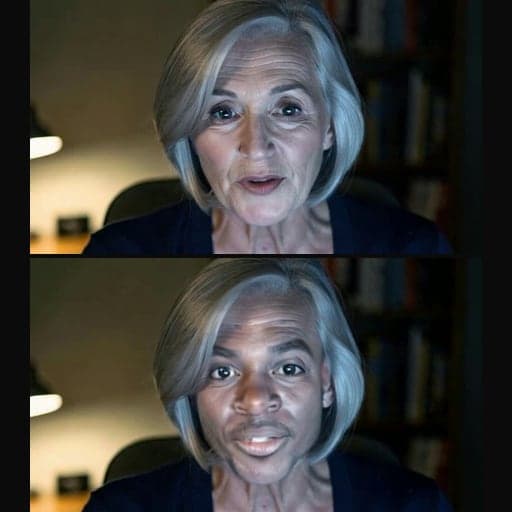
Facecam tools change your face, voice or avatar, live or in a file, and check that your camera and mic work.
Face


Voice



VTuber


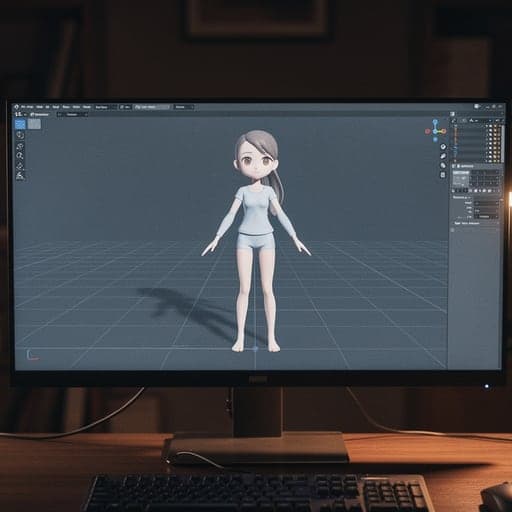
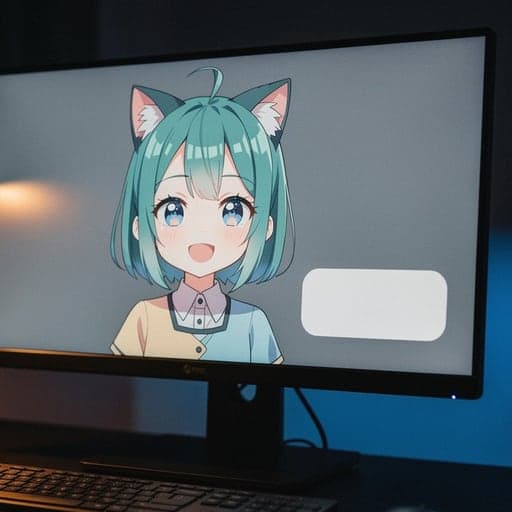
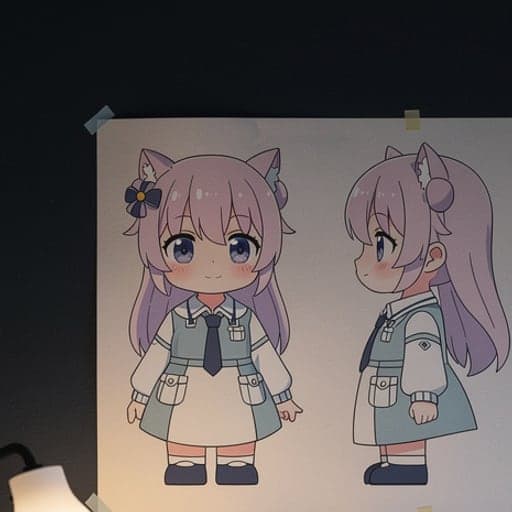
Streaming

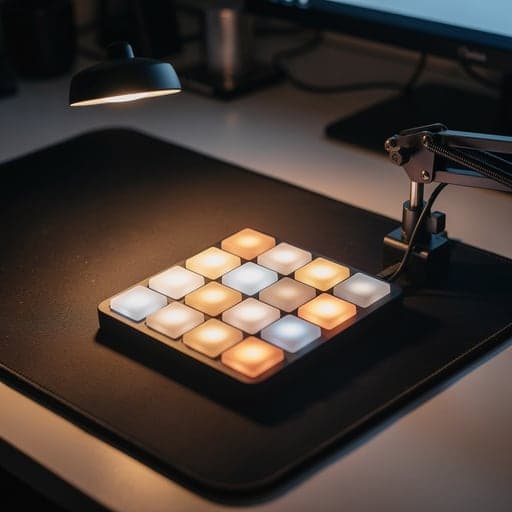
Free tests and utilities


More pages
About the tools
Two kinds of tools
Free tools work right on the site, with nothing to download. Your camera, mic and files stay on your computer, and there is no usage limit. The Real-Time and Online Voice Changers, the VTuber and PNGTuber makers, the soundboard and every test fall into this group.
Paid tools use AI and cost credits. Live Face Swap costs credits for each minute you use it. Photo swaps, GIF swaps and character images cost credits each time. Each tool page shows its exact price.
Getting tools into your calls and streams
The free Facecam Chrome extension adds “Facecam Virtual Camera” and “Facecam Virtual Mic” to Chrome. Tools with a “Use as my camera in calls” or “Use this voice in calls” button send to them. Then pick Facecam in Google Meet, Zoom on the web, discord.com or an online streaming studio.
They only work in Chrome. Desktop apps, consoles and phones can't see them. For OBS, the AI VTuber and the PNGTuber Maker's starter characters give you a link to add as a Browser Source. For the VTuber Maker, add the Chrome window in OBS and remove the green background.
Where to start
- Setting up a new camera or mic: run the Webcam Test or Mic Test first.
- Want to look like someone else entirely in a meeting: Live Face Swap.
- Want an avatar instead of your face: VTuber Maker (face tracking) or PNGTuber Maker (mic only).
- Want to sound different: Real-Time Voice Changer for calls, Online Voice Changer for a recording.
Facecam tools FAQ
Which Facecam tools are free?
The Real-Time and Online Voice Changers, the soundboard, the VTuber and PNGTuber makers, the model viewer, the name generator, the cost calculator and the tests. Face swaps and the other AI tools, the Character Voice Generator included, cost credits.
Do I need to install anything?
No, most tools work right on the site. You need the free Chrome extension only to use a tool in your calls.
Do the tools work on a phone?
Most do on the page, including the tests, the voice changers and the generators. Anything you use in a call needs Chrome on a computer.
Related
Updated