HeyGen Face Swap: Is It Free?
HeyGen face swap puts a face from one photo into a video or picture, inside HeyGen's avatar video app. We read its own pages to find what the free plan really covers, then timed the same kind of job on our tool.
By Facecam team
Published · Updated · 6 min read

On this page
Short answer
HeyGen's face swap is free to try on its free plan, with no card, but free exports carry a HeyGen watermark and the free plan allows 3 videos a month. Its direct video face swap takes clips of up to 15 seconds, and paid plans start at $29 a month ($24 billed yearly). If you need longer clips, Facecam's Video Face Swap takes up to 10 minutes and swapped our 60-second clips in about 63 seconds each.
HeyGen is best known for AI presenter videos: you type a script and an avatar reads it. Face swap is one of the apps inside it. That matters for what you get, because the face swap lives under HeyGen's video plans, credits and watermark rules rather than being a tool of its own.
What is HeyGen face swap?
HeyGen face swap replaces the face in a video or photo with a face you upload or one of your HeyGen avatars. Its app page describes two ways to use it:
- Avatar face swap. Put your face on one of HeyGen's stock avatars (it says "over 1,000"), then have that avatar read any script. This is a presenter you reuse, not a swap of your own footage.
- Video clip swap. Upload "a short clip up to 15 seconds long and a target face photo", and the face in the clip is replaced. HeyGen says this mode is "Powered by Seedance", ByteDance's video model.
In the app it sits under Apps > Face Swap. You pick the video or image, pick the face (an avatar or an uploaded photo) and click Face Swap. Its help page asks for a face photo of "at least 720p", well lit and looking at the camera, and says to avoid side profiles, blurry photos, masks and cartoon-style images.
Is HeyGen face swap free?
You can try it free, with limits. HeyGen's face swap FAQ says "there is a free plan and no card is needed to start", and that "Free exports carry a small HeyGen watermark and cover short clips." Its pricing page lists the free plan at 3 videos a month, each up to 1 minute.
| Plan | Price | What it lists |
|---|---|---|
| Free | $0 | 3 videos a month, up to 1 minute each, watermark |
| Creator | $29 a month ($24 billed yearly) | 600 credits a month, no watermark, videos up to 30 minutes |
| Pro | $49 a month | 1,000 credits a month, 4K export |
| Business | $149 a month (+$20 per extra seat) | 1,500 credits a month, videos up to 60 minutes |
The pricing page doesn't say how many credits a face swap uses. The only per-swap price HeyGen publishes is for developers: its face swap page says "Developer API access runs at $0.05 per second of video", so a 15-second clip is $0.75 through the API.
What's the catch?
- 15 seconds per clip. The direct video swap is built for reaction shots and short social clips. A one-minute video has to be cut into at least four parts and joined again.
- Mixed messages on length. The same site says a "one-minute clip renders in a few minutes" on its tool page, while the app page gives 15 seconds as the clip limit. We couldn't test which applies to the free plan without an account.
- It's an avatar platform first. Plans, credits and the watermark rules are set for presenter videos. If face swap is all you want, you pay for a lot you won't use.
How fast is a video face swap? Our test
To show what a video swap takes on a tool built only for that, we ran Facecam's Video Face Swap on a 3-minute vlog of a computer-made man (720p, 30 frames a second), with one of our built-in faces. Video Face Swap is a browser tool that swaps the face in every frame of a short video for the face you upload, keeps the sound, and gives you an MP4 back at the original size.

| Clip | Upload | Swap | Seconds of swap per second of video |
|---|---|---|---|
| 10 s | 3.1 s | 14 s | 1.38 |
| 30 s | 2.3 s | 33 s | 1.11 |
| 50 s | 3.0 s | 64 s | 1.29 |
| 50 s | 2.5 s | 48 s | 0.95 |
| 50 s | 3.3 s | 61 s | 1.22 |
| 60 s | 3.0 s | 59 s | 0.98 |
| 60 s | 4.0 s | 56 s | 0.94 |
| 60 s | 3.0 s | 75 s | 1.25 |
Most clips took about as long as the clip itself: 1.1 seconds of waiting per second of video over all eight jobs, so a full 60-second clip was ready in about a minute. The output kept the clip's size, frame rate and sound. We can't put a HeyGen time beside these without an account; HeyGen's own pages say "Most videos render in under five minutes".
HeyGen face swap vs Facecam: which should you use?
| HeyGen face swap | Facecam Video Face Swap | |
|---|---|---|
| Longest clip | 15 seconds (direct video swap) | 10 minutes |
| Free use | Free plan: 3 videos a month, watermark | Video needs a plan; Photo Face Swap has one free photo swap a day |
| Cheapest paid | $29 a month ($24 yearly) | $10 a month: 12 minutes of video swap |
| Next plan | $49 a month (Pro) | $20 a month: 40 minutes of video swap |
| Files | JPG, PNG, WEBP, MP4 and GIF | MP4, MOV or WebM up to 4.7 GB and 1080p; GIFs in GIF Face Swap |
| Also does | AI avatars, scripts, dubbing | Live face swap on your webcam, GIF and photo swaps, voice tools |
Pick HeyGen if you want a talking presenter: a face on an avatar that reads scripts in many languages, with face swap as a bonus. Nothing on Facecam does scripted avatar videos like that.
Pick Facecam if the job is putting a face into your own footage. Clips can be four times longer than HeyGen's direct swap, the plans are priced in minutes of video, and the same plan covers photo and GIF swaps and Live Face Swap in calls. For anything longer than a minute, see how to face swap a long video.
Just want to see how a face looks first? Photo Face Swap gives you one free photo swap a day without an account. For a free photo swap with no mark at all, our Remaker AI review covers the other option.
What didn't we test?
We didn't sign up for HeyGen, so we didn't run its face swap, see its credit cost per swap inside the app, or check the free plan's real clip length. Its facts above are from its public pages on one day and can change. Our timings come from one afternoon on one computer-made video at 720p; a 1080p clip has more pixels per frame and may take longer.
Questions
Is HeyGen face swap free?
You can try it on HeyGen's free plan with no card: 3 videos a month, up to a minute each, with a HeyGen watermark. Removing the watermark starts at $29 a month, or $24 a month billed yearly.
How long can a HeyGen face swap video be?
HeyGen's face swap app page says the direct video swap takes clips of up to 15 seconds. Longer videos need cutting into parts first.
Does HeyGen face swap work on photos and GIFs?
Yes. HeyGen says it accepts JPG, PNG, WEBP, MP4 and GIF, and returns the result in the format you uploaded.
How much does the HeyGen face swap API cost?
HeyGen's face swap page lists developer API access at $0.05 per second of video, so a 15-second clip costs $0.75.
Is there a HeyGen face swap alternative for longer clips?
Facecam's Video Face Swap takes clips of up to 10 minutes and gives back an MP4 with the sound kept; in our test a 60-second clip took about a minute. Plans start at $10 a month for 12 minutes of video swap.
Keep reading
Face Swap
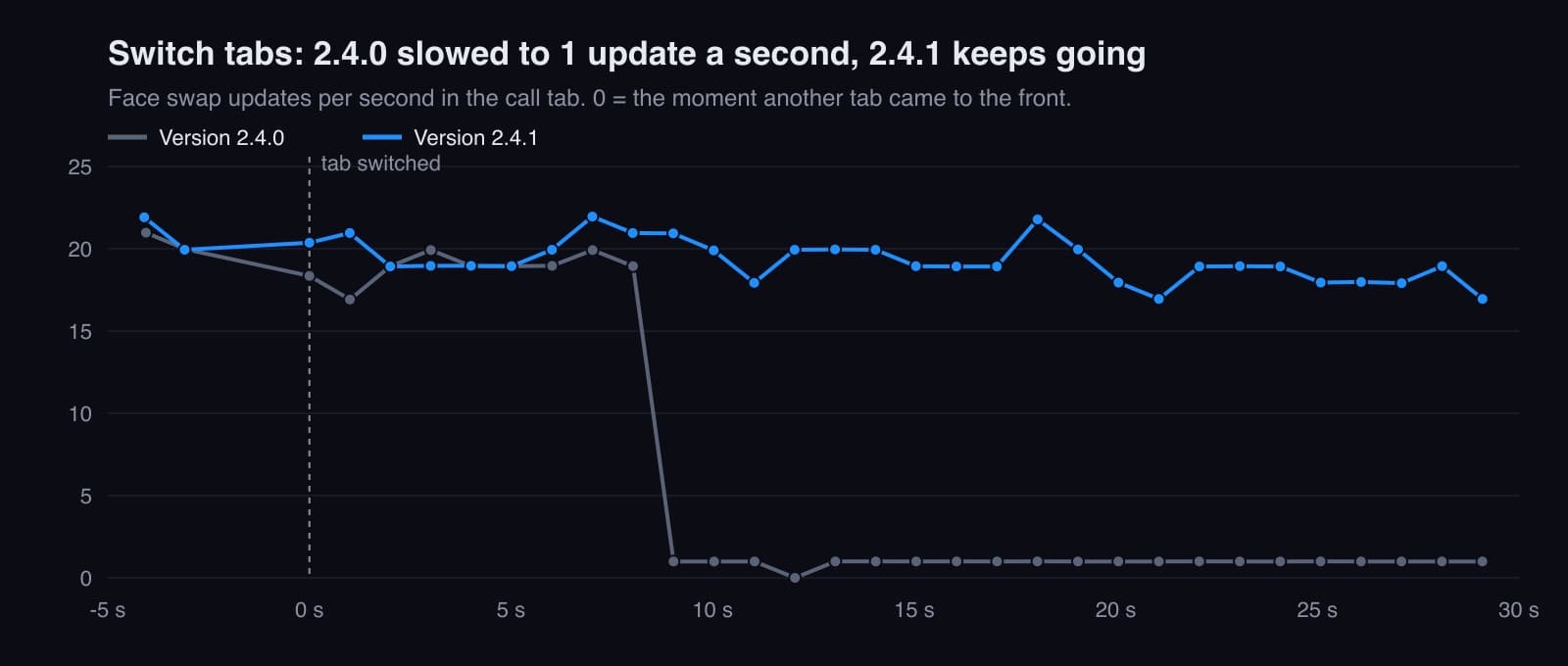
Does Face Swap Keep Working When You Switch Tabs or Share Your Screen?
What happens to a live face swap in a call when you switch tabs, minimise the window or share your screen. We measured every case with the Facecam extension, second by second, found a slowdown, fixed it and measured again.
6 min read

Face Swap
How to Face Swap a Long Video
Most face swap tools stop at a minute or less; Facecam's Video Face Swap now takes up to 10 minutes in one go. Past any tool's limit, you split, swap and join. We did that to a 3-minute video, in 60-second parts, and checked every seam, the face and the sound so you know which steps matter.
6 min read
Face Swap
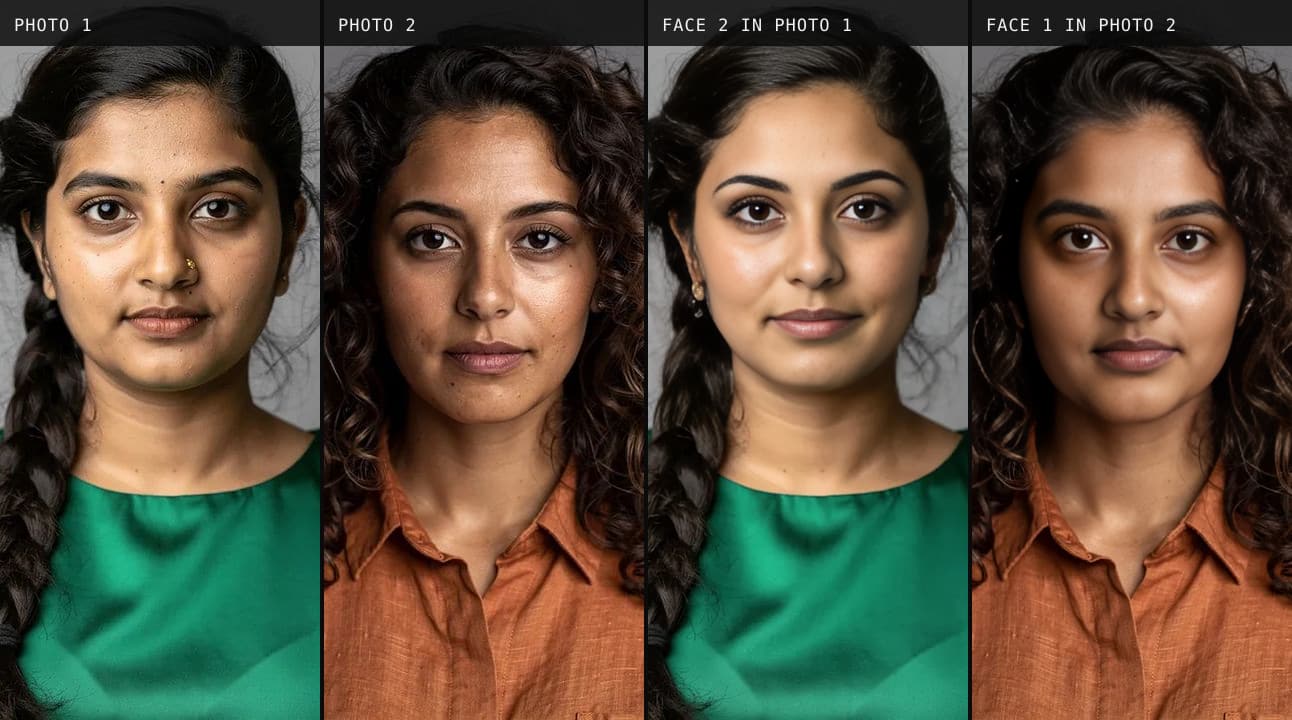
Remaker AI Face Swap: Is It Free?
Remaker AI face swap is free for photos, and it really needs no account. We ran nine swaps as a guest, timed them, and read the pricing, refund and privacy pages so you know the catch before you pay.
7 min read


Try it
Video Face Swap
Video Face Swap is a browser tool that swaps the face in every frame of a short video for the face you upload, keeps the sound, and gives you an MP4 back at the original size.
Open Video Face Swap


