Can You Face Swap Into an Anime or Cartoon Character Live?
Yes, a live face swap will take a cartoon or anime face, but you won't look drawn. We ran six faces from photo to anime through our live swap on the same camera and measured how much of each one came through.
By Facecam team
Published · 6 min read

On this page
Short answer
You can use a cartoon or anime face as the source of a live face swap, and the swap keeps working, but the result is a real-looking person with the character's features (eye shape, brows, beard), not a drawing. In our test of six faces, 3D cartoon, semi-realistic and flat cartoon faces came through cleanly; the two anime faces carried over least and left blotches on the cheeks. To actually appear as a drawn character, use a VTuber or PNGTuber avatar instead.
People ask this two ways. Some want to show up on a call as an anime character. Others want the reverse: "anime to human", what a favourite character would look like as a real person. A live face swap does the second one, whatever face you give it.
Will a live face swap accept a cartoon face?
Yes. All six of our faces were accepted, including the flat vector cartoon. Before a swap starts, the service looks for a face in the photo you picked and turns it into an identity code; if it can't find one, it says no face was found. It found a face in every one, and every one of the 96 camera frames came out swapped.

How sure it was varied a lot. The face detector scores each find from 0 to 1. The photo, the painting and the soft anime face scored about 0.9; the cel-shaded anime face 0.76; the flat cartoon only 0.53. A low score still counts as a face, but it's a sign the swap has less to work with.
What do you look like after the swap?
Like a real person, every time. A face swap model redraws your face with the identity of the face you picked, using your camera's skin, lighting, expression and head angle. It doesn't copy line art, flat colour or the oversized proportions of a cartoon. What carries over are the features: the 3D cartoon's big round eyes and worried brows, the flat cartoon's full beard.

| Source face | Accepted | Detector score | Looks like the face you picked | What we saw |
|---|---|---|---|---|
| Photo | Yes | 0.9 | 86% | Clean |
| Semi-realistic painting | Yes | 0.9 | 87% | Clean |
| 3D cartoon | Yes | 0.85 | 89% | Clean; big eyes and raised brows carry over |
| Flat vector cartoon | Yes | 0.53 | 83% | Clean; the beard carries over |
| Soft anime | Yes | 0.89 | 70% | Seams and blotches on the cheeks |
| Cel-shaded anime | Yes | 0.76 | 68% | Dark smudges by the nose, seams at the jaw |
The "looks like" column is ArcFace similarity between the swapped face and the face we picked, averaged over the clip; higher means more of that face came through. The 3D cartoon scored highest of all, even above the photo, because its features are so pronounced. Both anime faces scored far lower: anime drawings reduce a nose to a dot and a mouth to a line, so there is little for the model to copy.
Why do anime faces work worst?
Because a face swap learns from real faces. The identity code describes the shape of the eyes, nose, mouth and jaw as they'd appear on a real person, and anime style leaves most of that out or exaggerates it: huge eyes, almost no nose, a pointed chin. The model filled the gaps with guesses, and in our frames the guesses showed as dark patches on the cheeks and a visible edge along the jaw. We left those frames out of the pictures here because they don't look good on a call either.
Which cartoon styles make the best face for a live swap?
- 3D cartoon (animated film style): the strongest result in our test. It reads as a real face with exaggerated eyes and brows, which is often exactly the fun people want.
- Semi-realistic painting: as clean as a photo, and an easy way to make a face nobody has seen before.
- Flat cartoon with clear features: works, but the detector was least sure of it. A beard, glasses or a strong brow line give it something to hold on to.
- Anime: accepted, but the weakest likeness and visible patches. Use a realistic version of the character instead.
Whatever the style, the rules for a good source face are the same as for a photo: one face, looking straight at you, eyes open, nothing over it, even light. Character Generator makes faces that way on purpose. And pick a face that suits your own hair, because the swap changes your face but not your hairline.
How do you appear as a drawn character on a call?
Use an avatar instead of a face swap. An avatar is a drawn or 3D character that copies your head movement and mouth, so it stays a drawing the whole time. VTuber Maker moves a 3D anime-style model with your face from a webcam, and PNGTuber Maker animates a PNG avatar from your microphone. Both are free and run in the browser, and with the Facecam extension either one can be your camera in Google Meet, Zoom on the web or Discord in Chrome.
Live face swap is the other half: you become anyone you want, any face you upload or generate, as a real-looking person who moves exactly like you. It's on every paid plan, from $10 a month.
What didn't we test?
We ran the live service's code on a cloud graphics card with a recorded clip, not a live call through the extension, and without the faster TensorRT engines production uses (their output matches within rounding). One camera clip of one man, smiling and facing the camera; a turned head or a woman's face may change the ranking. Six faces is a small sample, all made by one image model. ArcFace similarity measures likeness the way a face recognition model sees it, and it tends to favour the swap model we use, which was trained against it.
Questions
Can you face swap with an anime character?
Yes, the face is accepted and the swap runs, but the result is a real-looking person with some of the character's features, and anime faces carried over least in our test. For a drawn look, use a VTuber or PNGTuber avatar.
Can I use a cartoon face in a live face swap?
Yes. 3D cartoon and flat cartoon faces both worked in our test, and the 3D cartoon kept the most likeness of all six faces we tried.
How do I turn an anime character into a real person?
Describe the character to an image generator and ask for a photorealistic portrait, front-facing, with even light. That realistic face is also the best source for a live face swap of the character.
Why does my face swap say no face was found?
The detector couldn't find a face in the photo you picked. Use a picture with one clear, front-facing face, eyes open and nothing covering it; very stylized drawings are the most likely to fail.
Is live face swap free?
No. Live face swap is part of every paid plan, from $10 a month. VTuber Maker and PNGTuber Maker, which make you a drawn character instead, are free.
Keep reading
Face Swap
Can You Run Deep-Live-Cam Without a GPU?
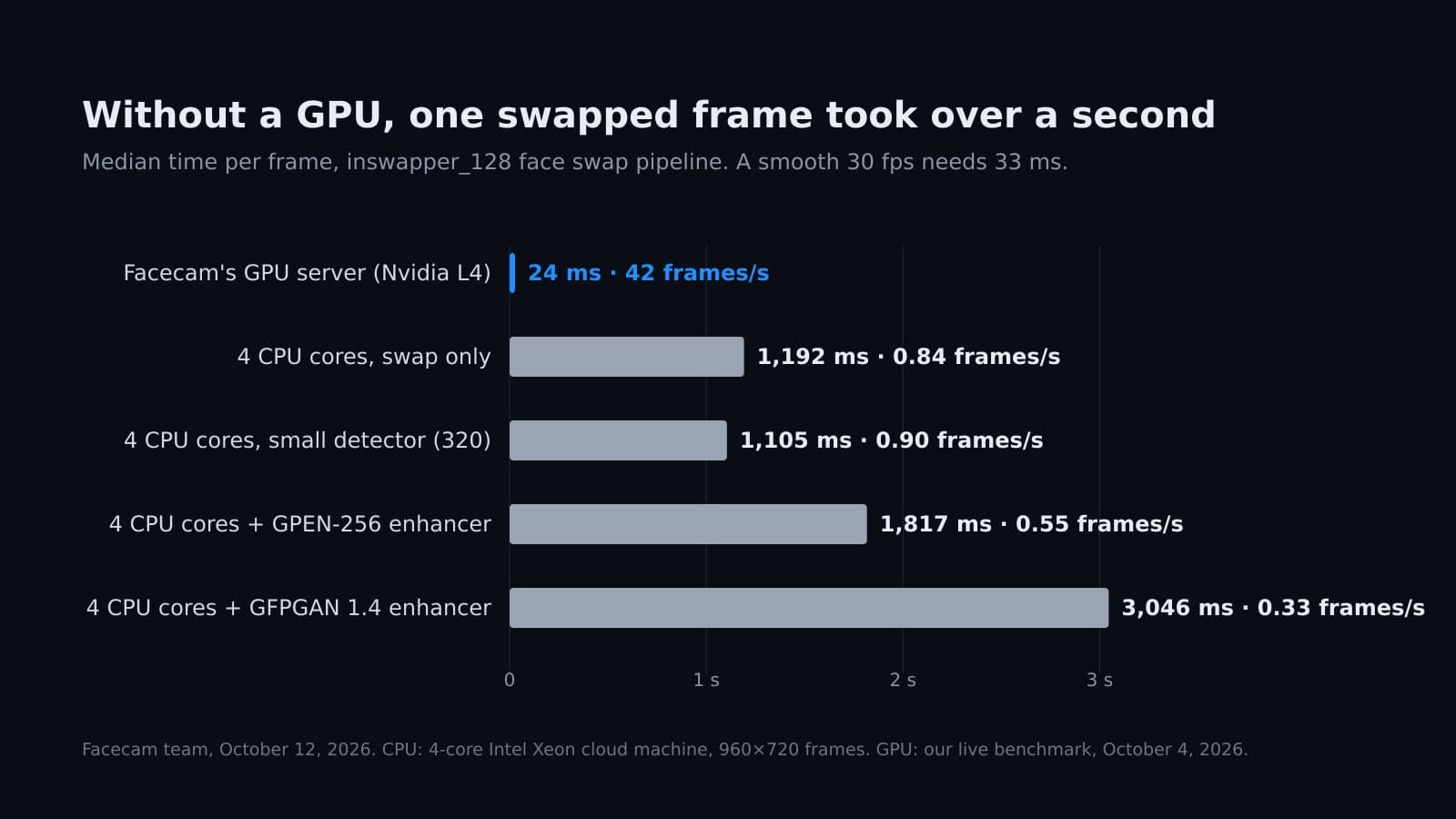
Deep-Live-Cam starts without a graphics card, but how fast is it? We timed the same face swap models on a 4-core CPU, with and without the face enhancer.
7 min read
Face Swap
How to Face Swap Live on Stream (OBS and Twitch)
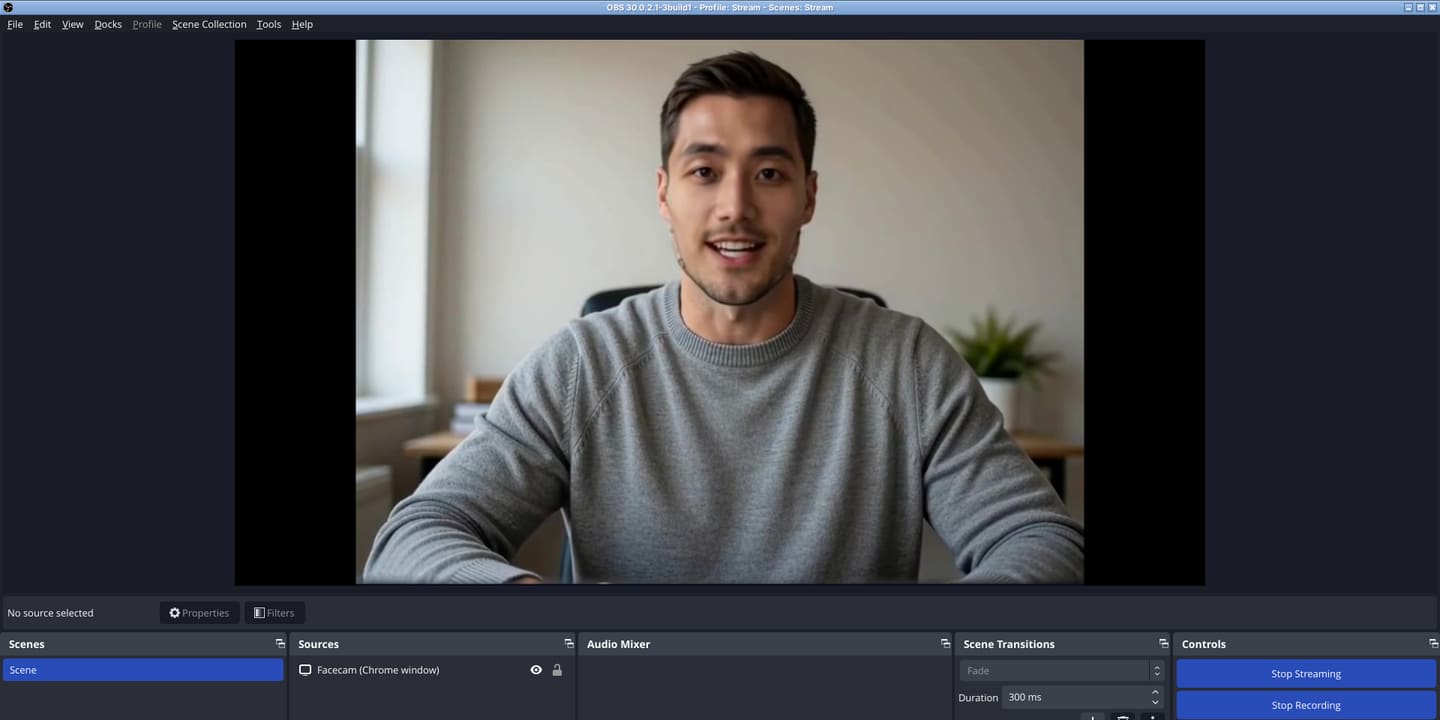
Real-time face swap for streaming, set up end to end: the swap runs in Chrome, OBS captures it, and Twitch gets it like any other camera. We ran it through OBS to a test stream server and wrote down every setting that mattered.
7 min read
Face Swap
Why Is My Face Swap Video Too Big for Discord?
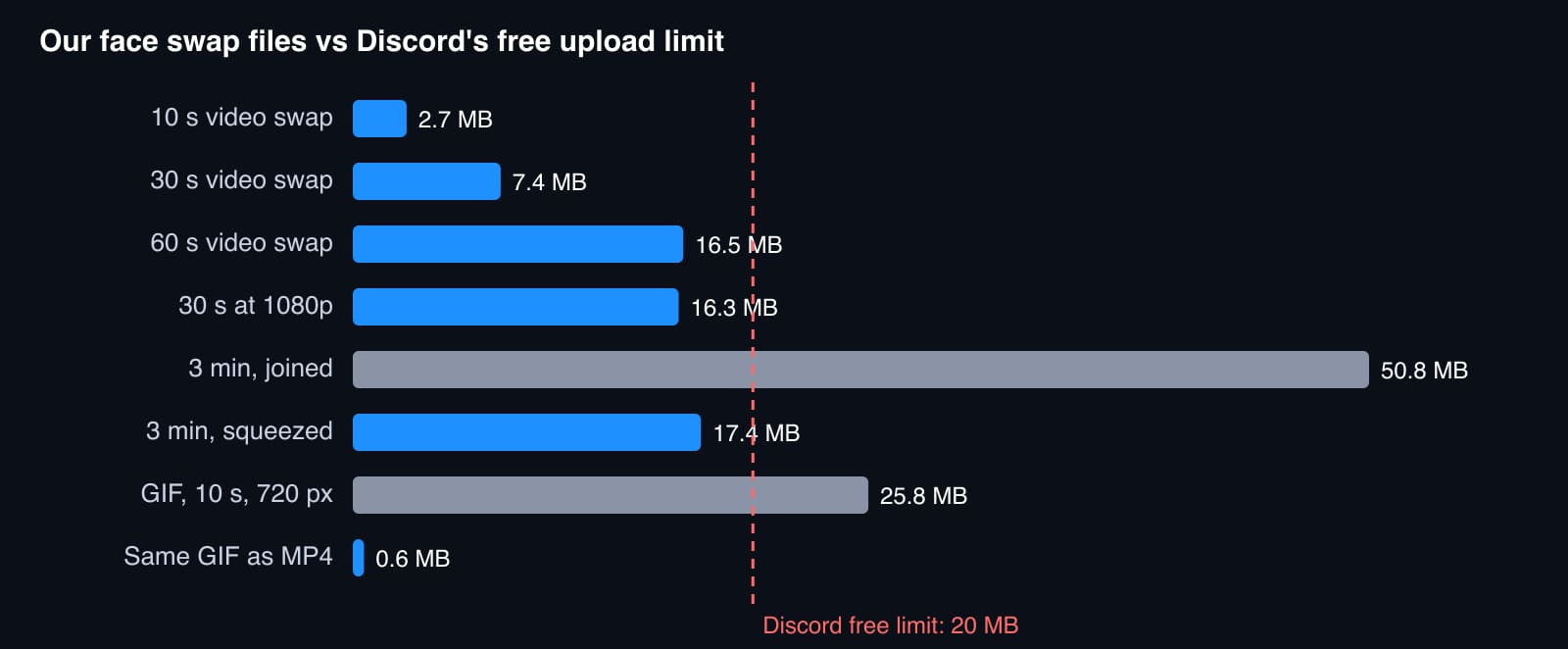
Discord lets free accounts upload files up to 20 MB. We weighed our own face swap videos and GIFs against that limit, then shrank the ones that didn't fit and checked what it cost in quality.
5 min read


Try it
Live Face Swap
Live Face Swap is a real-time face swap that lets you look like anyone you choose: try it with your webcam on facecam.ai, then use it as your camera in Google Meet, Zoom on the web and discord.com in Chrome with the extension, or in the Discord, Zoom and Teams apps, OBS and other desktop apps with Facecam for PC and Mac.
Open Live Face Swap


