Cartoon Filter for Video
Turn into a 3D cartoon on camera, live: big eyes, a rounder face and movie lighting, still clearly you.

Live AI Filter needs Chrome on a computer. Send yourself the link, or see the examples below.
Where it works
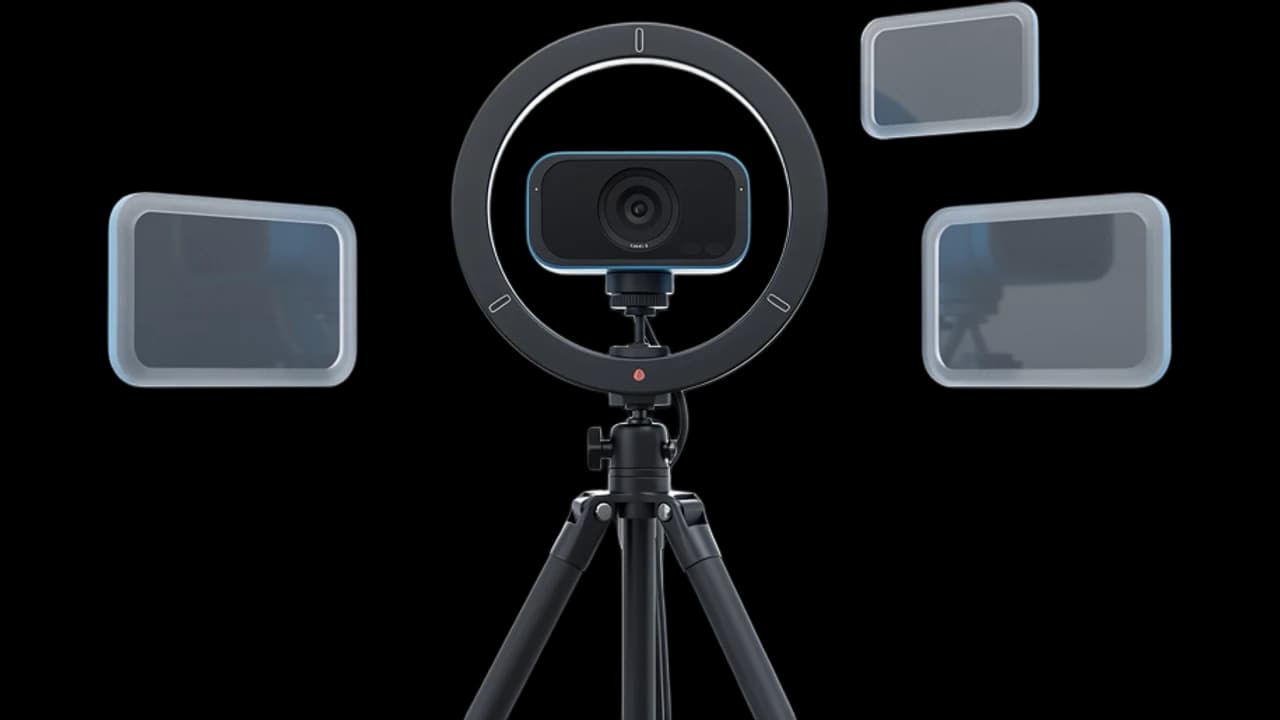
How to use the Cartoon Filter
Start your camera
Click Start camera. You see yourself right away, and nothing leaves your device until the filter starts.
Keep 3D cartoon picked
3D cartoon is already picked on this page. You can switch to another look, or describe your own cartoon style.
Start the filter
Click Start filter. To use it in a call, add the Facecam extension and pick “Facecam Virtual Camera” as your camera.
What is a cartoon filter?
A cartoon filter is an effect that makes a real photo or video look drawn or animated. Facecam's turns your live camera into a 3D animated movie character, so you stay a cartoon for the whole call instead of one picture.
Made with Facecam
Before and after, on the same clip. His beard, sweater and plant stay; the light turns warm. A typed look that names her skin and hair: “a 3D animated movie look … the person has deep brown skin and curly black hair”.
What you can do with the Cartoon Filter
Family calls with kids
Show up to grandparents' night or a bedtime story as a cartoon. Kids recognise you straight away.
Streams without a model
Go live as a cartoon version of yourself with no avatar to rig. It follows every face you pull.
Short videos
Record a cartoon clip of yourself from the browser for a reel or a story, then switch back.
The Cartoon Filter features
You, as a movie character
Big eyes, softer features and cinema lighting on your real face.
Every expression
Smiles, raised eyebrows and laughs come through, a little bigger than life.
Your room too
Your wall, shelves and plants become part of the animated scene.
Your own cartoon style
Type a style, like “a clay-like 3D cartoon” or “a 2D Saturday-morning cartoon”, and the filter follows it.




More about the Cartoon Filter
The Cartoon Filter is a live AI video filter that turns your whole webcam picture into a scene from a 3D animated movie, with big expressive eyes, smooth stylized features and warm lighting, while you move and talk.
The Cartoon Filter: what you need and limits
| How it works | Live, on any laptop. Needs a steady internet connection. |
|---|---|
| You get | Camera in Chrome calls |
| You need | A computer (for calls: Chrome and the Facecam extension), a webcam |
| Phones and tablets | Not supported |
| What changes | The whole picture: your face, hair, clothes and room become a 3D animated movie scene. Your haircut, beard, glasses and expressions carry over. |
| Other looks | 11 more ready-made looks, any look you describe in words, or an image to look like. |
| Picture | Sharp and smooth, with about the delay of a normal video call. |
| Works in | This page, and Google Meet, Zoom, Teams and Discord in Chrome with the extension. |
| Price | Comes with every paid plan, by the minute while it's on: ≈ 11 min of Live AI Filter a month on Premium. |
| Recording | We don't record or keep your video. Each frame is changed and sent straight back. |
A cartoon filter for video, live
Most cartoon filters work on a photo: you upload a selfie and get one cartoon picture back. This one cartoons your camera while you're on it. Every frame is redrawn as it happens, so you can talk, laugh and turn your head as an animated movie character, and the cartoon keeps up.
It redraws the whole picture, not just your face. Your sweater, the plant behind you and the light in your room all become part of the scene. For a cartoon picture of yourself to keep as a profile photo, the AI Avatar Maker makes one from a photo.
Keep your own look
The ready-made look keeps your hair, beard, glasses and expressions. Cartoon styles smooth the skin, and on darker skin the ready-made look can come out lighter. To keep your own skin tone and hair, describe them in your own look, as in the third clip above:
- “Change the style of the video to a 3D animated movie look with big expressive eyes and warm cinematic lighting. The person has deep brown skin and curly black hair.”
- “… The person has light olive skin, a short grey beard and round glasses.”
- “Change the style of the video to a 2D hand-drawn cartoon with thick outlines and flat colors.”

The Cartoon Filter FAQ
How do I turn myself into a cartoon on camera?
Click Start camera on this page, keep 3D cartoon picked and click Start filter. You see yourself as a cartoon within a few seconds, and it stays on while you talk.
Can I use it in Zoom, Google Meet or Discord?
Yes, when the call runs in Chrome: add the Facecam extension, choose Live AI Filter and the look in its popup, then pick “Facecam Virtual Camera” as your camera in Google Meet, the Zoom web app, Teams on the web or discord.com. The desktop apps can't see it.
How much does the cartoon filter cost?
It comes with every paid plan and counts by the minute only while the filter is on: ≈ 11 min of Live AI Filter a month on Premium, if you use nothing else. Trying the camera and picking looks costs nothing.
Does it work on photos?
It's made for live video. For a cartoon picture of yourself, the AI Avatar Maker turns a photo into a cartoon avatar.
Can I keep my skin tone and hair?
Yes. Describe yourself in the look, for example “The person has deep brown skin and curly black hair”, and the cartoon keeps them.


Try the Cartoon Filter now
- Cancel any time
- Works in Meet, Zoom and Discord
- No gaming PC needed