Superhero Filter
Suit up on camera: an armored hero suit, a glowing emblem and a city skyline, live while you talk.


Live AI Filter needs Chrome on a computer. Send yourself the link, or see the examples below.
Where it works
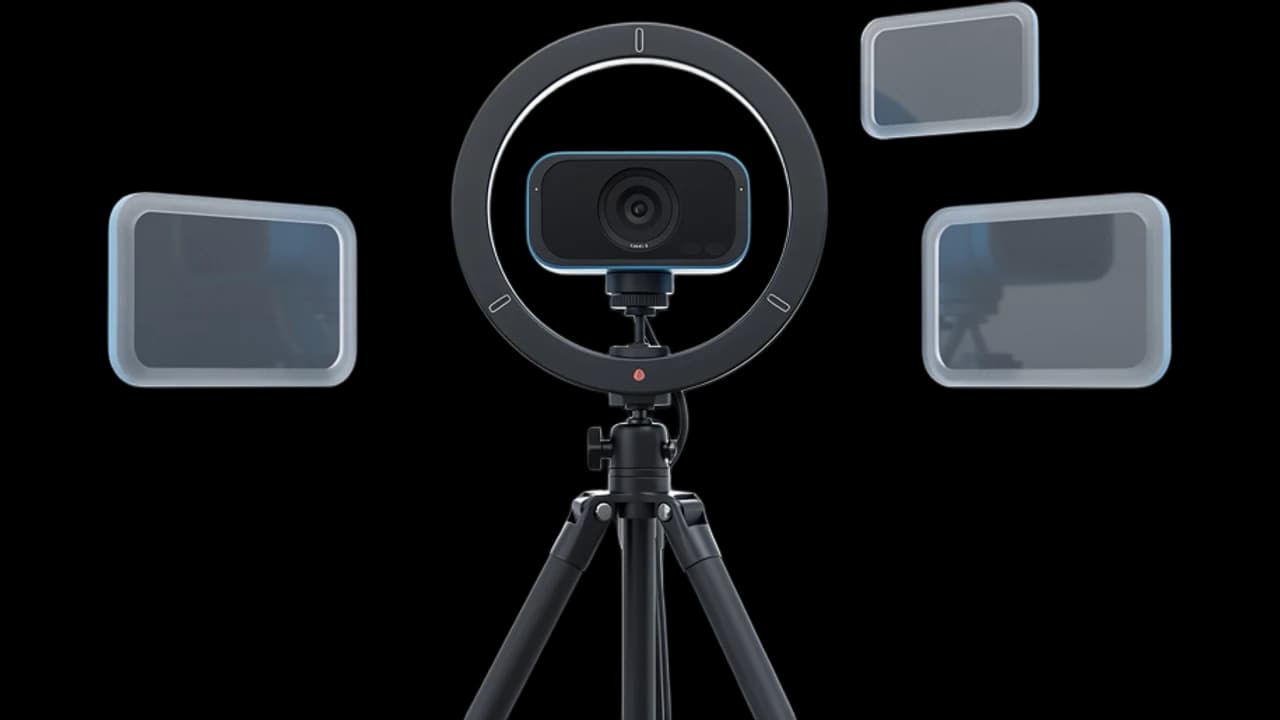
How to use the Superhero Filter
Start your camera
Click Start camera. You see yourself right away, and nothing leaves your device until the filter starts.
Keep Superhero picked
Superhero is already picked on this page. Describe your own hero's colors, emblem and city if you like.
Start the filter
Click Start filter. To use it in a call, add the Facecam extension and pick “Facecam Virtual Camera” as your camera.
What is a superhero filter?
A superhero filter is an effect that shows you as a hero: a costume, a cape, an emblem and a heroic backdrop. Facecam's works on live video, so you keep your face and talk as yourself, in the suit.
Made with Facecam
Before and after, on the same clip. His own face, a new suit and a new skyline.
What you can do with the Superhero Filter
Kids' birthday calls
Turn up to a family birthday call as a superhero and make the kids' day.
Team kickoffs
Open the big launch call in a cape. Switch back to yourself when the agenda starts.
Costume parties online
No costume needed: the suit and the skyline come with the look.
The Superhero Filter features
Armor that fits
The suit follows your shoulders and posture as you move.
Your face, no mask
Friends see you, in costume, with every expression.
A city behind you
Your room becomes a rooftop view of a skyline at dusk.
Design your own hero
Choose the colors, emblem, mask and city in your own words.





More about the Superhero Filter
The Superhero Filter is a live AI video filter that puts you in a deep blue superhero suit with silver armor, a glowing chest emblem and a cape on your webcam, and moves you to a city rooftop at dusk.
The Superhero Filter: what you need and limits
| How it works | Live, on any laptop. Needs a steady internet connection. |
|---|---|
| You get | Camera in Chrome calls |
| You need | A computer (for calls: Chrome and the Facecam extension), a webcam |
| Phones and tablets | Not supported |
| What changes | Your clothes become an armored suit with a cape and a glowing emblem, and your room becomes a city skyline at dusk. Your face stays yours. |
| Other looks | 11 more ready-made looks, any look you describe in words, or an image to look like. |
| Picture | Sharp and smooth, with about the delay of a normal video call. |
| Works in | This page, and Google Meet, Zoom, Teams and Discord in Chrome with the extension. |
| Price | Comes with every paid plan, by the minute while it's on: ≈ 11 min of Live AI Filter a month on Premium. |
| Recording | We don't record or keep your video. Each frame is changed and sent straight back. |
A superhero filter that moves with you
Superhero filters in apps usually stick a mask or a logo on a selfie. This one dresses you: a deep blue suit with silver armored panels, a glowing emblem on the chest and a dark cape, drawn onto your real body as you move. Your face stays uncovered and yours, and your room is swapped for a rooftop above a city at dusk.
Design your own hero
Describe a look takes a hero of your own. Say what they wear and where they stand:
- “Substitute the character with a superhero in a red and gold suit with a lightning emblem, on a skyscraper in a thunderstorm”
- “Substitute the character with a masked hero in a green hooded suit, on a rooftop at night”
- “Change the person's clothes to a white and silver space hero suit with a glowing visor”
Original heroes work best. Describe the costume rather than naming a hero from a film or comic.

The Superhero Filter FAQ
How do I look like a superhero on camera?
Click Start camera on this page, keep Superhero picked and click Start filter. The suit and the skyline appear in a few seconds and stay while you talk.
How much does the superhero filter cost?
It comes with every paid plan and counts by the minute only while the filter is on: ≈ 11 min of Live AI Filter a month on Premium, if you use nothing else. Trying the camera and picking looks costs nothing.
Can I be a famous superhero?
Describe the costume, colors and emblem you want and the filter draws it. Original heroes come out best.
Can I use it in Zoom, Google Meet or Discord?
Yes, when the call runs in Chrome: add the Facecam extension, choose Live AI Filter and the look in its popup, then pick “Facecam Virtual Camera” as your camera in Google Meet, the Zoom web app, Teams on the web or discord.com. The desktop apps can't see it.
Does it work on my phone?
Yes, on this page in Safari or Chrome. Using it as your camera in calls needs Chrome on a computer.



Try the Superhero Filter now
- Cancel any time
- Works in Meet, Zoom and Discord
- No gaming PC needed