Live3D AI face swap alternative
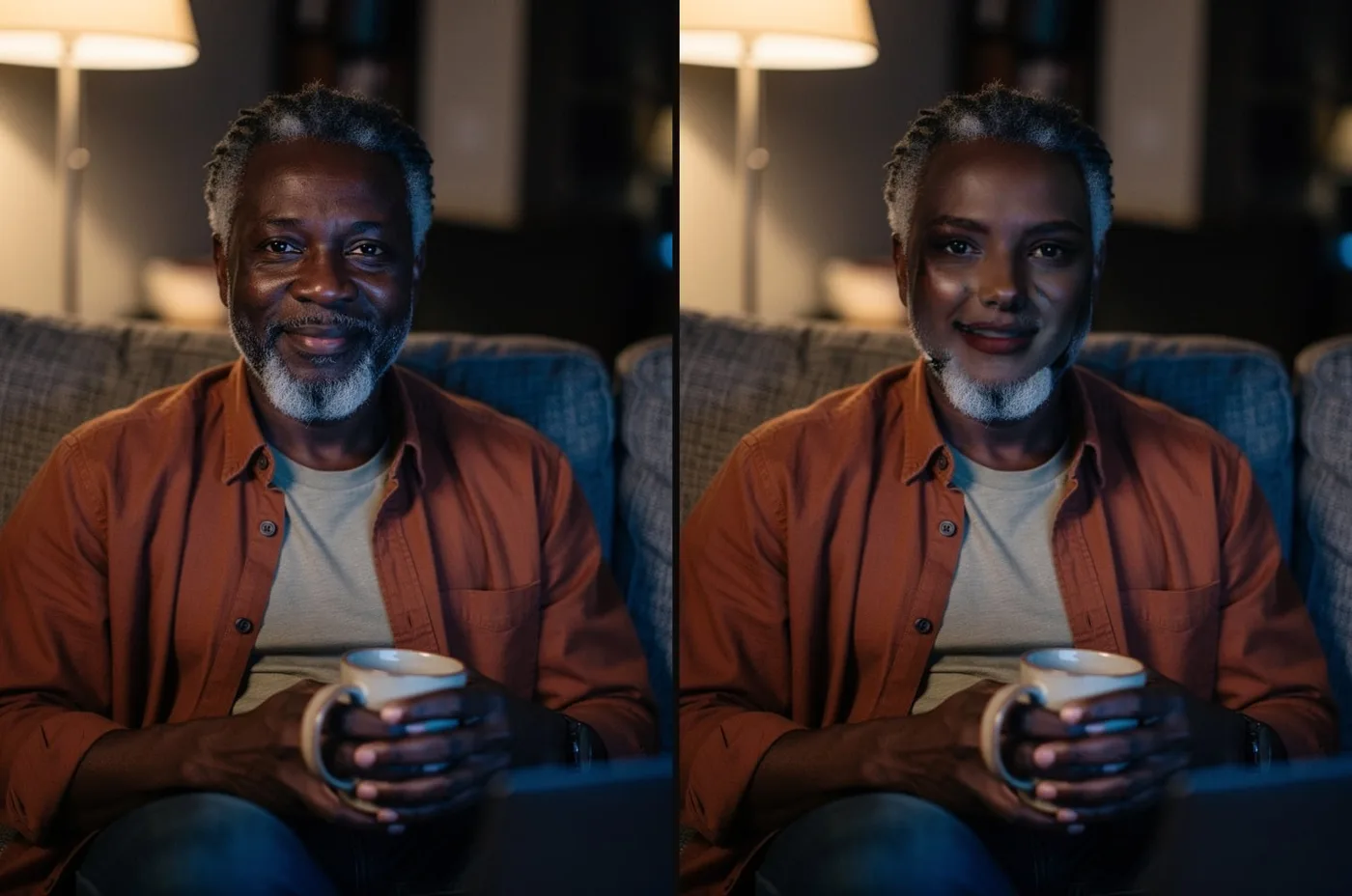
Live3D AI face swap is a free online tool for photos and short clips. Facecam is the alternative when you want the face live on your webcam, in GIFs, or with up to six faces at once.
Updated · Tested by the Facecam team
Verdict
Stay with Live3D if you mostly swap photos and short clips and want it free: reviews describe free photo swaps with no login and no watermark, and it has batch swaps and a free desktop VTuber Maker. Pick Facecam if you want to become anyone live: its live face swap puts the new face on your webcam in Google Meet, Zoom and Discord, and its GIF face swap keeps the loop. Facecam's photo, GIF and video swaps are paid beyond one free photo swap a day.
How they compare
| Live3D | Facecam | Edge | |
|---|---|---|---|
| Photo face swap | Yes, online | Yes, up to 6 faces at once | — |
| Video face swap | Yes, short clips | Yes, short clips up to 1080p | — |
| GIF face swap | Not listed | Yes, keeps the loop | — |
| Live face swap on your webcam | No | Yes, in Google Meet, Zoom and Discord | Facecam |
| Batch face swap | Yes | No | Live3D |
| VTuber tools | VTuber Maker app for Windows (Steam), free for personal use | VTuber and PNGTuber makers in the browser, free | — |
| Free use | Basic features free; advanced ones need a subscription | One free photo swap a day; free VTuber, voice and webcam tools | — |
Facecam's side
Where each one wins
Live3D
Pros
- Free photo swaps, by reviewers' accounts with no login
- Batch and multiple face swaps
- A free VTuber Maker app on Steam
Cons
- No live face swap on your webcam
- Video swaps are short
- Many tools, so the face swap is one of dozens
Facecam
Pros
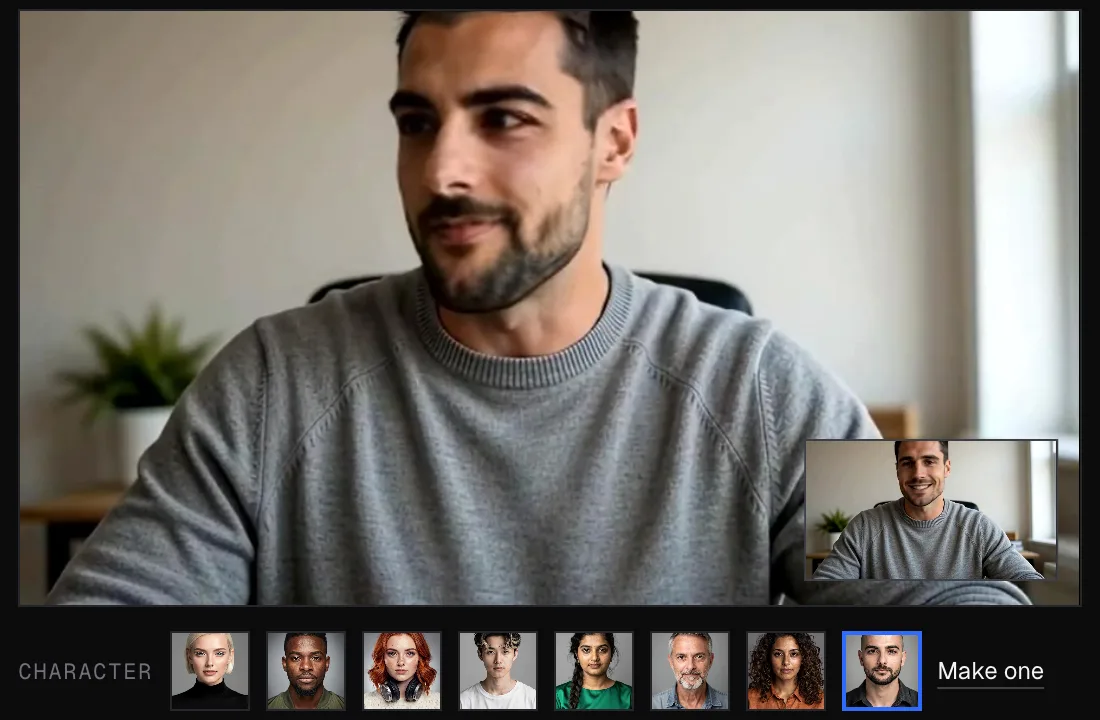
- Live face swap in calls: become anyone on camera
- GIF face swap that keeps the loop
- Up to 6 faces at once, each with its own new face
Cons
- Only one free photo swap a day
- No batch swaps
- Video clips are short
Become anyone, live
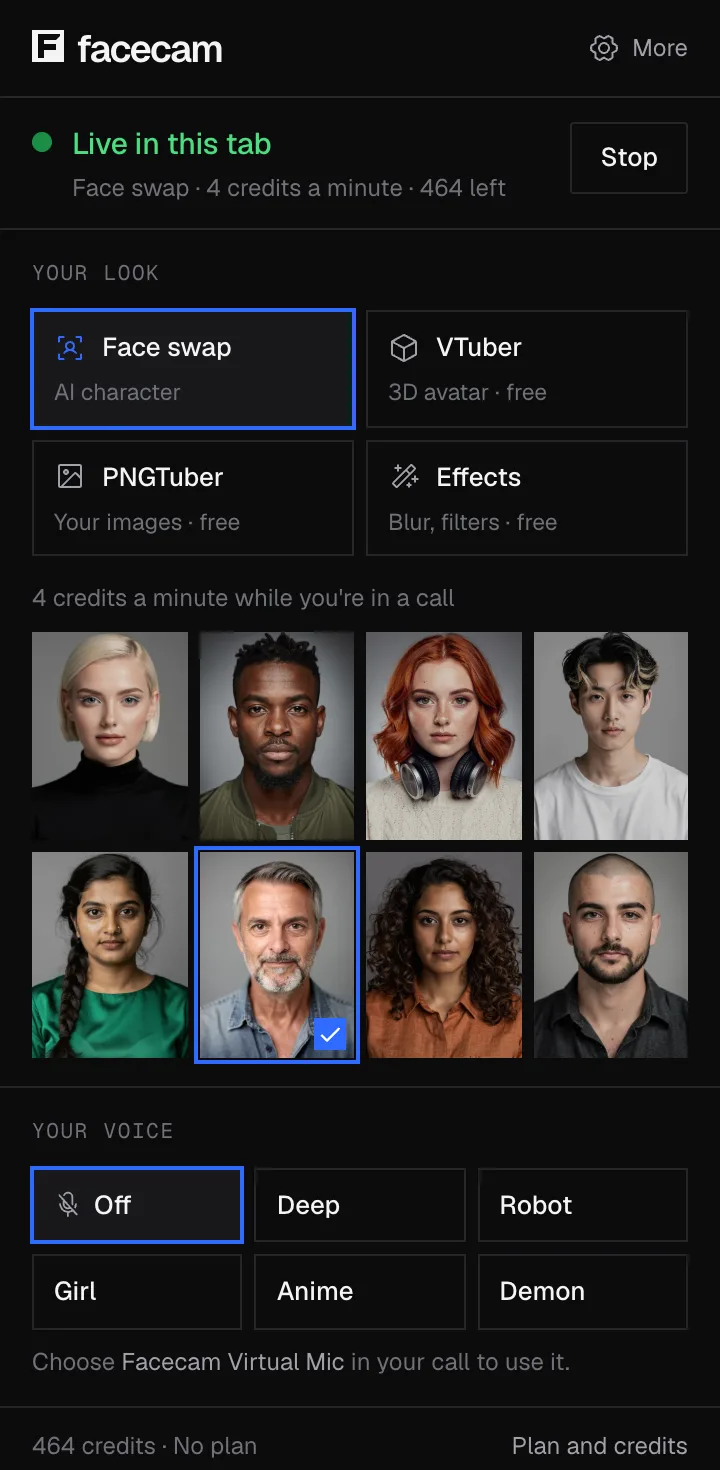
Pick a face
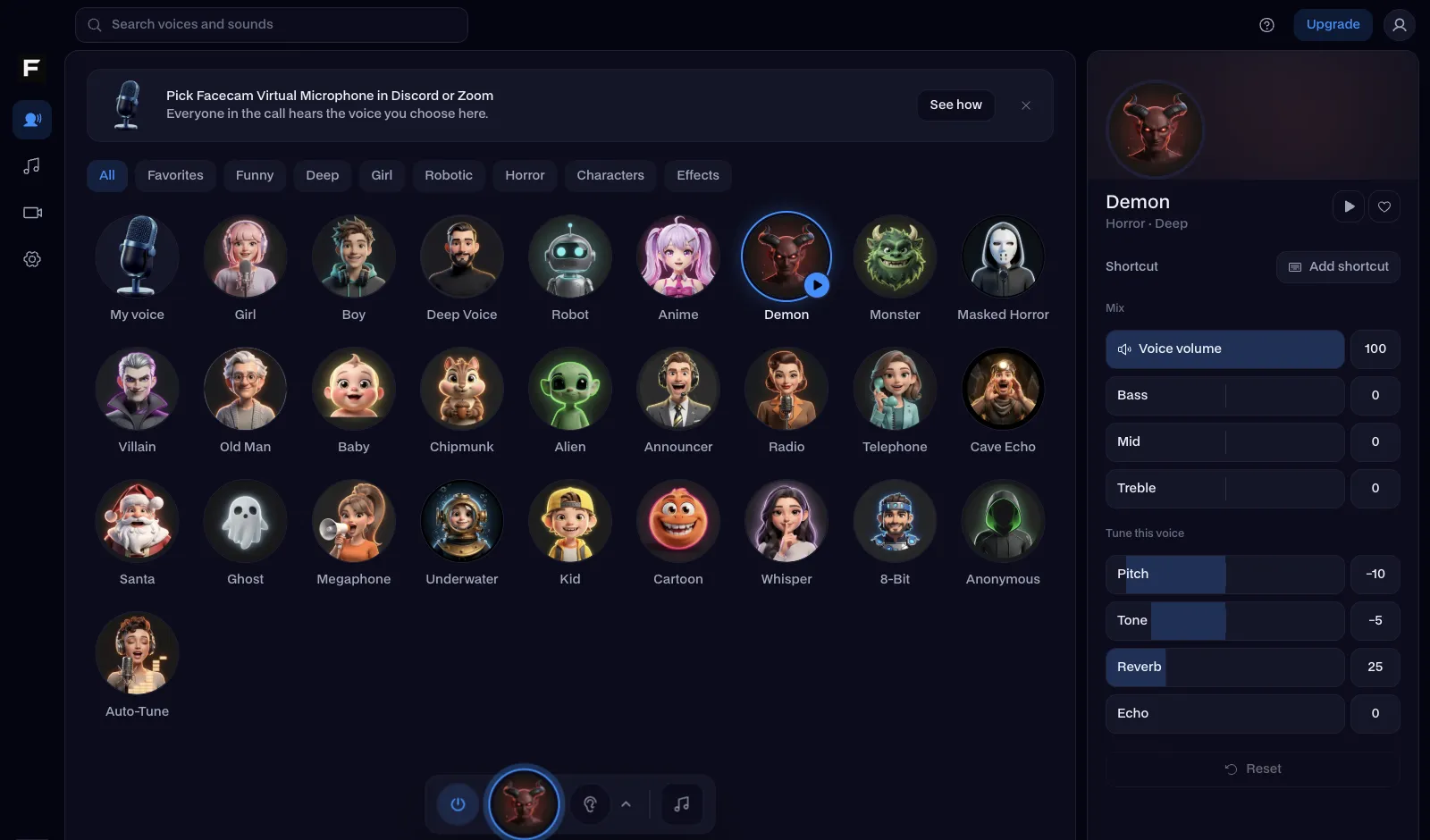
Open Live Face Swap and choose a built-in face, or upload a photo of the face you want.
Start your camera
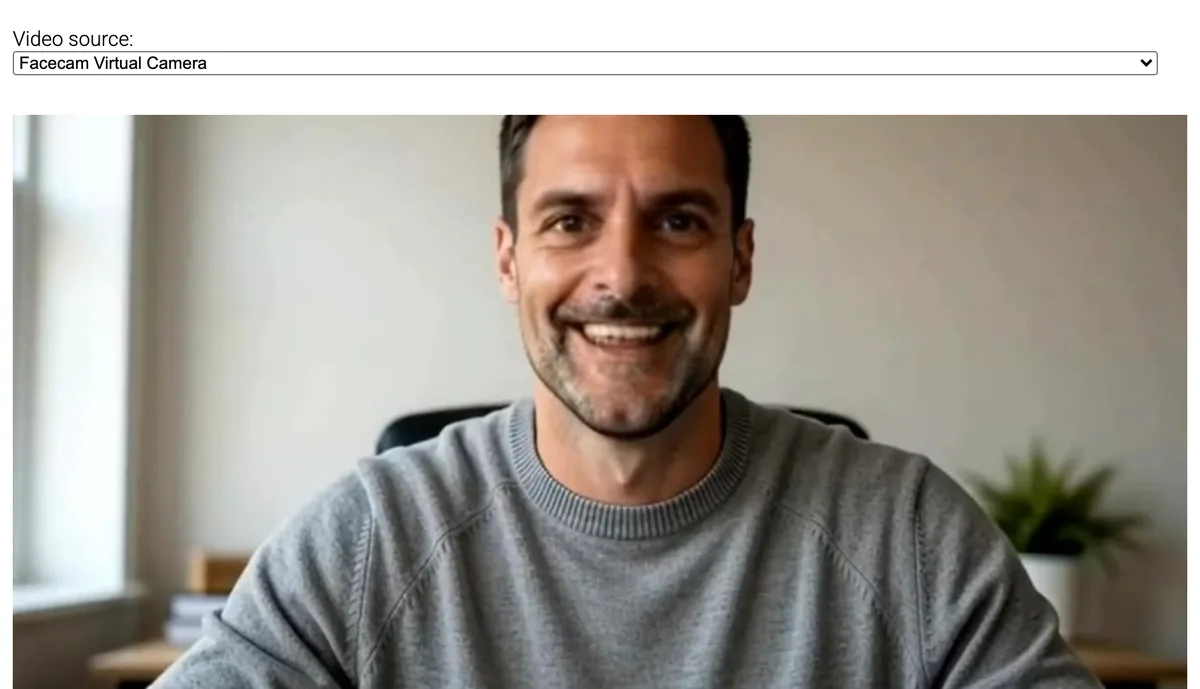
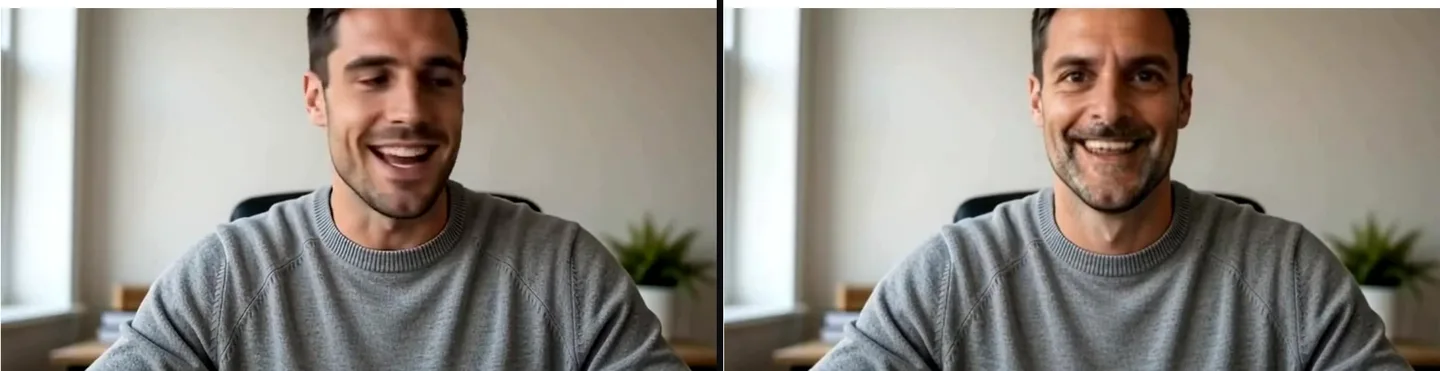
Press Start and the new face follows your head and expressions on your webcam.
Take it into your call
With the Chrome extension, pick Facecam's camera in Google Meet, Zoom or Discord; the desktop app adds Facecam Virtual Camera to every app on your PC or Mac.

Sources
- Live3D home page (AI face swap, multiple and batch face swap, VTuber Maker) (checked 2026-10-16)

Questions
Is Live3D AI face swap free?
Its site says basic features are free and advanced ones need a subscription; reviews describe free photo swaps without a login. Facecam gives one free photo swap a day, and its live, GIF and video swaps are on paid plans.
Can Live3D swap my face live on a webcam?
Live3D's face swap works on uploaded photos and videos. For a live swap on your webcam in a call, use Facecam's Live Face Swap.
Is there a Live3D alternative for VTubers?
Yes. Facecam's VTuber maker and PNGTuber maker run in the browser for free, and its camera goes into OBS, Zoom and Discord.
Can I swap several faces in one photo?
Yes, on both. Facecam swaps up to six faces in a photo, GIF or clip, each with its own new face.
Other comparisons
- Deep-Live-Cam alternative without a gaming PC
- FaceFusion alternative for live video calls
- DeepFaceLive alternative for Mac, Windows and any laptop
- Swapface alternative with no download
- Remaker alternative with card plans and live face swap
- Uberduck AI alternative
- 15.ai alternative
- Clownfish voice changer alternative
- Facecam vs LiveSwap
- Facecam vs Livesync


Related
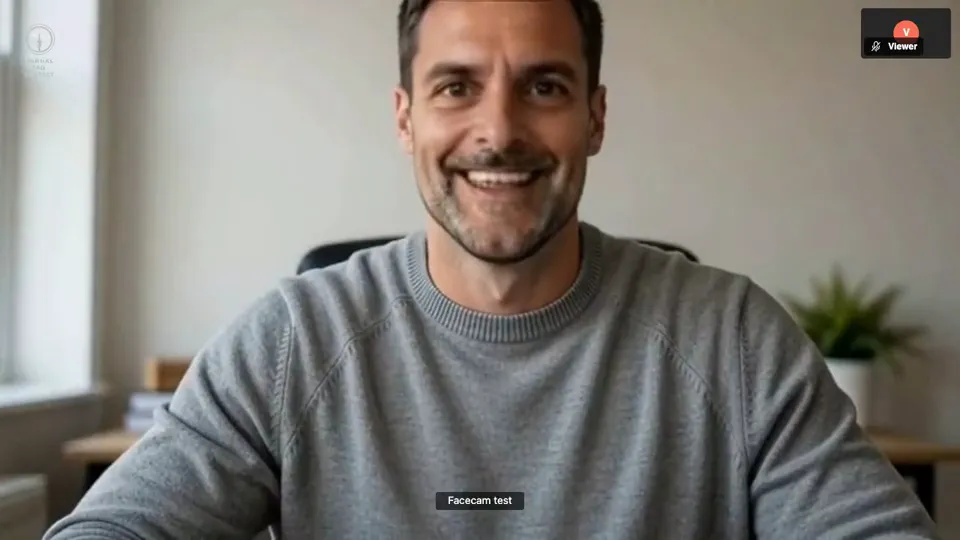 Live Face Swap for Video CallsFacecam is a live face swap app: become anyone on camera, in real time, in Google Meet, Zoom, Discord and OBS. Upload any photo or pick a built-in face, and wear it in your calls and streams.
 Video Face SwapFace swap video online, free to try: put any face into a short clip with AI, keep the original sound and download an MP4.
- Photo Face SwapFree photo face swap online: put any face onto the person in another picture, right in your browser. No sign-up. Only the face changes.
 VTuber MakerA free VTuber maker, no sign-up or download: a 3D avatar copies your face through your webcam, right in your browser.
Live Face Swap
Be anyone on your calls
Start