Free Minecraft Soundboard
A villager's hmm, a hiss and a boom, block breaks and XP pings: twelve block-game sounds to play into your server's call.
Updated · Tested by the Facecam team
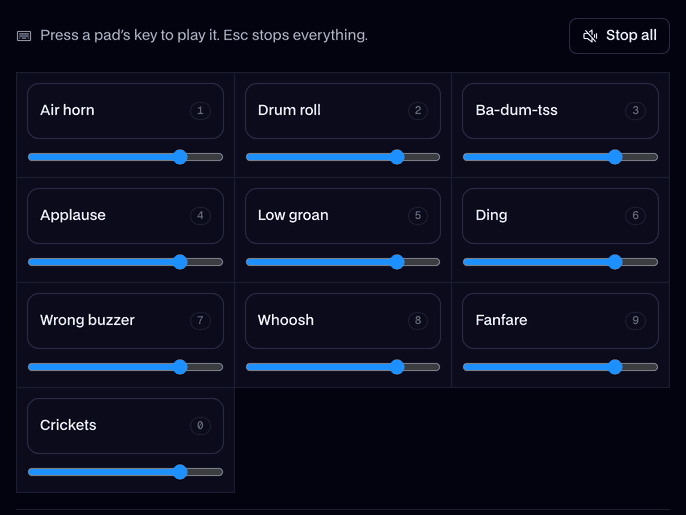
Your browser will ask for microphone access when you click.
What's on the board
Hmm1.0 s
A grumpy villager hmm.
Fuse hiss1.5 s
A hissing fuse. Run.
Explosion3.0 s
The boom that follows.
Block break0.5 s
A stone block crumbling.
XP0.6 s
A tiny XP ping.
Eating1.8 s
Three bites and a gulp.
Bow0.5 s
An arrow thunking into wood.
Oof0.5 s
One quick oof.
Zombie3.0 s
A groaning zombie.
Creaky door2.9 s
A door creaking open.
Cave6.0 s
Deep cave rumble and drips.
Level up1.6 s
Level up.
Every sound here is our own, made for Facecam with AI from a written description. Free to play on stream and to download.
Play it in Discord, OBS or Zoom
Press Use these sounds in calls, then pick Facecam Virtual Mic as your mic. Step by step: Discord, OBS and Zoom. For games, the Facecam desktop app.
- Fuse hiss, a two-second pause, then the boom: the oldest prank on any server.
- Leave the cave ambience on low under a mining trip with friends.
Sounds for a server night
| Moment | Pads |
|---|---|
| Trading | Hmm |
| The prank | Fuse hiss, then Explosion |
| Mining | Block break, Cave, XP |
| Fighting mobs | Bow, Oof, Zombie |
| Back at base | Eating, Door, Level up |

More about this board
Play it in your Minecraft voice chat
- Discord on discord.com in Chrome: press Use these sounds in calls and pick Facecam Virtual Mic.
- Discord's app, Simple Voice Chat and other in-game voice mods: the Facecam desktop app adds Facecam Virtual Microphone to your PC or Mac, so pick it as the mic and play pads from hotkeys.
- Want the villager voice for real? Turn it on in the voice changer and talk like one.


Why our own versions
Minecraft's sounds belong to Mojang. Every pad here was made new with AI from a description, like a stone block crumbling, so they're free to use in your server videos and streams.

Minecraft soundboard FAQ
Are these the real Minecraft sounds?
No, they're our own takes on the same kinds of sounds, made with AI. The game's audio belongs to Mojang.
Can I play sounds in Simple Voice Chat?
Yes, with the Facecam desktop app: choose Facecam Virtual Microphone as the mod's microphone and your pads play into proximity chat.
Can I download the Minecraft sounds?
Yes, each pad has a free MP3 download for your videos, server trailers and streams.
Can I add my own clips?
Yes. Add sounds puts your own clips on the board, up to 30 seconds each, saved in this browser.


