Free TeamSpeak Soundboard
Radio clicks, roger that, incoming and need backup, plus a sniper and an air horn: a soundboard your whole TeamSpeak channel hears.
Updated · Tested by the Facecam team
Your browser will ask for microphone access when you click.
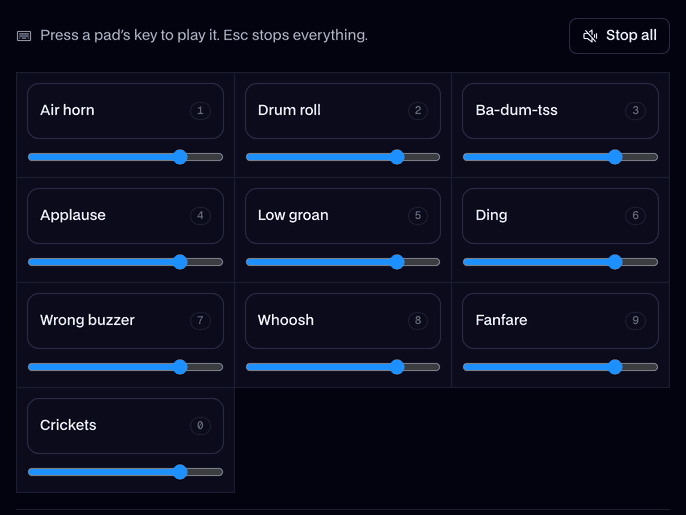
What's on the board
Radio click0.7 s
A push-to-talk click with static.
Roger that1.3 s
Roger that, over the radio.
Incoming!1.3 s
Incoming! with battle behind it.
Need backup1.5 s
I need backup, urgently.
Sniper2.5 s
One sniper shot, echoing.
Explosion3.0 s
A big explosion.
Air horn2.6 s
A stadium air horn.
Level up1.6 s
Level up.
Game over2.6 s
Game over.
Bruh1.2 s
A flat bruh.
Vine boom1.6 s
The deep reveal boom.
Applause4.0 s
Applause for the clutch.
Every sound here is our own, made for Facecam with AI from a written description. Free to play on stream and to download.
Play it in Discord, OBS or Zoom
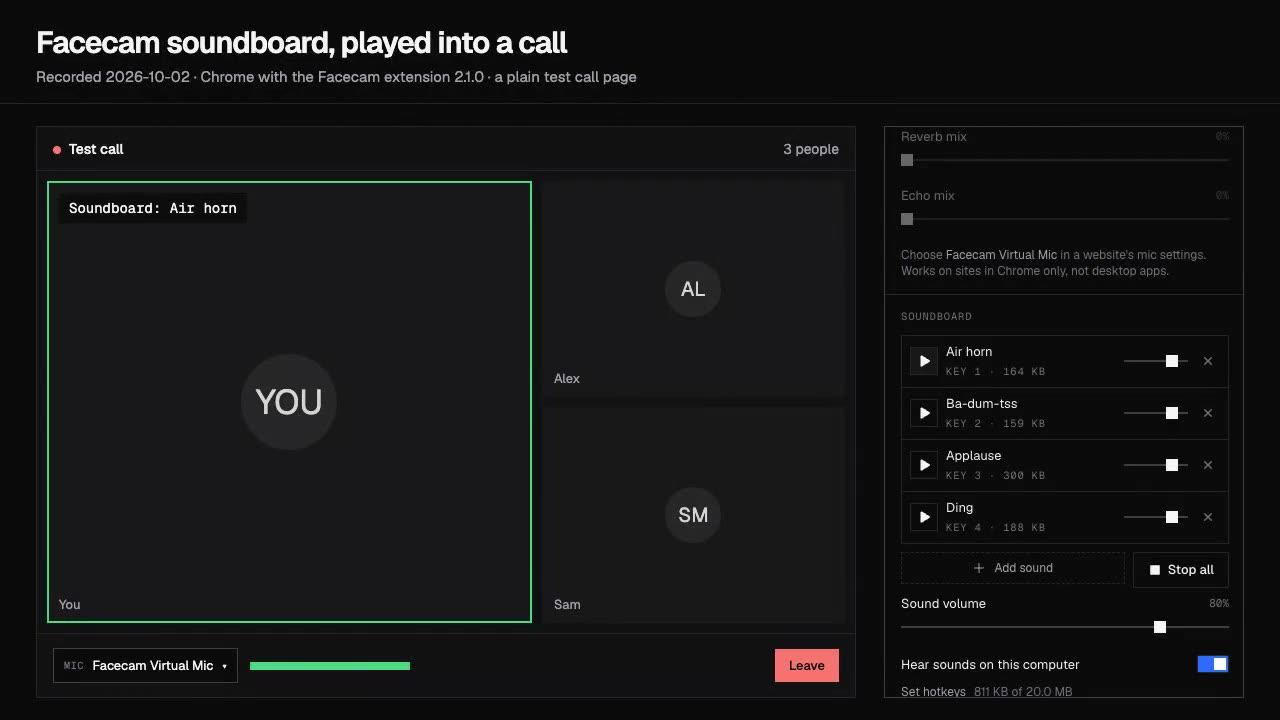
Press Use these sounds in calls, then pick Facecam Virtual Mic as your mic. Step by step: Discord, OBS and Zoom. For games, the Facecam desktop app.
- Radio click before Roger that sounds like a real callout on a milsim server.
- Use Push to Talk in TeamSpeak while pads play, or voice activation may cut the first syllable.
Set it up in TeamSpeak
Get the Facecam desktop app
Install it on Windows or Mac and add Facecam Virtual Microphone when it asks.
Pick it as TeamSpeak's capture device
TeamSpeak 3: Tools, Options, Capture, Capture Device. The newer TeamSpeak client: Settings, Capture, Input device. Choose Facecam Virtual Microphone.
Give pads hotkeys
Open the soundboard in the app, load this board and set a key for each pad. Your voice and the sounds go to the channel together.

More about this board
Facecam or a TeamSpeak plugin
TeamSpeak 3 soundboards have long been community plugins, like RP Soundboard, which you install into the client and which break when the client updates. A virtual microphone doesn't touch TeamSpeak at all: it's just another capture device, so it works the same in TeamSpeak 3, the newer client, Discord and your games.


TeamSpeak soundboard FAQ
Does TeamSpeak have a built-in soundboard?
No. TeamSpeak's sound packs are for notifications only you hear. To play sounds into a channel you need a plugin or a virtual microphone like Facecam's.
Why does the channel hear only part of a sound?
Voice activation is cutting it off between loud parts. Lower the threshold in Capture or use Push to Talk while pads play.
Can I use my own sound files?
Yes. Click Add sounds to put your own clips on the board; they play through the same microphone.
Does it work with a Stream Deck?
Yes. Set a Stream Deck Hotkey action to the pad's shortcut in the Facecam desktop app.