Free Soundboard for VR
Teleports, lasers, power ups, monkey hoots and a laugh track: a soundboard for VRChat, Gorilla Tag and Rec Room lobbies on PC VR.
Updated · Tested by the Facecam team
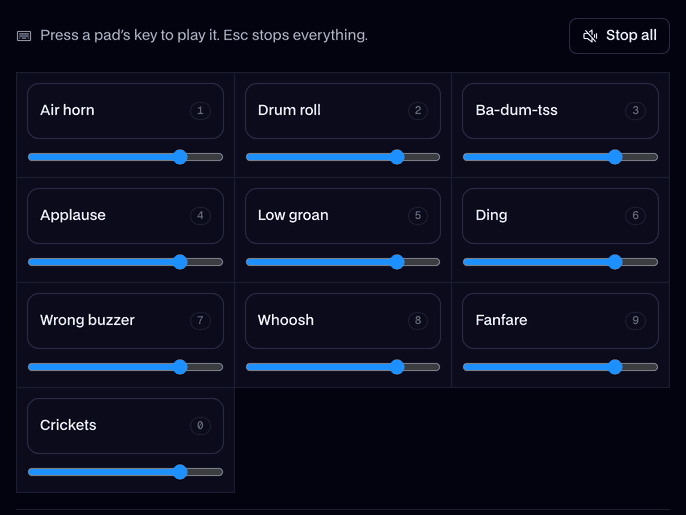
Your browser will ask for microphone access when you click.
What's on the board
Gorilla hoot1.7 s
A gorilla hooting itself into a frenzy.
Ooh ooh aah1.6 s
Ooh ooh aah aah.
Teleport0.8 s
A sci-fi teleport zap.
Power up3.5 s
A power-up charging.
Laser1.4 s
A laser blast.
Sparkle1.5 s
A magic sparkle.
Boing1.0 s
One bouncy cartoon spring.
Slap0.7 s
A slap, for the high five.
Vine boom1.6 s
The deep reveal boom.
Laugh track3.3 s
A studio audience laughing.
Applause4.0 s
Applause.
Huh?0.7 s
A confused huh?
Every sound here is our own, made for Facecam with AI from a written description. Free to play on stream and to download.
Play it in Discord, OBS or Zoom
Press Use these sounds in calls, then pick Facecam Virtual Mic as your mic. Step by step: Discord, OBS and Zoom. For games, the Facecam desktop app.
- Teleport right as you respawn or switch avatars: it sells the swap.
- Map pads to keys you can hit blind, or to a Stream Deck on your desk, so you never take the headset off.
Where it works in VR
| Where you play | Soundboard? |
|---|---|
| VRChat on PC (SteamVR, Quest Link, Air Link) | Yes: pick Facecam Virtual Microphone in VRChat's mic settings |
| Gorilla Tag on PC VR | Yes: it uses your computer's default microphone |
| Rec Room on PC | Yes: set Facecam Virtual Microphone as the default input |
| Standalone Quest, no PC | Not in the game. Play pads in your Discord call on a computer |


More about this board
Set it up
- Install the Facecam desktop app on the PC that runs your VR games and add Facecam Virtual Microphone.
- Make it your default input in Windows (Settings, System, Sound, Input), or pick it inside VRChat's audio settings.
- Give each pad a hotkey. Your voice and the sounds reach the lobby together, and the voice changer works on top.


Soundboard for VR FAQ
Can you use a soundboard in VRChat?
Yes, on PC VR. Pick Facecam Virtual Microphone as your microphone in VRChat and play pads from hotkeys; people near you hear them like your voice.
Does a VR soundboard work on Quest without a PC?
No: a standalone Quest can't load a virtual microphone into games. Connect the Quest to a PC with Link or Air Link, or play pads in your Discord call.
How do I press sounds with a headset on?
Use keys you can find without looking, like the number row, or a Stream Deck. Each pad's shortcut is set in the Facecam desktop app.
Will it get me kicked?
It's your microphone, so lobbies treat it like your voice. Keep pad volumes down in public worlds and nobody minds the odd laugh track.

