How to Play Music on Google Meet Without Sharing Your Screen
You can play music into Google Meet or Zoom on the web without presenting anything: send it through a virtual mic. We played one song into a test call two ways and measured what arrived.
By Facecam team
Published · 5 min read

On this page
Short answer
Send the music through a virtual microphone and pick that mic in the call: everyone hears it, and nothing is shared on screen. In our test, a song played from the Soundboard into the Facecam Virtual Mic arrived with every frequency band within 1.8 to 2.1 dB of the file, while the same song played out of the speakers into the mic lost everything above 16 kHz to the call's audio processing. Clips are up to 30 seconds, so for a whole song, present a Chrome tab with its audio instead.
Presenting a tab is the usual way to play music in Meet, and it puts a big shared screen in front of everyone. If you only want a song under a quiz, an intro or a birthday, the sound can go through your microphone instead. The question is what a call does to music on the way, so we measured it.
Can you play music on Google Meet without sharing your screen?
Yes, through a virtual microphone. Google Meet has no audio-only share: its help page says that presenting a Chrome tab shares that tab's audio, and a window or the full screen needs "Also share system audio" turned on, so audio always comes with a presentation. A virtual mic skips that. Meet hears it as your microphone, so the music plays to everyone with your camera tile unchanged.
Soundboard is a free browser tool that plays sound clips into your microphone for calls and streams in Chrome. The Facecam extension turns it into a microphone called Facecam Virtual Mic, which Google Meet, Zoom on the web and discord.com can pick like any other mic. Your own voice still goes through it.

Does music sound bad through a mic in a call?
Through a virtual mic it sounds like the song; through the speakers and a real mic it sounds like a phone held up to a radio. Calls in Chrome normally run your real microphone through echo cancellation, noise suppression and auto gain, which are tuned for speech. In our test that processing cut everything above 16 kHz: the top band arrived 61 dB below the middle of the song, against 25 dB with the processing off. Cymbals and the air around the vocals were gone.
The Facecam Virtual Mic mixes the music in after that processing, so it doesn't touch the song. Every band from 60 Hz to 20 kHz arrived 1.8 to 2.1 dB below the file with the processing on and the same with it off. That even drop is the Soundboard's sound volume, which starts at 80%.
| How the song was played | Highs (16–20 kHz) | Call processing changed it? |
|---|---|---|
| Soundboard into the Facecam Virtual Mic | Kept, like the rest of the song | No |
| Speakers into the mic, processing off | Kept, but quiet and roomy | No |
| Speakers into the mic, processing on | Cut | Yes: highs cut, sound thinned |
The song file
Call: Facecam Virtual Mic
Call: speakers into the mic
One thing no route fixes: calls send music as a voice call. Our test call sent about 31 kbit/s in mono, Chrome's default, and the Soundboard mixes stereo files down to mono before they reach the mic. Wide stereo songs lose their width, not their sound.
How do you play music through your mic in Meet or Zoom?
Cut the part you want
Each sound can be up to 30 seconds. Trim the intro, chorus or jingle you want to play in any audio editor and save it as an MP3 or WAV.
Add it to the Soundboard
Install the Facecam extension for Chrome, open the Soundboard on facecam.ai and click Add sounds. Files stay on your computer.
Send it to the virtual mic
Click "Use these sounds in calls", then choose Facecam Virtual Mic as your microphone in Google Meet or Zoom on the web.
Play it during the call
Start the clip from the Soundboard section under More in the extension's menu, or from a keyboard shortcut you set at chrome://extensions/shortcuts. Talk over it if you like: your voice goes through the same mic.
How do you play a whole song for everyone?
Present a Chrome tab. The 30-second limit makes the Soundboard right for intros, stings and short clips, not a full track. For a whole song in Meet, open it in its own Chrome tab and present that tab: Meet's help says a presented tab shares its audio by default. Everyone sees the tab, so pick one with nothing private on it.
Want the music without the singing, for karaoke or under your own voice? Facecam's Vocal Remover splits a song you upload into its vocals and its instrumental with AI and gives you both as MP3 files. Cut a 30-second piece of the instrumental and put it on a pad.
What didn't we test?
- Meet's and Zoom's own filters. Our call was a WebRTC page in Chrome without the apps' own noise cancellation. Meet and Zoom can filter music further, so check their noise settings if a song sounds choppy. We didn't sign in to either.
- A real room. The speakers case used a copy of the song mixed into the mic feed 20 dB down. Real speakers and rooms vary.
- Desktop apps. The Facecam Virtual Mic works for websites in Chrome. In the Zoom desktop app, pick Facecam Virtual Microphone from Facecam for PC and Mac, or use the app's own sharing options.
- Copyright. We used a song we made with an AI music model. Playing a commercial song to a call or stream is a separate question, and a streaming platform may mute it.
Questions
How do I play music in Google Meet so everyone hears it?
Either present the Chrome tab that's playing it, which shares the tab's audio, or play it through a virtual microphone such as the Facecam Virtual Mic, which needs no presenting. The virtual mic suits clips of up to 30 seconds; a whole song suits a presented tab.
Why does music sound bad on Zoom or Meet?
When music reaches the call through your real microphone, the call's echo cancellation and noise suppression treat it like background noise. In our test that cut everything above 16 kHz. Sending the music through a virtual mic avoids that processing.
Can I play music on Zoom without sharing my screen?
In Zoom on the web in Chrome, yes: pick the Facecam Virtual Mic as your microphone and play clips from the Soundboard. In the Zoom desktop app, the virtual mic isn't available.
Can I talk while music plays?
Yes. Your voice goes through the same virtual mic, and the music plays under it.
Is the Soundboard free?
Yes. The Soundboard and the Facecam Virtual Mic are free and run in Chrome on your computer.
Keep reading
Voice
How to Remove Music From a Video but Keep the Voice
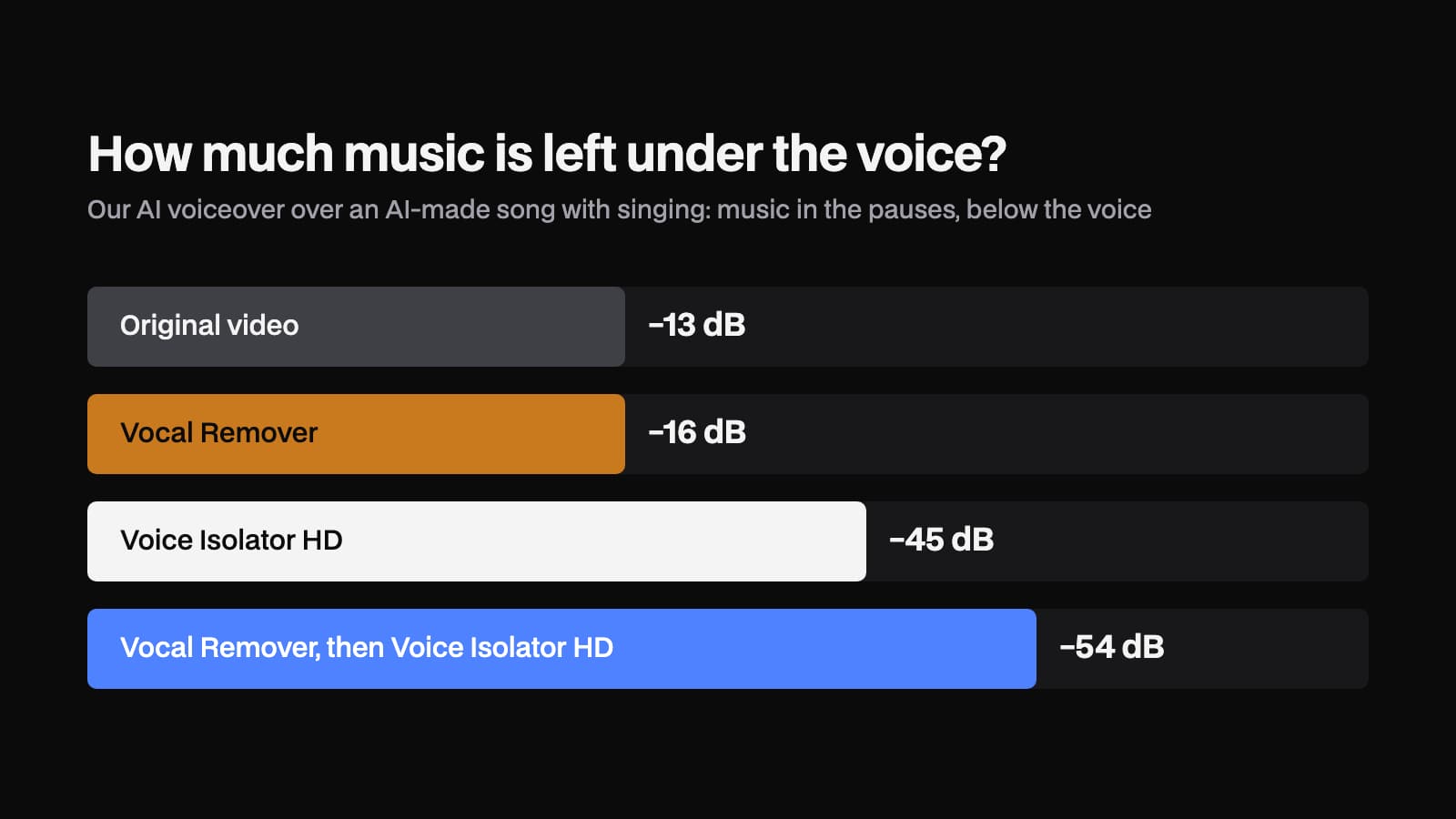
Background music under a voice can come out of a video in three steps: take the audio out, split it with AI, put the voice back. We ran it on two test videos and measured how much music was left.
5 min read
Voice
Is Jammable Free?
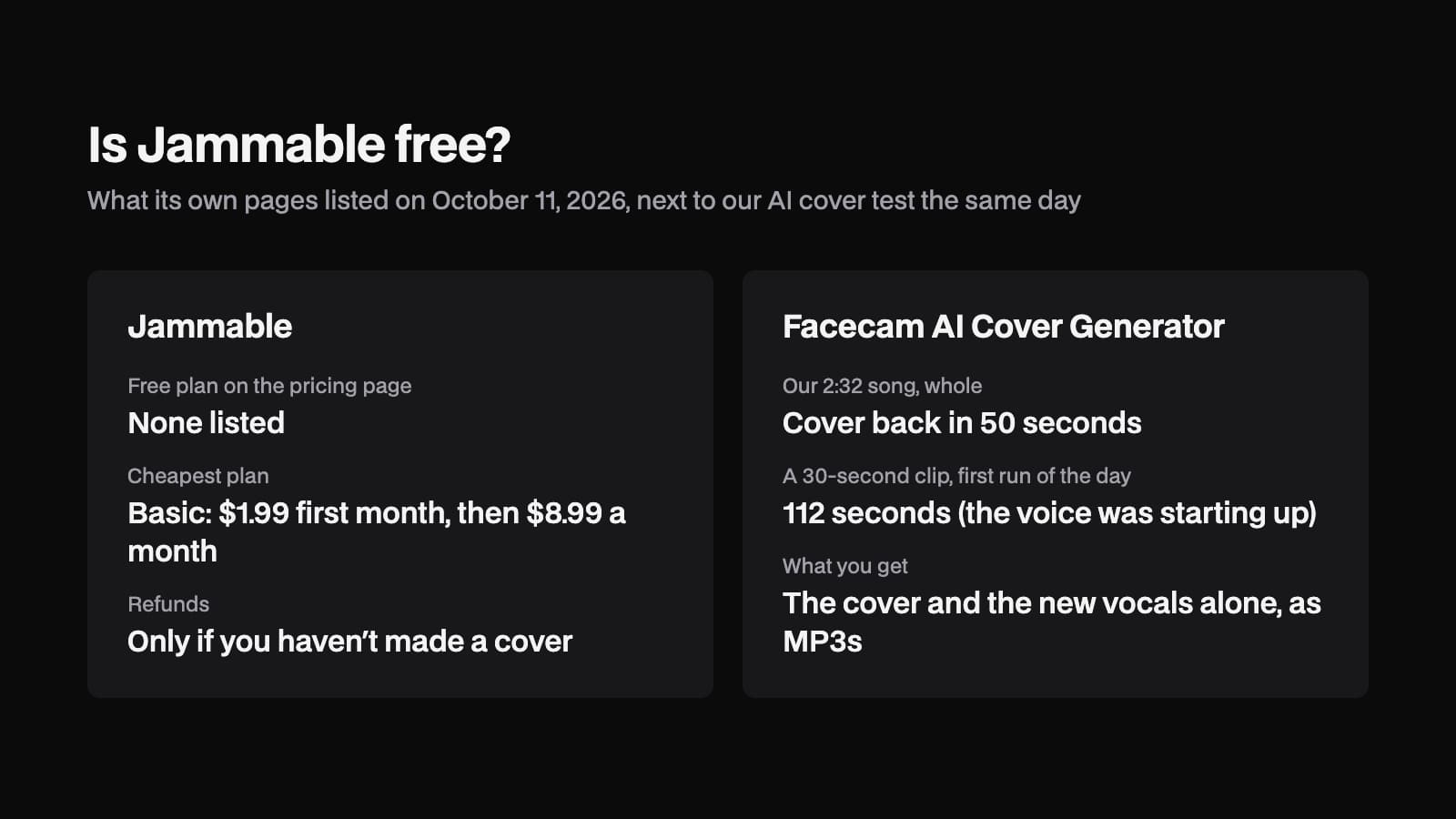
Jammable lets you sign up for free, but making AI covers is part of its paid plans. We read its pricing, refund and terms pages and timed an AI cover of our own song on Facecam for comparison.
4 min read
Voice
Can a Voice Clone Sing?
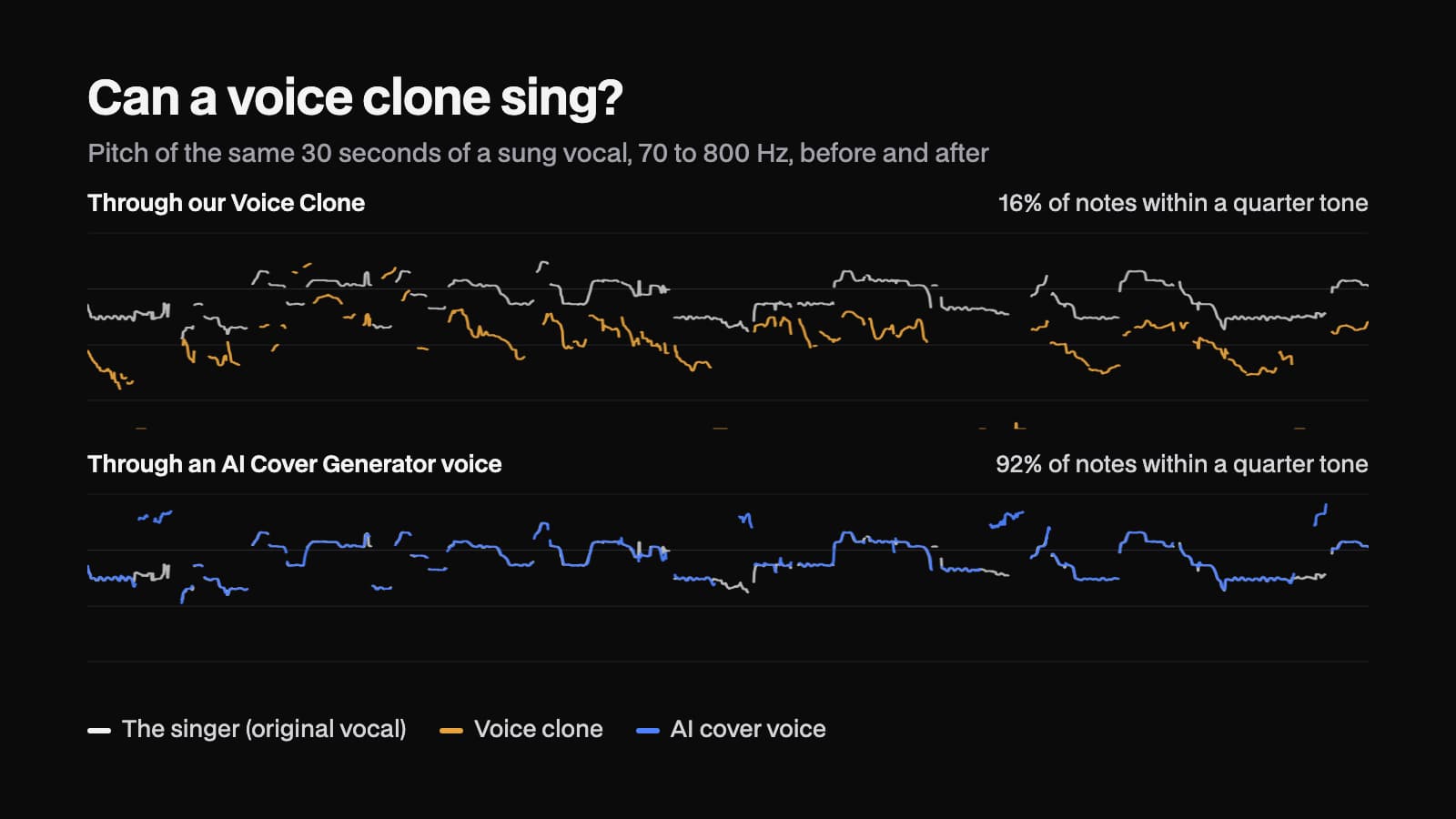
Can a voice clone sing a song in your voice? We converted a sung vocal into a voice clone made from 25 seconds of speech, then tracked the pitch to see whether the melody made it through.
4 min read


Free, in your browser
Soundboard
Soundboard is a free browser tool that plays sound clips into your microphone for calls and streams in Chrome, or on hotkeys in games and any other app with Facecam for PC and Mac.
Open Soundboard


