How to Remove Music From a Video but Keep the Voice
Background music under a voice can come out of a video in three steps: take the audio out, split it with AI, put the voice back. We ran it on two test videos and measured how much music was left.
By Facecam team
Published · 5 min read

On this page
Short answer
Take the audio out of the video, run it through an AI vocal remover or voice isolator, and put the voice track back on the picture. On instrumental background music, the Vocal Remover alone pushed the music down from 12 dB to 46 dB below the voice in our test. When the music had singing, the singer stayed in the vocal track, and only a voice isolator pass removed it (54 dB below the voice).
Most guides to this stop at "upload it to a vocal remover". That works for some videos and not others, and the difference is whether the music has singing in it. We built two test videos, one of each, and measured what each tool left behind.
Can you remove music from a video and keep the voice?
Yes. AI separation models are trained to pull voices apart from instruments, so they can lift a talking voice off background music. The video itself never needs editing: you only swap its sound track for the cleaned one.
Two kinds of tool do the job. A vocal remover splits audio into vocals and everything else. Facecam's Vocal Remover splits a song you upload into its vocals and its instrumental with AI and gives you both as MP3 files. A voice isolator keeps speech and drops everything else. Voice Isolator is a free browser tool that removes background noise from a recording and leaves your voice, with an optional HD pass for tougher noise. Music needs the HD pass.

How much music does each tool leave?
On instrumental music, almost none: the Vocal Remover took the music from 12 dB to 46 dB below the voice, which is silent in practice. On a song with a singer, the Vocal Remover left the singing in, since singing is vocals too: 16 dB, hardly better than the original 13 dB. Voice Isolator HD took that to 45 dB, and the two in a row to 54 dB.
| Version | Instrumental music | Song with singing |
|---|---|---|
| Original video | 12 dB | 13 dB |
| Vocal Remover (vocals file) | 46 dB | 16 dB |
| Voice Isolator HD | 55 dB | 45 dB |
| Vocal Remover, then Voice Isolator HD | 55 dB | 54 dB |
None of the passes cost words. Whisper speech recognition got 84 or 85 of the 86 words right on every version, the same as on the clean voiceover. Each job took 13 to 13 seconds on the Vocal Remover and 6 to 10 seconds on Voice Isolator HD for 30 seconds of audio.
Video audio: voice over a song
Vocal Remover
Voice Isolator HD
Vocal Remover, then Voice Isolator HD
Video audio: voice over an instrumental
Vocal Remover
How do you remove background music from a video, step by step?
Take the audio out of the video
Any video editor can export the sound alone. With FFmpeg it takes under a second and loses nothing:
ffmpeg -i video.mp4 -vn -c:a copy audio.m4a.Split it with the Vocal Remover
Upload audio.m4a (MP3, WAV, M4A or OGG, up to 10 minutes) and download the vocals file. If the music had no singing, that file is your clean voice.
If the music had singing, run Voice Isolator HD
Upload the vocals file to Voice Isolator and run the HD pass (up to 5 minutes per file). It keeps the speech and drops the singer.
Put the voice back on the picture
In your editor, mute the old track and drop in the new one at zero. With FFmpeg:
ffmpeg -i video.mp4 -i voice.mp3 -map 0:v -map 1:a -c:v copy -c:a aac -shortest clean.mp4. The picture isn't re-encoded, so it took us under a second.
Check the lip sync once. The Vocal Remover's file lined up with the video to the sample in our test. Voice Isolator HD's came back 24 ms late, well under what anyone notices, but if you chain more tools, play the start of the clip before you publish.
When should you use a voice isolator instead?
Use Voice Isolator HD first when the music has singing, or when there's other noise too: wind, traffic or a room full of people. On our song video, HD alone left the music 45 dB below the voice in one pass. The free mode of Voice Isolator is made for steady noise like fans and hum and runs in your browser; music needs the HD pass.
Keep the music file too. The Vocal Remover also gives you the music without the voice, which is handy if you want to re-record the narration over the same soundtrack.
What didn't we test?
- Real footage. Our voice and music were AI-made and mixed by us, so the voice was clean and the music 12 dB under it. A phone video with wind, echo and music at the same level as the voice will leave more behind.
- Two people talking over music. Both tools keep every voice, so they won't separate one speaker from another.
- Long videos. We tested 30 seconds. The Vocal Remover takes up to ten minutes per file and HD five, so split longer videos first.
- Listening tests. Our numbers are levels in the pauses and a speech recognizer, not a panel of listeners.
Questions
How do I remove background music from a video for free?
Take the audio out with a free editor or FFmpeg, then use an AI separation tool. Facecam's Vocal Remover and Voice Isolator HD come with the paid plans, charged by the minute, and new accounts get free tries; the free mode of Voice Isolator is for steady noise, not music.
Can you remove a song from a video but keep the talking?
Yes, but a vocal remover alone keeps the singer, because singing is vocals too. In our test a voice isolator pass after the vocal remover took the song from 16 dB to 54 dB below the voice.
Will removing the music make the voice sound worse?
Not much on a clean recording. In our test, a speech recognizer got the same words right before and after every pass. Noisy or echoey voices lose more.
Does it work on TikTok or YouTube videos?
It works on any video file you have: export or download your own video, take the audio out, clean it and put it back.
Can I remove the voice and keep the music instead?
Yes. The Vocal Remover gives you both files: the vocals and the music without them.
Keep reading
Voice
How to Play Music on Google Meet Without Sharing Your Screen
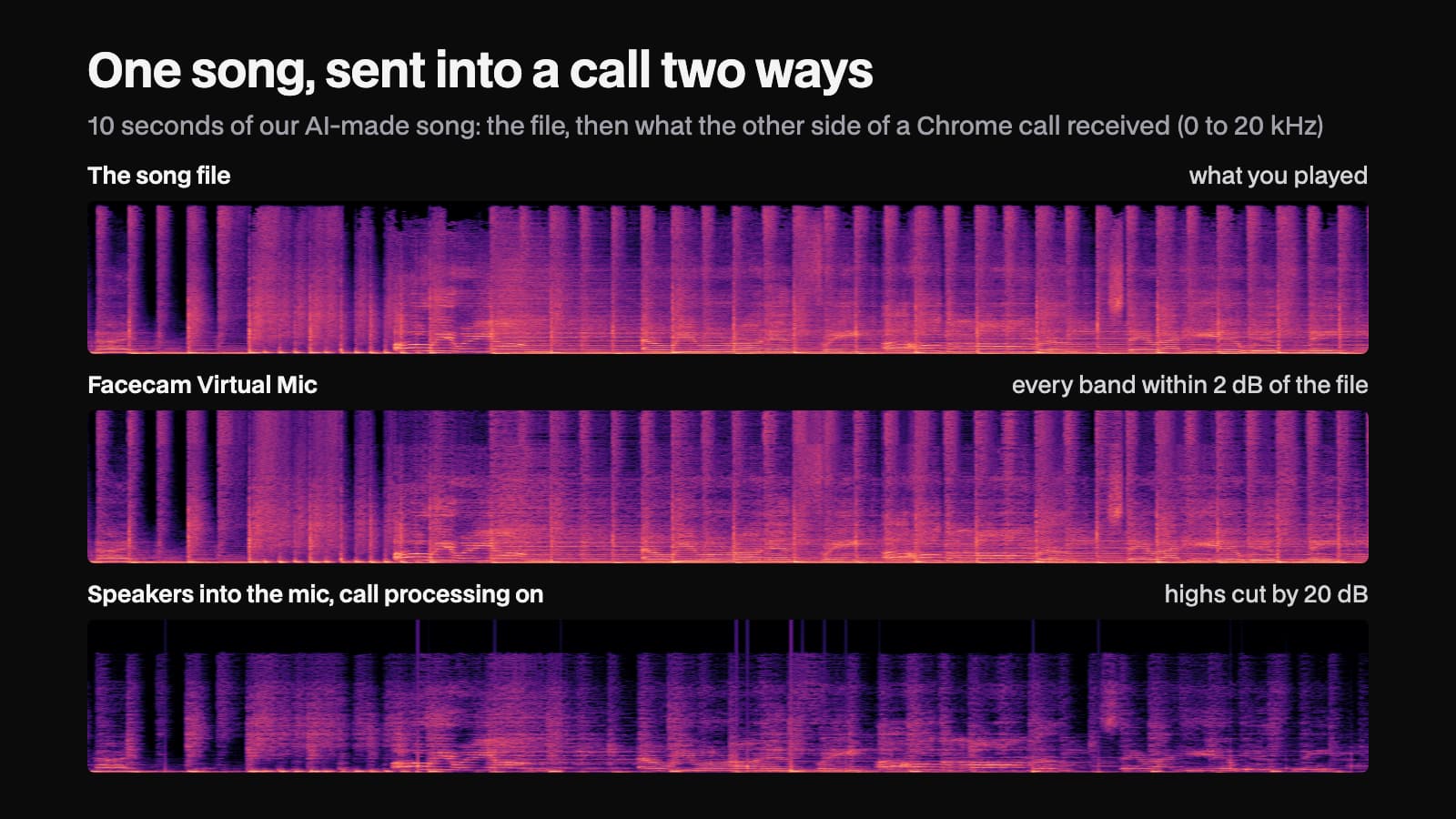
You can play music into Google Meet or Zoom on the web without presenting anything: send it through a virtual mic. We played one song into a test call two ways and measured what arrived.
5 min read

Voice
Is Jammable Free?
Jammable lets you sign up for free, but making AI covers is part of its paid plans. We read its pricing, refund and terms pages and timed an AI cover of our own song on Facecam for comparison.
4 min read
Voice
Can a Voice Clone Sing?
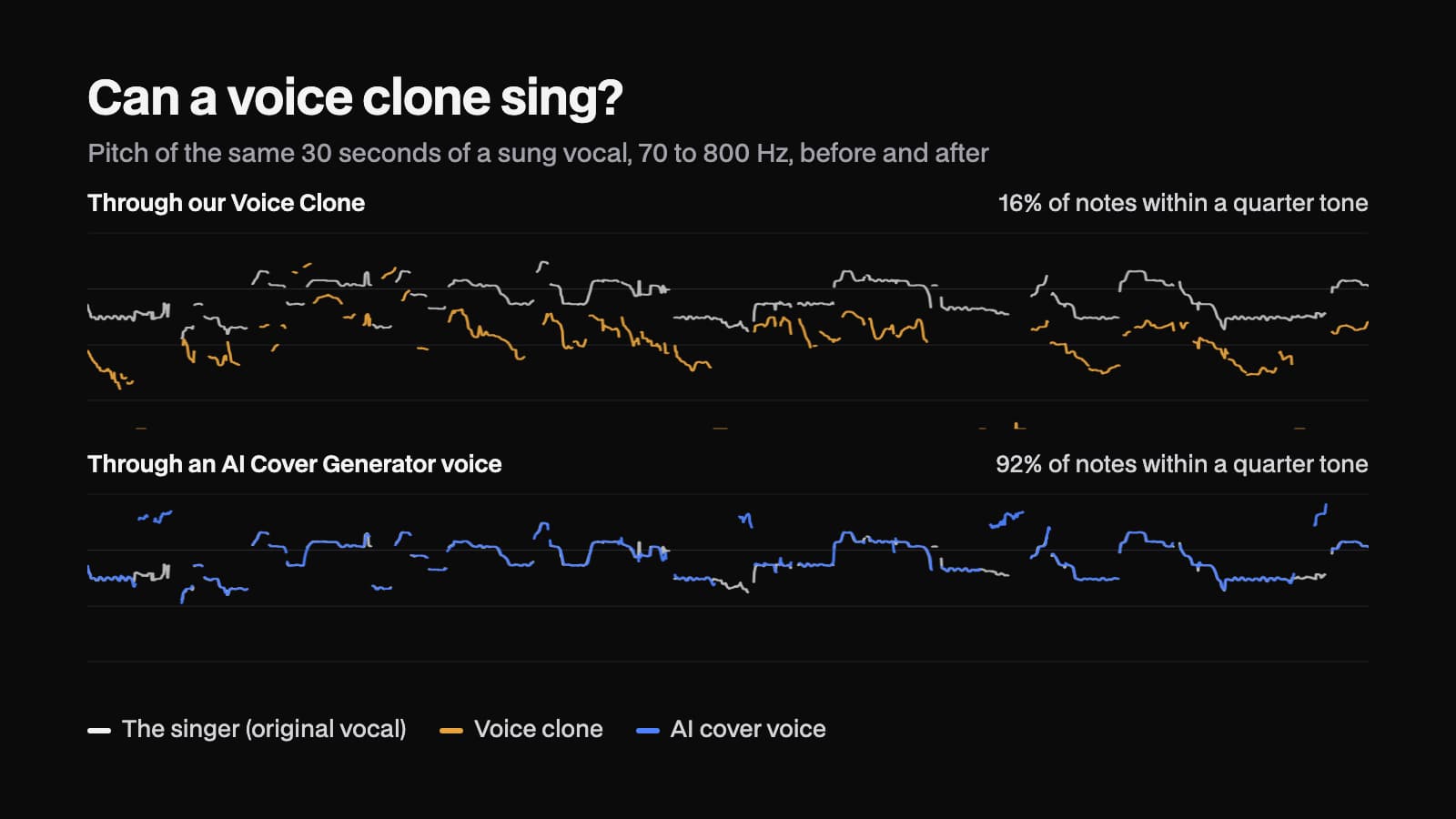
Can a voice clone sing a song in your voice? We converted a sung vocal into a voice clone made from 25 seconds of speech, then tracked the pitch to see whether the melody made it through.
4 min read


Try it
Vocal Remover
Vocal Remover is a tool that splits a song into its vocals and its instrumental and gives you both as audio files.
Open Vocal Remover


