Free Minecraft Voice Changer
Sound like a villager, a creeper-sized monster or a redstone robot in your Minecraft group's Discord call. Free, in Chrome.
Updated · Tested by the Facecam team

Your browser will ask for microphone access when you click.

How do I change my voice on Minecraft?
A Minecraft voice changer changes how you sound to the people you play with. Minecraft Java has no voice chat of its own, so many groups talk on Discord; Facecam's free voice changer works there when Discord runs in Chrome.
Open Discord in Chrome, not the app
Go to discord.com/app in Chrome and log in. Quit the Discord desktop app first, or you'll join the Minecraft call twice.
Pick a voice
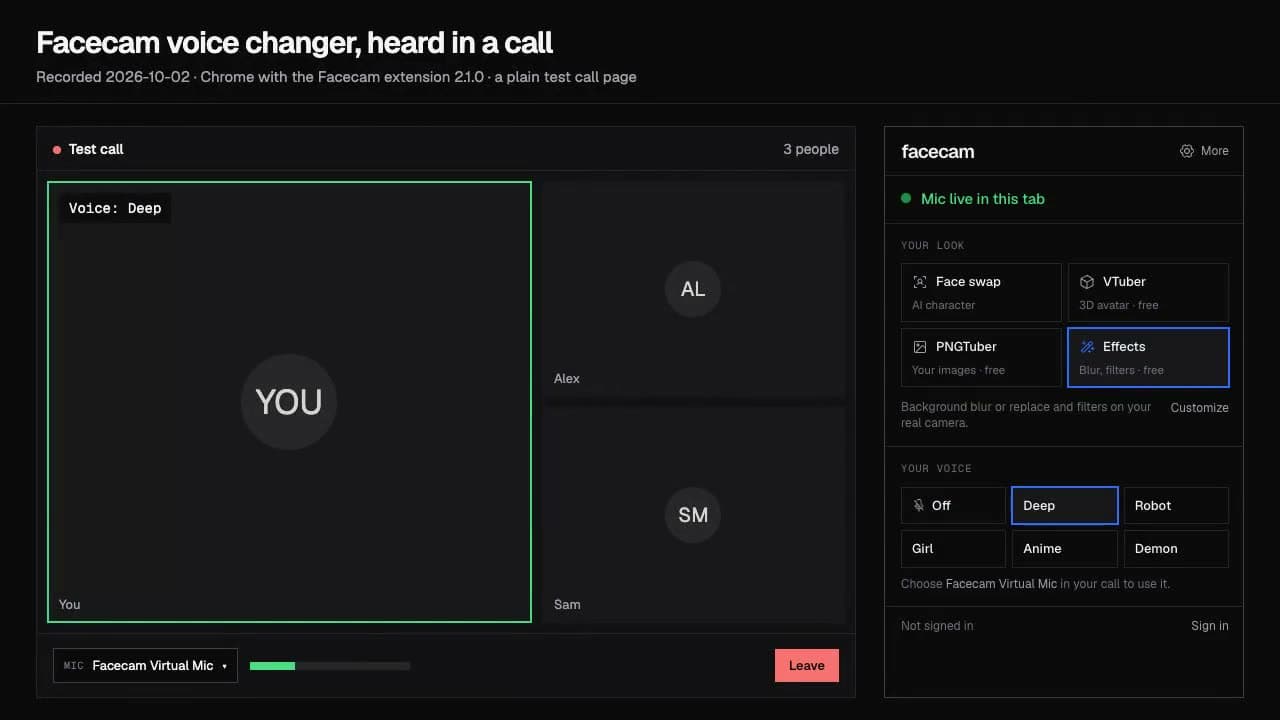
The voice changer on this page starts on the villager voice; press Start to hear it. To keep it in the call, choose a voice in the Facecam popup (the icon in Chrome's toolbar) under Your voice.
Set the mic and switch to Voice Activity
In User Settings → Voice & Video, set Input Device to “Facecam Virtual Mic”, turn Noise Suppression off and choose Voice Activity. In a browser, Push to Talk only works while the Discord tab is in front, and it won't be while you play.
Join the voice channel, then launch Minecraft
Join your group's channel, check that the others hear the new voice, then start Minecraft. Leave the Chrome window open behind the game: closing the tab stops the mic.
Our test recording
Before: our test line with no effect.
After: the villager voice the page starts on, with that preset's settings.
Why isn't my voice changing on Minecraft?
| Problem | Fix |
|---|---|
| My friends on Simple Voice Chat can't hear the voice | The mod records your mic from inside Minecraft, which can't see the Chrome extension's mic. Install the Facecam desktop app and pick Facecam Virtual Microphone in the mod's settings, or talk in your server's Discord channel in Chrome. |
| The voice cuts out when I tab into the game | You're on Push to Talk. Discord in a browser only hears the key while its tab is in front: switch to Voice Activity. |
| The game lags with the voice on | The voice runs on your computer. On a low-end laptop, lower Minecraft's render distance or close other Chrome tabs. |

Which Minecraft voice chat it reaches
| Where your group talks | Works with Facecam? | Why |
|---|---|---|
| Discord on discord.com in Chrome | Yes | Chrome can pick Facecam Virtual Mic |
| Google Meet or Zoom on the web | Yes | Same: they run in Chrome |
| Discord desktop app | Yes, with the desktop app | Pick Facecam Virtual Microphone in Voice & Video |
| Simple Voice Chat or Plasmo Voice (mods) | Yes, with the desktop app | Pick Facecam Virtual Microphone in the mod's settings |
| Xbox or PlayStation party chat | Through a computer | The Xbox app or PS Remote Play with the desktop app |
| Minecraft on phones and tablets | No | Phone browsers can't run the extension |
More about Minecraft
Voices for a Minecraft server
| Character | Voice | Try it for |
|---|---|---|
| Villager | Minecraft villager voice | Trading, haggling, and hmm-ing at everything |
| Redstone robot | Robot voice | Running the server's auto-farm announcements |
| Cave monster | Monster voice | Hiding in the dark during a mining trip |
| Tiny mob | Chipmunk voice | A baby zombie with a lot of opinions |
| Retro mode | 8-bit voice | Speedruns and pixel-perfect parkour |
Switch voices from the Facecam popup between rounds; Discord doesn't notice the change, and you don't leave the channel.
Sources
- Simple Voice Chat on Modrinth (a mod and plugin that adds proximity voice inside Minecraft) — modrinth.com/project/29nX8CUQ (checked 2026-10-07)
- Apex Hosting: setting up Simple Voice Chat (Minecraft has no built-in voice chat) — apexminecrafthosting.com/guides/minecraft/mods/setup-and-use-simple-voice-chat (checked 2026-10-07)
- Discord: Voice & Video settings, Input Device and Noise Suppression — support.discord.com/hc/en-us/articles/360045138471 (checked 2026-10-07)
- Discord: Push to Talk in the browser — support.discord.com/hc/en-us/articles/211376518 (checked 2026-10-07)

Questions
Does Minecraft have voice chat?
Not on its own. Java players add a proximity mod like Simple Voice Chat or talk on Discord; Bedrock players often use their console's party chat or Discord. Facecam works on both: the desktop app for the mod and Discord's app, the Chrome extension for Discord on the web.
Can I use the voice changer with Simple Voice Chat?
Yes, with the Facecam desktop app: it adds Facecam Virtual Microphone to your PC or Mac, and Simple Voice Chat can pick it in its settings. The Chrome extension alone covers Discord on the web.
Is the Minecraft voice changer free?
Yes. The voices run on your own computer, with no account and no credits.
Can I play soundboard sounds in the call too?
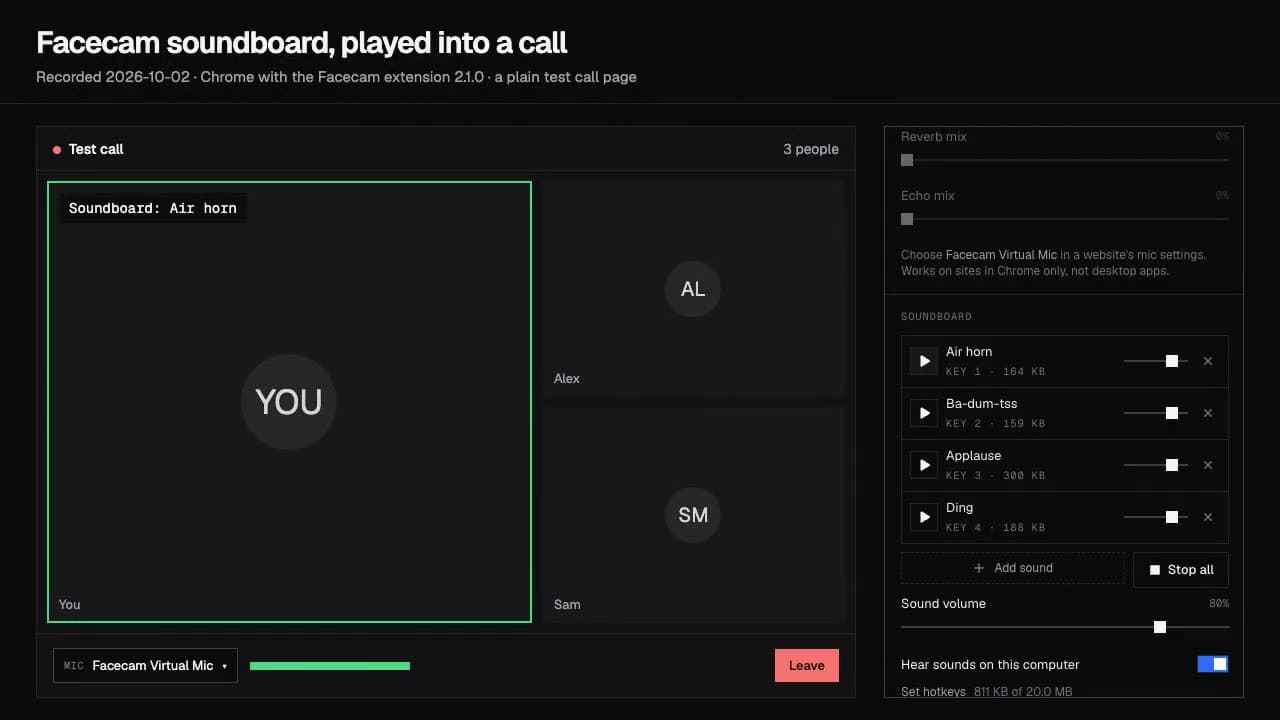
Yes. The free soundboard plays through the same Facecam Virtual Mic, so your Discord channel hears your voice and the sounds together.