Free Xbox Voice Changer
An Xbox voice changer for party chat: join the party from the Xbox app on your PC, pick Facecam's microphone, and your friends on console hear the new voice.
Updated · Tested by the Facecam team

Your browser will ask for microphone access when you click.

How do I change my voice on Xbox?
An Xbox voice changer changes your voice in Xbox party chat. The Xbox app and Game Bar on Windows join the same parties as the console and let you pick the microphone, so Facecam Virtual Microphone carries your new voice to everyone in the party.
Get the Facecam desktop app
Download Facecam for Windows or Mac and add Facecam Virtual Microphone when it asks. It's a microphone your whole computer can use, the Xbox app included.
Pick a voice
Choose a voice in the app (the voice changer on this page starts on one that fits) and give it a shortcut, so you can switch mid-match.
Pick it in the Xbox app
Open the Xbox app on Windows, click your profile, Settings, Audio, and set Input device to Facecam Virtual Microphone. In Game Bar (Win + G), the party's settings cog has the same Audio input choice.
Join your party
Start or join the party from the Xbox app or the Game Bar's Xbox Social widget. Play on your console or on PC; the party hears your new voice either way.
Xbox party chat in a new voice
Pick Facecam Virtual Microphone in the Xbox app on Windows and the desktop app's voices reach your whole party, console players included.
Get the voice changer for PC and Mac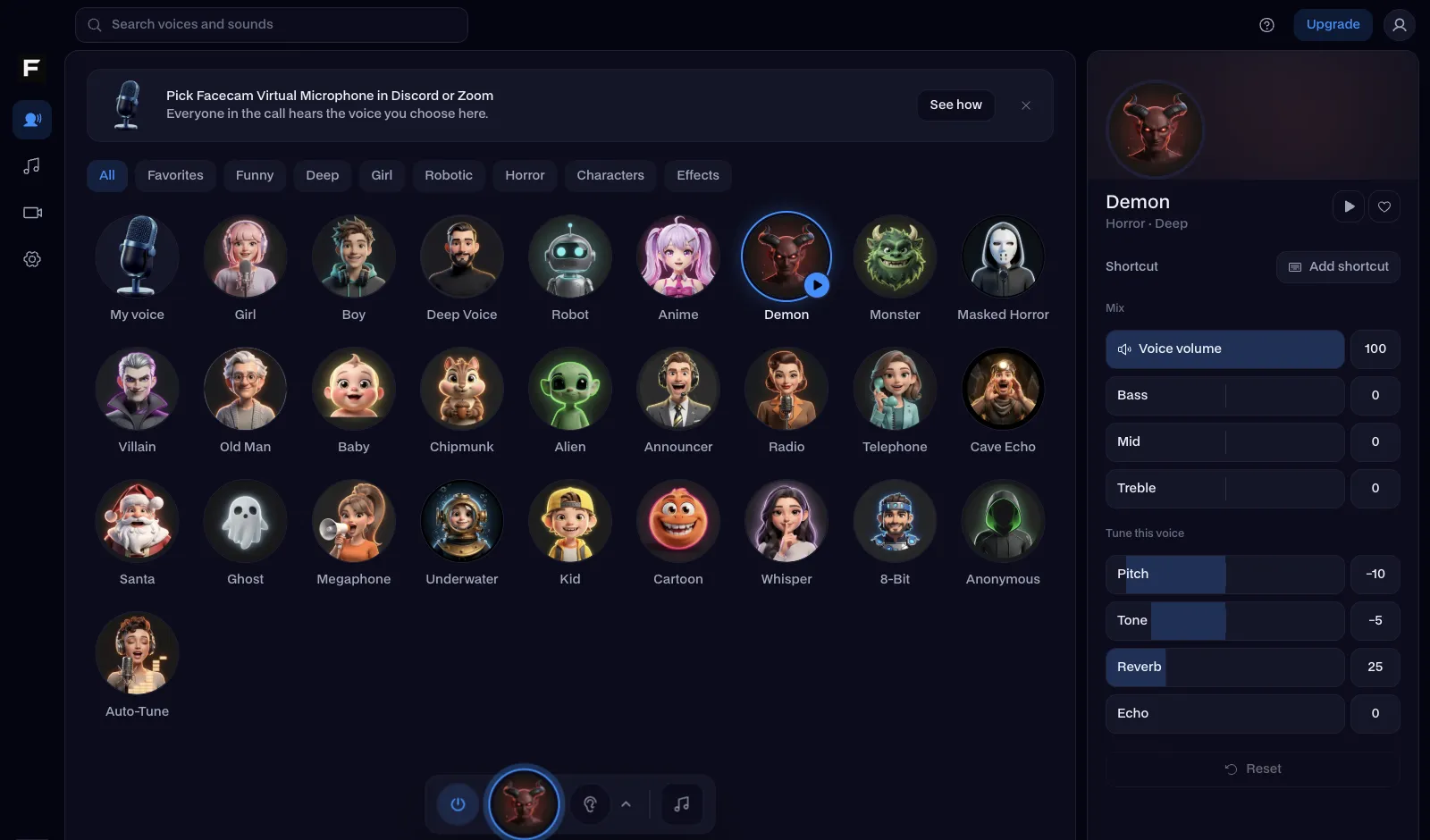
The anonymous voice, before and after
Before: the test line with no effect.
After: the anonymous voice the page starts on, disguised so nobody can tell it's you.
Why isn't my voice changing on Xbox?
| Problem | Fix |
|---|---|
| Facecam doesn't show up in the Xbox app's list | Open Windows Sound settings and check Facecam Virtual Microphone is listed and enabled, then restart the Xbox app. Also check Settings, Privacy, Microphone lets the Xbox app use the mic. |
| I'm in the party twice, on console and PC | Leave the party on the console and stay in it on the PC, or the console's headset keeps sending your real voice. |
| The voice cuts in and out | Turn off the Xbox app's noise suppression in party settings: it treats parts of the effect as noise. |

Where your voice reaches
| Where you talk | Set up | Changed voice? |
|---|---|---|
| Xbox party chat from the Xbox app on PC | Input device: Facecam Virtual Microphone | Yes |
| PC Game Pass games' voice chat | Pick it in the game, or make it the default mic | Yes |
| Discord on PC while you play on console | Discord input: Facecam Virtual Microphone | Yes |
| Headset on the console controller | No computer in the loop | No |
More about Xbox
Voices for Xbox parties
| Voice | Try it for |
|---|---|
| Anonymous voice | Lobbies where you'd rather not be recognised |
| Master Chief voice | Halo nights, obviously |
| Robot voice | Callouts with a metallic edge |
| Girl voice | Trolling the party |



Questions
Can you use a voice changer on Xbox?
The console can't run one, but Xbox party chat can: join the party from the Xbox app on a Windows PC and pick a voice changer's microphone there.
Does the Xbox voice changer work with a console headset?
Not with a headset plugged into the controller. Talk through a mic on your PC while the party runs in the Xbox app.
Does it work in Xbox Game Pass PC games?
Yes. Games on PC see Facecam Virtual Microphone like any microphone. Pick it in the game's audio settings, or make it Windows' default input.
Is the Xbox voice changer free?
Yes. The voices run on your computer, with no account and no credits.