Free Voice Changer for Fortnite
A voice changer for Fortnite party and squad chat: drop in as a robot, a deep-voiced villain or a hype announcer, set once in Fortnite's voice chat menu.
Updated · Tested by the Facecam team
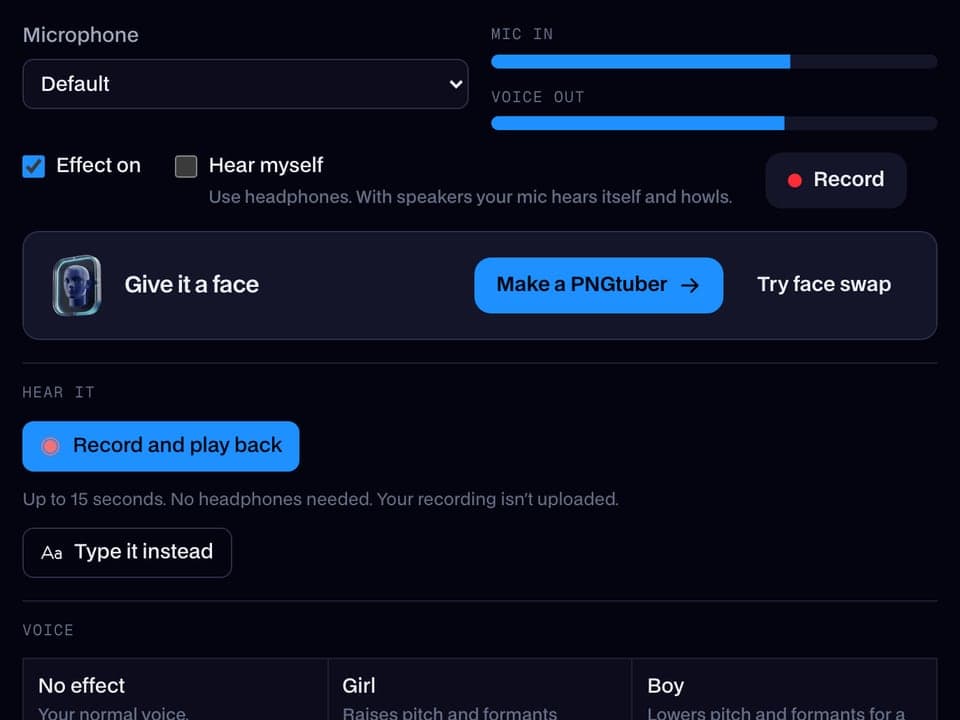
Your browser will ask for microphone access when you click.

How do I change my voice on Fortnite?
A voice changer for Fortnite changes how you sound in party and squad voice chat. Fortnite lets you choose its voice chat microphone, so on PC you pick Facecam Virtual Microphone and the whole squad hears the new voice.
Get the Facecam desktop app
Download Facecam for Windows or Mac and add Facecam Virtual Microphone when it asks. It's a microphone your whole computer can use, Fortnite included.
Pick a voice
Choose a voice in the app (the voice changer on this page starts on one that fits) and give it a shortcut, so you can switch mid-match.
Pick it in Fortnite
In Fortnite, open Settings, Audio, Voice Chat and set Voice Chat Input Device to Facecam Virtual Microphone. Leave Voice Chat on, and choose Open Mic or Push to Talk as you like.
Voices and sounds for your Fortnite squad
Set Facecam Virtual Microphone as Fortnite's voice chat input once: the desktop app's voices and soundboard hotkeys then play into party and squad chat.
Get the voice changer for PC and Mac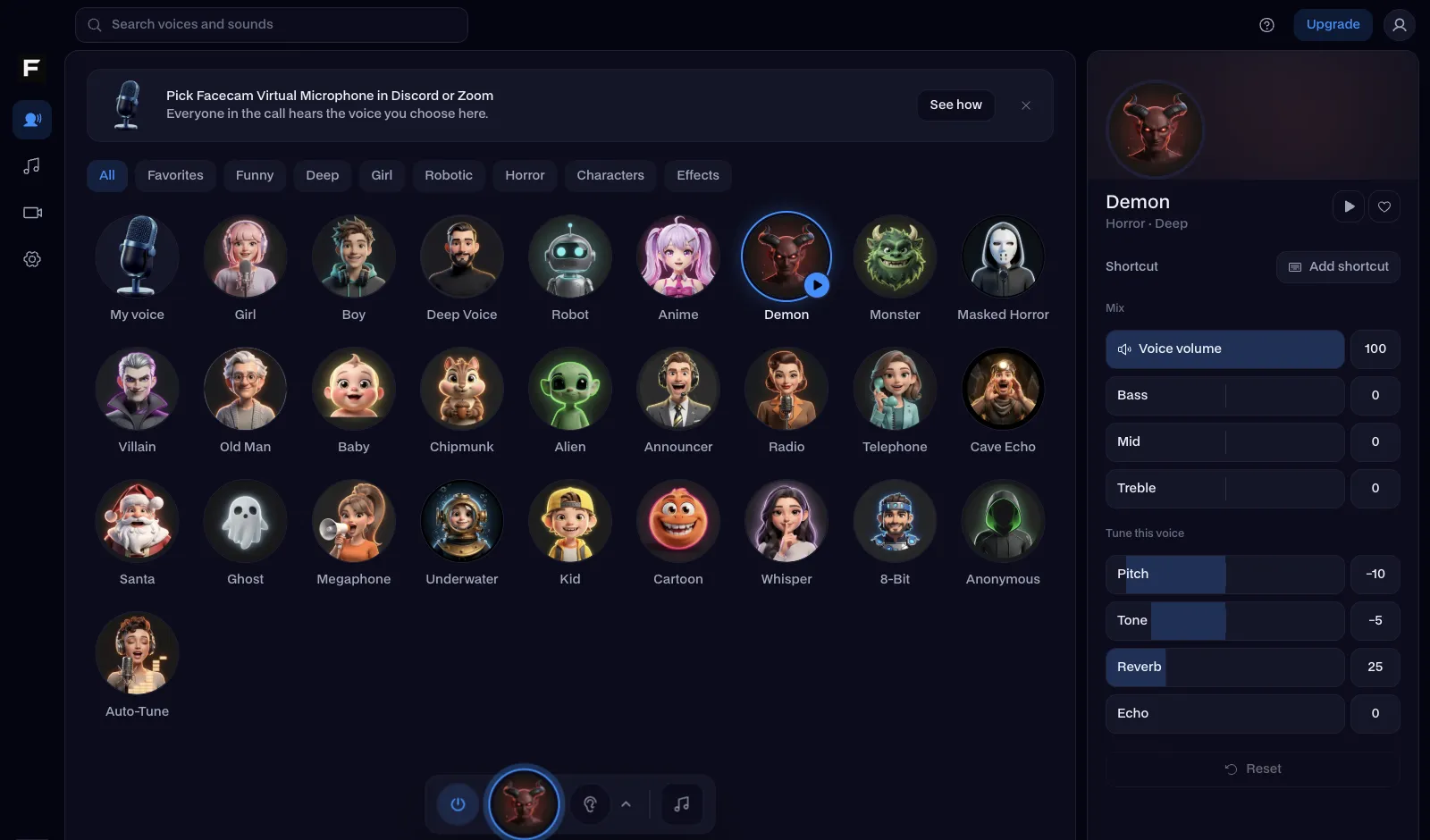
The robot voice, before and after
Before: the test line with no effect.
After: the robot voice the page starts on, metallic and flat.
Why isn't my voice changing on Fortnite?
| Problem | Fix |
|---|---|
| My squad still hears my normal voice | Fortnite keeps its own mic choice. Check Voice Chat Input Device in its Audio settings, not only Windows'. |
| Party chat is in the Epic or Discord app instead | Pick Facecam Virtual Microphone there too: Epic Games Launcher's settings, or Discord's Voice & Video. |
| The voice crackles during fights | Your CPU is maxed out by the game. Lower one or two graphics settings, or use a simpler voice like deep instead of robot. |

Voices for the battle bus
| Voice | Try it for |
|---|---|
| Robot voice | Calling rotations like a mech |
| Deep voice | The calm, terrifying IGL |
| Announcer voice | Narrating your own Victory Royale |
| Girl voice | Confusing your squad |
| Helium voice | The cardboard box strat |


Add sounds on the same mic with the Fortnite soundboard: a chest opening, a shield potion, the bus horn and a victory fanfare, each on a hotkey.

Questions
Can you use a voice changer in Fortnite?
Yes, on PC and Mac. Fortnite's Voice Chat settings let you pick the microphone, so choose a voice changer's virtual mic there.
Can you get banned for using a voice changer in Fortnite?
A voice changer only changes your microphone's sound and doesn't touch the game, so it isn't cheating and anti-cheat doesn't look at it.
Does it work on PS5, Xbox or Switch?
Not on the console itself. Talk to your squad from a computer instead: the PS5 and Xbox pages show how to get party chat onto PC.
Which voice works best for squad callouts?
Deep or robot. Both stay clear over gunfire and building, so a callout like “one shot, pushing left” still gets through. Save girl and helium for the lobby and the bus ride, where a funny voice gets the biggest reaction and nobody needs to understand you fast.
Is the Fortnite voice changer free?
Yes. The voices run on your own computer, with no account and no credits.