Free Vocoder Voice Changer
A free vocoder sound: your voice riding on a buzzing carrier.
Before and after

Your browser will ask for microphone access when you click.
More versions
Variation: Carrier at 70 Hz: a darker, growlier vocoder.
Variation: Robot mix at 50%: half vocoder, half your own voice.
Use it in calls and on recordings
Try it here
Press Start mic above and talk. You hear this voice with the exact settings on this page, and every slider can be moved.
Use it live
Press Use this voice in calls, then pick Facecam Virtual Mic as the microphone in Discord, Google Meet, Zoom or any other call that runs in Chrome.
Put it on a recording
Open Online Voice Changer, record or upload a file, choose the same settings and download the result.
 Voice changer for DiscordA free voice changer for Discord voice chat: open discord.com in Chrome, pick Facecam Virtual Mic, and talk in a new voice.
 Online Voice ChangerA free online voice changer with no sign-up: upload or record audio, pick one of 26 voices and download a WAV. Nothing is uploaded.
 Live Face SwapLive face swap for Meet, Zoom and Discord: become anyone you want, in real time, while you talk. Upload any photo or pick a built-in face.

More about this voice
Carrier, mix and sweep
| Part | Setting | What you hear |
|---|---|---|
| Carrier | Robot 110 Hz | A steady low note that takes over from your own melody |
| Mix | 85% | Mostly carrier, with a little of your voice left for clarity |
| Sweep | Flanger 0.1 times a second, 60% mix | The slow whoosh of a synth pad |
| Band | Bass cut below 150 Hz, treble cut above 7 kHz, midrange +3 dB around 1.2 kHz | Rumble and fizz removed, vowels forward |
Speak so the carrier can carry you
- Exaggerate your mouth shapes. The carrier provides the note; your vowels and consonants provide the words.
- Speak or sing in an even monotone. Your own melody clashes with the fixed 110 Hz tone.
- Hold vowels longer than in normal speech so the flanger has something to sweep through.
- Hit t, k, s and p hard; listeners rely on them to make out the lyrics.
Three carriers to choose from
| Clip | Change | Use it for |
|---|---|---|
| As the page loads | none | The bright robot-singer sound, for hooks and intros |
| Darker | Carrier at 70 Hz | A growlier, heavier vocoder that sits under low music |
| Half and half | Robot mix at 50% | Half vocoder, half your own voice, when the words matter most |
The exact settings
| Setting | Value |
|---|---|
| Noise gate | mutes the mic below -50 dB, between words |
| Robot | 110 Hz buzz, 85% mix |
| Flanger | wobbles 0.1 times a second, 60% mix |
| Bass cut | below 150 Hz |
| Treble cut | above 7 kHz |
| Midrange | +3 dB around 1.2 kHz |

Free vocoder voice changer FAQ
Is this a true vocoder?
It makes the vocoder sound with a single carrier tone, not a bank of filters driven by a keyboard. You can't play chords with it; you set the carrier's note with the Robot slider.
Can I sing through it?
Yes, and it follows your rhythm, but the carrier stays on its own note. Sing on or near one pitch for the cleanest result.
Can I use it in my music software?
Not live, because desktop apps can't see the Facecam mic. Process the vocal in the Online Voice Changer, download the file and import it into your project.



Related
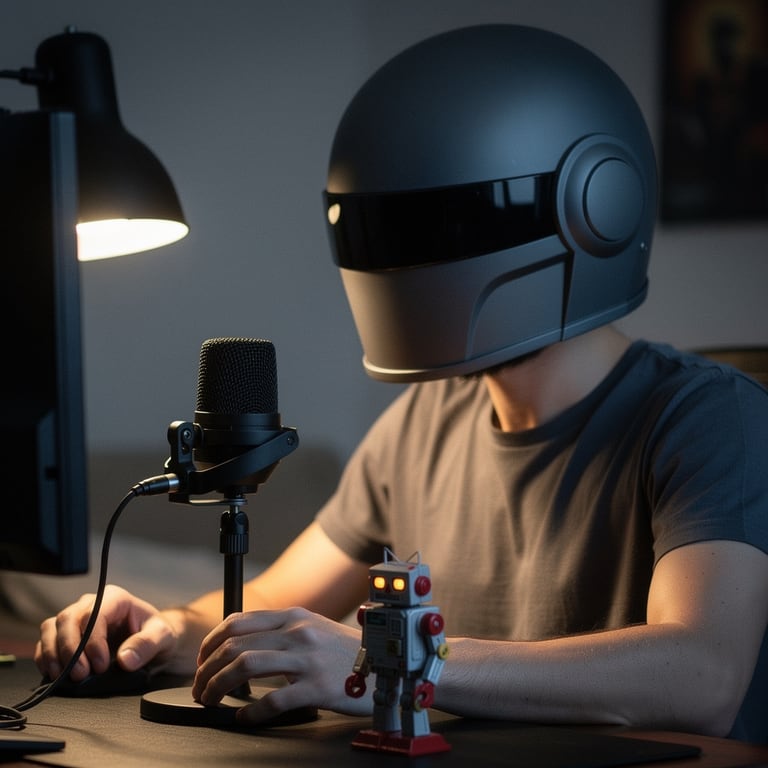

- Online Voice ChangerA free online voice changer with no sign-up: upload or record audio, pick one of 26 voices and download a WAV. Nothing is uploaded.
 Mic TestA free online mic test with no sign-up: check your volume, background noise and distortion, then play back 10 seconds of yourself.




