Free GLaDOS Voice Changer
A free calm, synthetic AI voice in the style of GLaDOS.
Before and after

Your browser will ask for microphone access when you click.
More versions
Variation: Robot buzz at 25%: less person left in the machine.
Variation: Reverb 3 s at 30%: the voice filling an empty test chamber.
Use it in calls and on recordings
Try it here
Press Start mic above and talk. You hear this voice with the exact settings on this page, and every slider can be moved.
Use it live
Press Use this voice in calls, then pick Facecam Virtual Mic as the microphone in Discord, Google Meet, Zoom or any other call that runs in Chrome.
Put it on a recording
Open Online Voice Changer, record or upload a file, choose the same settings and download the result.
 Voice changer for DiscordA free voice changer for Discord voice chat: open discord.com in Chrome, pick Facecam Virtual Mic, and talk in a new voice.
 Online Voice ChangerA free online voice changer with no sign-up: upload or record audio, pick one of 26 voices and download a WAV. Nothing is uploaded.
 Live Face SwapLive face swap for Meet, Zoom and Discord: become anyone you want, in real time, while you talk. Upload any photo or pick a built-in face.

More about this voice
The parts of a synthetic voice
| Part | Setting | What you hear |
|---|---|---|
| Register | Pitch +5, Tone +2 | A high, light voice with a small resonance |
| Sweep | Flanger 0.08 times a second, 50% mix | A slow metallic phase moving through every sentence |
| Synthetic tone | Robot 220 Hz, 12% mix; bit crusher 12-bit, 25% mix | A faint pitched ring and digital grain |
| Clean top | Treble +2 dB above 4 kHz, bass cut below 200 Hz | Bright, thin and clinical |
| Facility | Reverb 15%, 1.6 s | A loudspeaker in a large empty room |
You supply the stepped melody
- The original jumps between fixed notes mid-sentence, and these effects don't add that. Imitate it: hold each phrase on one note, then hop to a different note for the next, with no slide between.
- Stay calm and pleasant throughout. The insult is in the words, never in the tone.
- Put an odd lift on a word that doesn't deserve it, like a speech synthesizer misjudging the stress.
- Keep an even pace with no audible breaths; pause only at full stops.
Where a passive-aggressive AI is useful
It suits anything that needs a polite, cutting announcer: stream alerts read aloud, a game master running a puzzle room for friends, tutorial and speedrun narration made with the Online Voice Changer. For a voice filling an empty test chamber, the third clip sets the reverb to 3 seconds at 30%; keep that for single announcements, not conversation. The second clip raises the robot tone to 25% and leaves less person in the machine.
The exact settings
| Setting | Value |
|---|---|
| Noise gate | mutes the mic below -50 dB, between words |
| Pitch | +5 (higher) |
| Tone | +2 (sounds smaller) |
| Robot | 220 Hz buzz, 12% mix |
| Bit crusher | 12-bit, 25% mix |
| Flanger | wobbles 0.08 times a second, 50% mix |
| Bass cut | below 200 Hz |
| Treble | +2 dB above 4 kHz |
| Reverb | 15% mix, 1.6 s long |

Free GLaDOS voice changer FAQ
Is this the actual GLaDOS voice from Portal?
No. It's an approximation made with pitch, a flanger and a ring modulator, using no game audio.
Why doesn't it have the sing-song steps?
Those come from snapping pitch to fixed notes, which these effects don't do. Speak in level tones and jump between them yourself.
Can I use the GLaDOS voice in Discord?
On discord.com in Chrome, yes: select Facecam Virtual Mic as your input. Switch off Discord's noise suppression so the 1.6-second reverb isn't trimmed.



Related
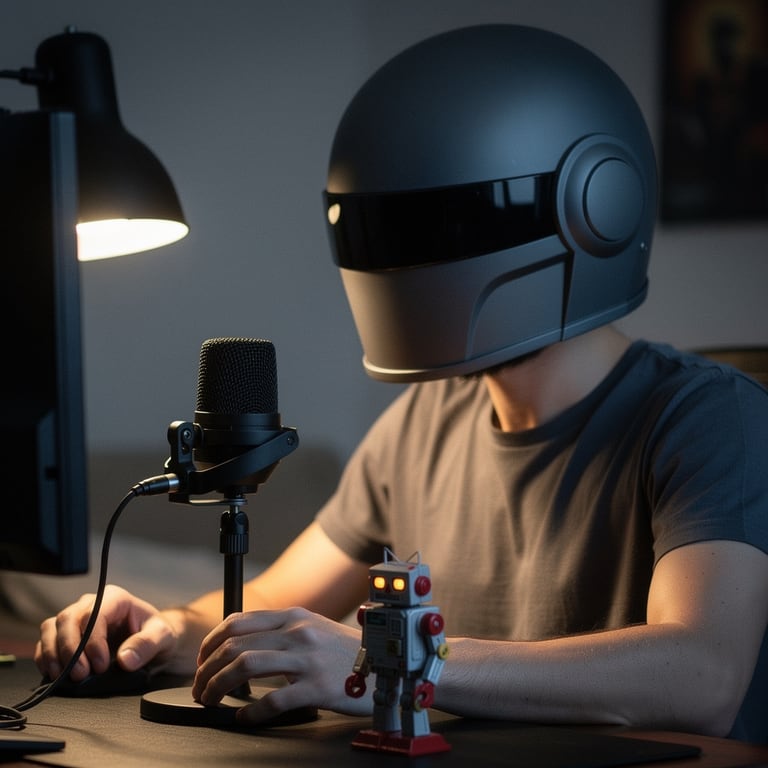

- Voice changer for DiscordA free voice changer for Discord voice chat: open discord.com in Chrome, pick Facecam Virtual Mic, and talk in a new voice.
 Mic TestA free online mic test with no sign-up: check your volume, background noise and distortion, then play back 10 seconds of yourself.




