Free StreamYard Filters
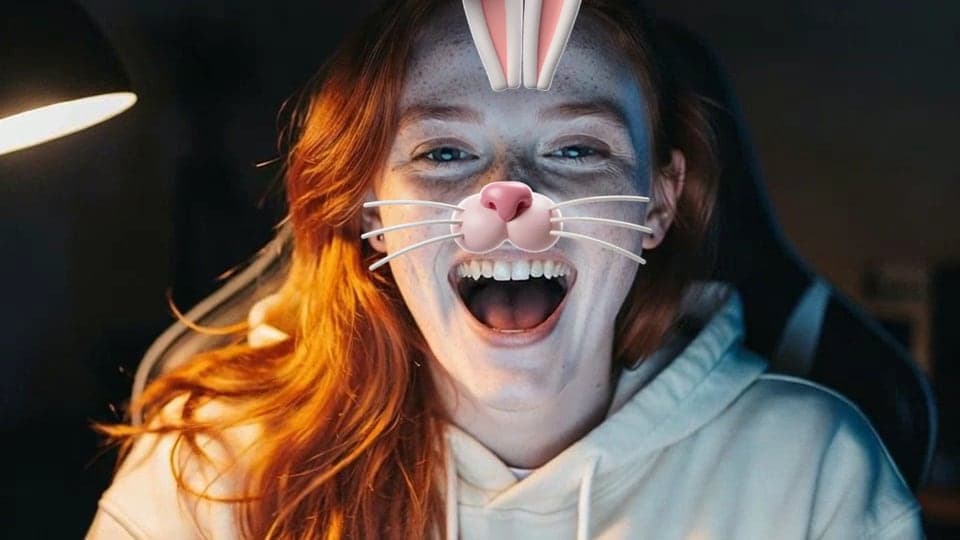
Go live from StreamYard with a face filter or a colour look on your camera, set in Chrome before you enter the studio. Free, no sign-up.
Updated · Tested by the Facecam team

Your browser will ask for camera access when you click.

How do I add filters to my camera on StreamYard?
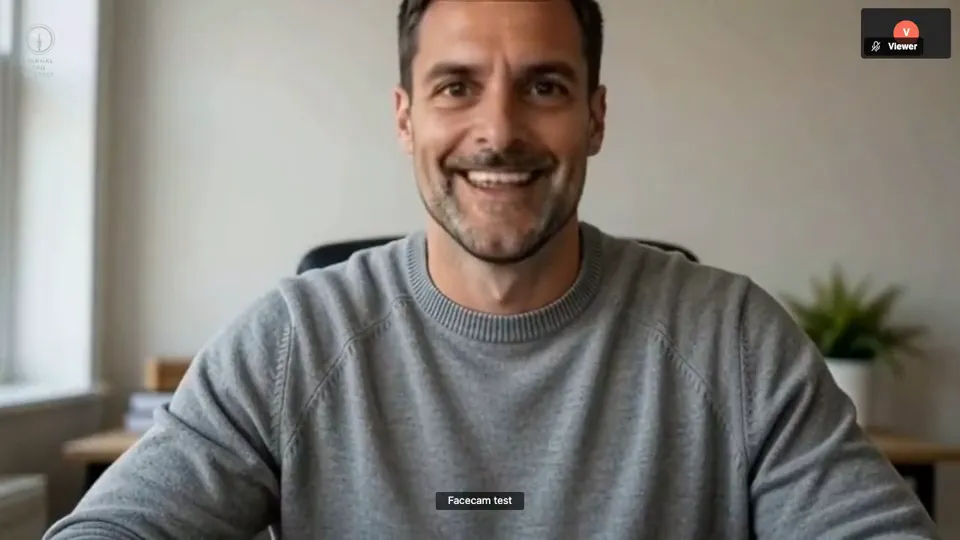
StreamYard uses any camera Chrome can see, so Facecam Virtual Camera brings face filters, colour looks and backgrounds into your StreamYard broadcast.
Pick the effect
Click the Facecam icon in Chrome's toolbar and choose Effects under Your look. Pick a face filter, a background (blur, a flat colour) or a colour look; the popup remembers it for your next call.
Allow the camera when StreamYard asks
Choose “Facecam Virtual Camera” in Chrome's permission prompt for StreamYard.
Select it in the studio
In the studio, open Settings → Camera and choose “Facecam Virtual Camera”. Its resolution setting is there too.
For your StreamYard show

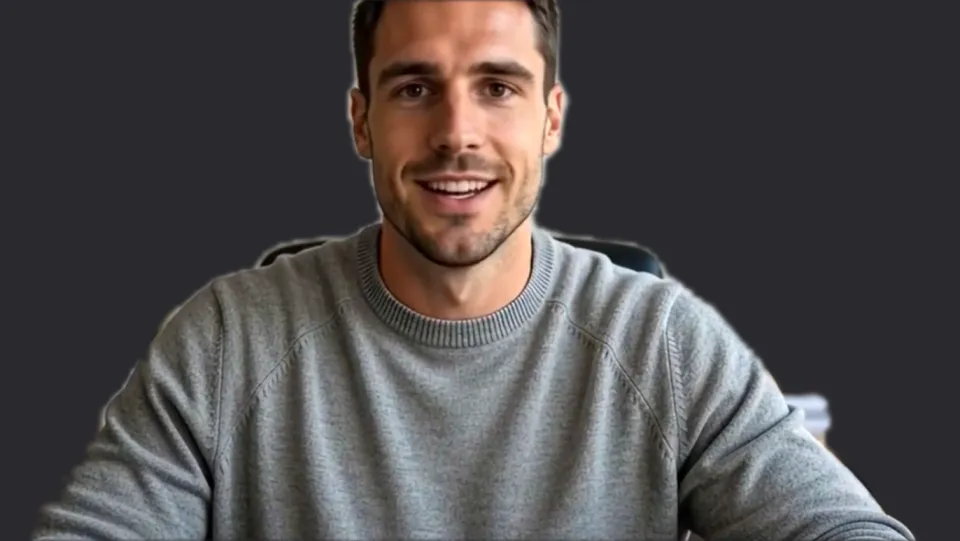
Green screen, ready to key. Our screenshot of Webcam Effects on a test clip, 2026-10-20. 
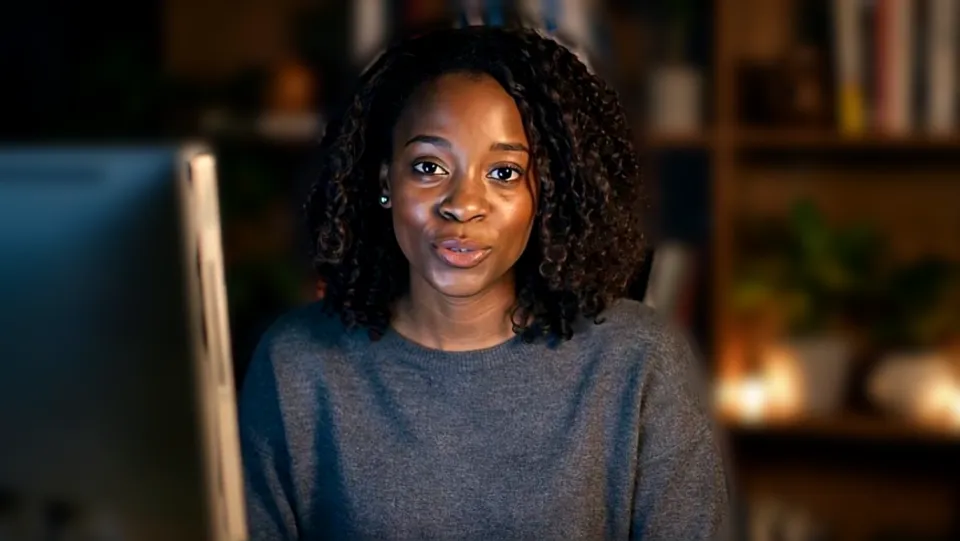
Crown. Our screenshot of Webcam Effects on a test clip, 2026-10-20.

Why isn't my camera filter showing on StreamYard?
| Problem | Fix |
|---|---|
| StreamYard doesn't list the camera | StreamYard's help for virtual cameras: restart the browser after the camera starts, then pick it in both the permission pop-up and the camera menu. |
| I can't see myself, but the camera works | A non-transparent overlay in the Brand tab is covering your camera. Remove it or use a transparent PNG. |
| A blue background appears on a Mac | macOS Video Effects' own Background is on. StreamYard's help says to deselect it. |

StreamYard's AI filters and Facecam
| StreamYard | Facecam in StreamYard | |
|---|---|---|
| Virtual backgrounds | Blur, built-in images, up to 30 uploads | Blur, flat colours, your picture |
| Skin | Enhance my skin | Colour looks and sliders |
| Face filters | No | Yes |
| Safari | AI filters not supported | Chrome only |
StreamYard's Virtual backgrounds tab needs graphics acceleration on and works on laptops and desktops. Facecam's face filters stack with StreamYard's background if you want: the filter is on your face before StreamYard receives the picture.

More about StreamYard
Ideas for a live show
- A seasonal filter for a holiday stream: pumpkin head, witch hat, Santa.
- Green screen as the background when you key yourself over StreamYard's overlays.
- Mono for a dramatic segment, back to Natural for the rest.
- Switch filters from the Facecam popup between segments; viewers don't see a camera change.
If the picture flickers
StreamYard's virtual backgrounds need Chrome's graphics acceleration (Settings → System → Use graphics acceleration when available). On Windows, its help suggests switching chrome://flags/#use-angle to OpenGL or D3D9 when backgrounds flicker. With Facecam doing the background, turn StreamYard's off; running two background removers on the same picture is the most common cause of a shimmering edge.
Overlays you set in the Brand tab sit on top of your camera, at 1280×720. Leave space where your face is, or the crown filter ends up under your logo.
Sources
- StreamYard: requirements (browsers) — support.streamyard.com/hc/en-us/articles/360061299051 (checked 2026-10-03)
- StreamYard: my mic doesn't work (Settings → Audio → Mic) — support.streamyard.com/hc/en-us/articles/360043291352 (checked 2026-10-03)
- StreamYard: echo cancellation — support.streamyard.com/hc/en-us/articles/360052718951 (checked 2026-10-03)
- StreamYard: supported destinations — support.streamyard.com/hc/en-us/articles/4415539271700 (checked 2026-10-03)
- StreamYard: how to use virtual backgrounds (Settings → Camera) — support.streamyard.com/hc/en-us/articles/4411078786836 (checked 2026-10-20)
- StreamYard: OBS virtual camera with StreamYard (restart the browser) — support.streamyard.com/hc/en-us/articles/360056350852 (checked 2026-10-20)
- StreamYard: my camera works but I can't see myself — support.streamyard.com/hc/en-us/articles/6345402901140 (checked 2026-10-20)

Questions
Does StreamYard have face filters?
No. It has virtual backgrounds and Enhance my skin. Face filters come from Facecam Virtual Camera.
Do guests on my show need Facecam?
Only the guest who wants the effect. Everyone else uses their normal camera.
Other platforms
- Zoom virtual background and filters
- OBS camera filters plus background blur
- Teams filters in the browser
- Discord camera filters
- Webex filters in the web app
- Google Meet filters
- Slack huddle filters
- Whereby filters
- Gather Town filters
- Messenger video call filters on a computer
- Instagram video call filters on a computer
- GoTo Meeting filters
- RingCentral Video filters
- Riverside background blur
- Restream Studio filters
- YouTube live filters
- Preply background blur
- How to blur your background on Zoom
- How to blur your background in Teams
- How to blur your background in Google Meet
- Zoom Touch up my appearance
- How to look good on a video interview
- Webcam setup for online teaching