Free Preply Background Blur
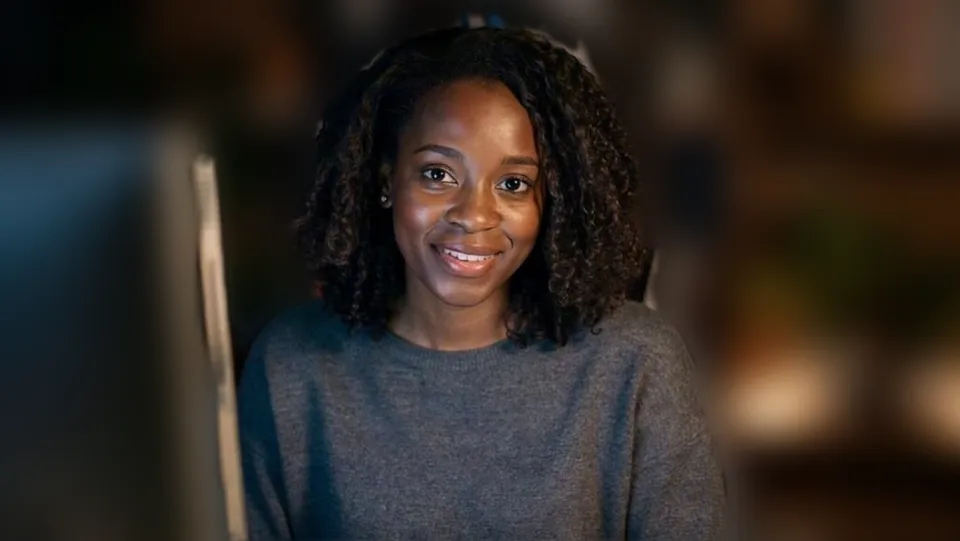
Teach or learn on Preply with your room blurred or behind a clean colour, by picking Facecam's camera in the Classroom. Free, no sign-up.
Updated · Tested by the Facecam team

Your browser will ask for camera access when you click.

How do I add filters to my camera on Preply?
The Preply Classroom runs in the browser and has no background effects of its own; Facecam Virtual Camera brings blur, flat backgrounds and colour looks to lessons in Chrome.
Pick the background
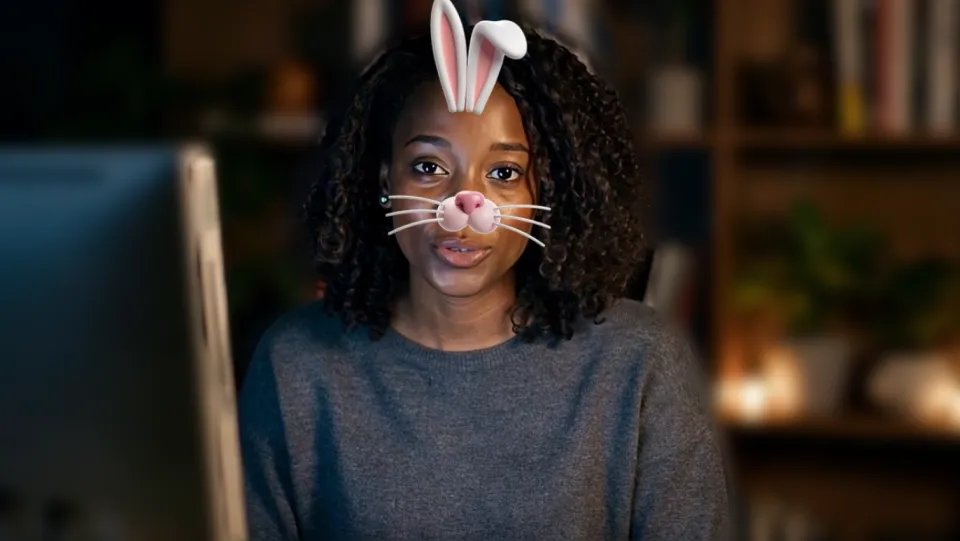
Click the Facecam icon in Chrome's toolbar and choose Effects under Your look. Pick a face filter, a background (blur, a flat colour) or a colour look; the popup remembers it for your next call.
Check it in the lobby
In the lobby, use the arrow next to the camera button and choose “Facecam Virtual Camera”, then Enter classroom.
Keep the permission
Click the camera icon in Chrome's address bar, set Preply to Always allowed and tick Allow on every visit.
Backdrops for lessons
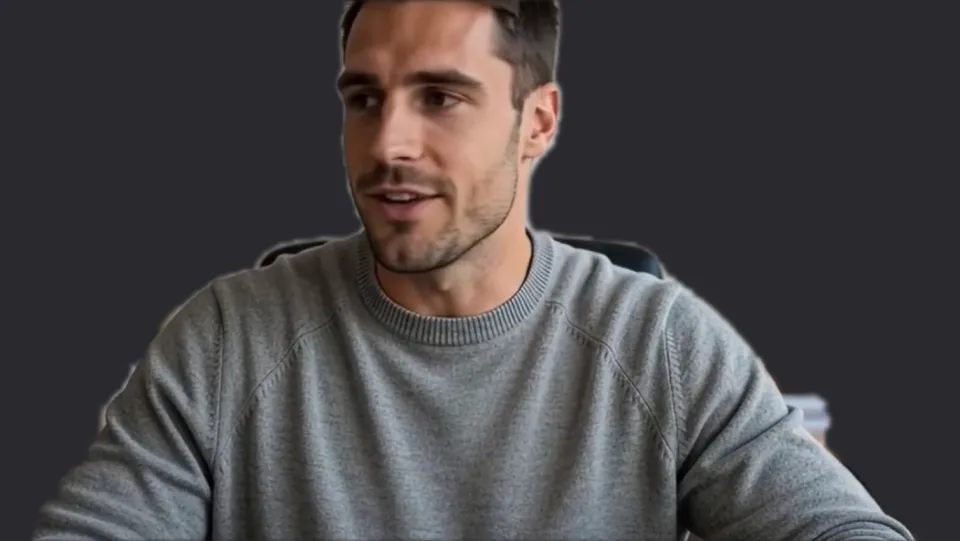
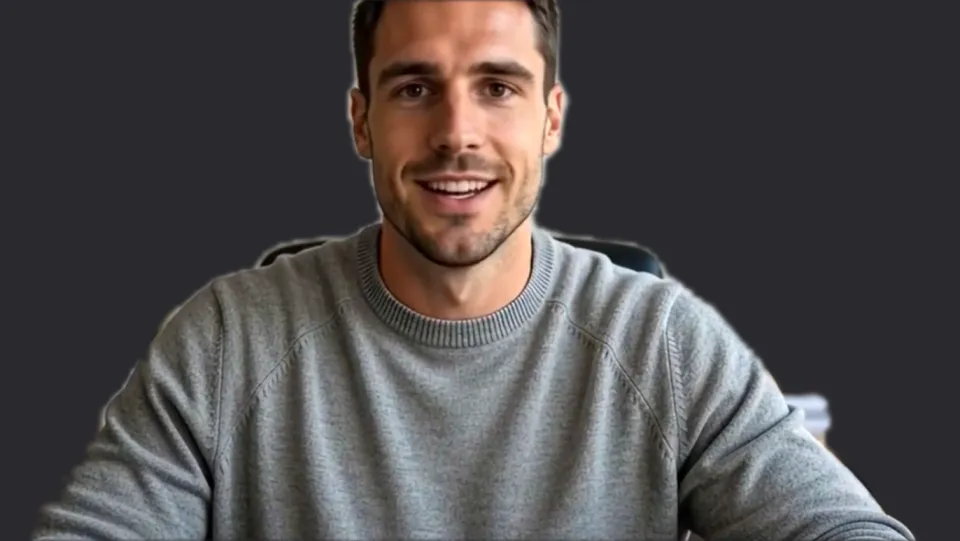
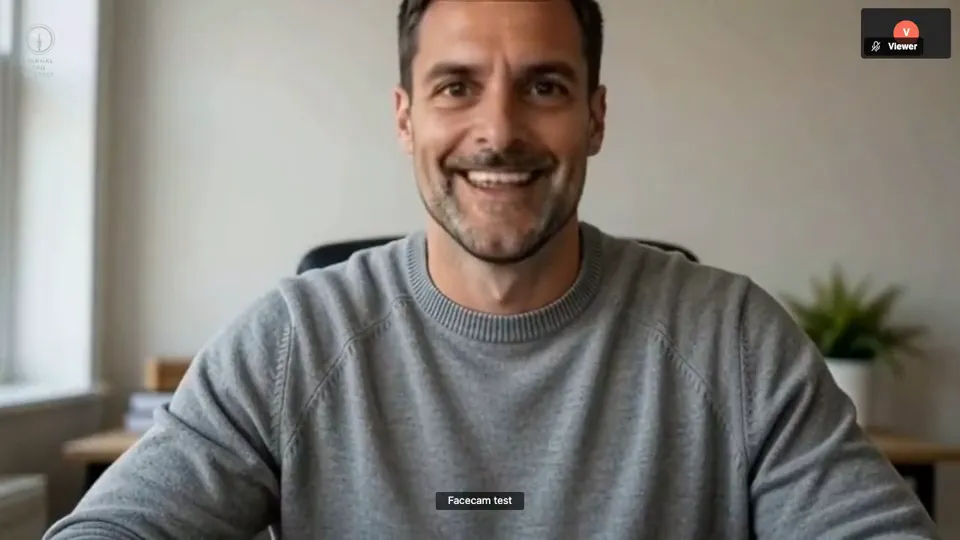
Studio grey. Our screenshot of Webcam Effects on a test clip, 2026-10-20. 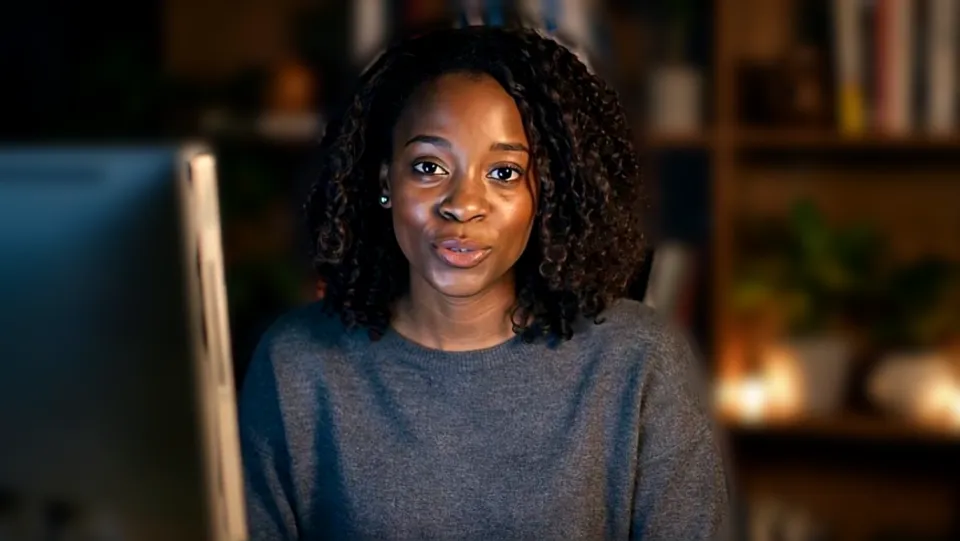
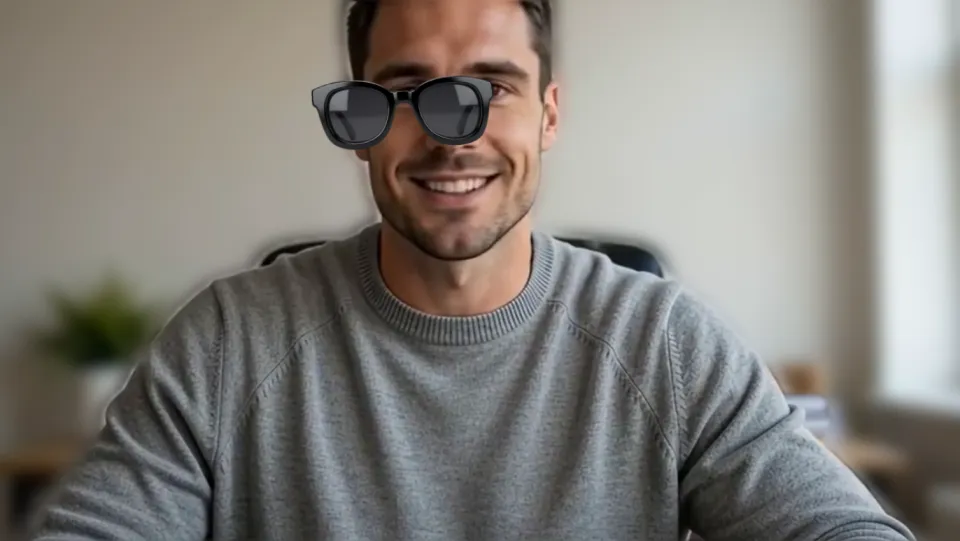
Bright with Light blur for an evening lesson. Our screenshot of Webcam Effects on a test clip, 2026-10-20.

Why isn't my camera filter showing on Preply?
| Problem | Fix |
|---|---|
| Preply won't use the camera | Preply's help says lessons need a camera that supports 640×480 and suggests reloading the Classroom page. Reload, then pick Facecam Virtual Camera again. |
| The camera is busy | Close other apps or tabs using your webcam, then reload the lesson. |

More about Preply
For tutors
Tutors spend hours a day on camera, often from a bedroom or a shared flat. Studio grey or Off-white turns any room into a calm backdrop, and the Bright look keeps your face clear in an evening lesson. For children's lessons, a bunny or crown filter between exercises is a quick reward; the student sees it on their side at once.
For students
Students join lessons from wherever they are. Light blur keeps a café or a dorm room out of the tutor's view without hiding your face or your notes.
Sources
- Preply: solve video and audio issues in the Preply Classroom — help.preply.com/en/articles/5210357 (checked 2026-10-20)
- Preply: the Preply Classroom, a student's guide — help.preply.com/en/articles/4182666 (checked 2026-10-20)
- Preply: testing your connection before the lesson (640×480) — help.preply.com/en/articles/4179076 (checked 2026-10-20)

Questions
Does Preply have background blur?
Preply's help doesn't list any video effects. Facecam Virtual Camera adds blur and backgrounds.
Does my tutor or student need anything?
No, only the person with the effect.
Other platforms
- Zoom virtual background and filters
- OBS camera filters plus background blur
- Teams filters in the browser
- Discord camera filters
- Webex filters in the web app
- Google Meet filters
- Slack huddle filters
- Whereby filters
- Gather Town filters
- Messenger video call filters on a computer
- Instagram video call filters on a computer
- GoTo Meeting filters
- RingCentral Video filters
- StreamYard filters
- Riverside background blur
- Restream Studio filters
- YouTube live filters
- How to blur your background on Zoom
- How to blur your background in Teams
- How to blur your background in Google Meet
- Zoom Touch up my appearance
- How to look good on a video interview
- Webcam setup for online teaching