Free Gather Town Filters
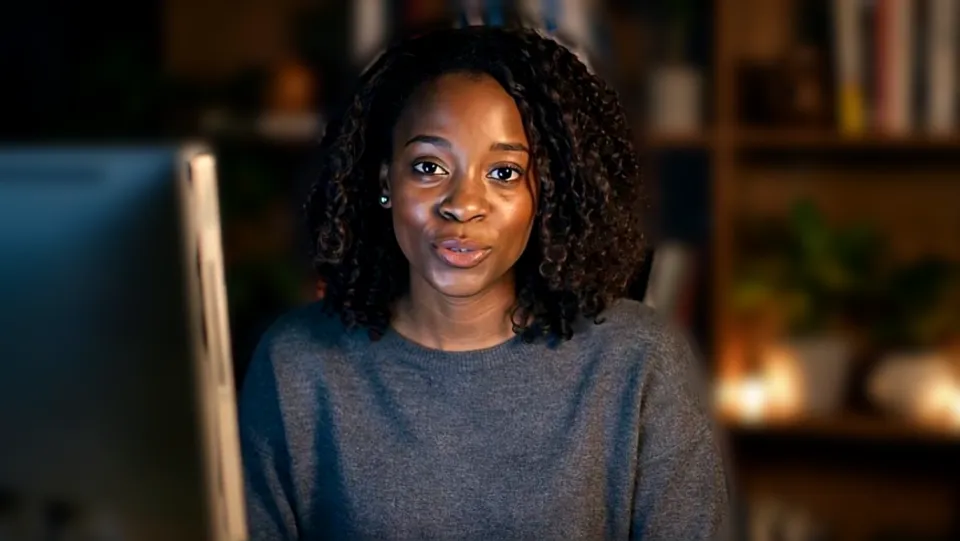
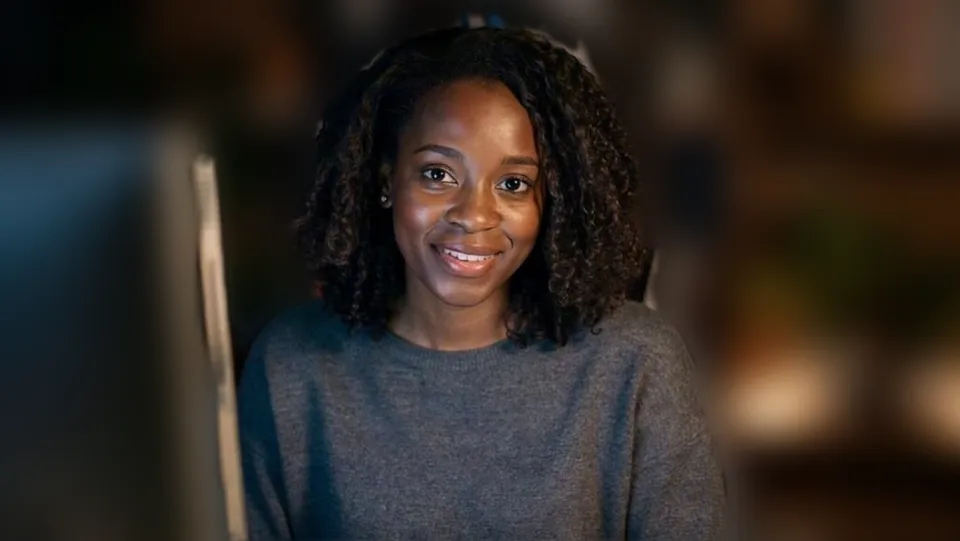
Walk into a Gather space with a dog face, a crown or a warmer picture: Facecam's camera works in Gather in Chrome. Free, no sign-up.
Updated · Tested by the Facecam team

Your browser will ask for camera access when you click.

How do I add filters to my camera on Gather?
Gather in Chrome lists Facecam Virtual Camera with your other cameras, so the video bubble people see when they walk up to you shows the face filter or look you picked.
Pick the effect
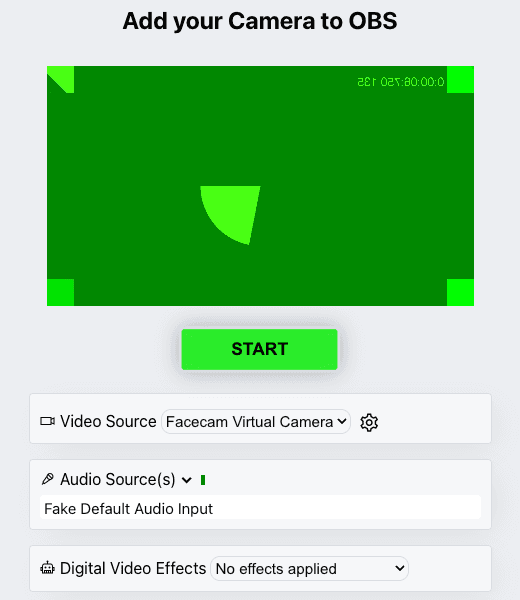
Click the Facecam icon in Chrome's toolbar and choose Effects under Your look. Pick a face filter, a background (blur, a flat colour) or a colour look; the popup remembers it for your next call.
Check it on the Check Your Hair screen
Before you enter a space, Gather shows the Check Your Hair screen with your camera. Choose “Facecam Virtual Camera” there.
Or change it inside the space
Open the Main Menu in the bottom bar, then Settings, the User tab, Audio / Video, and pick “Facecam Virtual Camera” under Devices.
Filters for a Gather social

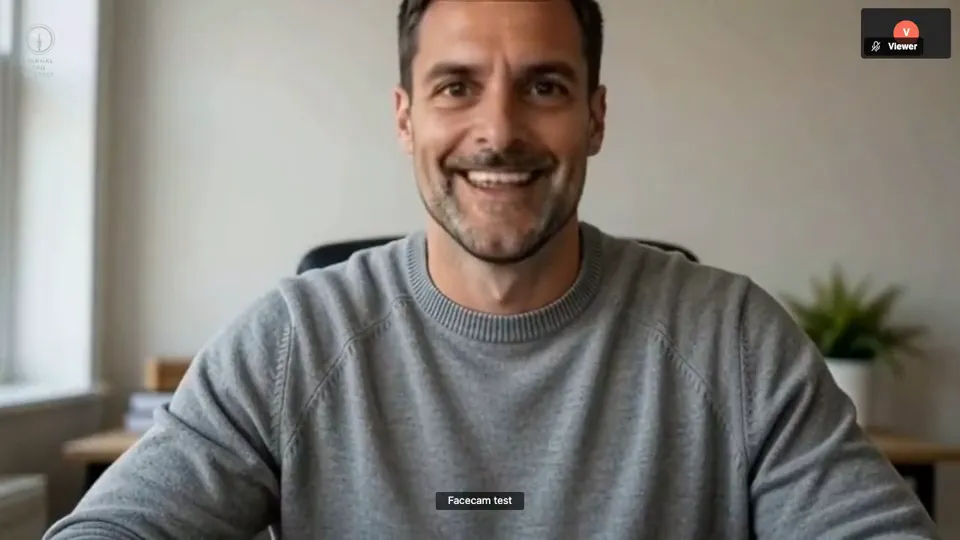
Sunglasses, for a Friday social. Our screenshot of Webcam Effects on a test clip, 2026-10-20. 
Cowboy hat. Our screenshot of Webcam Effects on a test clip, 2026-10-20.

Why isn't my camera filter showing on Gather?
| Problem | Fix |
|---|---|
| The camera list is empty | Gather's help says to check browser and system permissions. Click the icon left of the address, allow the camera, then restart the browser, which Gather says may be needed. |
| People don't see me until they walk close | That's how Gather works: video shows when avatars are near each other. Your filter is on whenever your bubble opens. |
| My video switched off when I changed tabs | Gather's Auto idle muting turns audio and video off when you're tabbed away. Turn it off in User settings if you work in another tab. |

Gather's Video Effects and Facecam
| Gather 1.0 Video Effects | Facecam in Gather | |
|---|---|---|
| Where | Arrow next to the video icon → Video Effects → Background & Effects | The camera itself |
| Blur and images | Background Blur, 5 images, your upload | Blur, flat colours, your picture |
| Browsers | Chrome, Edge and Opera | Chrome |
| Computer | At least 4 logical cores and 8 GB of memory | Runs on your computer's graphics |
| Face filters | No | Yes |

More about Gather
Why filters fit Gather
A Gather space is a game-like office: you walk your avatar to a desk or a meeting room and video opens with whoever is nearby. Teams use it for socials, onboarding and all-hands, and a face filter fits that mood better than in a formal meeting. Pumpkin head and witch hat for a Halloween social, Santa for the December party, sunglasses for the Friday wind-down.
Sources
- Gather: User Settings (Audio / Video devices, Auto idle muting) — support.gather.town/hc/en-us/articles/15909782678292 (checked 2026-10-20)
- Gather: Virtual Backgrounds (browsers, computer requirements) — support.gather.town/hc/en-us/articles/15910464703636 (checked 2026-10-20)
- Gather: desktop, browser and system permissions — support.gather.town/hc/en-us/articles/15909987334164 (checked 2026-10-20)
- Gather: Gather 1.0 vs Gather 2.0 — support.help.gather.town/articles/3747344661 (checked 2026-10-20)

Questions
Does Gather have face filters?
No. Gather has background blur and images. Face filters come from Facecam Virtual Camera.
Does it work in Gather 2.0?
Gather 2.0 runs in the browser too and changes devices from its camera toggle. Pick Facecam Virtual Camera there.
Other platforms
- Zoom virtual background and filters
- OBS camera filters plus background blur
- Teams filters in the browser
- Discord camera filters
- Webex filters in the web app
- Google Meet filters
- Slack huddle filters
- Whereby filters
- Messenger video call filters on a computer
- Instagram video call filters on a computer
- GoTo Meeting filters
- RingCentral Video filters
- StreamYard filters
- Riverside background blur
- Restream Studio filters
- YouTube live filters
- Preply background blur
- How to blur your background on Zoom
- How to blur your background in Teams
- How to blur your background in Google Meet
- Zoom Touch up my appearance
- How to look good on a video interview
- Webcam setup for online teaching