Free Slack Huddle Filters
Turn your camera on in a Slack huddle with a face filter, a blurred room or a flat background, straight from Slack in Chrome. Free, no sign-up.
Updated · Tested by the Facecam team

Your browser will ask for camera access when you click.

How do I add filters to my camera on Slack?
Facecam's webcam effects reach Slack huddles in Chrome as a camera, Facecam Virtual Camera, so the face filter or background you pick is what your teammates see when you turn video on.
Pick your effect before the huddle
Click the Facecam icon in Chrome's toolbar and choose Effects under Your look. Pick a face filter, a background (blur, a flat colour) or a colour look; the popup remembers it for your next call.
Choose the camera in Slack's preferences
In Slack in Chrome, click your profile picture, then Preferences, then Audio & video. Under Camera, open the drop-down and choose “Facecam Virtual Camera”.
Start or join the huddle, then turn video on
Since January 2026 Slack shows a preview before you join, where you can check the camera. In the huddle, click the camera icon at the bottom of the huddle window.
Switch effects mid-huddle
Change the filter in the Facecam popup. Slack keeps the same camera, so the huddle doesn't drop your video.
Looks for a huddle

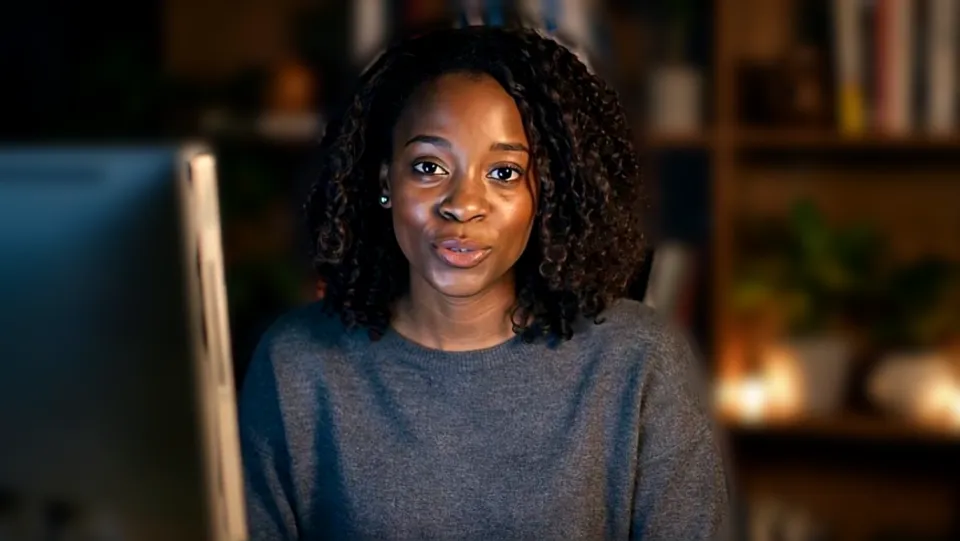
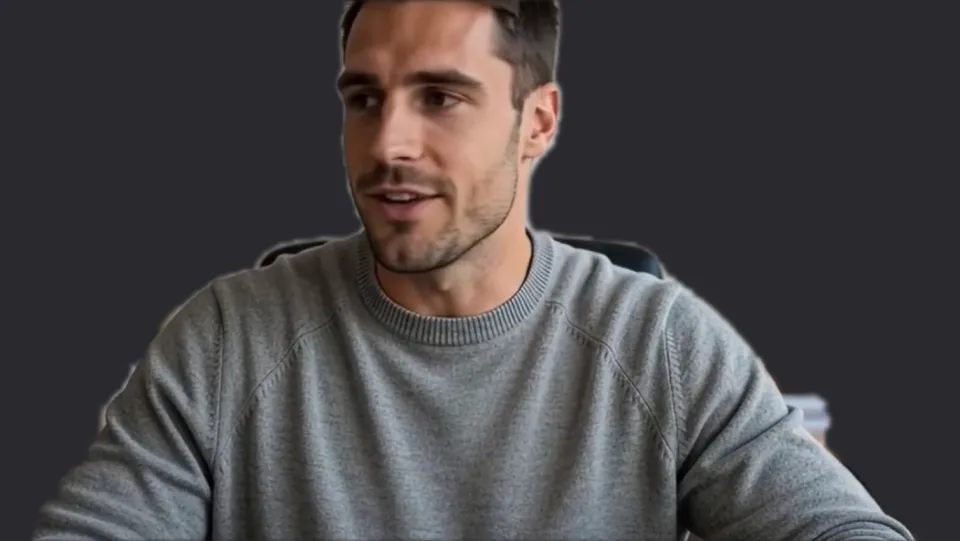
Party hat with Strong blur, the birthday-huddle look. Our screenshot of Webcam Effects on a test clip, 2026-10-20. 
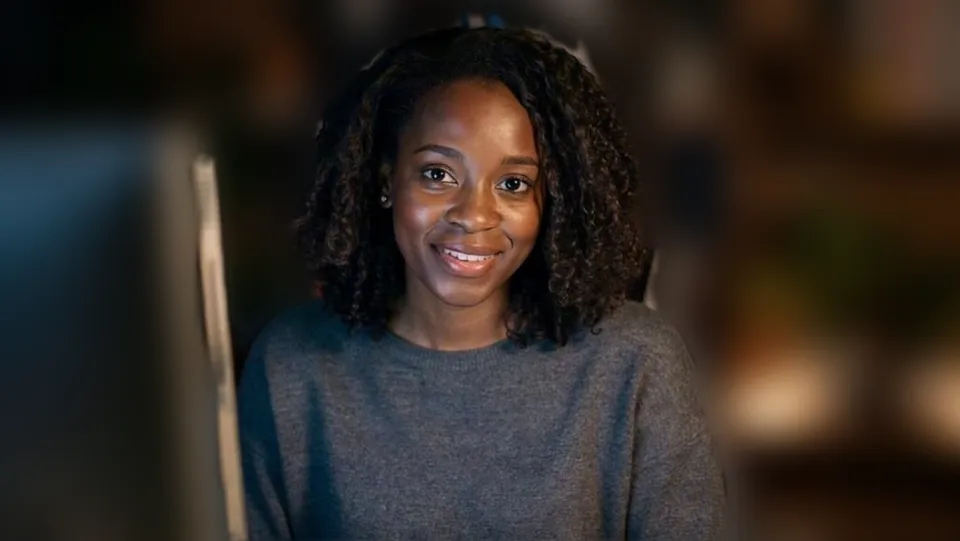
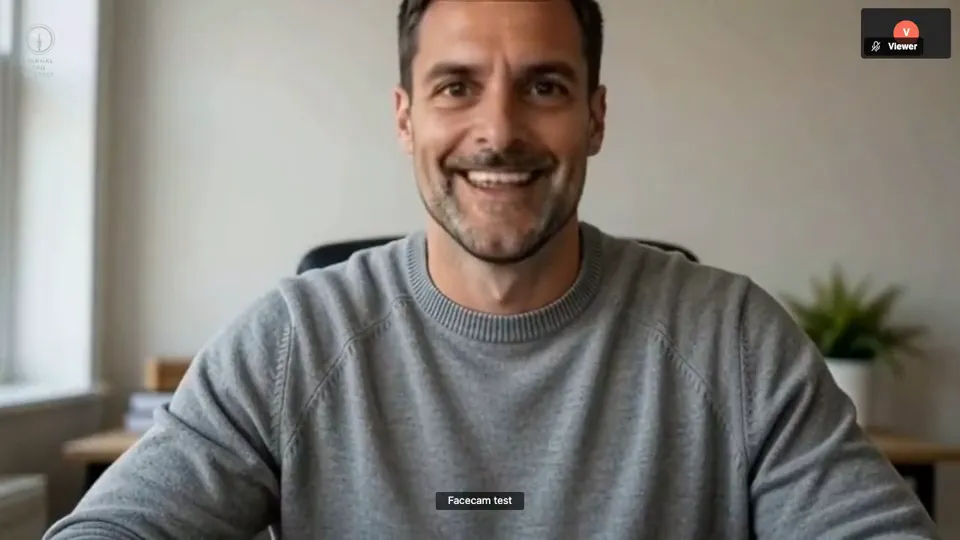
Light blur with Warm: an everyday huddle setting. Our screenshot of Webcam Effects on a test clip, 2026-10-20.

Why isn't my camera filter showing on Slack?
| Problem | Fix |
|---|---|
| My video is black after I picked Facecam | Slack's help says a camera connected after a huddle has started won't display. Leave the huddle, check the camera in Preferences → Audio & video, and join again. |
| Slack can't use the camera in Chrome | Open Chrome's Settings → Privacy and security → Site settings → Camera, make sure Slack isn't blocked, and add your workspace's address to the allowed list, as Slack's help suggests. |
| Two blurs at once | Slack's own “Blur your video background when your camera is on” is ticked. Untick it under Preferences → Audio & video when Facecam does the blur. |
| Only some teammates see my video | On paid plans 25 people can have video on at once. If the huddle is bigger, someone has to turn theirs off. |

Slack's own background options and Facecam's
| Slack huddles | Facecam in Slack (Chrome) | |
|---|---|---|
| Background blur | A checkbox in Audio & video preferences | Light or strong blur, with a slider |
| Background change | Change your background, in the desktop app's huddle menu | Flat colours, or your own picture |
| Face filters | None | Dog, cat, crowns, glasses, hats and more |
| Colour looks | None | Bright, Warm, Cool, Vivid, Mono |

More about Slack
Huddles are short: set it once
Huddles start in a second, from a channel or a DM, and there's rarely time to fiddle with settings. Set Facecam Virtual Camera once in Slack's preferences and keep your usual effect in the popup, such as Light blur with the Warm look. Every huddle after that opens with it, and if you want your plain camera for one, pick Off in the popup instead of changing Slack's settings.
Face filters work well in a team's social channel: a party hat for someone's birthday huddle, devil horns on a Friday, a crown for whoever closed the deal. Your teammates need nothing; they see your camera like any other.
Sources
- Slack: use huddles (browsers, camera, Manage video and microphone settings, participant limits) — slack.com/help/articles/4402059015315 (checked 2026-10-04)
- Slack: adjust your huddles preferences (Audio & video, Camera, blur checkbox) — slack.com/help/articles/1500002037922 (checked 2026-10-20)
- Slack: troubleshoot audio and video issues (camera plugged in after a huddle starts) — slack.com/help/articles/115003538426 (checked 2026-10-20)
- Slack: updates and changes (huddle preview, January 2026) — slack.com/help/articles/115004846068 (checked 2026-10-20)

Questions
Does Slack have face filters for huddles?
No. Slack offers background blur and backgrounds. Face filters come from a camera with them built in, like Facecam Virtual Camera.
Do I need a paid Slack plan?
Not for Facecam. On the free plan a huddle has two people, so it works for one-to-one calls.
Will it work in the Slack app?
With Facecam for PC and Mac, which adds the camera to desktop apps. Until then, open Slack at app.slack.com in Chrome.
Other platforms
- Zoom virtual background and filters
- OBS camera filters plus background blur
- Teams filters in the browser
- Discord camera filters
- Webex filters in the web app
- Google Meet filters
- Whereby filters
- Gather Town filters
- Messenger video call filters on a computer
- Instagram video call filters on a computer
- GoTo Meeting filters
- RingCentral Video filters
- StreamYard filters
- Riverside background blur
- Restream Studio filters
- YouTube live filters
- Preply background blur
- How to blur your background on Zoom
- How to blur your background in Teams
- How to blur your background in Google Meet
- Zoom Touch up my appearance
- How to look good on a video interview
- Webcam setup for online teaching