How to blur your background in Google Meet
Google Meet has a one-click blur on your self view, slight or full, and a fix for when the effects won't turn on.
By Facecam team · Updated
Short answer
Before you join, click the Blur icon at the bottom right of your self view. During a call, click Video settings next to Microphone, then Blur background. For a choice, open Backgrounds and effects and pick slight blur or full blur. If effects are greyed out, turn on Use graphics acceleration when available in Chrome's System settings and restart Chrome.
You need
- Chrome, Edge, Firefox or Safari on a computer that supports WebGL (Meet lists Chrome 114 or later)
- Graphics acceleration on in Chrome
Step by step
Before you join: one click
On the green room screen, click the Blur icon at the bottom right of your self view. For more choices, click Backgrounds and effects under the preview.
During a call
Click Video settings next to Microphone at the bottom, then Blur background. In the Backgrounds and effects panel, Blur and personal backgrounds has slight blur and full blur.
Effects greyed out? Turn on graphics acceleration
In Chrome, open Settings → System, turn on Use graphics acceleration when available, and restart Chrome. Google's help also suggests webglreport.com: Major Performance Caveat should say No.
Want a look Meet doesn't have? Use a camera with effects
In Webcam Effects or the Facecam popup, pick a blur together with a colour look or a face filter, then choose “Facecam Virtual Camera” under the camera dropdown in Meet's preview.

From our test
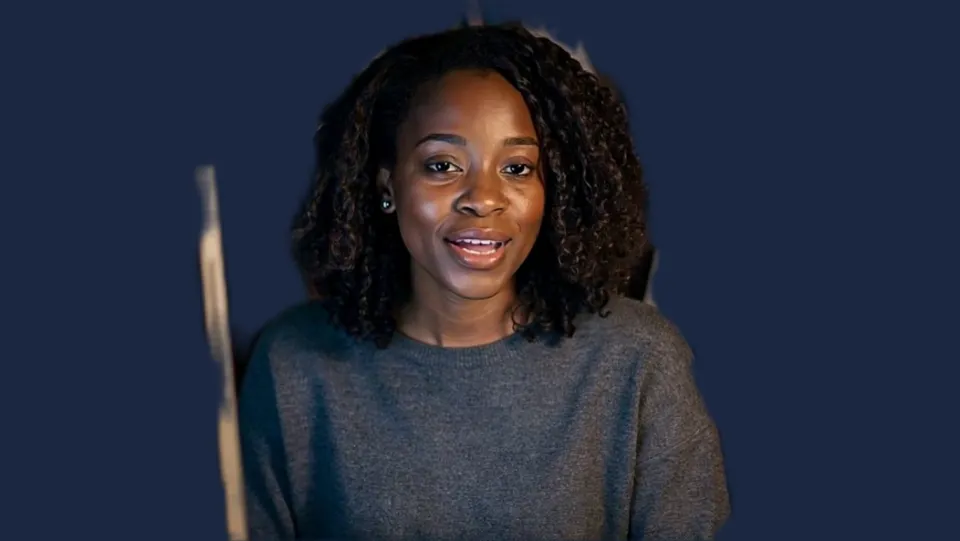
Navy, a flat colour instead of a blur.

If it doesn't work
| Problem | Fix |
|---|---|
| The Blur button is missing | Your browser lacks WebGL or graphics acceleration is off. Turn it on in Chrome's System settings and restart. |
| Meet says I can change effects only once | Guests who aren't signed in, or who knock to join, can change background effects once per meeting. Set it before you join, or use a camera with the effect built in. |
| Video stutters with blur on | Meet sends effects to the cloud on computers with 4 or fewer cores. Close other tabs, or switch to slight blur. |
| Two blurs at once | Turn off Meet's blur with Turn off visual effects on your self view when you use a camera that already blurs. |
Slight blur or full blur
Slight blur keeps your room recognisable but out of focus, which feels natural in a casual call. Full blur turns it into colour. Meet decides on its own whether your effects are drawn on your computer or in Google's cloud: computers with four cores or fewer use the cloud, which can make edges lag a moment behind when you move.
What Meet's effects include, and what they don't
Besides blur and backgrounds, Meet has Filters and an Appearance tab with Portrait touch-up, Studio lighting and Framing; Google ties touch-up and some studio effects to certain Workspace editions. Facecam's webcam effects add face filters like the crown above, colour looks and auto-framing on the same camera, and they go with you into Zoom, Teams and Discord in Chrome.
Official help
- Google Meet Help, change your background and apply visual effects: support.google.com/meet/answer/10058482 (checked 2026-10-20)
- Google Meet Help, change video settings: support.google.com/meet/answer/9302964 (checked 2026-10-20)

Questions
Can I blur my background in Google Meet without an account?
Yes, but guests who aren't signed in can change effects only once per meeting. Pick the blur before you join.
Why is the blur option greyed out?
Usually graphics acceleration is off or WebGL is blocked. Turn on Use graphics acceleration when available in Chrome and restart.
Does Meet's blur work on a phone?
Yes, in the Meet app on Android and iPhone. Facecam's effects work on facecam.ai on a phone; using them in a call needs Chrome on a computer.
Used in this guide

Related
 Google Meet filtersDog ears, sunglasses, a crown or a pumpkin head on your face in Google Meet, with a blurred or replaced background if you like. Free, no sign-up.
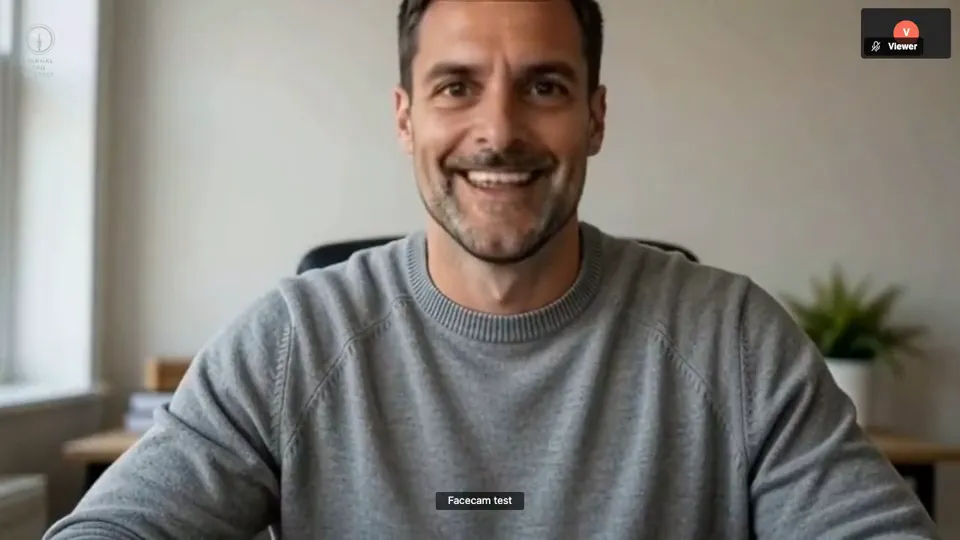 How to Face Swap on a Video CallTo change your face on a video call, use Facecam's Live Face Swap and pick “Facecam Virtual Camera” instead of your webcam in Google Meet, Zoom, Teams or Discord. Everyone in the call sees the face you chose, from any photo or a built-in face, moving and talking with you in real time.
 Webcam TestA free webcam test with no sign-up: see your camera's real resolution, frame rate and lighting in seconds. Your video never leaves your device.

Webcam Effects
Blur or swap your background
Start