How to look good on a video interview
A video interview is judged in the first seconds of your camera opening. Set up light, framing and background the night before.
By Facecam team · Updated
Short answer
Put the camera at eye level, an arm's length away, with your head and shoulders in frame. Face a window or lamp so the light is in front of you. Blur your room or use a plain wall colour, and keep the picture natural: the Natural or Warm look at most, no face filters. Test it all in the same app the interview uses, the day before.
You need
- Your laptop or webcam, raised to eye level
- A light in front of you
- The interview's call app, and Chrome for Facecam's background and look
Step by step
Raise the camera to your eyes
Stack books under the laptop until the camera is level with your eyes. Looking down into a camera is the most common unflattering angle.
Put the light in front of you
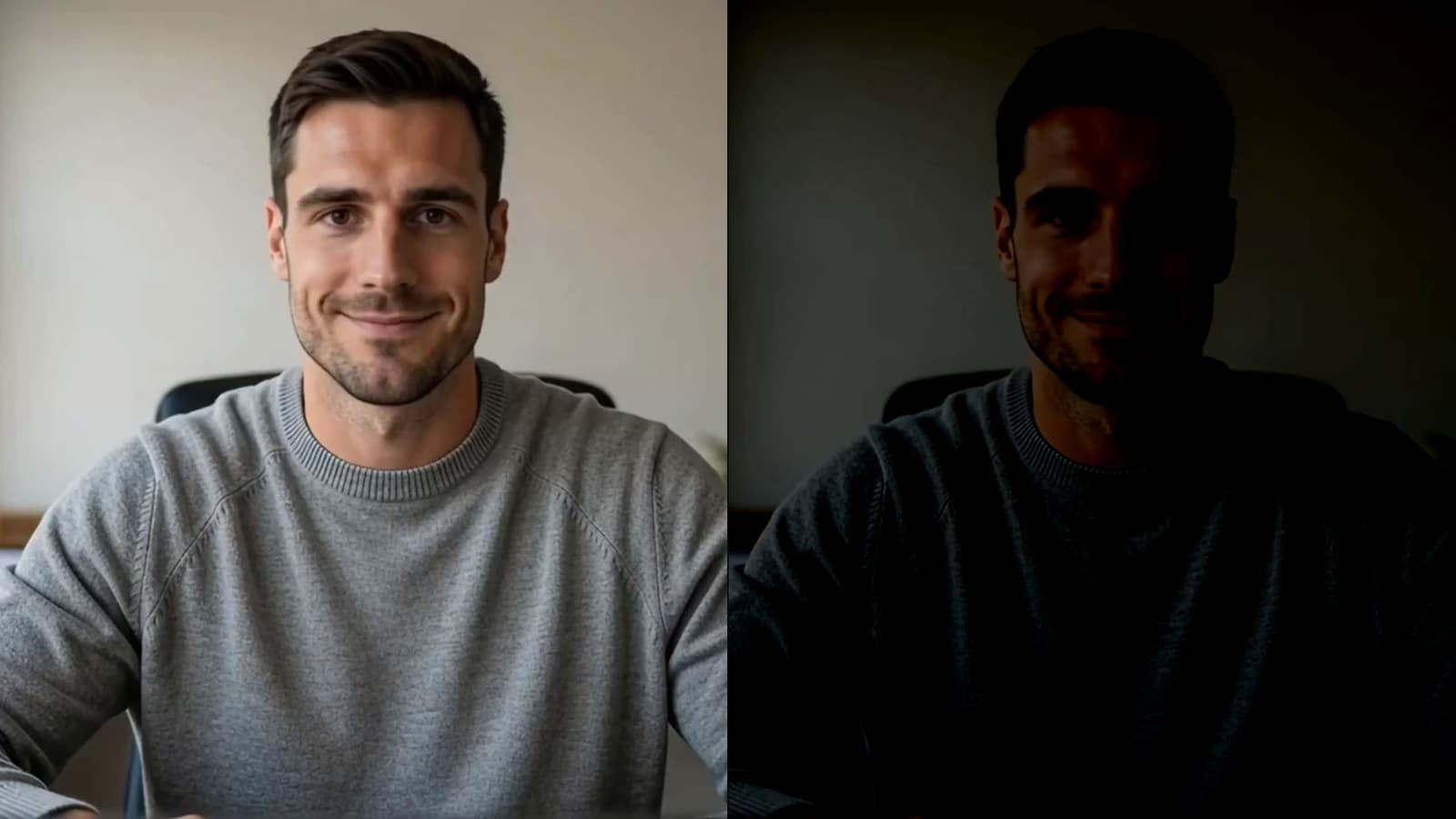
Sit facing a window, or put a lamp behind the screen. A window behind you turns your face into a silhouette.
Calm the background
Light blur keeps a real room but hides the details. Off-white or Studio grey looks like a plain office wall.
Keep the picture natural
Natural or Warm, no stronger. Recruiters notice heavy filters; they don't notice good colour.
Do a test call the day before
Open the interview link early if it allows, or start a meeting with yourself in the same app. Check the camera list shows the camera you set up.
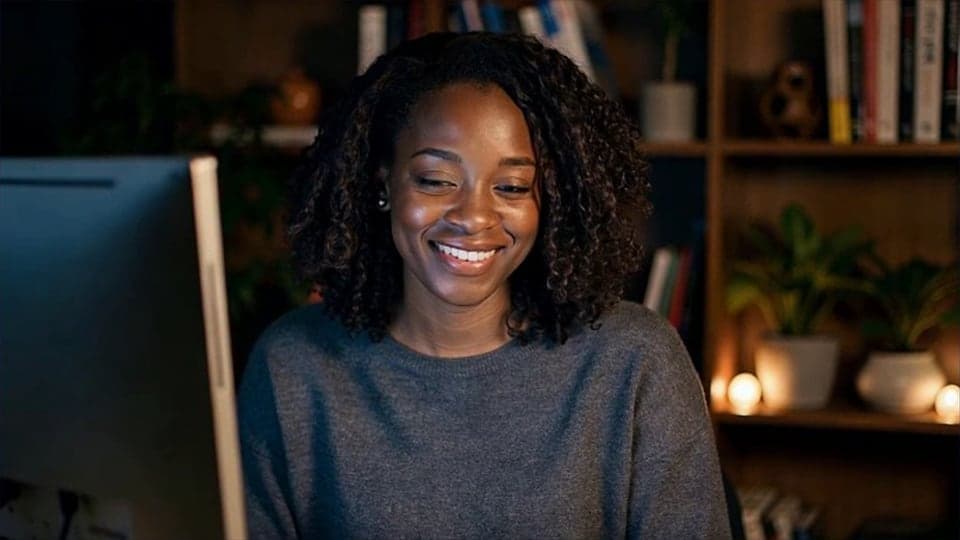
From our test
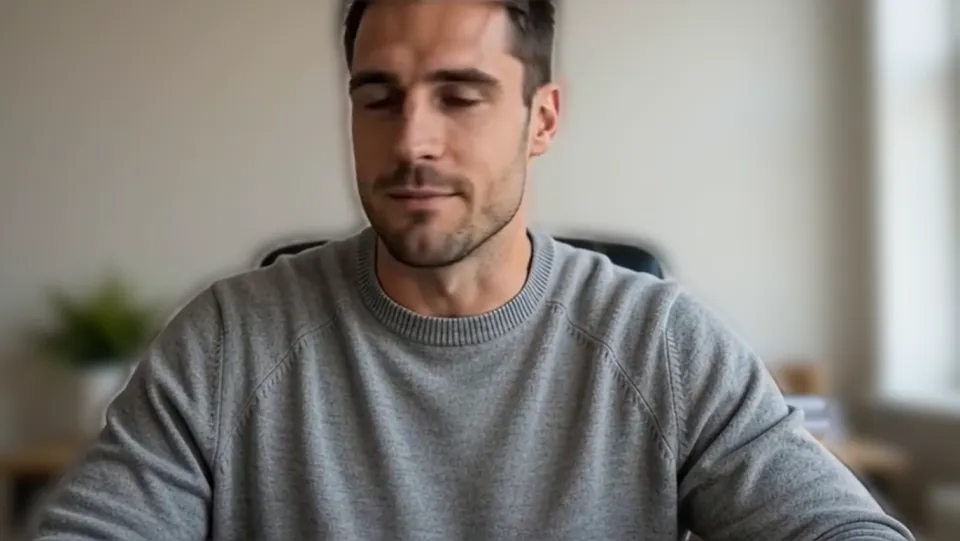
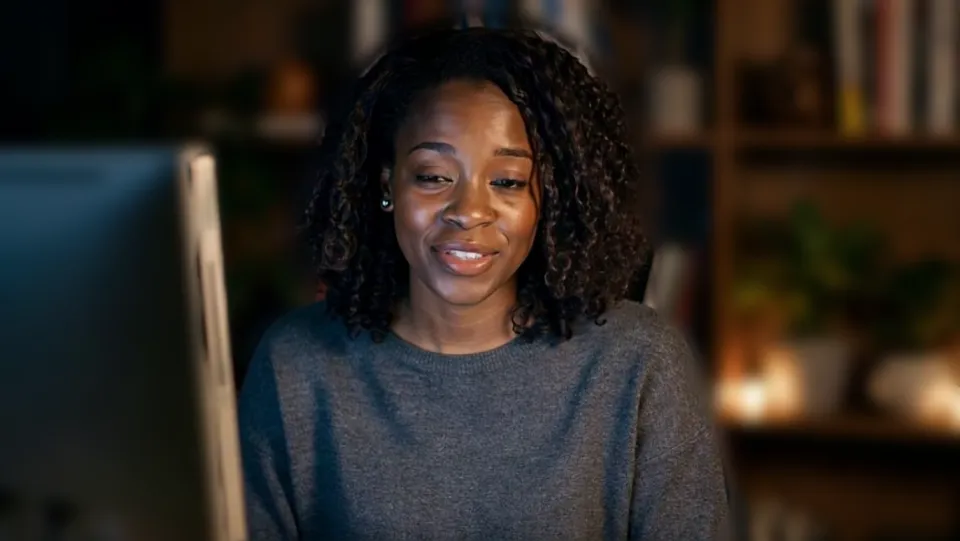
Before. 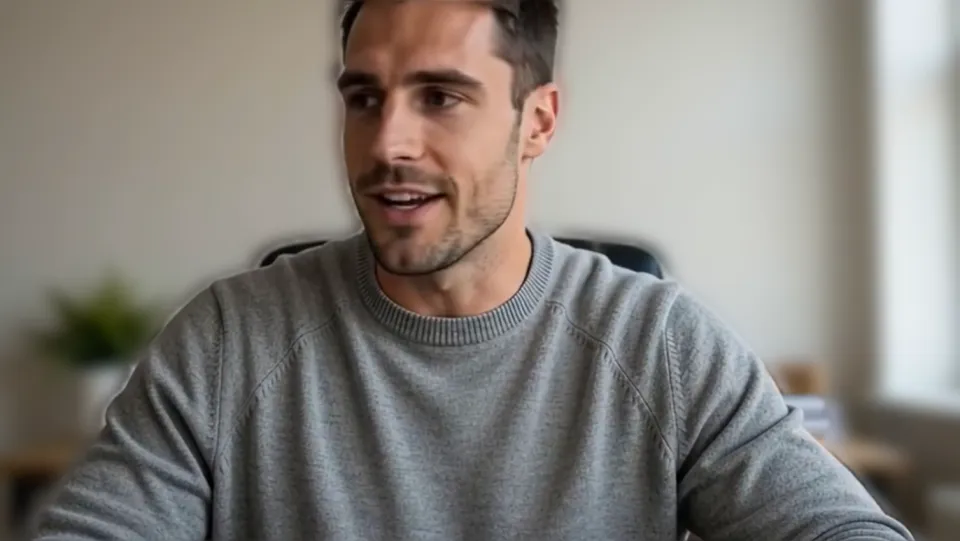
Light blur: the room is still a room, just quieter.

If it doesn't work
| Problem | Fix |
|---|---|
| The interview is in an app I don't have | Most interview links (Zoom, Teams, Meet, Webex) open in Chrome. Join from the browser and pick your camera there. |
| My hair flickers at the edge of the blur | Add light in front of you and sit a little further from the wall, or use a flat colour instead of blur. |
| One-way interview sites don't show my camera choice | Allow the camera in Chrome's address bar and pick it there before you press record. |
The night-before checklist
- Camera at eye level, head and shoulders in frame
- Light in front of you, no window behind
- Background blurred or a plain colour
- Natural or Warm look, nothing stronger
- Headphones in, notifications off
- Test call in the interview's app
One-way video interviews
Recorded interviews (you answer questions to a timer, no one live) run in the browser on sites like HireVue, VidCruiter and Kira Talent. They use whatever camera Chrome gives them, so your background and look carry over. Do one practice question to see yourself as the recruiter will.

Questions
Is it OK to blur my background in a job interview?
Yes. A blur or a plain colour is normal on work calls and reads as tidy.
Should I use a beauty filter?
Keep it light. Good light in front of you does more than any filter.

Related
 Webcam TestA free webcam test with no sign-up: see your camera's real resolution, frame rate and lighting in seconds. Your video never leaves your device.
 How to blur your background on ZoomBlur your room on Zoom in a few clicks: the desktop app has a Blur button, and in the browser a camera with blur built in does it.

Webcam Effects
Blur or swap your background
Start