Free Discord Camera Filters
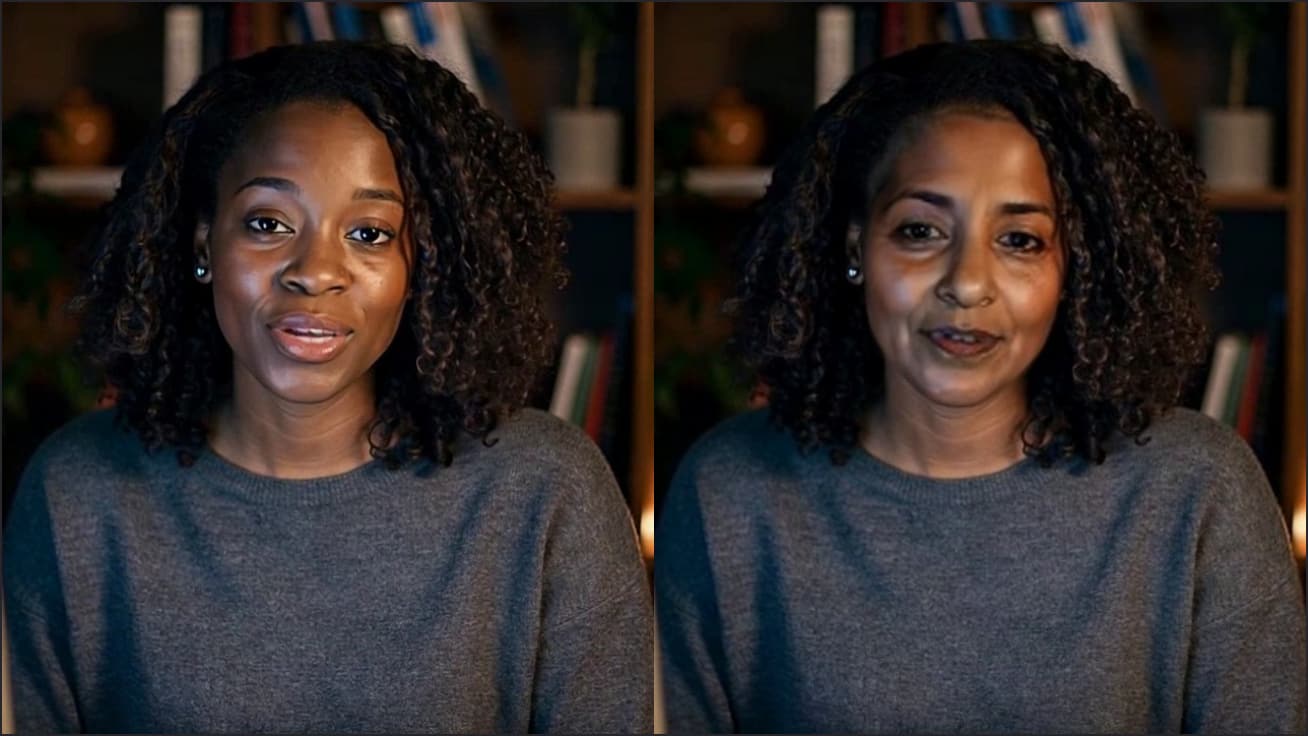
Turn your camera on in Discord with a blurred room, a custom backdrop or a warmer picture, from discord.com in Chrome. Free, no sign-up.

Your browser will ask for camera access when you click.

Set it up in Discord
Make the look
Click Start camera in the Webcam Effects tool on this page, pick a background (Light blur, Strong blur, a colour or an image you upload) and a filter. Click Use as my camera in calls.
Select the camera in Discord
On discord.com, open User Settings (the cog at the bottom left) → Voice & Video, choose “Facecam Virtual Camera” in the camera dropdown and press Test Video.
Go on camera
Join a voice channel or a DM call and select Turn on Camera. The arrow beside the camera button switches cameras without leaving.
If it doesn't work
| Problem | Fix |
|---|---|
| Test Video shows my plain webcam | The extension's camera mode isn't Effects. Click Use as my camera in calls again, or pick Effects in the Facecam popup. |
| The camera list has only my webcam | You're in the Discord app. Open discord.com in Chrome with Facecam on and reload the tab. |
| A blank frame instead of video | Turn on hardware acceleration in Chrome's settings and reload Discord. |
Effects that suit Discord calls
| Setting | What it does | When to use it |
|---|---|---|
| Light or Strong blur | Softens everything behind you | Messy room, late-night calls |
| Your own image | Puts your picture behind you | Server themes, game art you made |
| A colour (Studio grey, Navy…) | A flat colour behind you | Clean look; easy to key out later |
| Warmth and saturation | Shifts the colour of your picture | Monitor glow making you look blue |
| Auto-framing | Keeps your face centred | Webcam off to the side |

More about Discord
Want more than a filter?
The same camera can carry a 3D avatar that copies your face, a PNGTuber that talks when you do, or a live face swap, so you can become anyone you want to be on Discord without changing anything in Discord itself.
Sources
- Discord: Video Calls (camera in Voice & Video) — support.discord.com/hc/en-us/articles/360041721052 (checked 2026-10-03)
- Discord: supported browsers — support.discord.com/hc/en-us/articles/213491697 (checked 2026-10-03)
- Discord: Krisp noise suppression in Chrome — support.discord.com/hc/en-us/articles/360040843952 (checked 2026-10-03)

Questions
Do I need Nitro?
No. Facecam's effects arrive as an ordinary camera, so Discord treats them like any webcam.
Is it free?
Yes, with no account. The effects run on your computer.
Does it work in Go Live streams?
Your camera appears wherever Discord shows your camera in the browser. Screen shares are separate and aren't affected.
Other platforms
- Zoom virtual background and filtersBlur your room, put your own picture behind you, or use a plain colour, plus a warmer, brighter picture, in Zoom meetings you join from Chrome. Free, no sign-up.
- OBS camera filters plus background blurOBS's own camera filters fix colour and crop; this adds a blurred or replaced background without a green screen. Free, no sign-up.
- Teams filters in the browserBlur, a backdrop and a brighter, warmer picture in Teams meetings you join from Chrome. Free, no sign-up.
- Webex filters in the web appA tidier background and a better-lit picture in Webex meetings you join from your browser. Free, no sign-up.
Related
 Face swap on DiscordFacecam's live face swap works in Discord video when you open discord.com in Chrome and choose the Facecam Virtual Camera.
 Avatar for DiscordTurn your camera on in Discord and be a 3D character that nods, blinks and talks as you do. Free, no sign-up.
 Discord PNGTuberA talking picture instead of your webcam in Discord calls: it lights up when you speak, and all it needs is your mic. Free, no sign-up.
 Voice changer for DiscordA free voice changer for Discord voice chat: open discord.com in Chrome, pick Facecam Virtual Mic, and talk in a new voice.
 Webcam TestA free webcam test with no sign-up: see your camera's real resolution, frame rate and lighting in seconds. Your video never leaves your device.