Free Restream Studio Filters
Stream to several platforms at once from Restream Studio with a face filter or colour look on your camera. Free, no sign-up.
Updated · Tested by the Facecam team

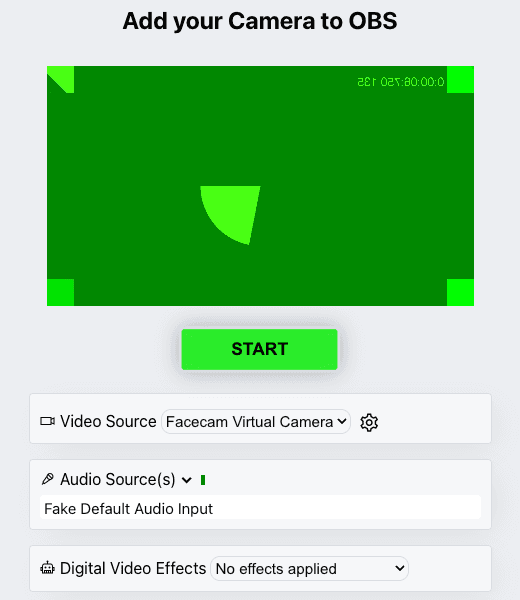
Your browser will ask for camera access when you click.

How do I add filters to my camera on Restream Studio?
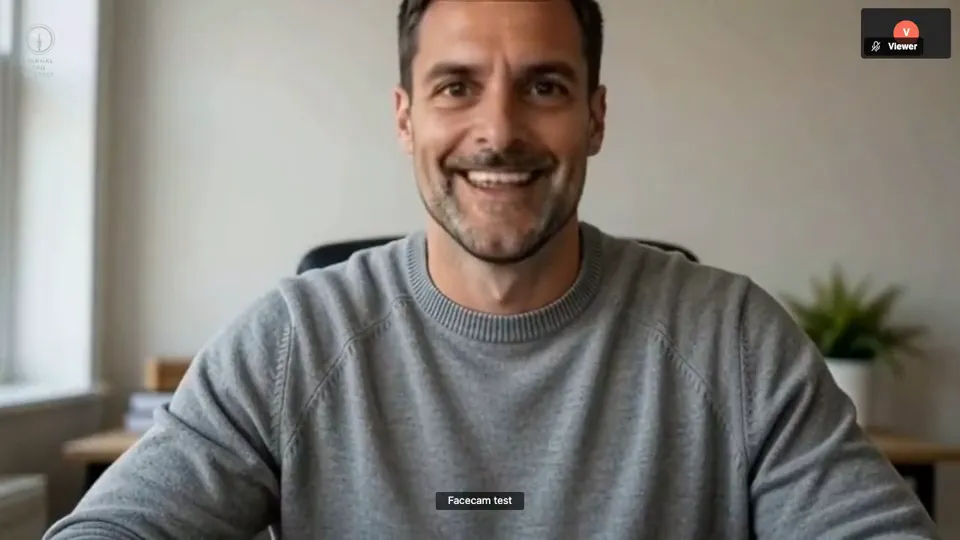
Restream Studio can use any camera the browser detects, virtual cameras included, so Facecam Virtual Camera brings its face filters and looks to every destination you stream to.
Pick the effect
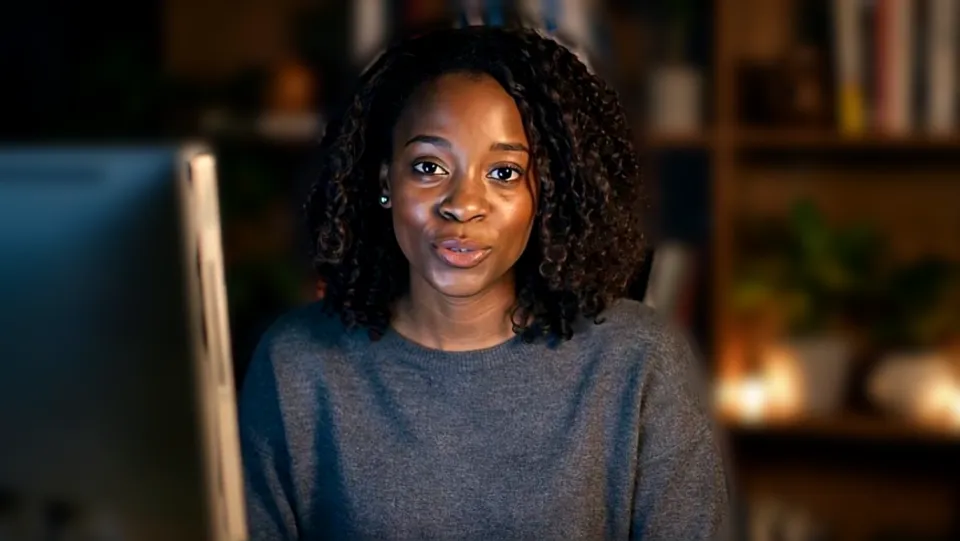
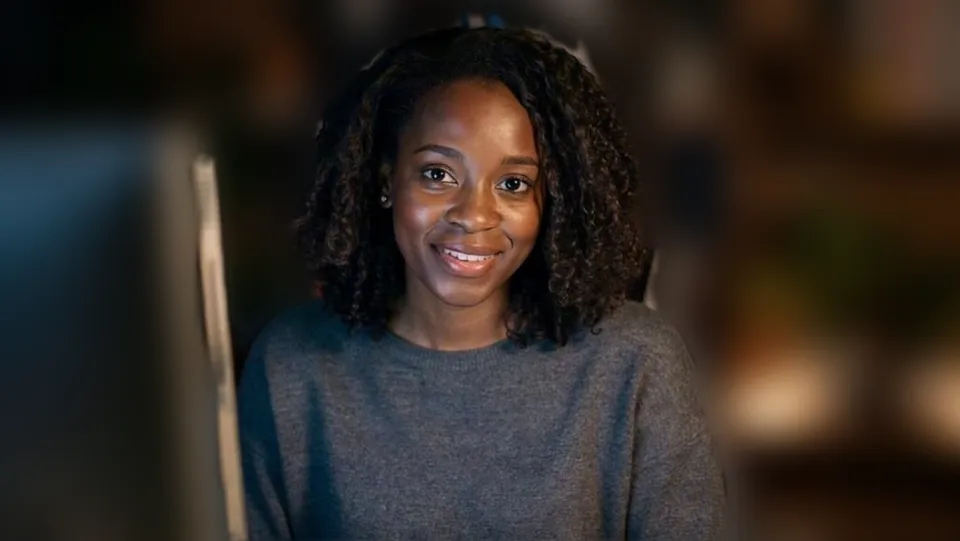
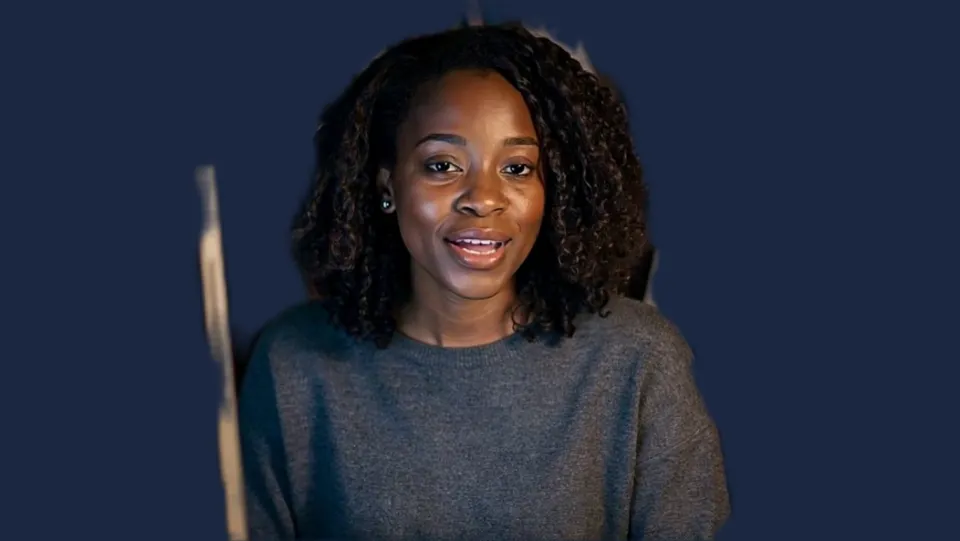
Click the Facecam icon in Chrome's toolbar and choose Effects under Your look. Pick a face filter, a background (blur, a flat colour) or a colour look; the popup remembers it for your next call.
Open Video & effects
In Restream Studio, click the gear icon under your preview, open Video & effects, and choose “Facecam Virtual Camera” under Video Input.
For your Restream show

Heart glasses. Our screenshot of Webcam Effects on a test clip, 2026-10-20. 
Mono. Our screenshot of Webcam Effects on a test clip, 2026-10-20.

Why isn't my camera filter showing on Restream Studio?
| Problem | Fix |
|---|---|
| Studio doesn't list the camera | Reload the studio tab with the extension on and allow the camera for restream.io. |
| The background flickers | Restream's Virtual Background is also on. Set its key colour off when Facecam replaces the background. |

Restream's effects and Facecam
| Restream Studio | Facecam in Restream | |
|---|---|---|
| Touch up appearance | Yes, a smoothing slider | Colour looks and sliders |
| Virtual Background | Blur, defaults, up to 10 uploads | Blur, flat colours, your picture |
| Face filters | No | Yes |
Restream's Touch up appearance is on its Effects tab, and its Virtual Background has an Auto key colour. Keep Restream's touch-up if you like it: Facecam's filter goes on first, and Restream's smoothing on top.

More about Restream Studio
Restream on a Mac
On macOS 15 and later, Restream can also use the Mac's own system background, switched on under the gear icon, Video, Background. Restream's help says it can't be combined with Studio's virtual backgrounds, and the same goes for Facecam: if the Mac's background is on, Facecam's blur or colour is replaced again before Restream sees it. Leave the Mac's toggle off and let Facecam's camera carry the effect.
One camera, every destination
Restream's point is sending one show to YouTube, Twitch, LinkedIn and more at the same time. The filter is part of your camera picture, so every destination gets the same look with nothing to set per platform. Upload a 1920×1080 picture as your own background if you want a branded set; Facecam resizes it to fit and keeps it on your computer.
- Chrome is Restream's recommended browser; Firefox, Arc, Edge and Safari also work for Studio, but Facecam's camera needs Chrome.
- Mirroring is set in the same Video & effects menu; it only flips your own preview.
- Switch filters from the Facecam popup between segments: viewers on every platform see the change at once.
Sources
- Restream: set up your camera in Studio (virtual cameras supported) — support.restream.io/en/articles/8554401 (checked 2026-10-20)
- Restream: add a virtual background — support.restream.io/en/articles/5947716 (checked 2026-10-20)

Questions
Does Restream have face filters?
No. It has touch-up and virtual backgrounds. Face filters come from Facecam Virtual Camera.
Other platforms
- Zoom virtual background and filters
- OBS camera filters plus background blur
- Teams filters in the browser
- Discord camera filters
- Webex filters in the web app
- Google Meet filters
- Slack huddle filters
- Whereby filters
- Gather Town filters
- Messenger video call filters on a computer
- Instagram video call filters on a computer
- GoTo Meeting filters
- RingCentral Video filters
- StreamYard filters
- Riverside background blur
- YouTube live filters
- Preply background blur
- How to blur your background on Zoom
- How to blur your background in Teams
- How to blur your background in Google Meet
- Zoom Touch up my appearance
- How to look good on a video interview
- Webcam setup for online teaching